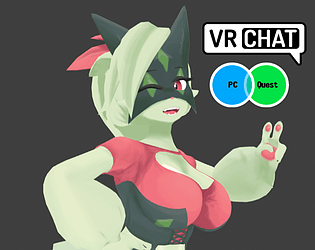

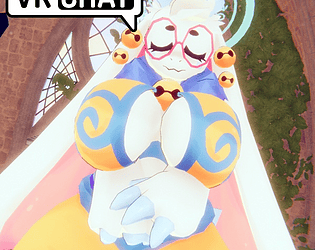
There is a Blender file, rig is FK only, facial emotes are shapekey driven.
The model was made for VRChat/Unity humanoid full body system
I'm still learning about IK/Drivers/Controllers and only know the basics
I still need to do some research for my armatures to support Rigify
A member registered Dec 27, 2024 · View creator page →
Creator of
Recent community posts
Angela Flux - VRChat 3D Avatar comments · Replied to BlueRocket3000 in Angela Flux - VRChat 3D Avatar comments
Sally Shopkeeper - VRChat 3D Avatar comments · Replied to Payton Foxkin in Sally Shopkeeper - VRChat 3D Avatar comments