Thanks! 😁
Kaynooo
Creator of
Recent community posts
Thank you for playing our game!! You have to type “s” to show the partition above your character, and then type the notes that are shown next to the chicken statue.
Everything is in the game’s description. We did not have time to put a tutorial in-game. 😅
You even have a mapping of the notes-to-keyboard in the description.
Thank you!
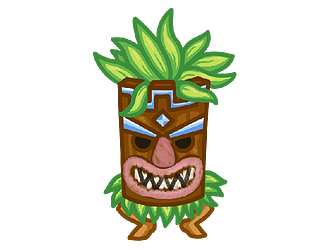
You are not supposed to drag anything. There are some very small tutorials in game that explains a bit what to do: Click the big totem to change the mask of the main character, the Hero.
It will allow you to collect resources, and then switch his mask to pink to make him collect items. Once you have some resources, you can click on the small totems to buy or upgrade small characters with masks of each color.
Edit: I updated the game description to explain all this. Thank you for pointing out that the gameplay was not clear.