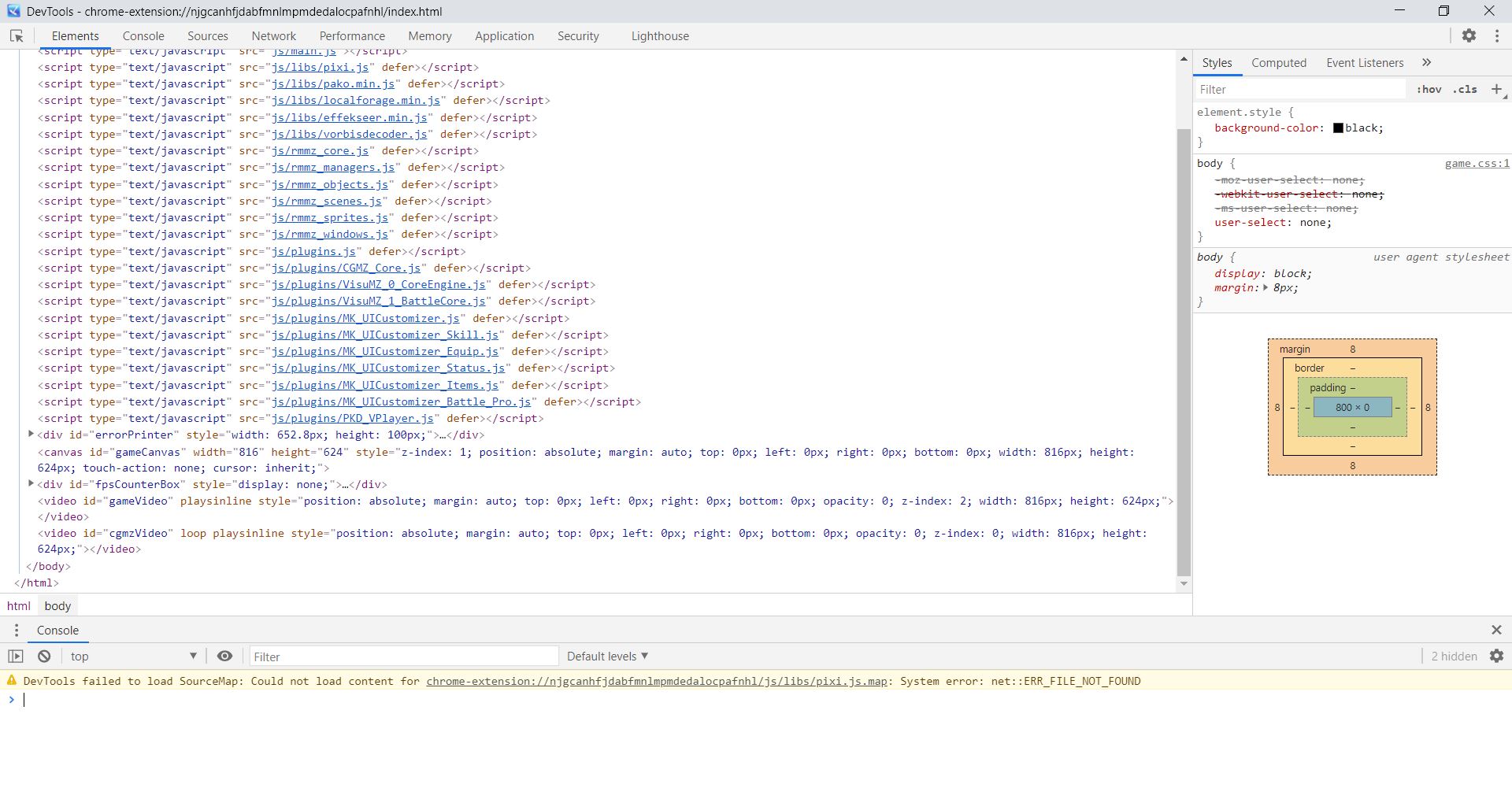
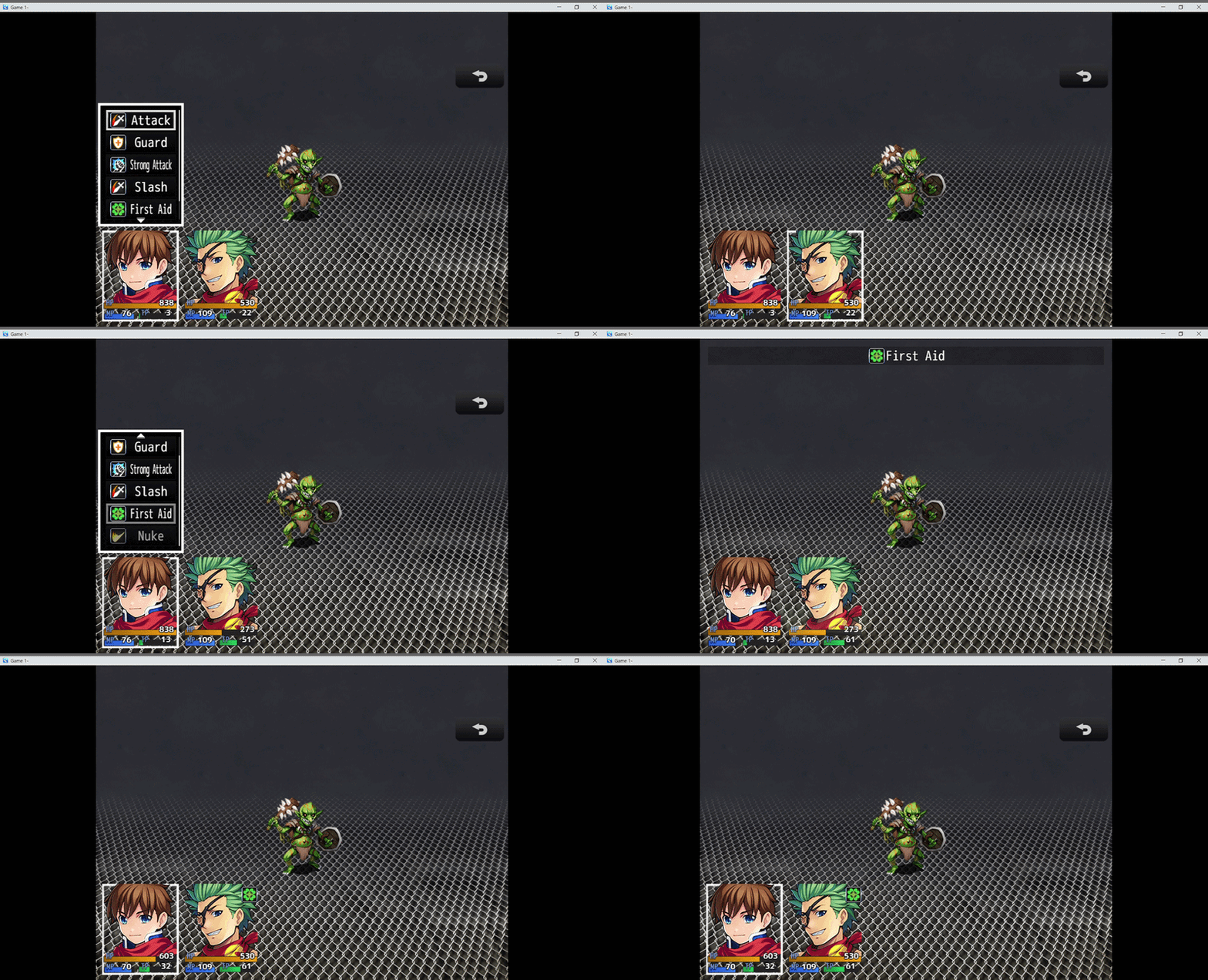
I recently been using your plugin but I'm running into an issue where I can pick up two objects at once. This results in the first item being moved "above," the player and unable to be picked up again. Do you know what this issue might be.
A member registered Dec 29, 2018
Recent community posts
Hakuen Studio Faces Reaction for RPG MAKER MZ community · Created a new topic Face Reaction Question
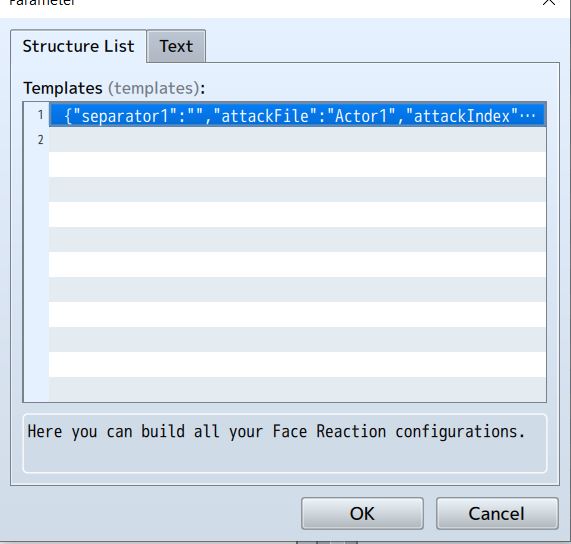
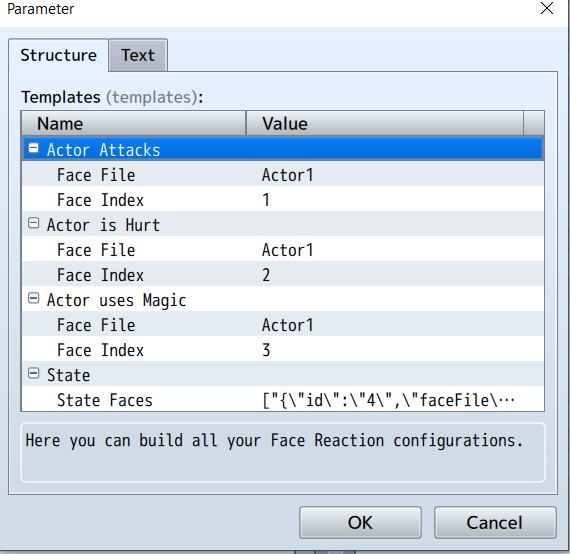
I am currently using your plugin, alongside Visustella frontview plugin (hoping there isn't any conflicts with that.) Yet for some reason the plugin doesn't seem to work. I simply plugged in some random faces to see if it would work but no changes are happening. Below are the settings I made for the plugin. I assume the templates align with the actors so template 1 is for actor 1. Or am i mistaken. I tried following the how to guide but I'm still lost.
Hakuen Studio TP System for RPG Maker MZ community · Replied to Hakuen Studio in TP System Questions
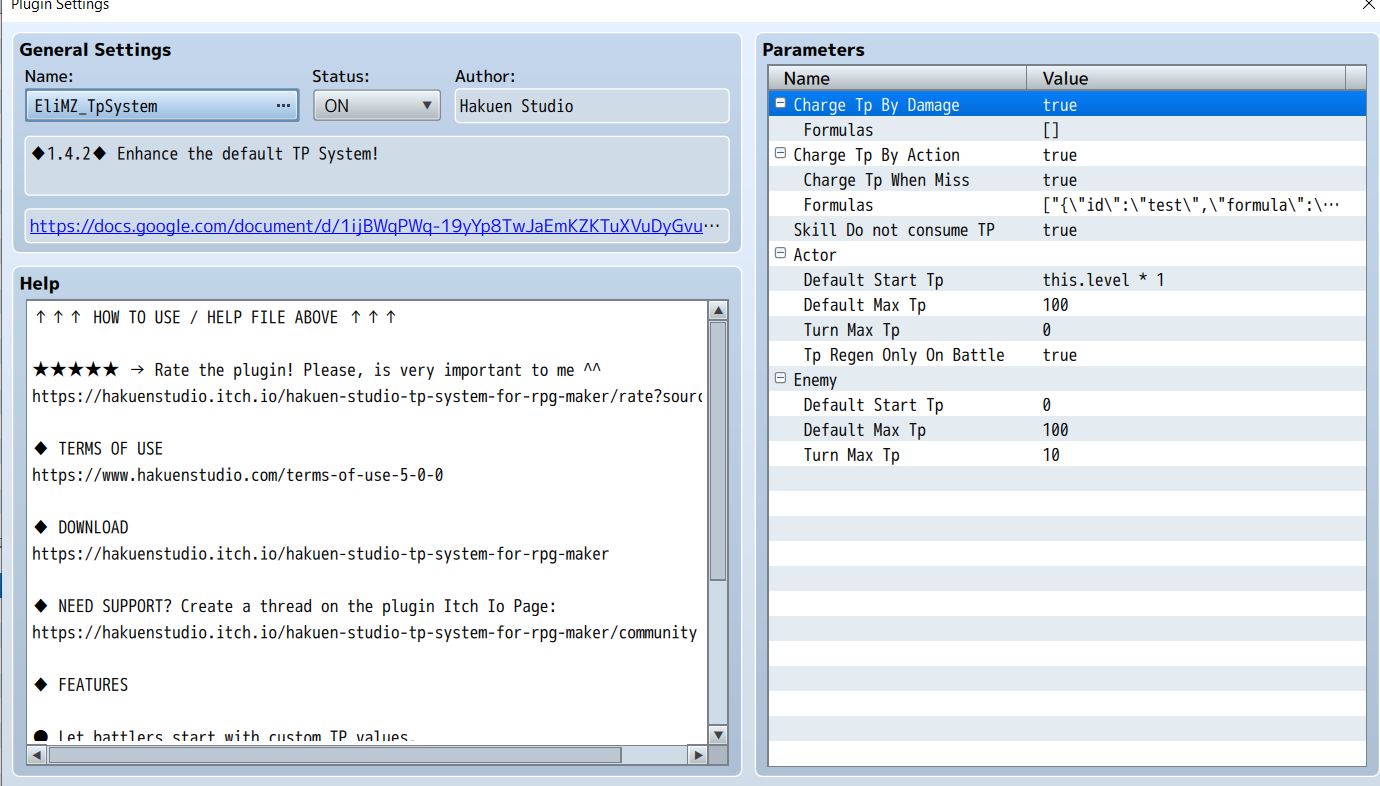
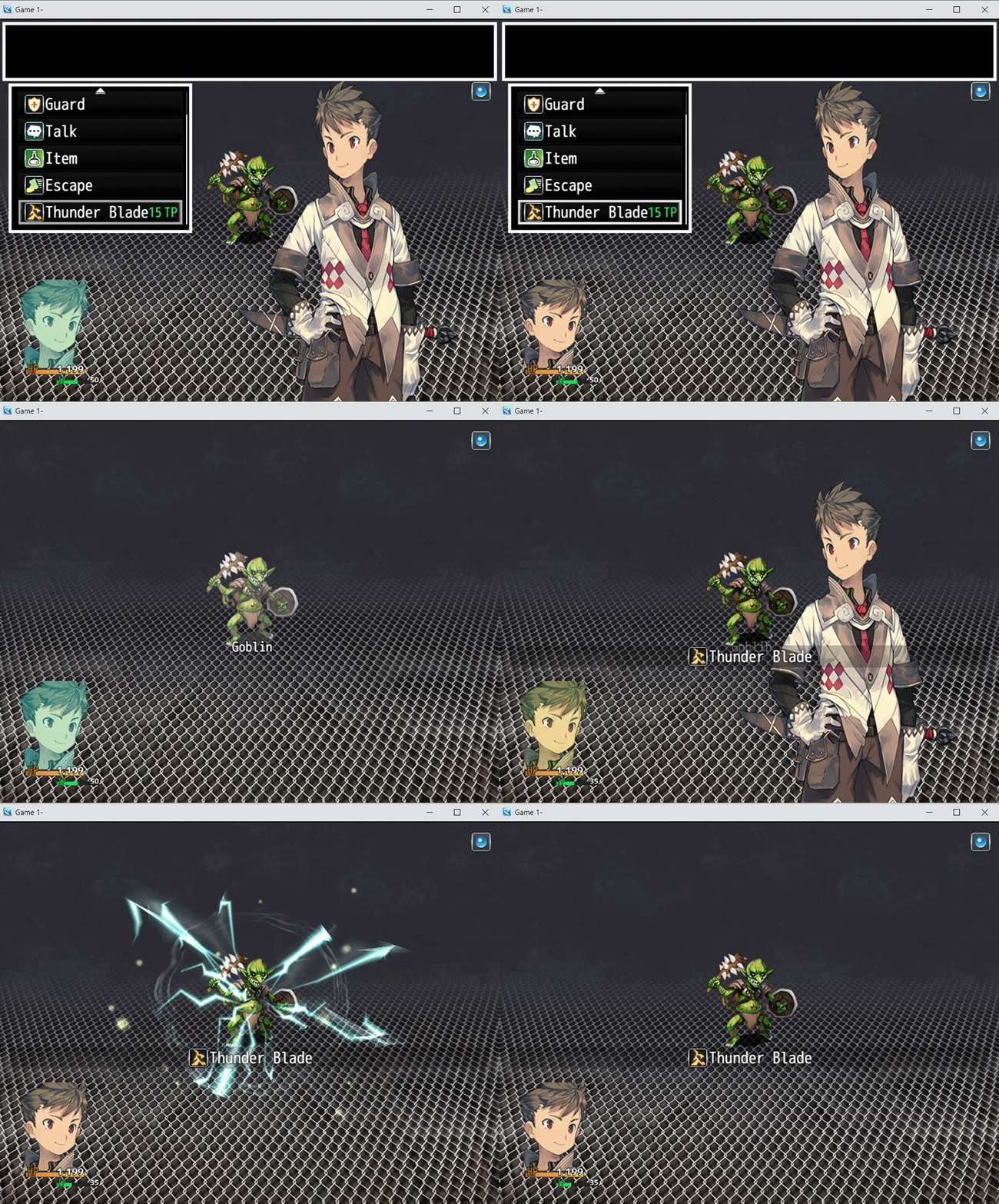
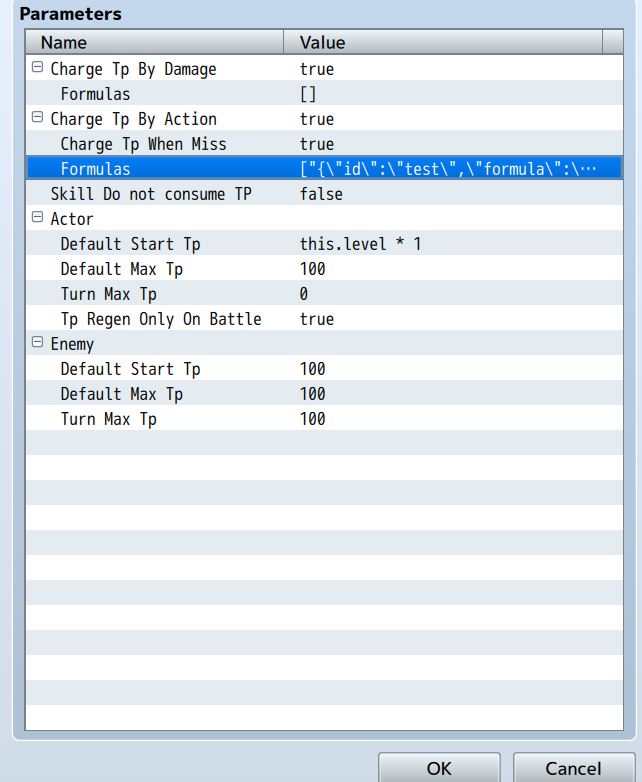
I'm still working with the code you gave me, but I thought I let you know something I noticed while working with the plugin. When Skill Does not consume Tp is set to true its supposed to only allow skills to be used when a Tp threshold is met but not consume it like it would normally. But whenever I use a skill it consumes Tp like normal. (The Tp is consumed Immediately as the skill is being used, and not as a result of anything so I don't think its the formula doing that, I even removed the note tag when making the gif to make sure it wasn't that.) (Here's the gif of it and an image of my settings.) Don't know if I set something wrong or not.
Hakuen Studio TP System for RPG Maker MZ community · Replied to Hakuen Studio in TP System Questions
Thanks, it works perfectly. Again, thank you so much for helping me throughout all of this. The new tp system works like a dream. One last question, because I'm trying to get the penalties to work on the player/actors. Would the code be something like [const result = actor.result()]
essential replacing target (the enemy) with Actor (the player)?
I think this code would be in the charge TP by damage section as that part is about receiving from the enemy.
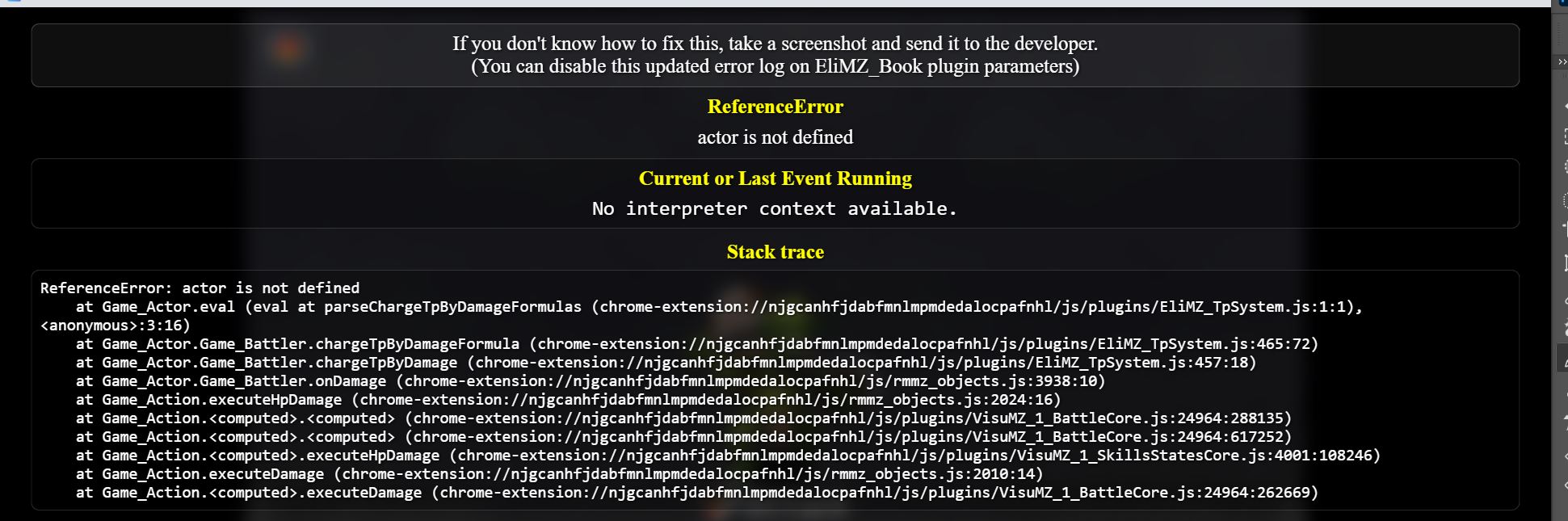
I tried to do it myself but keep getting the actor as not defined. Even tried using BattleManager.actor().actorid() to see if that would work.
Hakuen Studio TP System for RPG Maker MZ community · Replied to Hakuen Studio in TP System Questions
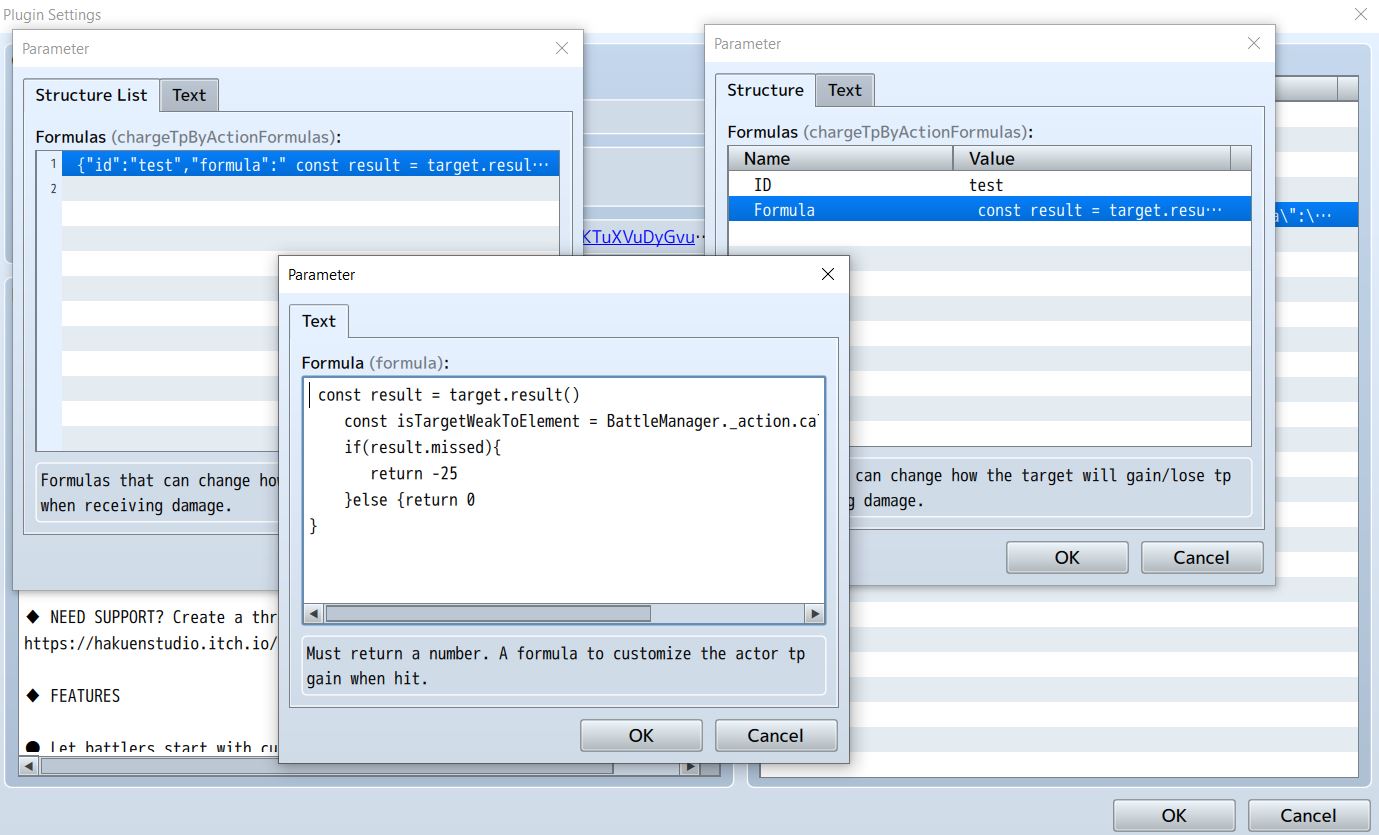
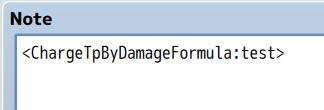
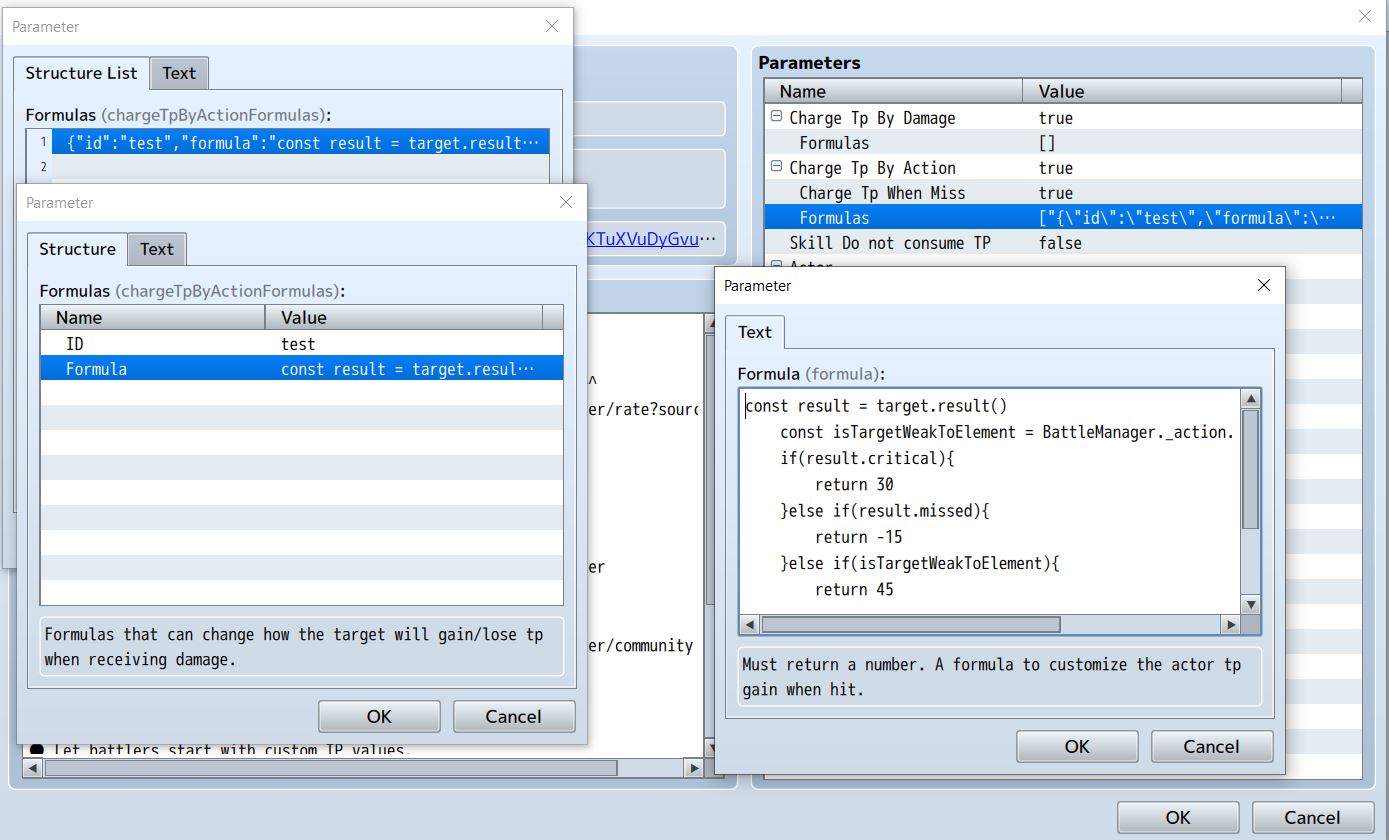
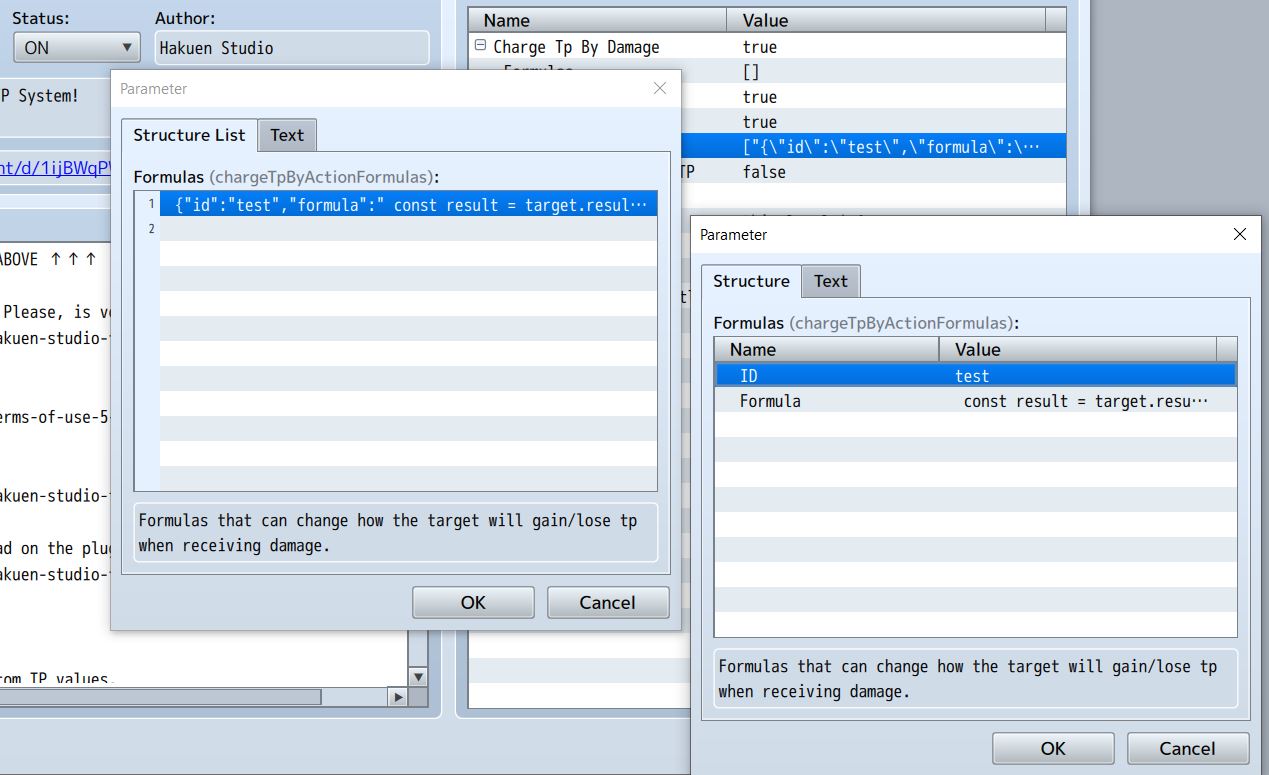
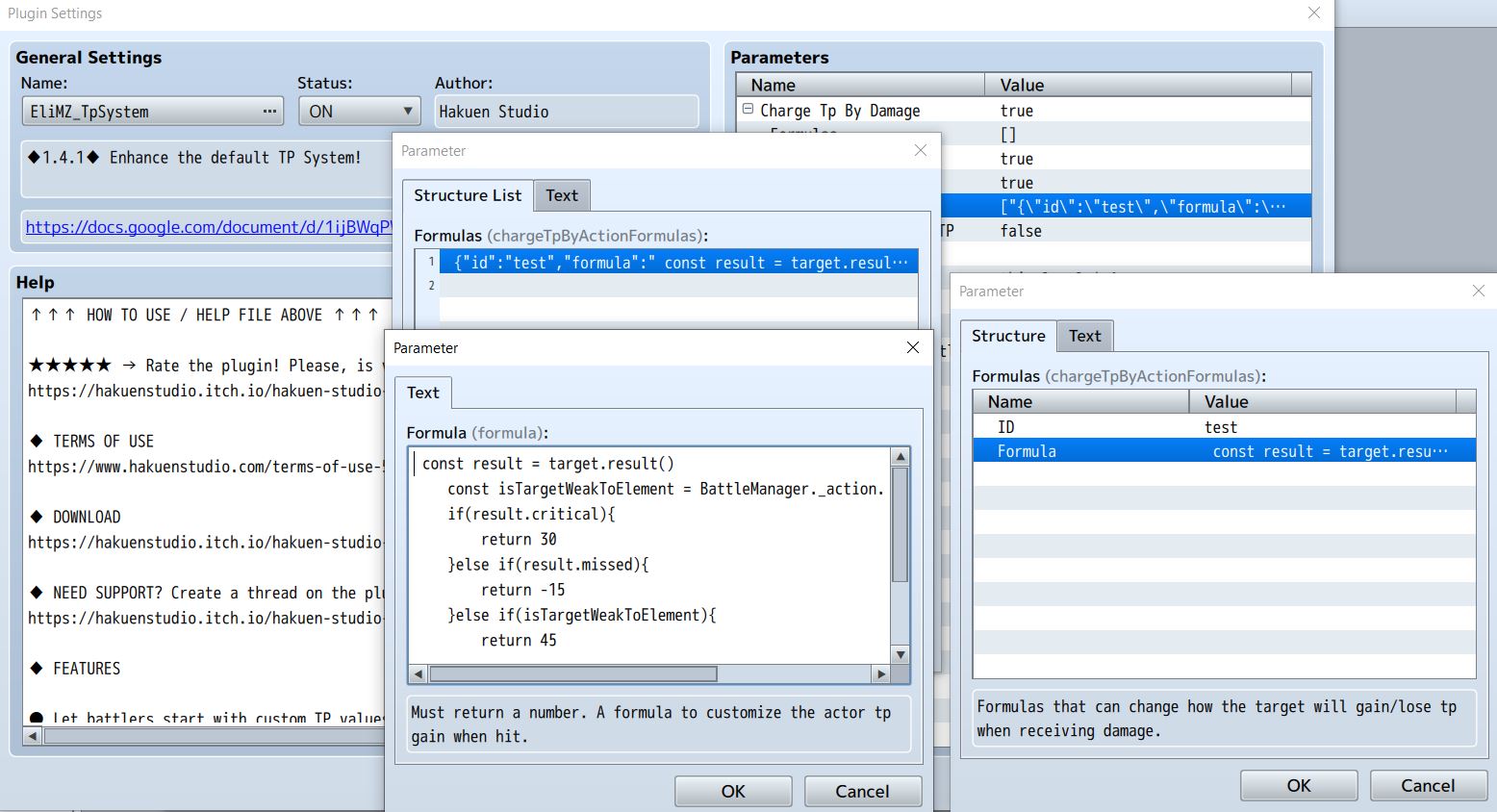
Its alright. Thanks for all the help with this. I used the new note tag and it works but the code you given me has 1 issue. The right value is given when it inflicts a critical hit and exploit a weakness (they don't stack and it appears what takes priority is what's first in the code, but after testing that, I don't think its true) That being said when an attack misses it still gives tp when targeting a weakness instead of subtracting it. I tried making a 2nd formula using that part of the code alone, and while it works. It negates the 1st formula.
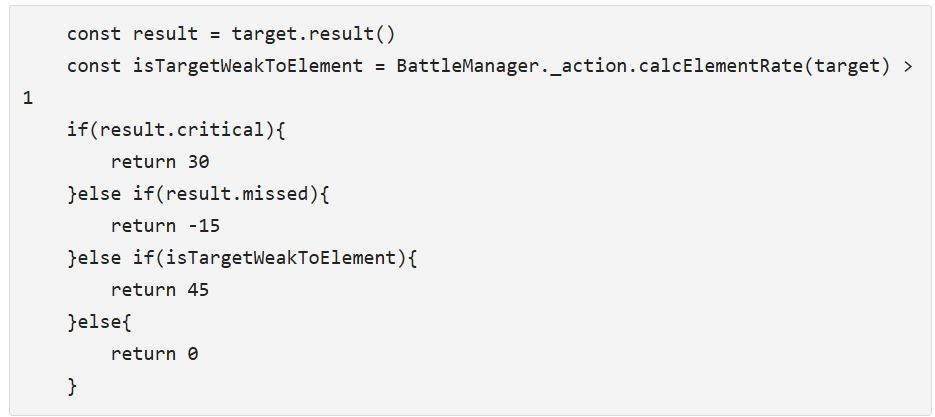
I attempted to just write in the part of the code that subtracts TP and that works just fine but it doesn't take the right value. It just subtracts 5.
Hakuen Studio TP System for RPG Maker MZ community · Replied to Hakuen Studio in TP System Questions
Hakuen Studio TP System for RPG Maker MZ community · Replied to Hakuen Studio in TP System Questions
Hakuen Studio Class Curve for RPG Maker MZ community · Created a new topic [SOLVED] ClassCurvePlugin Error
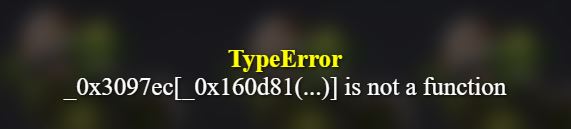
I'm trying to use this plugin but whenever I try to it keep getting the same error message. I have this plugin placed at the top of my hierarchy and I'm using the default Class in the class note tags as a test run.
If anyone who has used this plugin knows what this error means, can you please tell me.
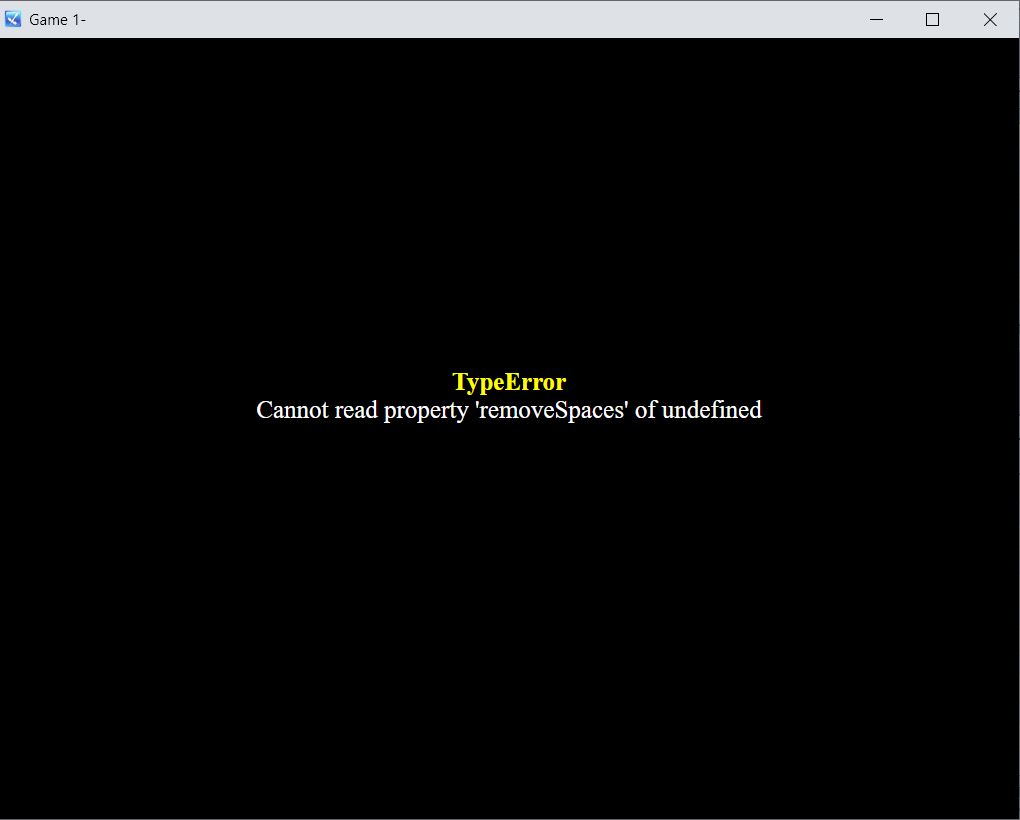
I don't know what this message is referring to.
Kadajah's Battle Effects for RPG Maker MZ comments · Replied to Kadajah in Kadajah's Battle Effects for RPG Maker MZ comments
[RPG Maker] WYSIWYG UI Editor - Battle (Pro) comments · Replied to Aerosys in [RPG Maker] WYSIWYG UI Editor - Battle (Pro) comments