Yes :) it was not asking for admin rights or you denied them on launch?
JollyKai
Creator of
Recent community posts
Hello! The controllers should be detected on app launch without manually pressing the button, non detected controllers is really strange and points out to a ScreenBlasterVR-SteamVR communication issue. Make sure to connect to Meta Horizon link, then start SteamVR (from inside the headset is probably the best for quest headsets), Disable SteamVR Home in the steamVR settings and start ScreenBlasterVR at the end. Here the discord link for support by me and the community: https://discord.gg/hFbwB2CDRM
Hello, sure here: https://discord.gg/snR3cej2hF there is a support channel where users discussed everything already :) your issue is strange btw since it should be resolved in version 1.7
Hello, download the new 1.7 to see if it's working better for you. Here the discord: https://discord.gg/AEQE3DJQ
Thank you so much for your purchase! π
Absolutely, hereβs the Discord invite link:
https://discord.gg/jXacSjza
Welcome aboard, and if you need anything just let me know!
Thank you for the purchase, we will fix this quickly. fidefidex.ch@gmail.com or discord: https://discord.gg/4UBqehYA
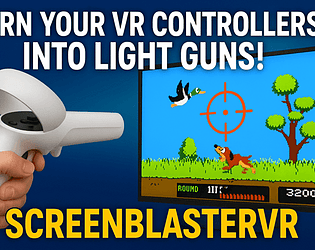
No, this software is designed to work using VR controllers as a Lightgun on flatscreen, it is not working inside the headset. maybe "theoretically" if you are able to calibrate the virtual theatre screen using the controller toutching the 4 corners of the screen in virtual reality it maybe work... but I don't think you can do it precisely... maybe in passtrough mode, idk.