Indie game storeFree gamesFun gamesHorror games
Game developmentAssetsComics
SalesBundles
Jobs
TagsGame Engines

Joby1

21
Posts
7
Topics
2
Followers
A member registered Nov 10, 2023 · View creator page →

Creator of

Recent community posts

I tried out the new version, and the issue is gone. Thanks for help! 

I tried out the new version, and the issue is gone. Thanks for help! 

While doing some eventing, I have noticed that face window disappears when using message boxes during choice options. The weirdest part of that is that if you won't use similar window position (middle/bottom/top) it won't disappear, but if you do, it will. For context, I tried turning on the old version of the plugin, and it doesn't have a similar issue, so it seems like the update was the cause of it. Hope it gets resolved soon. 

(1 edit)

While the plugin stopped crashing, I can't seem to get it to work, even though I believe I have made a right setup. I had no problems with this before the update, so it seems kinda weird. Here are the screenshots with my setup.

https://ibb.co/7JYL9hL3

https://ibb.co/5XzpqfQF

https://ibb.co/vvcXNgSX

https://ibb.co/s7fSc8h

I did, and once I also updated the Fossil, it seems to work just fine now. Thanks!

Here's what it shows to me when the message with faces appeas, alongside the crash. For context, I did updated the EliMZ Book, and FaceWindow is placed under it. Hope the developer can resolve it soon! The link to image is below, because itch io disallows posting large images.
https://ibb.co/jkTJ4wMg

Thanks! Now it's going to be much easier using "Sigh" faces, with me being able to set separate Start Index! Love your stuff, man.

Hi. I wonder if you could update the plugin so it could not just stop all BGS at once, but also fade them out? Thanks.

I tested it out with disabling and enabling the plugin, and when disabled nothing like this happens. I know that plugin's code has no mentions of X or Y directly, so I assume the reason could be when it adresses something like Game_Actor data, which makes it default to regular settings? I also heard that there might be something related to padding. I can't be sure I understand how this plugin works for certain, so any help would be appreciated. Thanks.

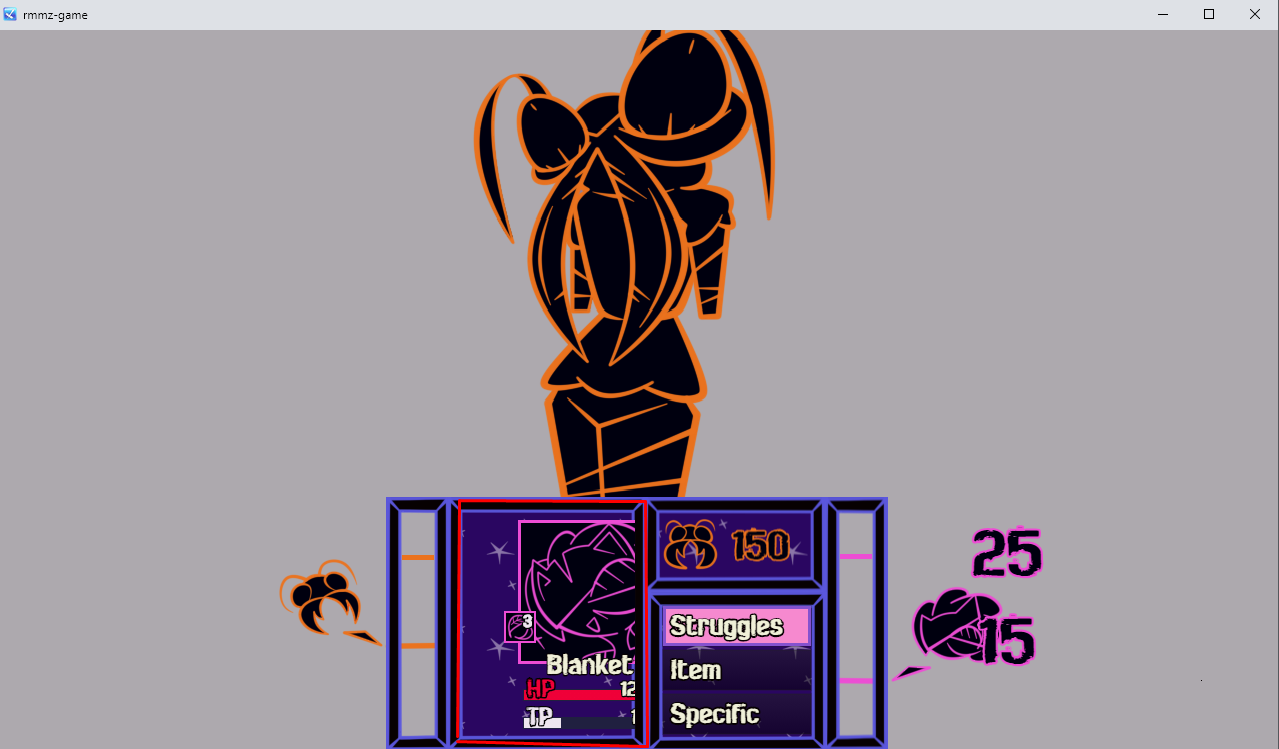
The plugin itself works decently well, but I noticed that it moves actor face window along with UI gauges when changing the face. I know that it's caused by me changing some UI X and Y axes through separate plugins and VisuMZ, but it seems that it overwrites those when changing faces. Could you tell where I should looking in the code of the plugin to tweak it so it doesn't does so? Thanks.
I believe we misunderstood each other. I mean the MZ version, since it's the one I'm using. And this forum post isn't even mine? Weird stuff.

Does it mean the MZ version has this function already? If so, how do you find it? I couldn't. Thanks.

I think it would be a nice addition to choose the Start Index separate for both Idle and Talking animations, since if you're using slower frame rate, it needs to cycle through e.g. all 8 frames for talking with 60 frame rate, which is quite a lot. If I could place starting index separate for Talking it would make it much more enjoyable to use the plugin. Thanks.

Looking to buy it, however I'd like to know if it's possible to make a certain face change if multiple states are applied at the same time?  E.g. X state does Face 1, Y does Face 2, yet if both X and Y state are applied at the same time, face changes to Face 3. 

Oh, I see. Thanks for clarifying that.

So it can both change the face graphic and keep it animated? I struggle to find anything else like that, so I'm hoping it can work like that.

How to switch pictures? Or is it just one picture?

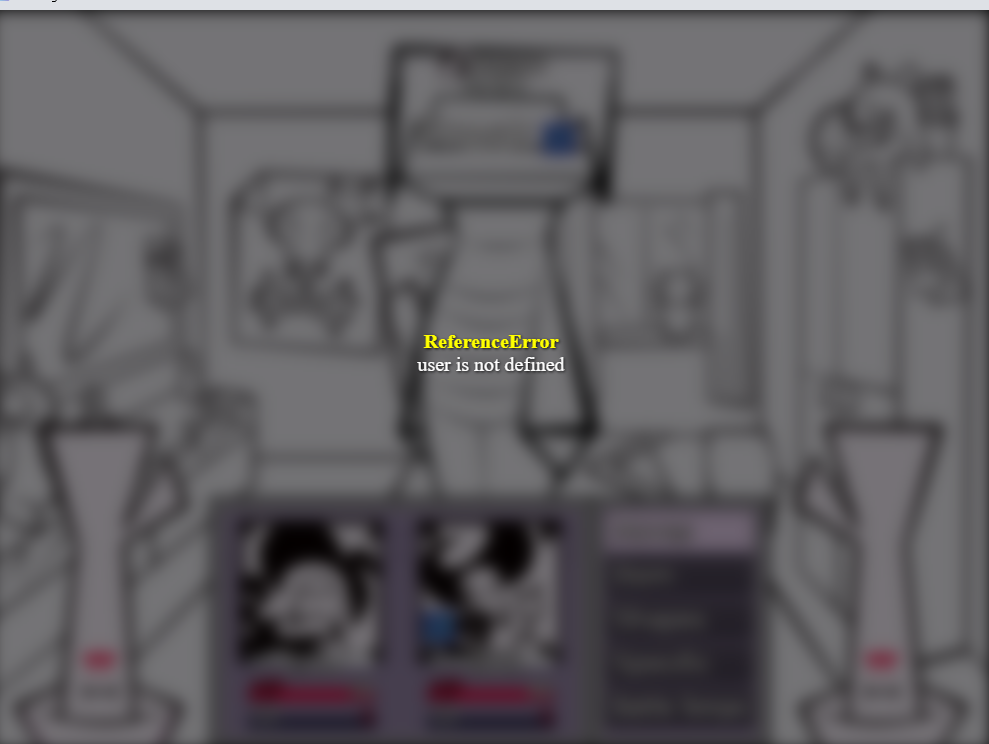
I found out that formulas in settings can't take "user" or similar stuff into calculations
Math.ceil(-user.atk * 0.5)
I tried that, and it resulted in crash
Would be cool, if it could take stuff like that into consideration.

I thought it could be convinient to utilize two already existing ones instead of creating new one, but okay, it's not a big issue.

I found out you can't put two DynParams notetags at the same time, since only one of them will work. Not sure if it's can be fixed, but here is video evidence.

Please, help me, I downloaded plugin tomorrow, and it worked perfectly, but today it just refuses to do anything at all. On video there are necessary info, please just help me, I'm so confused, since there is no plugins I added since, but this is just stopped working.
(Character has 0 defense, and state is supposed to boost defense by 30, and enemy uses formula, that treats 1 defense as 1% of damage reduction, so it should've dealt 7 damage, and not 10)

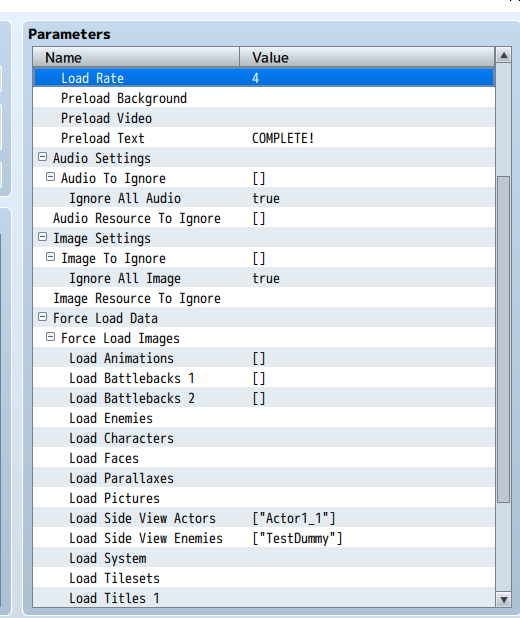
I tried to use the plugin for preloading couple of images to enemies, since otherwise they take too long to appear, and I couldn't get it working with this setup. It's just doesn't affect anything. The only way I managed to get it work properly was through allowing it to preload ALL images, which I can only imagine getting messy as the amount of content increases. So question is, is there is something I do wrong here, that it's doesn't preload certain images I choosed?