I played this game pretty extensively. The wolves are notorious for this kind of thing, and new players frequently have this complaint.
Animal AI and combat both need a rework, and there's a lot of denialism among the hardcore playerbase that any of the core mechanics require improvement.
I would love to take a look at it. I work until Sunday evening (I run a kids coding school) and then I'm on a little trip with my daughter. Mid-next week I'll have some time to connect with you on this.
You can click see inside. The code is block-based, but basically works like pseudocode. Looking into Unity a bit, in your update loop, you'd want to multiply the RigidBody.Velocity by that 0.95 or whatever.
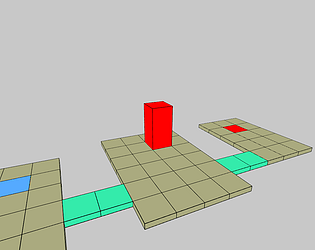
This is really fun. I'd love a second level. The chutes in the screenshot look great.
In the original arcade version, you accelerate the ball by adding to the particular velocity. This would result in infinite speed (like Asteroids) but you also apply friction by multiplying by a number close to 1, like 0.95 or whatever. If there's no speed, it doesn't do anything, but the greater the speed, the more lost to friction. When that amount equals the acceleration, you've reached a top speed, or limit.
In your version, there's accelerated movement with no friction and a top speed applied. It's very close to the same thing, but it's not quite the same thing. In particular, the old approach allows for a less steep curve of acceleration and a steeper curve of deceleration - when you accelerate, friction works against you and when you stop, it works with you. This is, in my opinion, a pretty important part of the controls in this game. I hope that's useful.
Thank you. I've been excited to check out your marble madness game! That was the first commercial game (ms-dos) I ever owned. It was absolutely terrible compared to the arcade version, but my sister and I had no idea. Seems like yours is the only one on itch, at least with that hashtag.
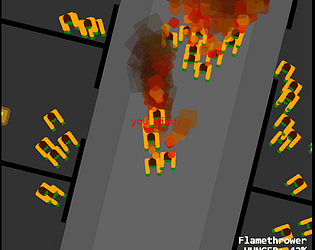
This is great feedback. Thank you. I agree with both of you. More zombies spawn faster. Also I optimized the way zombies are rendered so it should be possible to get a lot more on the screen before lag sets in.