
On Sale: GamesAssetsToolsTabletopComics
Indie game storeFree gamesFun gamesHorror games
Game developmentAssetsComics
SalesBundles
Jobs
TagsGame Engines

JALMStudio

11
Posts
1
Topics
2
Following
A member registered Apr 02, 2023

Recent community posts
(1 edit)

Yeah, so my project was 100% bugged, the plugin seems to work how it's supposed to now, however I did notice that Input.isTriggered doesn't seem to work, nevermind, I figured out the issue, atleast on my end, if you want to change default  control schemes, you have to clear the configure file in your saves folder and start a new game 

(4 edits)

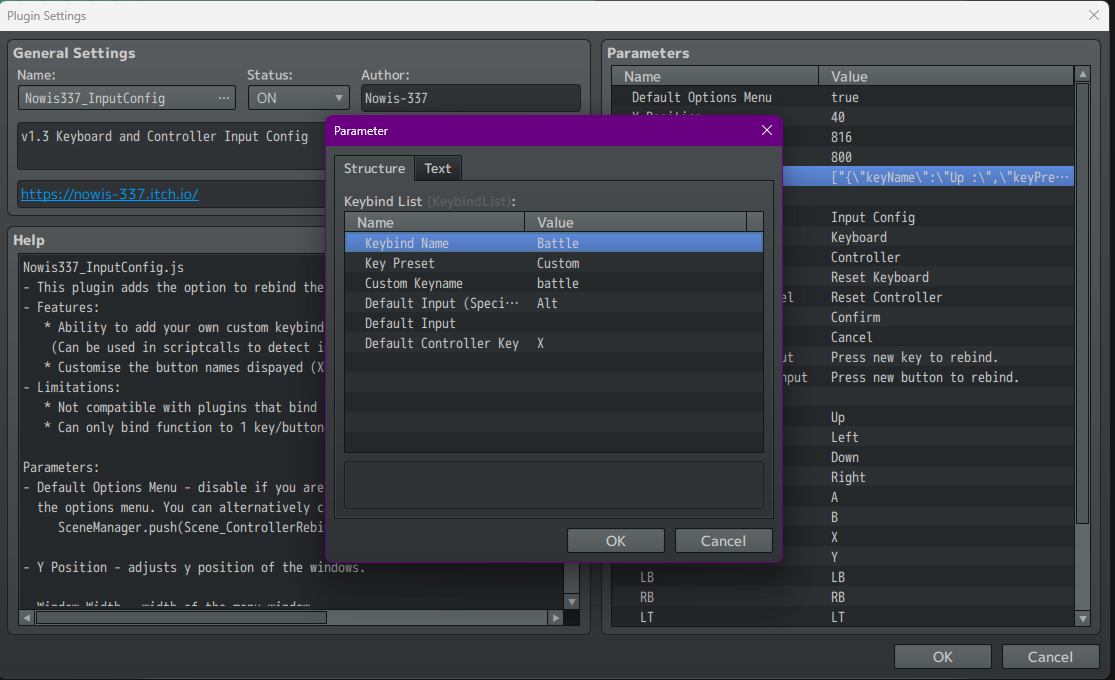
it does not work, so, I can go into the option in game and rebind the keys to whatever I want and the custom keys appear however, it doesn't seem that it lets me actually change any of the keyboard controls in the plugin parameters itself, there's a possibility that my project in bugged so I'm going make a new project and transfer everything and see if it works then

it's not

(2 edits)

No custom inputs are working for the keyboard.

I just can't understand why it works 100% on the xbox controller but not the keyboard, it making my head spin

Yeah, I mean I got it to work for regular keys but the space is actually the problem, it works for xbox controller but not the space key, but honestly it's probably just compatibility issues with visustella core engine

For some reason I just can't seem to get it to work, I can't tell if it's a problem in the plugin parameters if theres something I'm missing

(1 edit)

hey, if i wanna use a scriptcall to check if a custom keybind is being pressed, what script would I use for that?

i have the variable mix crossfade selected but there is no crossfade

theres no crossfade

Um, I got the plugin, Its great but I'm having an issue with the variable mix fade in, no matter what I set the fade time to, it seems to be stuck at 1