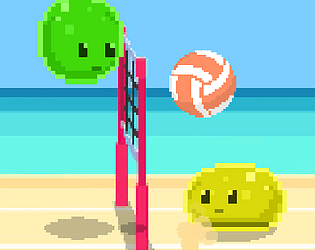
No, there’s no neural network under the hood, just a simple rule-based AI written in GDScript. Here’s roughly how it works:
Trajectory Prediction Each update it “simulates” the ball’s fall under gravity and damping until it hits the ground, and records the X-position where it will land.
Jump Decision If the character is on the floor, the ball is nearby and coming from the left, and enough time has passed since the last jump, it triggers a jump.
Target Selection If the round is active and the landing spot is on the character’s side, it picks that landing X plus a small random “offset” (varying by difficulty tier). Otherwise it falls back to a fixed start position.
Movement It simply moves left or right toward the chosen target, with a tiny “jitter” threshold so the motion looks less robotic
puseudo code:
```
_ready():
    if tier == 1:
        jump_cooldown += 1.0
    elif tier == 2:
        jump_cooldown += 0.5
_physics_process(delta):
    if frame % 5 != 0:
        return
    # simulate ball trajectory under gravity until it hits ground, return x
    landing = predict_landing(delta)
    # true if on floor, ball close enough, coming from left, and cooldown elapsed
    if can_jump(landing):
        parent.jump()
    if not round_active or landing_off_side(landing):
        target = start_x
    else:
        # add a small random + tier-based shift to landing
        target = compute_offset(landing)
    # step left or right toward target if beyond jitter
    move_toward(target)
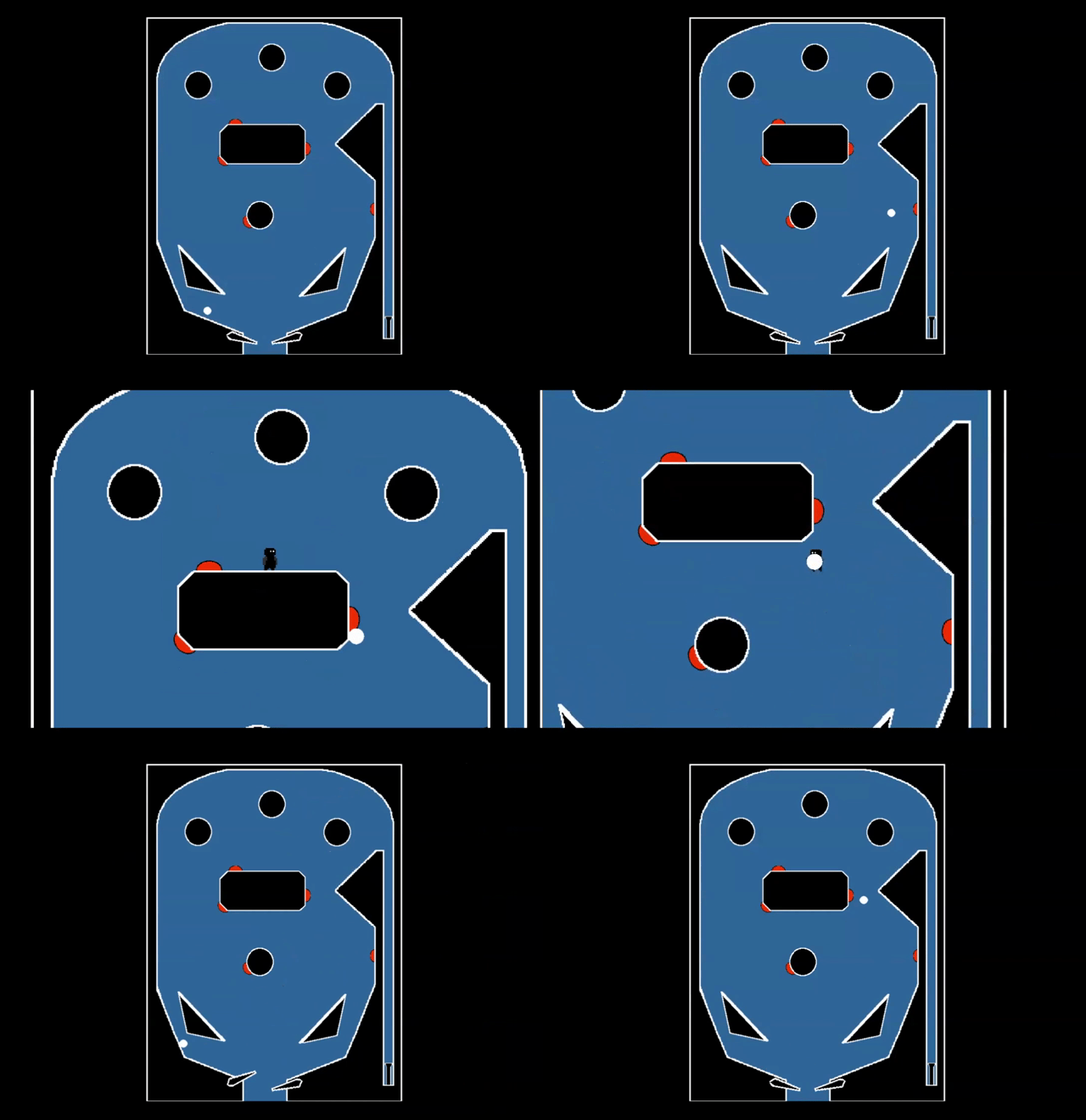
about map size, I think you'll like the next map I'm working on, it won't have borders, infinite size xD
about improving the appearance of the maps, yes, it is in my todolist to add elements, to improve the atmosphere as you commented
about losing items, it's something intentional to encourage their use and also increase the difficulty, but you're right, this behavior is obscure, I'll put a message as you suggested