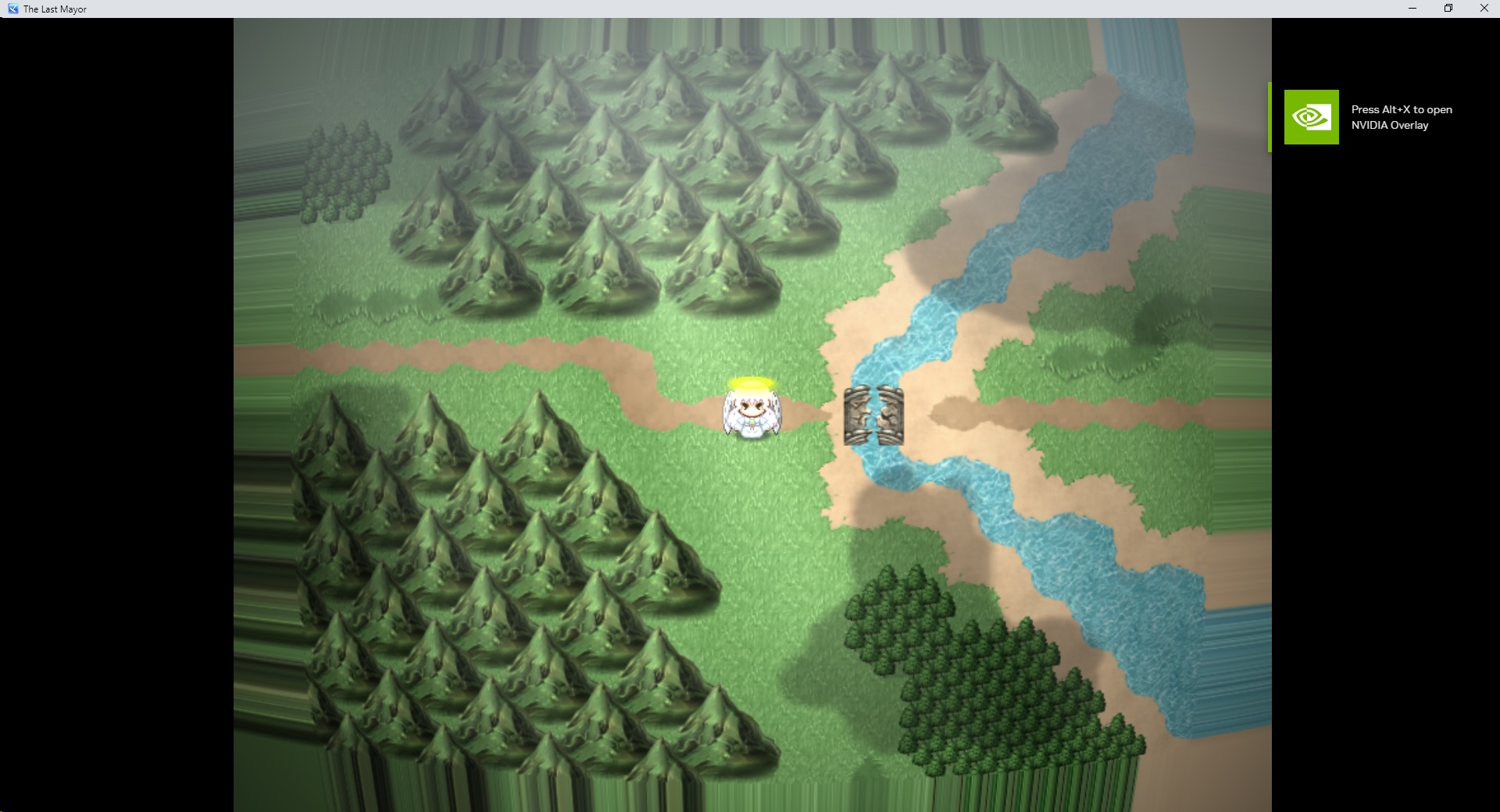
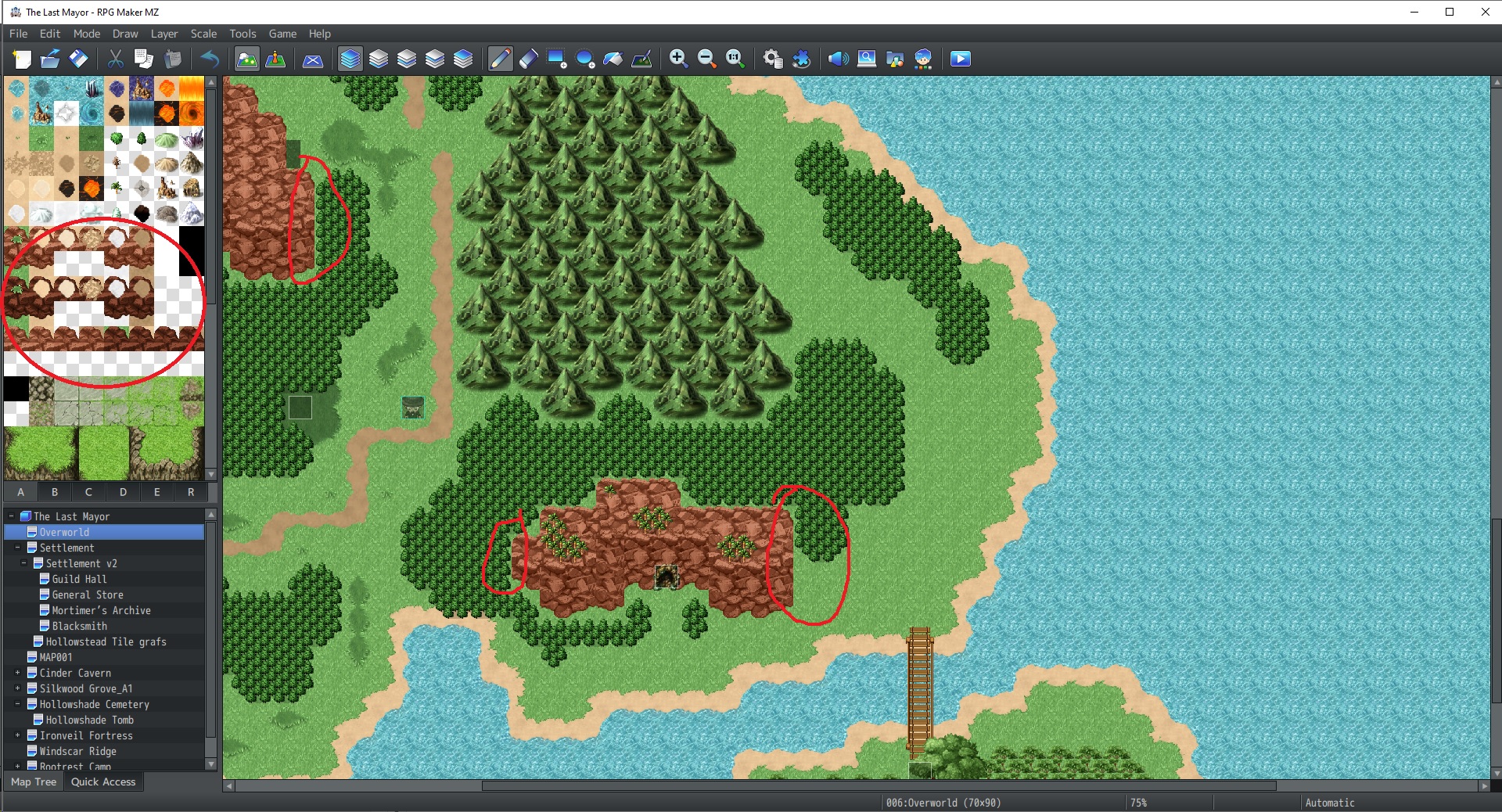
I have a node set up to give actor the weapon after learning that node, however in game the skill node does not give me the weapon
jedite1000
Creator of
Recent community posts
Thanks for the review. The game is still heavily in development, and the AI art is only a temporary placeholder art until I can eventually commission proper assets.
With the gameplay, I intentionally wanted players to explore, experiment, and figure things out on their own rather than constantly being told exactly where to go next. For example, some characters and paths require specific classes to interact with, like needing the Fire Mage to burn spider webs and rescue certain recruits.
The game is designed around exploration and settlement recruitment, so I wanted discovery to be part of the experience instead of making it overly guided. That said, I do understand that a lot of modern players prefer clearer objectives and more direct guidance, so it’s useful feedback for me to think about moving forward.
I am having trouble with this plugin
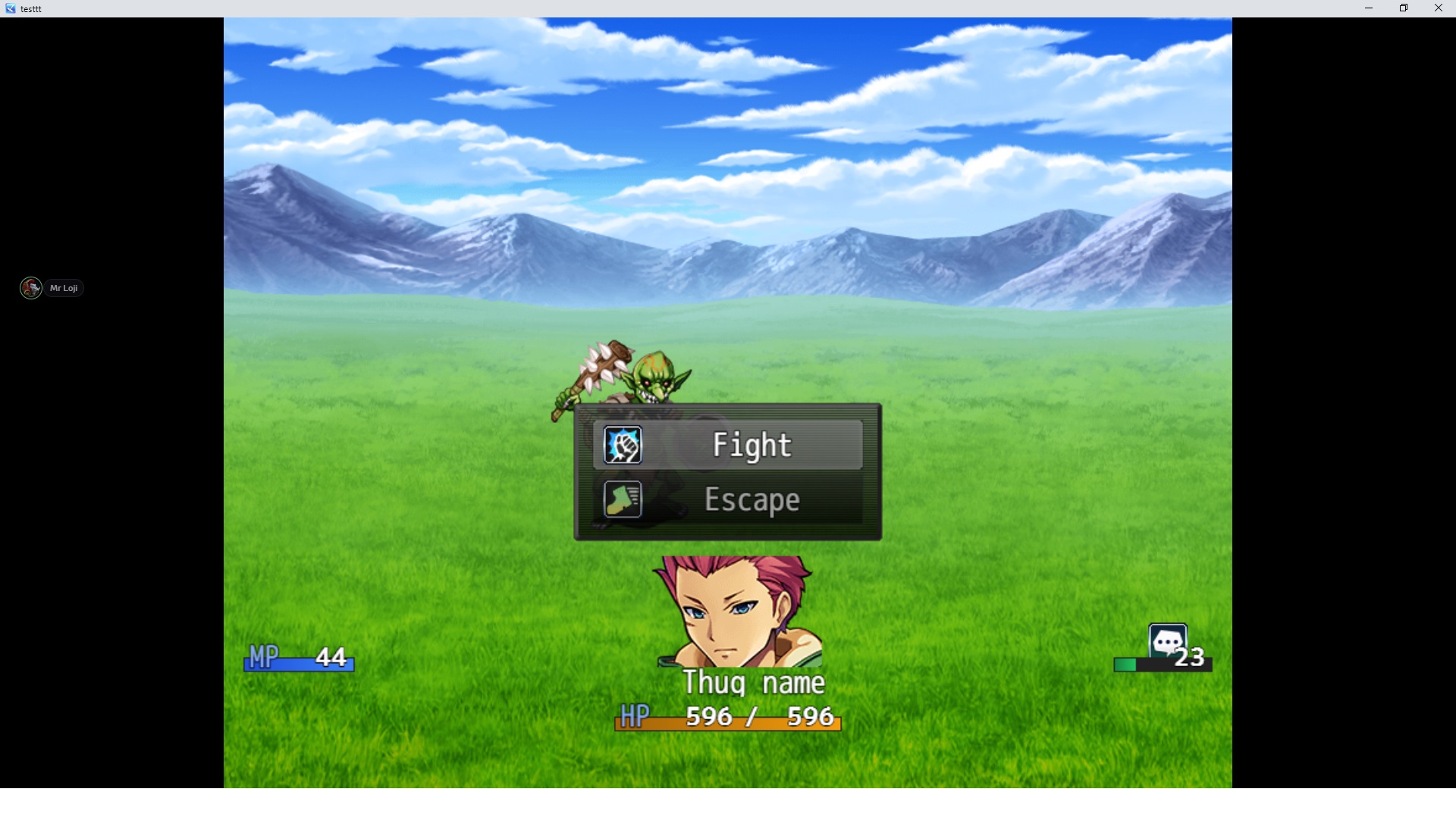
If I use a preset notetag on my enemy, the enemy is invisible
So I went with separate notetags instead; however, another problem
If I use separate notetags for the on-hit and on-attack effects, the enemy shows no animation
However, the breathing animation still works, just no attack or on-hit effects
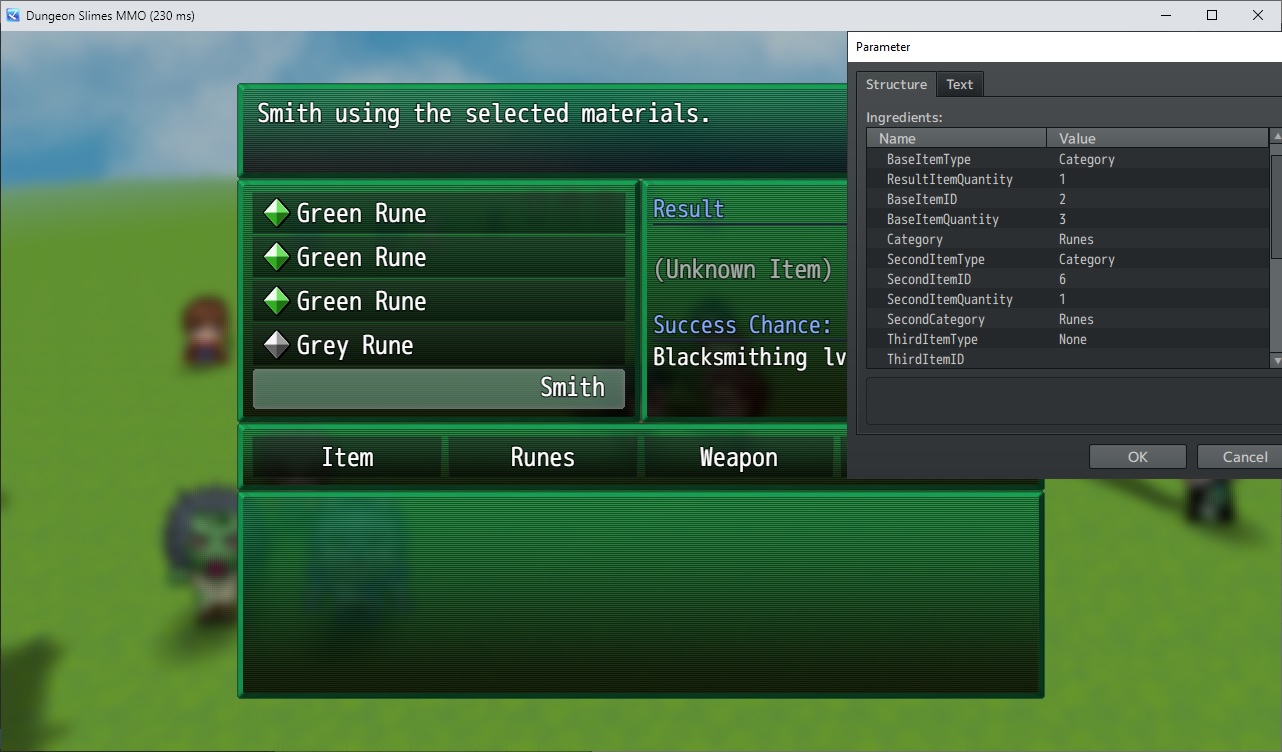
I want a recipe to need 3x of an ingredient, i added 3 in the recipe, but when in-game, after selecting 1 of 3 of the same ingredient, it gets greyed out and i can't add any more of that ingredient
{"BaseSuccessChance":"","BaseItemType":"Category","ResultItemQuantity":"1","BaseItemID":"2","BaseItemQuantity":"3","Category":"Runes","SecondItemType":"Category","SecondItemID":"6","SecondItemQuantity":"1","SecondCategory":"Runes","ThirdItemType":"None","ThirdItemID":"","ThirdItemQuantity":"","ThirdCategory":"","FourthItemType":"None","FourthItemID":"","FourthItemQuantity":"","FourthCategory":"","FailureItemCreation":"false","FailureItemType":"","FailureItemID":""}
It seemed to happen again when i pressed ctrl to open the condition, i couldn't close the scene, and when i tried to press the ESC button, it brought up the conditions instead, it wouldn't let me close the scene, even the X key which is an alternate to close the menu screen, it bounds to the condition pop up for some reason
It is not a compatibility issue either as i turned all other plugins off to test it
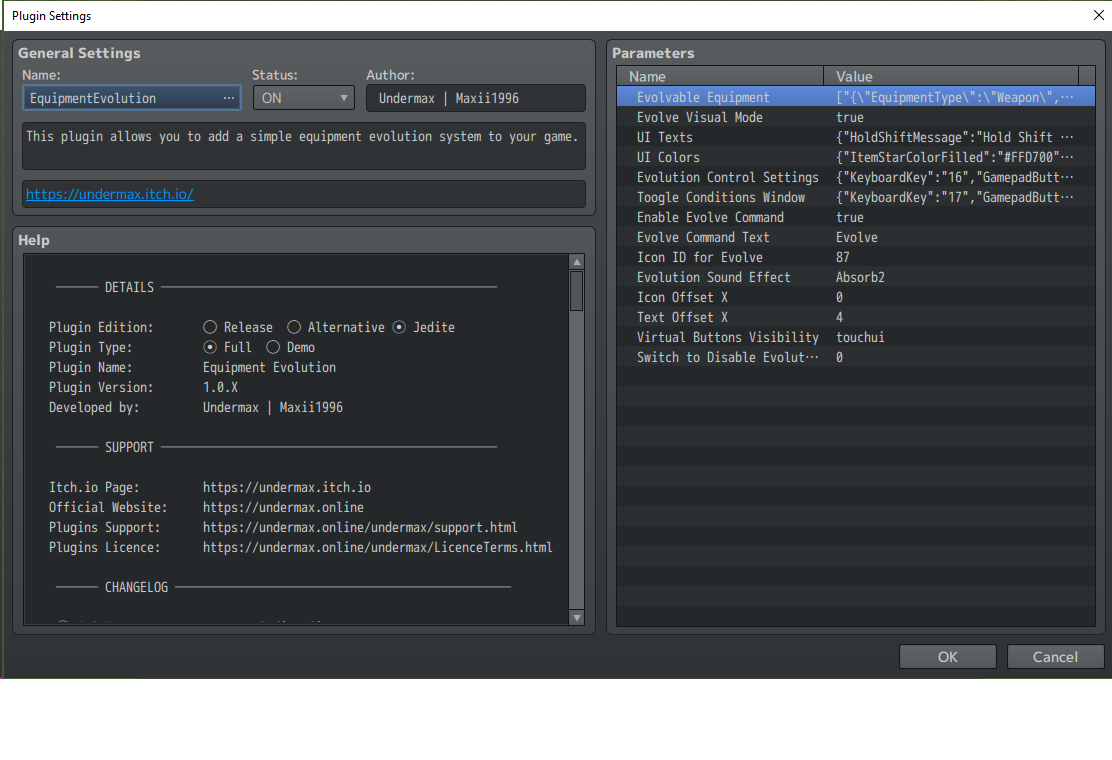
hmmm, it seems when i evolve my weapon, my attack stats remain the same like i start with 25 attack, and i evolve the weapon 5 times with each weapon gaining a little more atk, but it hasn't changed, my actor is still at 25 atk, also when i evolve the weapon, can i change the weapon name? my beginner sword os ironblade and it evolves into bladelords legacy,
There seems to be a bug or something, in the evolving window, when i press escape to close the window, it opens the condition window instead, i have set the button to ctrl and pressing the ctrl opens the evolution window, but also the esc button does the same thing, if i meet the requirements and i evolve the weapon, then it seems to be normal, i can press esc to close window
ok thanx for that, is there a way, when i select the equipment slot in the UI, it will automatically bypass the needing to select weapon tab? what i mean is, when i select equipment, it will go straight to selecting the weapon, instead of clicking on the weapon tab, then selecting the weapon.
Also after selecting the weapon, it would be good that it will go back to the start of synthesise menu so i can quickly select the item slot, because right now, after selecting the weapon, i have to press cancel or right click to get out of the weapon selection, then selecting the item slot. Same with the items, after selecting the item to use, i should be ready to press the synthasise button, but i have to press cancel then press synthasise.
Also another quality of life would be the option to choose the resolution size of the synthasize ui. I had to change my games resolution to match the plugin's window UI, yeah we can individually resize each window and slots in the parameter but that takes alot of trial and error
Ok, will send you the link through discord
I think the ui is too large, changing the positions wont help, i think i need to shrink the ui down but i dont see any option to do that
"- You don't need any of that, what you are doing is bypassing the error, but this will not fix the issue."
how do i fix the issue if that isn't the solution?