Hello! we have taken it down since we are going to do a major update upload :)
A member registered Oct 20, 2024 · View creator page →
Creator of
A collection of bug fixes and plugins for Visual Novel Maker
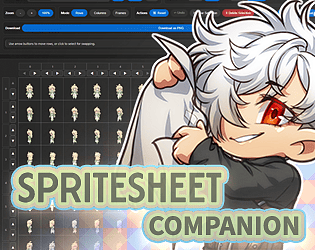
A free, browser-based tool to quickly rearrange, combine, and preview/save sprite sheets and animations.
Run in browser
This boy from a small village does his best to save the World.
Adventure
We hope this music brings you joy. 🐈⬛
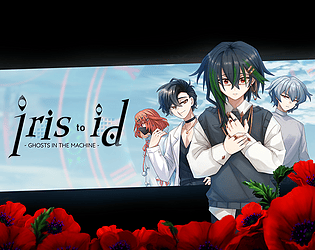
A tale of four unexpected friends experiencing sinister events related to the sins of their past
Visual Novel
Recent community posts
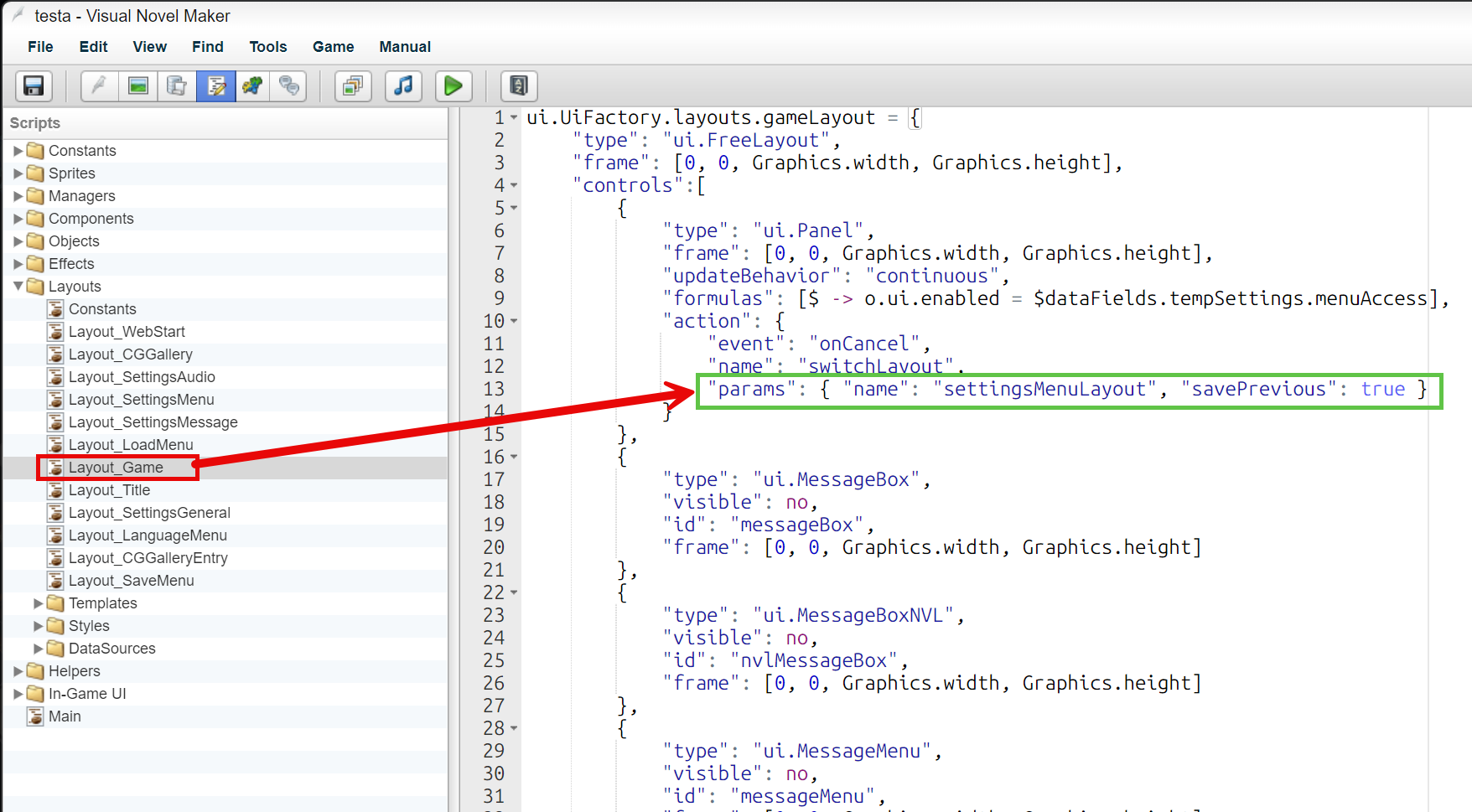
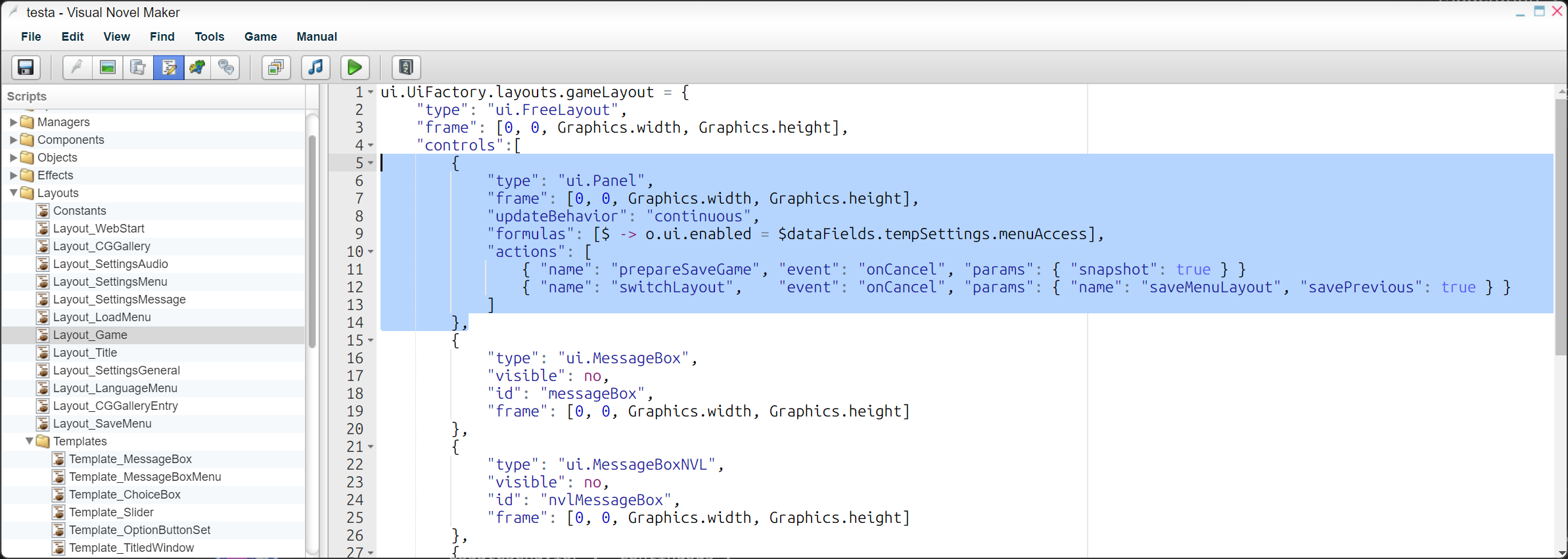
How to change the right-click / cancel behavior from Settings Menu to Save Menu:
-
Look for Layout_Game in the Script Tab:
-
Replace it with this snippet:
        {
            "type": "ui.Panel",
            "frame": [0, 0, Graphics.width, Graphics.height],
            "updateBehavior": "continuous",
            "formulas": [$ -> o.ui.enabled = $dataFields.tempSettings.menuAccess],
            "actions": [
                { "name": "prepareSaveGame", "event": "onCancel", "params": { "snapshot": true } }
                { "name": "switchLayout",    "event": "onCancel", "params": { "name": "saveMenuLayout", "savePrevious": true } }
            ]
        },
Visual Novel Maker Plugins community · Created a new topic Visual Novel Maker FAQ (Last Updated: April 13, 2026)