


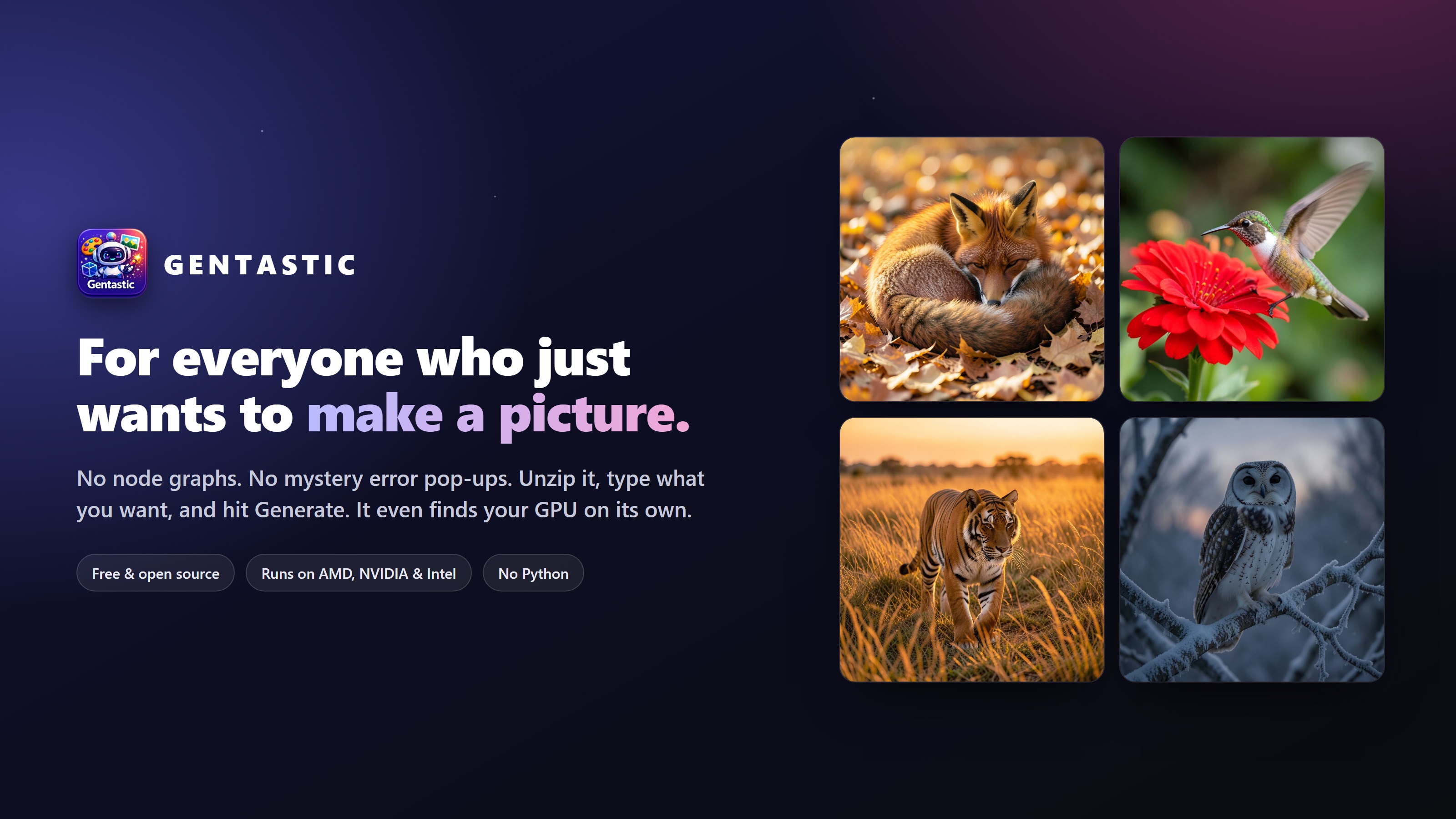
Hey everyone, quick story about why this software exists.
Like a lot of people, I got curious about running AI image generation on my own PC. So I went looking for something to use, and most of what I found fell into two camps.
First there was ComfyUI. Powerful, no question, and some people clearly love it. But the first time I opened it I was looking at a screen full of boxes and wires that reminded me of an airplane cockpit. I didn’t want to wire up a graph. I just wanted to type “a red fox asleep in autumn leaves” and get a fox.
Then there was Amuse. Friendlier looking, but on my AMD card it kept greeting me with the good old “Object reference not set to an instance of an object.” No picture, no clue what went wrong, just a dialog box and a shrug. If you have an AMD GPU, you probably know that exact feeling.
So I built the thing I actually wanted, and called it Gentastic.
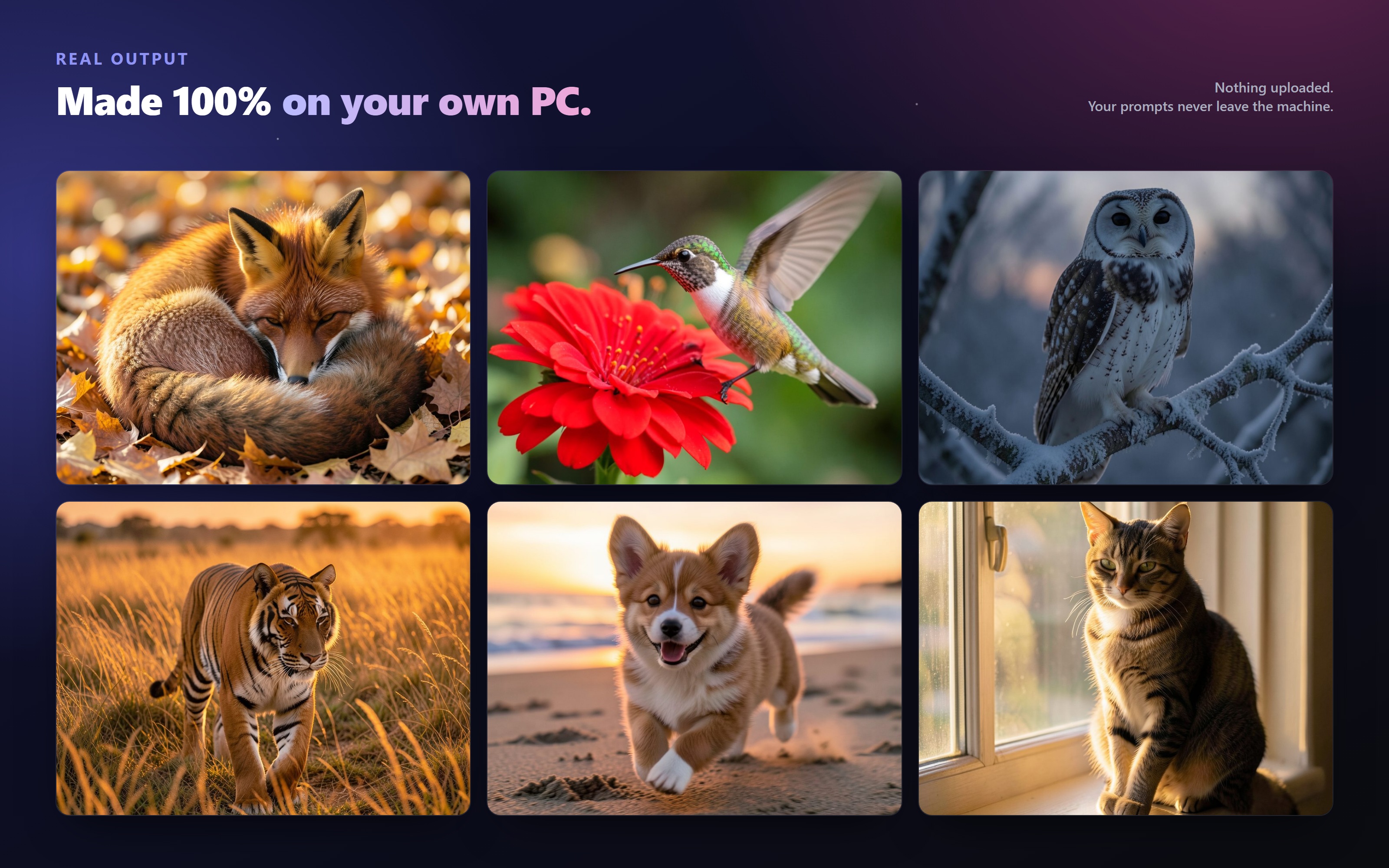
It’s a plain Windows app. You unzip it, run it, and it finds your GPU on its own, whether that’s NVIDIA, AMD or Intel. Pick a model from a short, curated list, type what you want, and hit Generate. That really is the whole thing. No Python to install, no account, no cloud. Nothing you type or make ever leaves your machine.
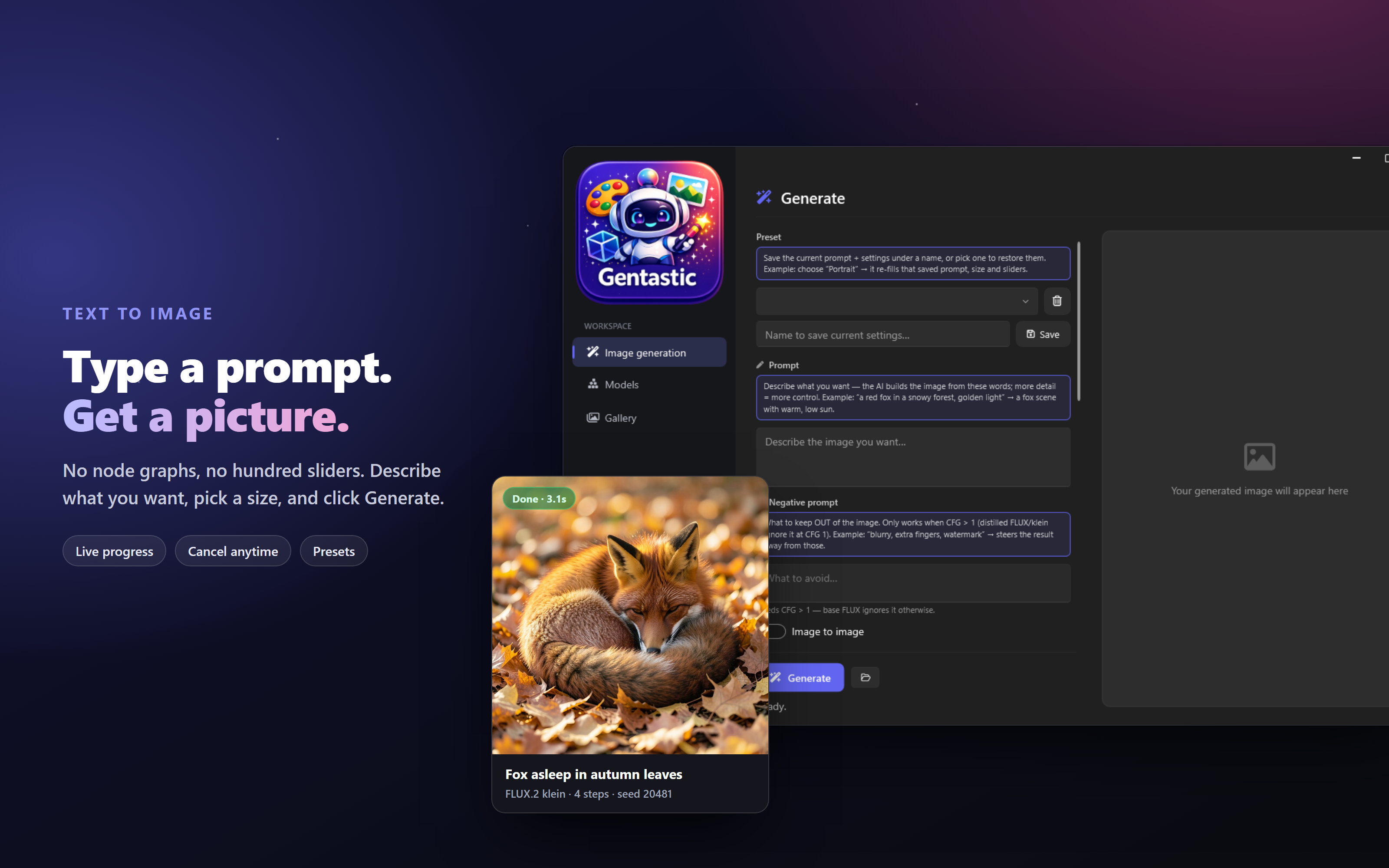
A few things I cared about while making it:
It runs on AMD without the drama. Vulkan is the main path, and the whole thing was built and tested on a Radeon 8060S, so “works on AMD” was the starting point, not something bolted on later.
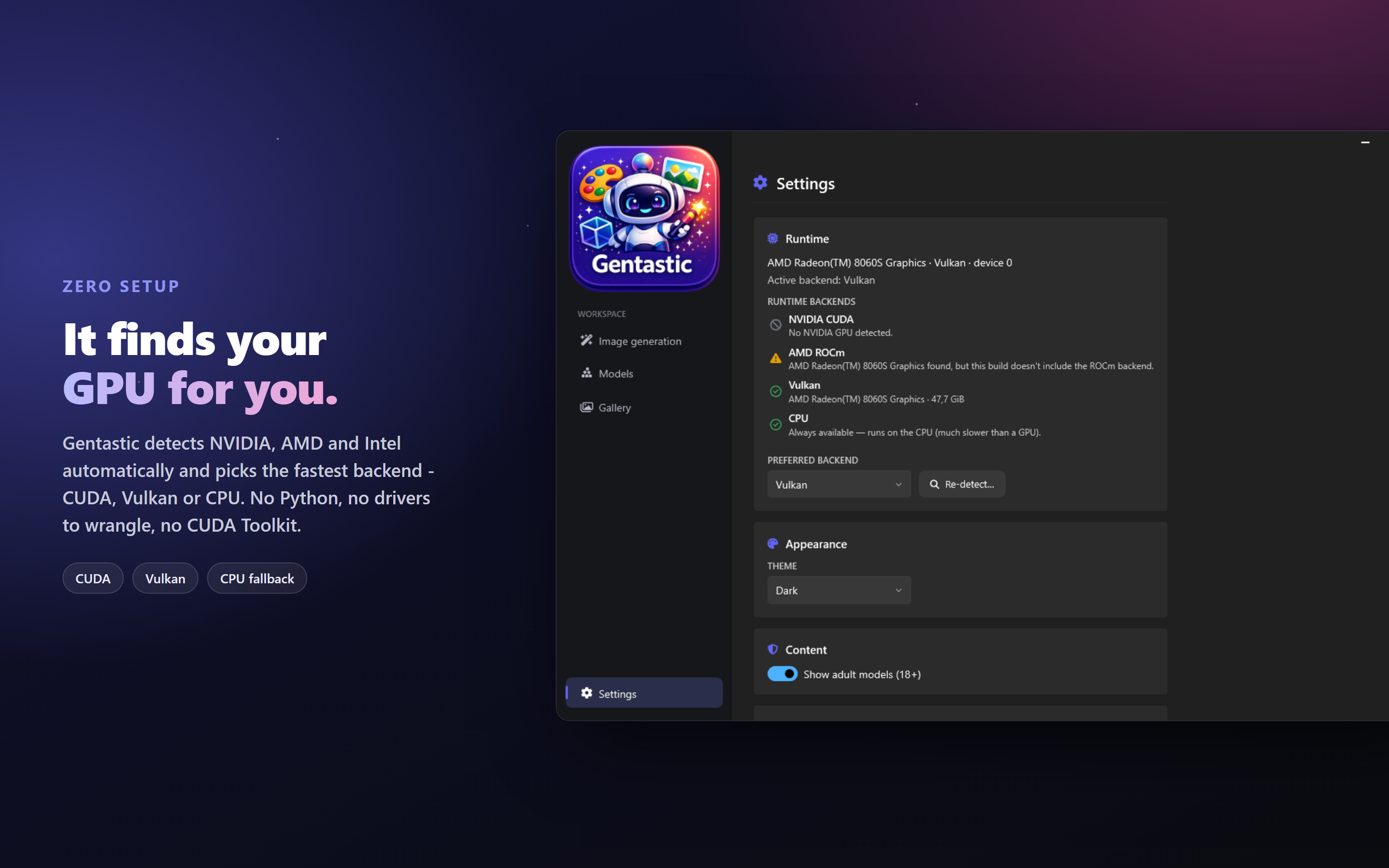
Good defaults out of the box. Every model already comes set up with sensible steps, size and guidance, so you are not left guessing at sliders. It tells you what it’s doing. Live progress, a cancel button, and a clear message if it actually needs something from you, instead of a cryptic error. Your pictures stay yours. Everything saves locally, with the settings tucked inside the PNG, so you can always see how an image was made. It’s free and open source. If it saves you an afternoon of fighting with node graphs or error pop-ups, that already makes me happy.
Grab it below, make something fun, and let me know how it goes. Bug reports and “hey, it worked on my weird old GPU” messages are equally welcome.
Have fun, Bartosz