The demo has been taken down for now. We really appreciate everyone who played it! When we have more official news to share, we'll let everyone know asap.
Hi there! I had a chat with the team & that's fine, but just you need to be clear about what you used in your entry If you use bought or pre-made assets for a category-specific element, you cannot be considered for prizes in that category. For example, if your game’s music comes entirely from an asset pack, it wouldn’t make sense to enter or be awarded the Best Music prize, since that creative work wasn’t done during the jam.


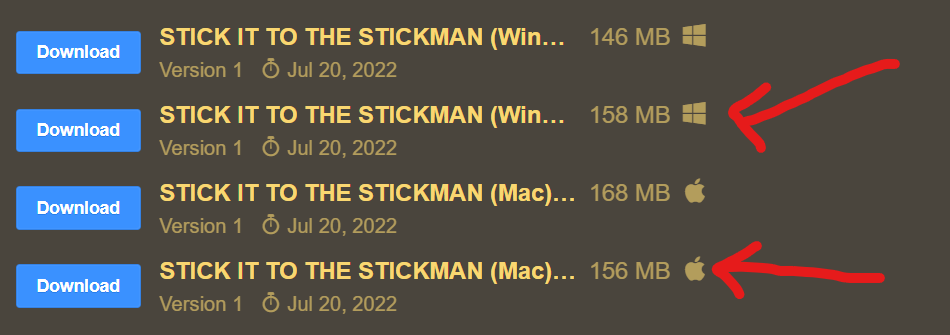 You need to choose either of these files above, depending on your OS.