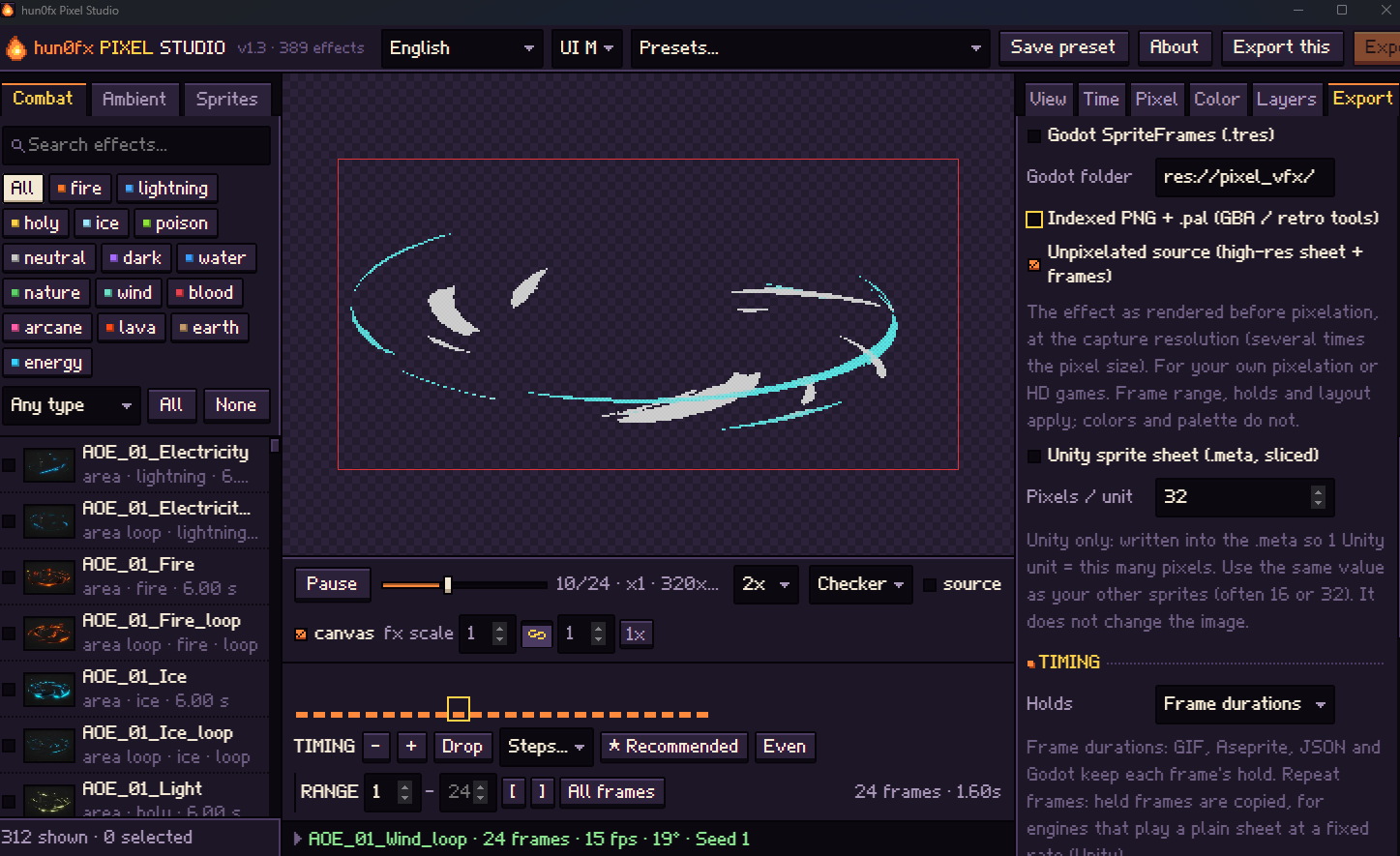
Sorry, not for a while😅
A member registered May 29, 2025 · View creator page →
Creator of
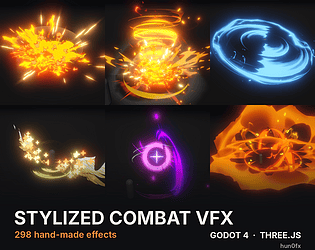
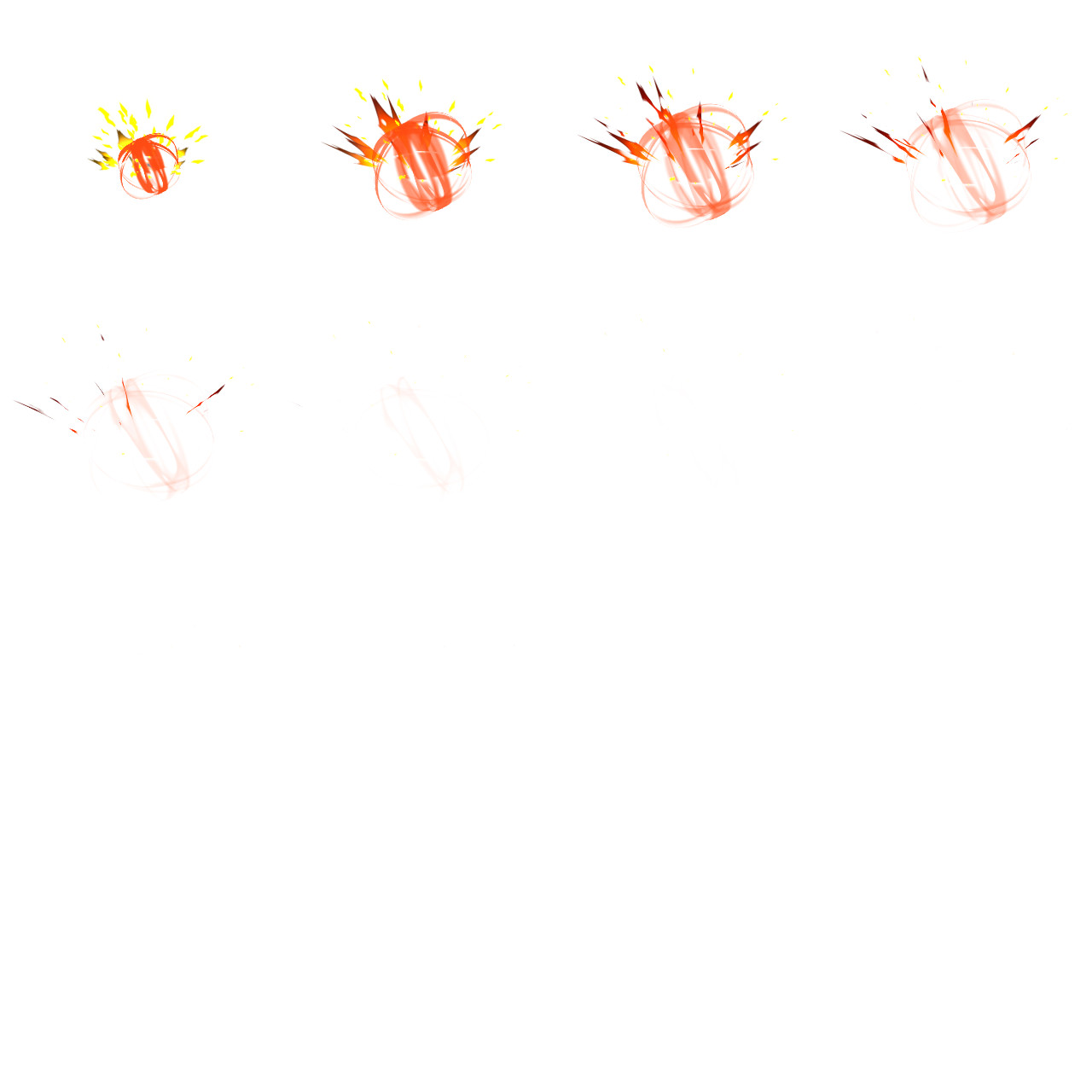
298 hand-made stylized combat VFX for Godot 4 and three.js. Hits, slashes, blasts, buffs and more in 6 elements.
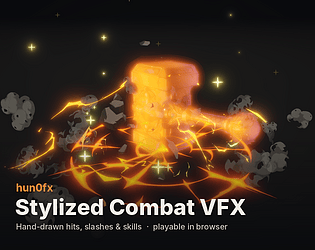
Hand-drawn hits, slashes and skills. 44 effects playable live in your browser.
Recent community posts
hun0fx Stylized Combat VFX — Godot & three.js comments · Replied to semoki in hun0fx Stylized Combat VFX — Godot & three.js comments
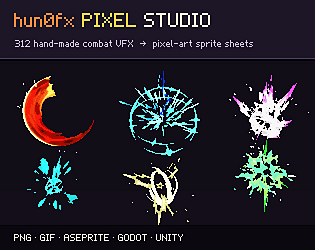
 Actually, that is available at my other asset: Pixel Studio. you can export raw images