In game, there is a settings button top corner beside the other buttons. In there is the guide. About the pause, I understand that you get to question "what to do now?", because second round of prep phase is basically a skip phase. You should think what you will do or just end the phase and start battle again, keeping the cycle. In a strategy games, not all turns you do something 😊. Of course, this experience you get it by playing the game more, like chess.
Goodboycat
Creator of
Recent community posts
Thanks for the review, still, everything is at the beggining of game resumed and on the how to play. If it got confusing, you can always reach the settings button in game, it will lead to the guide.
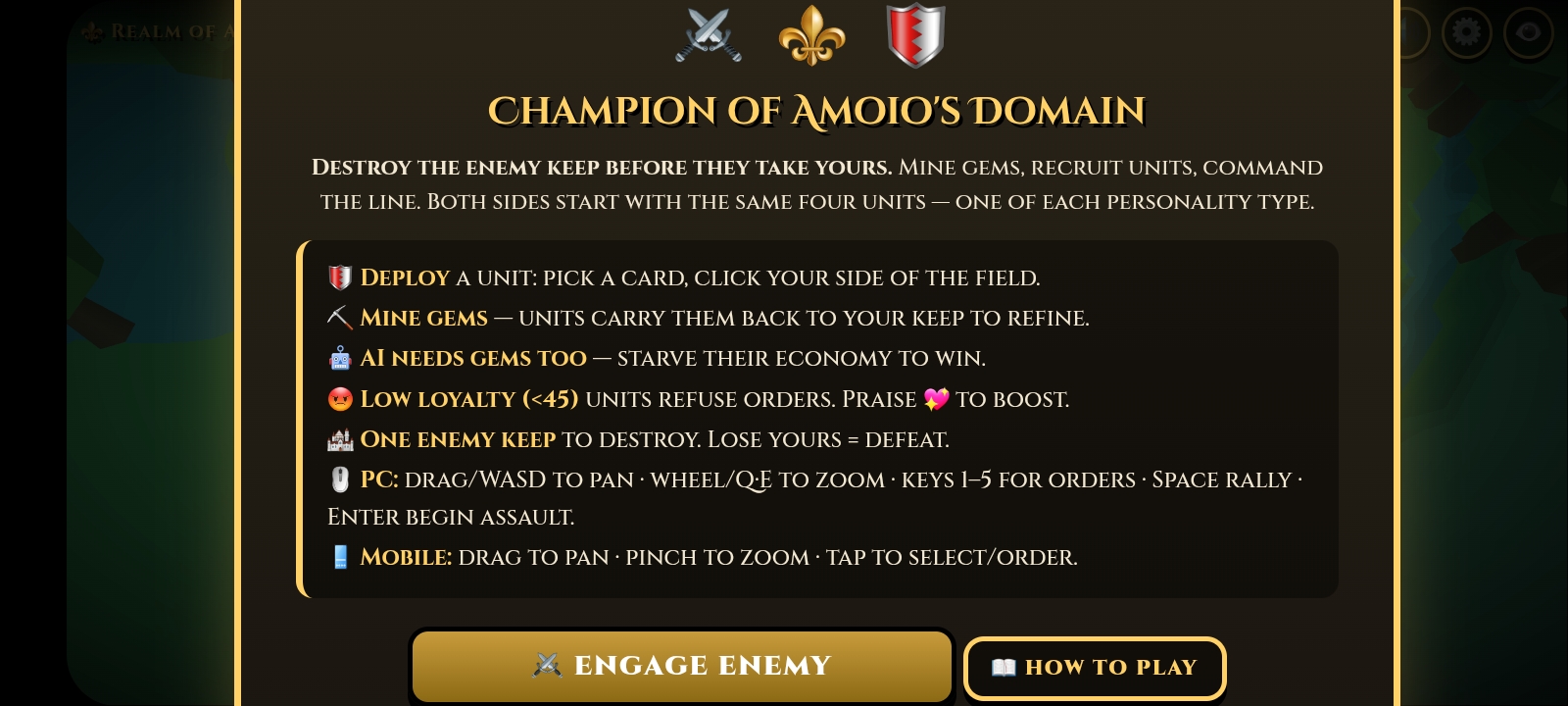
About the icons, there is an explanation in the how to play (or the settings button). Still, if you find it difficult to understand in middle game, it is because they where just emojis. I really tried adding sprites but itch.io had a CORS that block internal images, and since I have never done the link by external URL, it become frustrating🥺 and because of time limit of the jam, I decided to skip it. I know how to do it now, though! 😁
I created my entire game from my phone using AI Studio, Claude and GenSpark.ai free credits. In AI Studio I prototype most of the game. In bugs and crashes, I went to Claude, give it the game zipped and it give me prompts with the solution. ChatGPT can do it too, but is less secure then Claude, says Claude after giving it the prompts ChatGPT give me. Meanwhile, in GenSpark I used Opus 4.7 ultra thinking to resolve complex problems. It was the absolute game changer. With it I made the procedural terrain, UI, sounds, economy balance and little tweeks just to not use AI Studio because using Gemini 3.5 Flash is not that good now. Better use Pro, even so, with Claude prompts, Flash becomes good.
Tip: from phone, tell AI Studio to make the game for mobile portrait. When game finishes, adapt it to PC and landscape.