

Gotcha - I do believe I found this section, but declaring a folder in there didn’t change anything about the texture menu in the editor. Is the idea that I declare a folder in the preferences, then that becomes the new location for all of my textures? Or that folder is appended to the existing list? Either way, didn’t see any change when I did it - I’ll try again at some point (reposting because I think I did it wrong - thanks for the reply as well!!)
A member registered Oct 25, 2021 · View creator page →
Creator of
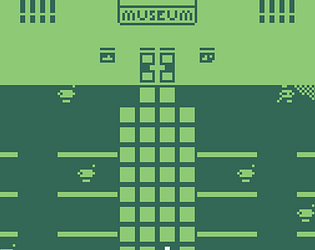
Visit the museum and remember the impact of automotive culture. A short Bitsy experiment.
Visual Novel
Play in browser
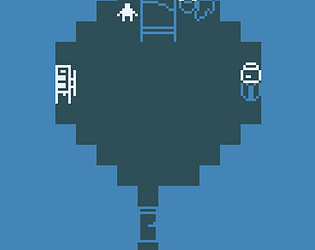
A simple experiment made in Bitsy. Your spacefaring roommates have a big day ahead of them.
Interactive Fiction
Play in browser
Recent community posts
Asset Forge community » Meta » Support · Created a new topic Adding custom textures, etc. to in-app folders requires use of password on Mac