Hi. Tanks for using the tool. Can you pls provide me some more details? What is the resolution of your Image, what do you use for a OS and what is your Display resolution. Could it be, that the resolution of your display is lower than the image resolution? Maybe I can fix this in a patch the next time.
A member registered Nov 12, 2024 · View creator page →
Creator of

Twins who experience a difficult time together and grow stronger from it
Interactive Fiction
Play in browser
A Tamagotchi like game, where you try to lay a girl by taking care of her needs.
Simulation
Play in browser
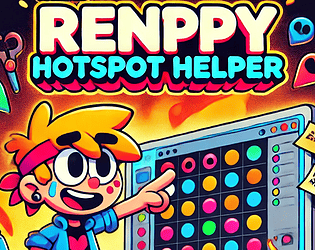
This is a dev-tool to fast identify the renpy screen koordinates for hotspots and interactions