Hello there! Can I use this plugin to support Steam Deck as well?
fishing159
Recent community posts
(I used a translator because I was not good at English. Please understand.)
I just bought this plugin.
It reminds me of the time you asked the community whether to make a new plugin or improve the existing plugin. I voted to make a new plugin and you created a really cool plugins!
I'd like to apply for a plugin commission from you.
I want to implement a system like a limited time event for online or mobile games. Therefore, we propose a plugin that can get UTC reference date information in real time and store it in a variable or switch.
To prevent cheating, you can also mark certain switches as ON if the Internet is not online.
I can suggest more functions later. and I can give you enough reward. If this plugin is made, I can use it with your other plugins to make a great game!
I can give you more than $120 for this. I would appreciate it if you could let me know your opinion. Thanks. :D
I'm studying this plugin. Easy to use and amazing functionality! XD
There is a function I would like to suggest to you.
Switches work simultaneously on all save files, like 'global switches'.
Can you create an option to make the switches work separately for each save file?
I need both the existing global switch-like features and the newly proposed features. I'll repay you for your help. Thank you :)
Thank you for the information.
'KUUKIYOMI' was developed as Unity, but it had the same problem. I knew the Steam overlay would close if I pressed ESC, but I thought it was because of the RPG MAKER MZ or plugin that the overlay wouldn't open again.
I don't know if Valve will solve this problem. There are a lot of games that don't have problems. I hope this problem will be solved someday. Have a nice day.
Thank you. I did an experiment using a sample project. The payment function works fine. However, there are several problems.
1. If you press ESC without canceling on the payment page, the game will stop. If you don't restart, you can't do anything. After about 40 seconds, you will be able to move your character, but you will not be able to open the payment page again. Even if I turn the game off and on again, the payment page won't open.
2. Why is 'Enable Steam Purchase' in the plugin parameter 'False'? Shouldn't it be 'True'? The payment works regardless of true or false.
I don't know anything about coding or programming, but according to Steamworks Documentation, I need to reset the API that I exchange with the Steam serverOr maybe something like that? I think it's because the server misunderstood that the payment was continuously in progress.
I like your new idea. Both 'OnlineTextMZ' and 'DurabilityMZ' are very useful and hard to see anywhere else.
I think making a new plugin as you want is helpful for the community as well as me. If the plugin needs new features or improvements, I or someone else in the community will ask for it, and I don't think it's a problem to start it then.
Anyway, thank you for having this concern and asking us that.
Looking at the sample project, I followed the variables, switches, common events, and plugin parameters, but it didn't work out. As expected, I'll try it if you tell me how to do it later.
I'm using MZ and nwjs is using the latest version.(71.x) Other functions other than microtransactions still work well.
I'll be waiting for your post, but there's nothing to worry about. You are already the best for all of us!^^
Hi there. Thank you for continuous functional improvement!
Microtransactions function is alpha version now, but is it working? Or is it still impossible to work like the previous version? If this function works well in the future, could you write a guide for how to use it? When the function is completed, I would like to donate a considerable amount. :)
Hello there!
The sentence may be awkward because I used a translator. I ask for your understanding.
I visited here after reading your RPG Maker forum post.
Last December, you decided to withhold support for VisuStella's Item core Categories. If you don't mind, could you please support the Item Core category and update the new rule command? I really need it. If you help me, I'll be happy to make it up to you. Do you have an email address to contact you?
Thank you for reading it. Have a nice day. :)
Hello there.
I'm sorry that the sentence is awkward because I used a translator.
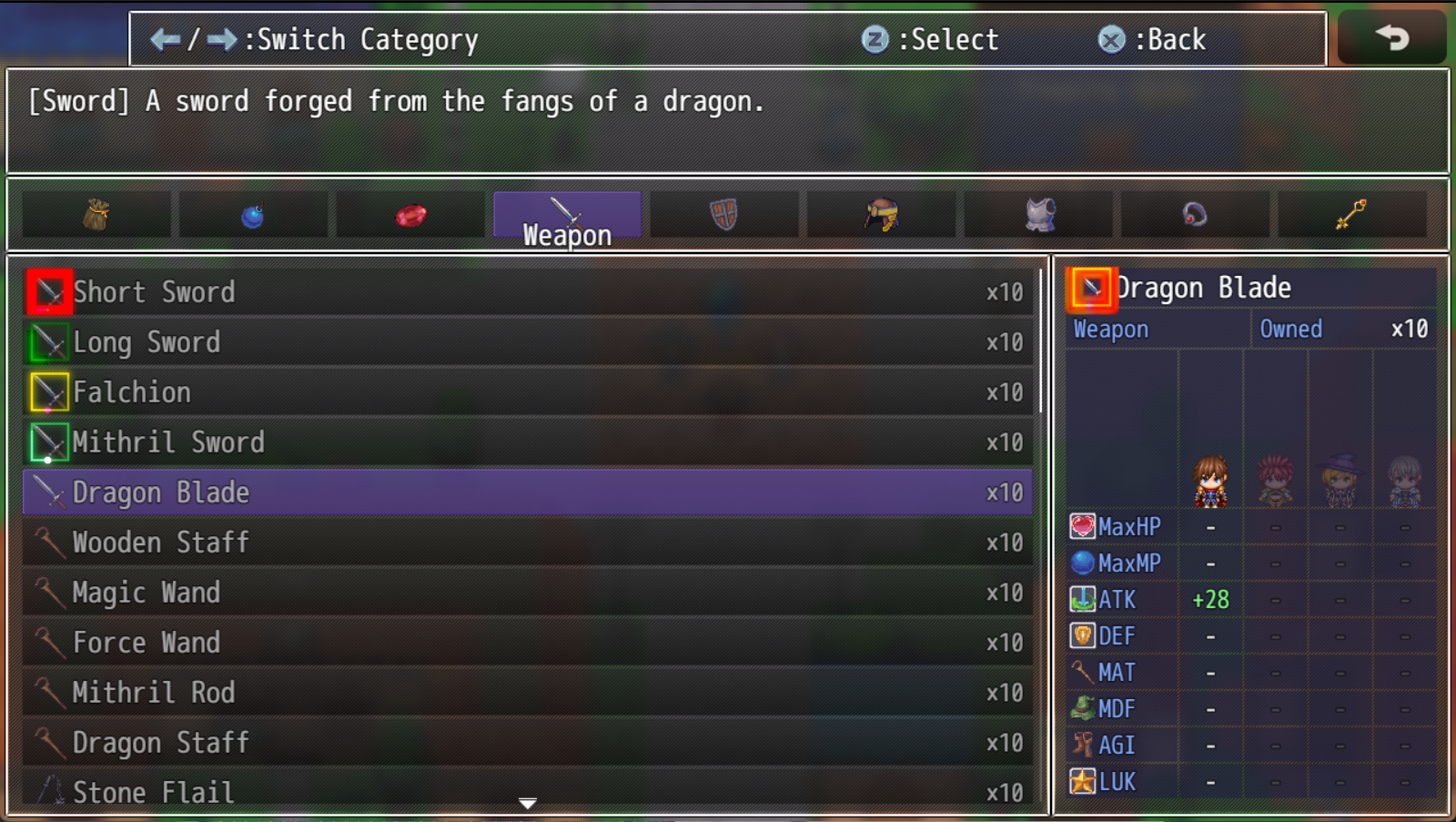
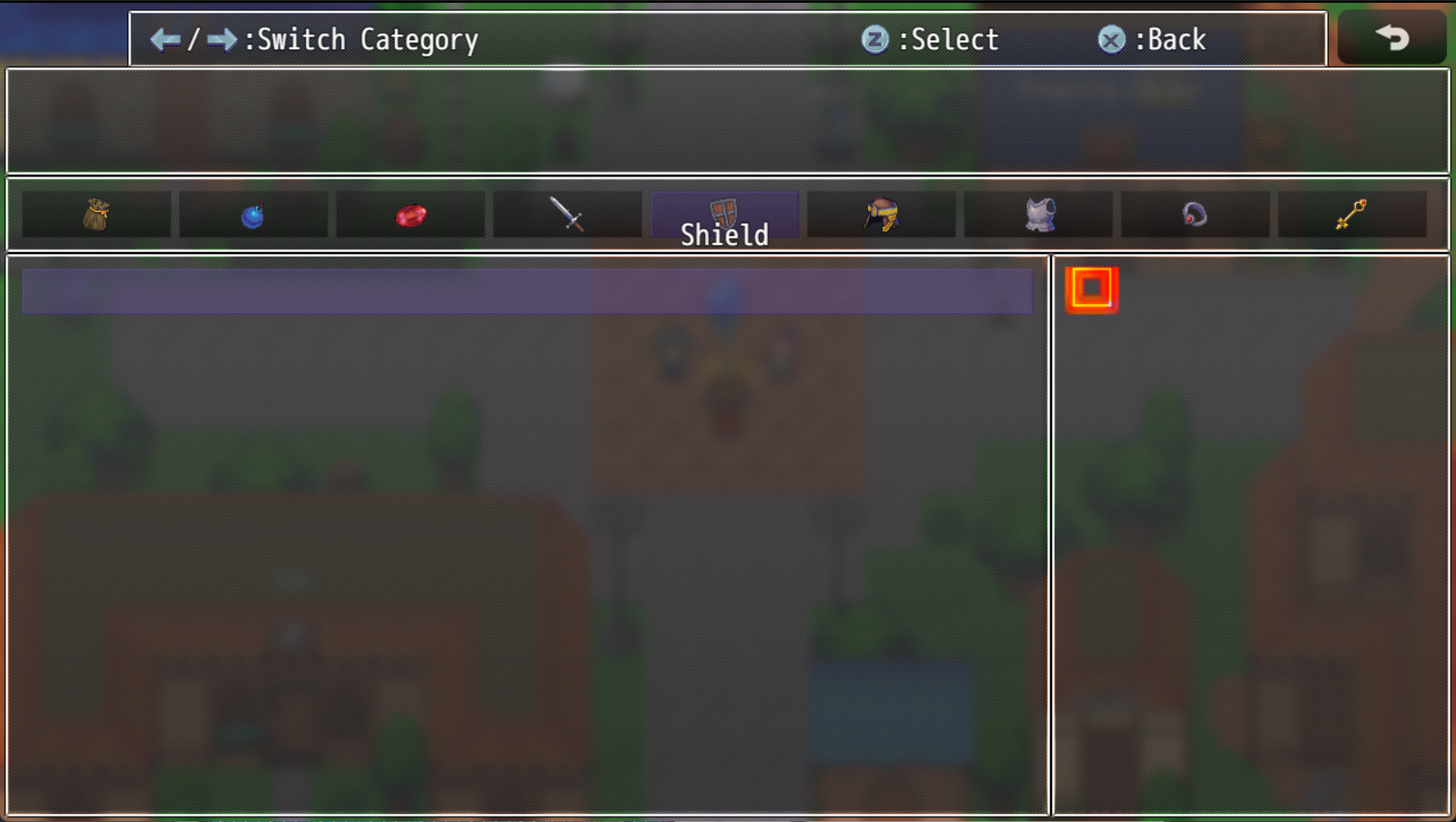
It has nothing to do with this plugin However, is there a plugin that opens Windows to select weapons or armor other than the Select Item event that RPG Maker provides by default? I think I saw it somewhere back in the day but I don't remember if it was a plugin you made. If you don't have such a plugin, could you please make it?
Thank you.
Hello there!
I saw the plugin you recently released. Character Generator is a very amazing and useful plugin. I'm going to buy it when I need it.
And I can still wait longer, but I was just worried that you were too busy to forget the update of QoL Plugin. I've seen you update other plugins recently so I'm thinking of it as hope. Thank you :)

I made a simple event for the test. If this command is followed, all items should be deducted by one, but there was no response. I replaced the Item ID with a normal number or variable, so it worked fine.
Thank you so much for accepting feedback! When this is done, I will definitely send a donation from this plugin page. TY!
Hello!
Doesn't the "--" range operator used in 'QOL Commands 2"' apply to 'QOL Commands 1'?
I'm asking because I run plug-in commands such as Change Item, Weapon, Armor, etc., but the range operator doesn't work.
As you know, it would be really convenient if you could range it with a plug-in command when creating an event that deducts all the items that a user has by a certain number. (ex: 1--999)
Can you confirm this issue?
And I need a command to save the ID of the equipment that the actor is currently wearing as a variable. (Specify the equipment type/slot and store the corresponding equipment ID in the variable.)
This command is useful in conjunction with the Change Weapon, Armor commands to accurately remove whatever equipment the actor is currently wearing.
If you could add this command to the plug-in, I'd like to donate a small amount of money for you. You deserve it. Alternatively, you can include this feature in the 'QOL Commands 3' Plugin. Either way, I'll pay for it.
Thank You.
Thank you very much for your reply!
But can I ask you again if I understand correctly?
I understand that we use "nwjs-v0.49.1-win-x64" when we release it. Can I use this to test with developer account on Steam before release?
And the problem with the nw.js version is the version of nw.js used in the RPG MAKER MZ? Not "nwjs-v0.49.1-wjn-x64" right?
Then where should I download the 0.49.1 version of nw.js? And put it in which folder? I'm sorry to ask you again.
And could you tell me how to support you? I would like to express my appreciation for using this plugin once this issue is resolved. Do you mind if I make a little donation to this post?
Thank you a lot! :D
Hello, thank you for creating a useful plugin. I have a question about this because an error occurred while using it.
There was no response when I used the [Check the Installed Downloadable Content] command to test the DLC in the upcoming game.
The following error occurs when using the [Install Downloadable Content] command.
"UnknownError
TypeError: Bad arguments"
I typed DLC AppID correctly, and other features like Achievement work well, but what mistake did I make?
Does the game that's still coming out not recognize the DLC that's coming out?
Or should I use 'nwjs-SDK-v0.49.1-win-x64'?
You told me to use 'nwjs-SDK-v0.49.1-win-x64' when testing, but did I have to use this before the official release?
It would be very helpful if you could also write a detailed explanation of how to check and install DLC and a screenshot on the homepage.
Thank you again.