

OH! Thank you for clarifying that! I didn't notice the scale was under Grid. I was looking for a Scale Button or thought I saw it under details. And the map i was working with didn't have a grid. Thanks for the clarification!
Maybe a future request. Change the button name from Grid, to Grid & Scale like the window If it has the room on the button, for dummies like me. :)
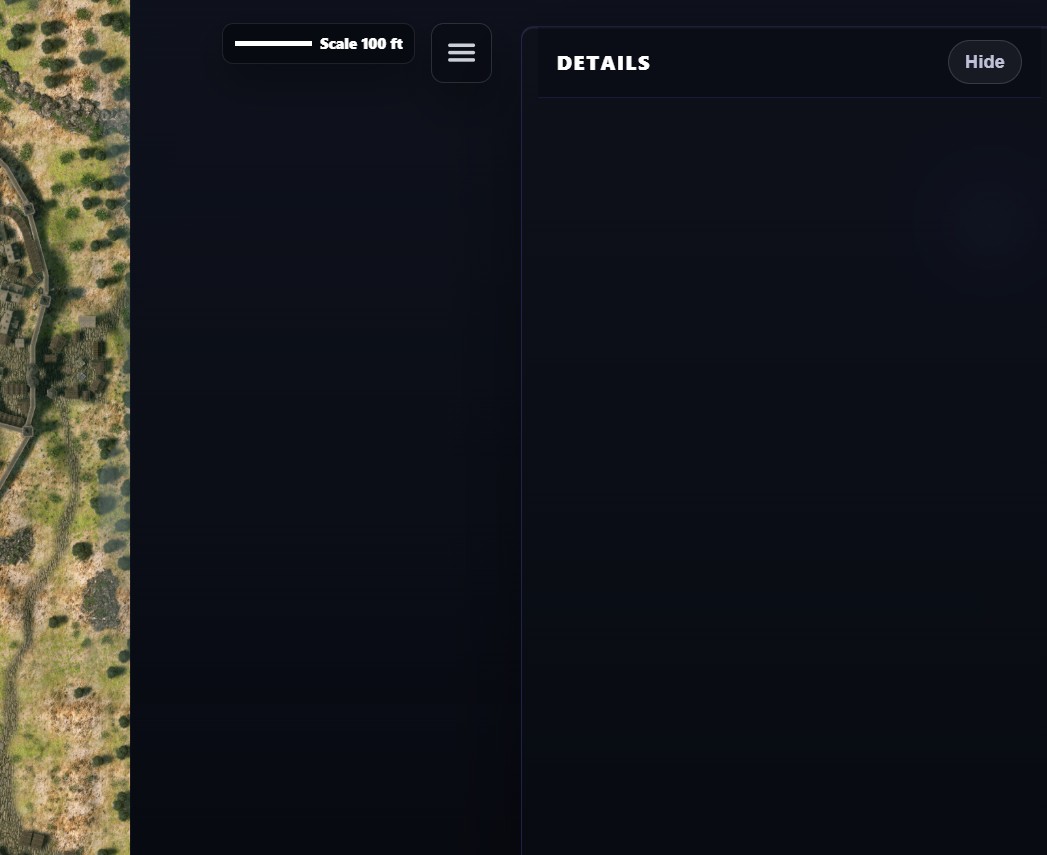 I imported a few maps, and I wanted to go back and change the map scale for one of them. However, the details panel is just showing blank for some reason. Is there where the scale would normally show up?