
Indie game storeFree gamesFun gamesHorror games
Game developmentAssetsComics
SalesBundles
Jobs
TagsGame Engines

Faulty

10
Posts
1
Topics
3
Followers
30
Following
A member registered Nov 21, 2018

Recent community posts
Thank you for listening. Again, I apologize if I was a bit harsh. I've bought one of your assets to show a little support and I look forward to checking out assets you produce in the future. Take care and thanks again!

Just because developers are using it that way doesn't mean the asset is designed with Top-Down in mind as it is drawn from a side perspective and I'd argue it is mislabeled. Based on your response, why isn't this tagged as 3D? If developers are using it for 3D games, then surely it should be tagged as 3D as well? Tags exist for a reason and it hurts the search experience when you mislabel your assets. I'm sorry if I'm being harsh but it is frustrating searching itch and having a bunch of mislabeled assets show up.

Why is this entire series tagged for "Top-Down" when they are clearly only intended and drawn for Side-Scrollers? Please fix your tags, it is frustrating looking for Top-Down assets and getting a bunch of Side-Scroller assets mixed in.

Do the character assets also have up and down directions as well? Left + Right only doesn't really mesh well with a top-down asset pack.

(2 edits)

Hello! I too needed to edit some of these separately. You can use the UndertaleModTool to achieve this. Download the GUI release on the GitHub releases page. Run the executable. Then go to File -> Open -> Select Pixelart Portrait Maker's "Data.win" file. Then to export the textures, go to Script -> Resource Unpackers -> ExportAllEmbeddedTextures.csx. This will export the texture page into a folder named "EmbeddedTextures" in the Pixelart Portrait Maker's folder.


I think you can even edit the texture page and repackage it for the program to use. Though I have not tried this yet.

The aesthetics and design are gorgeous. Great work on this!!

(2 edits)

I'm not sure how hard this would be, but it would be super useful.

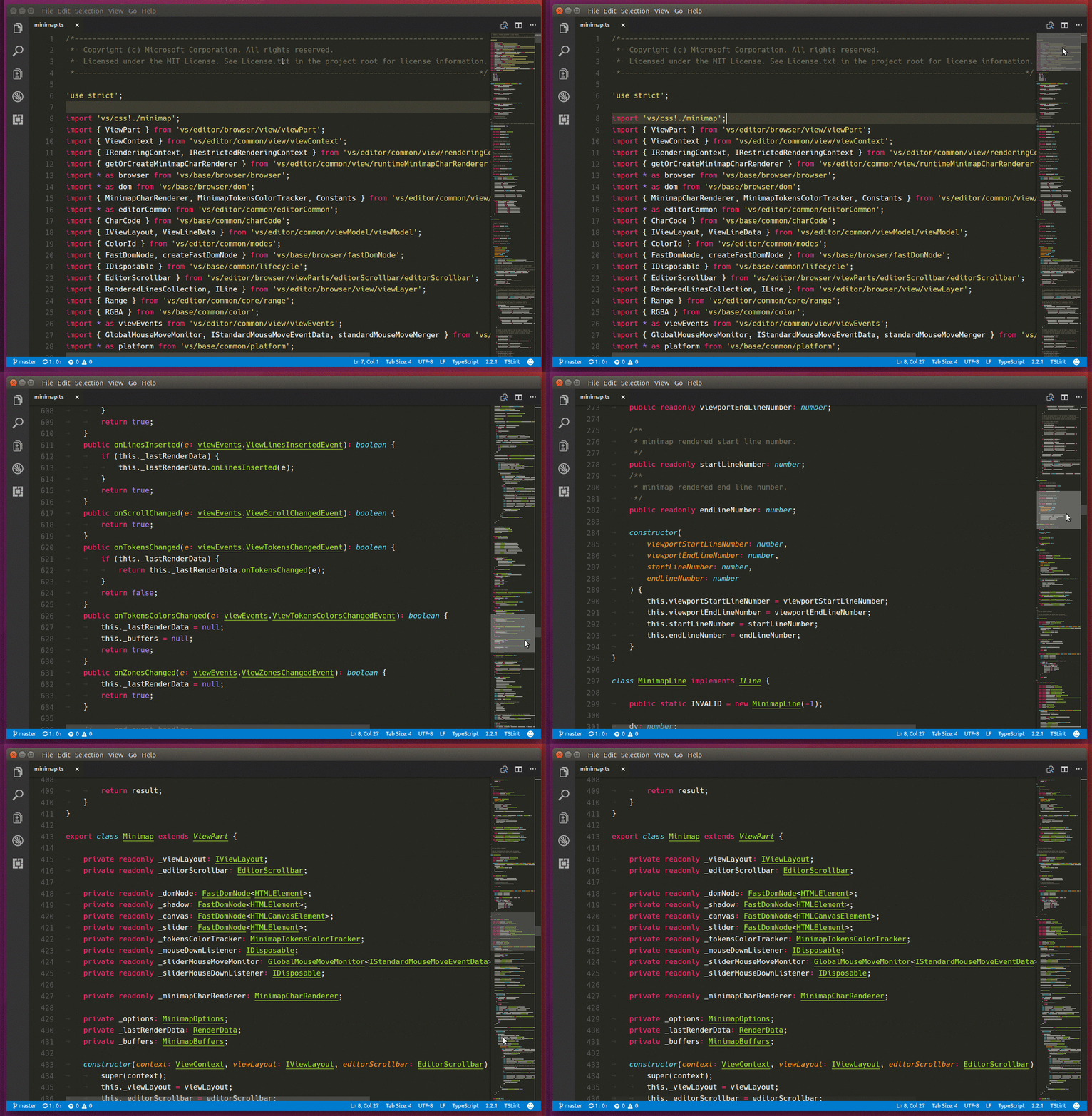
I found this: rocketinventor/ace-minimap: A plugin to add a minimap to ace text editor (github.com)

Looks pretty old and not sure if it still would work.


EDIT:

YellowAfterLife mentioned the outline view is a good substitute for this functionality, which I had forgot about that when I made this suggestion. For anyone else stumbling on this, just in case.

Just an FYI to anyone looking to buy this:

The tiles don't conform to any standard tile size. It kinda looks like the main sample scene was drawn up and then the assets were cut up from the main scene. So you'll have some tiles that are 26x29 while others are 26x35, 25x35, 17x29, and so on...

While the assets still do look amazing, it's gonna take a lot of work and editing to make this asset pack tile-able in a game engine/map editor.

I still plan on using these assets but I've got some logistics and editing to figure out.

Thanks for the assets btw!

Hello,

I was just wondering if these are setup to be used with autotile software.

Thanks!