The game window will pause if not in focus, just click anywhere inside the game window to unpause
To get viewers' attention
Rollin' Pauline didn't make the cut
Try the 1 key on v1.0.1
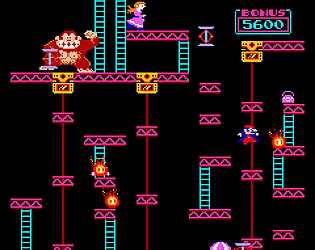
Thank you for downloading Donkey Kong Pygame.
You can run the game in Visual Studio Code
1. google Quick Start Guide for Python in VS Code
2. Open VS Code
3. Pick "Open Folder..." in File menu
4. Select the donkeykongpy folder
5. Click game.py under EXPLORER on left
6. Click the play button on the upper right(triangle)