Hey thanks for your interest <3
To answer your questions, I gotta be honest I'm not sure about quest compatibility. It's not something I've ever tried so I really couldn't say. So sorry. As for what's next, I have a non-zoid protect I wanna get done first (it's a dommy mommy robot girl), then after that my next zoid will probably be a wolf, either command wolf, or konig wolf, I'm still deciding.
A member registered Jul 16, 2024 · View creator page →
Creator of
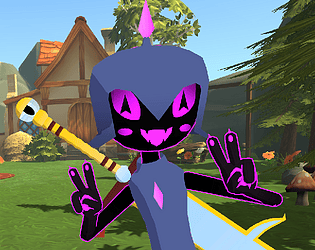
Magpie the black cat and her trusty companion Immy
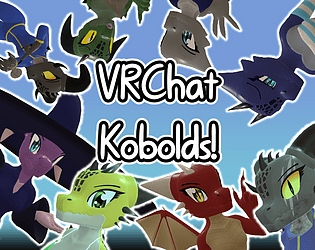
A kobold avatar base with a handful of premade options
Recent community posts
White Liger - Mecha Furry - PC VRChat Avatar comments · Replied to vermylordy27 in White Liger - Mecha Furry - PC VRChat Avatar comments
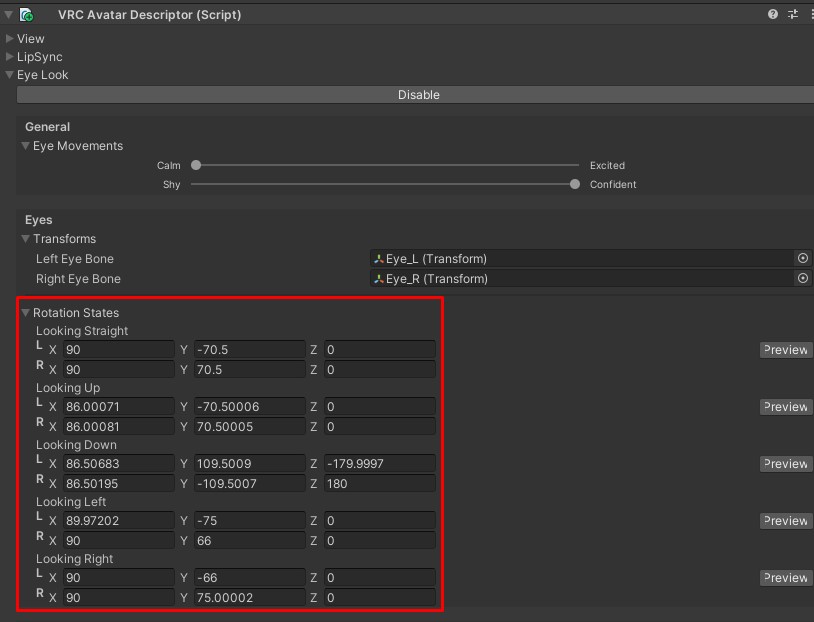
Hmmm yes very strange. I just did a test on my end with a fresh project and wasnt able to replicate the issue. If you're sure the Eye Look setting match the values in the image I posted above, the next thing I could suguest is checking to make sure that the eye bone armatures rotation match the values below.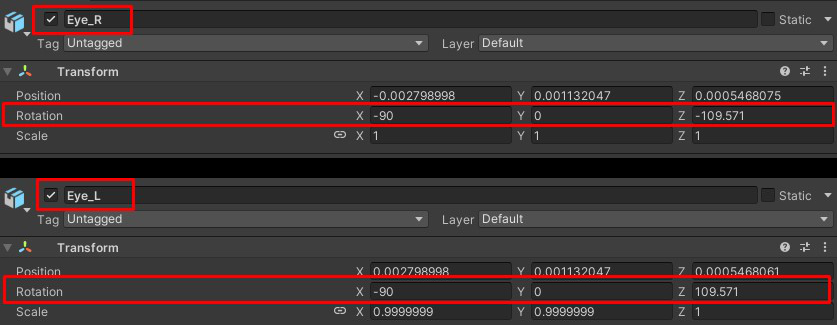
White Liger - Mecha Furry - PC VRChat Avatar comments · Replied to donkeykon3 in White Liger - Mecha Furry - PC VRChat Avatar comments