Indie game storeFree gamesFun gamesHorror games
Game developmentAssetsComics
SalesBundles
Jobs
TagsGame Engines

Elaz

4
Posts
A member registered Jun 18, 2024

Recent community posts

(1 edit)

If you are using joiplay,see where the game folder is located and simply move the save folder to the newer version game folder.


If you are using an apk(not sure of there is an official one)  the save folder will be located  in Android>data>superhuman(name might be slightly different) copy the save folder and paste it somewhere else. Install the new version and repaste the save folder by Android>data>superhuman


Newer androids might block you from accessing the Android>data files.search for a tutorial to get around this.Shizuku and ZArchiver worked for me

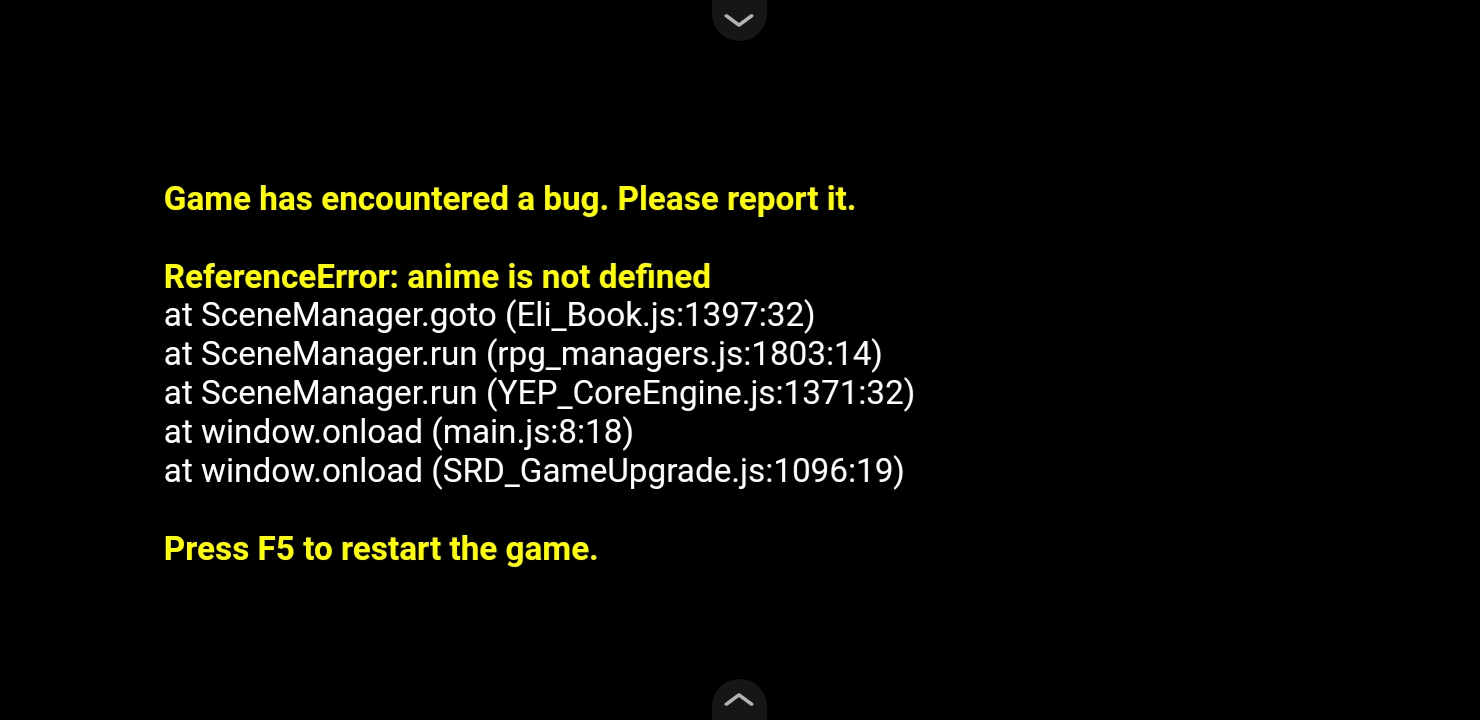
yes,this is as soon I start the game before any menu,I have played other rpg maker games and havent had similar issues before.

btw this is as I start the game

Any idea how to fix this,Im using Joiplay, tried on all versions same error