

Yes! That fixed it for me. Thank you so much for being so on top of this and finding a fix. You're awesome! Cheers
A member registered Mar 18, 2020 · View creator page →
Recent community posts
Construct 3 3DObject Plugin - SDK V1 only comments · Posted in Construct 3 3DObject Plugin - SDK V1 only comments
Hey there! Thanks for the plugin, it has opened the doors to a lot of cool opportunities. However, I'm having issues after I updated to the newest version of construct 3, and can't seem to find any working solutions.
Issue A:
After updating, objects in the project stopped using opacity values. Meaning any opacity related events, like the 'Fade' built-in addon just don't work. Any objects with a set opacity are also now just set to 100 aswell. For this, I am using both the latest versions of construct and the addon, and have tested on multiple browsers/machines with a friend.
I really only noticed the issue after I tried to export as an html, as before that I believe it was working as intended. However, now the project is bricked unless I find a fix for this.
Issue B:
In trying to get around this, I backported construct to beta r448. Opacity works in this version however any layout with a '3D Object' opens in debug to a black screen, reading 0 fps. I've tried using both r448 and r447, given they are both versions I've used while making the game. I've also tried multiple versions of this addon (specifically 2-77-0, 2-76-5, 2-76-2), all of which cause the 0 fps bug.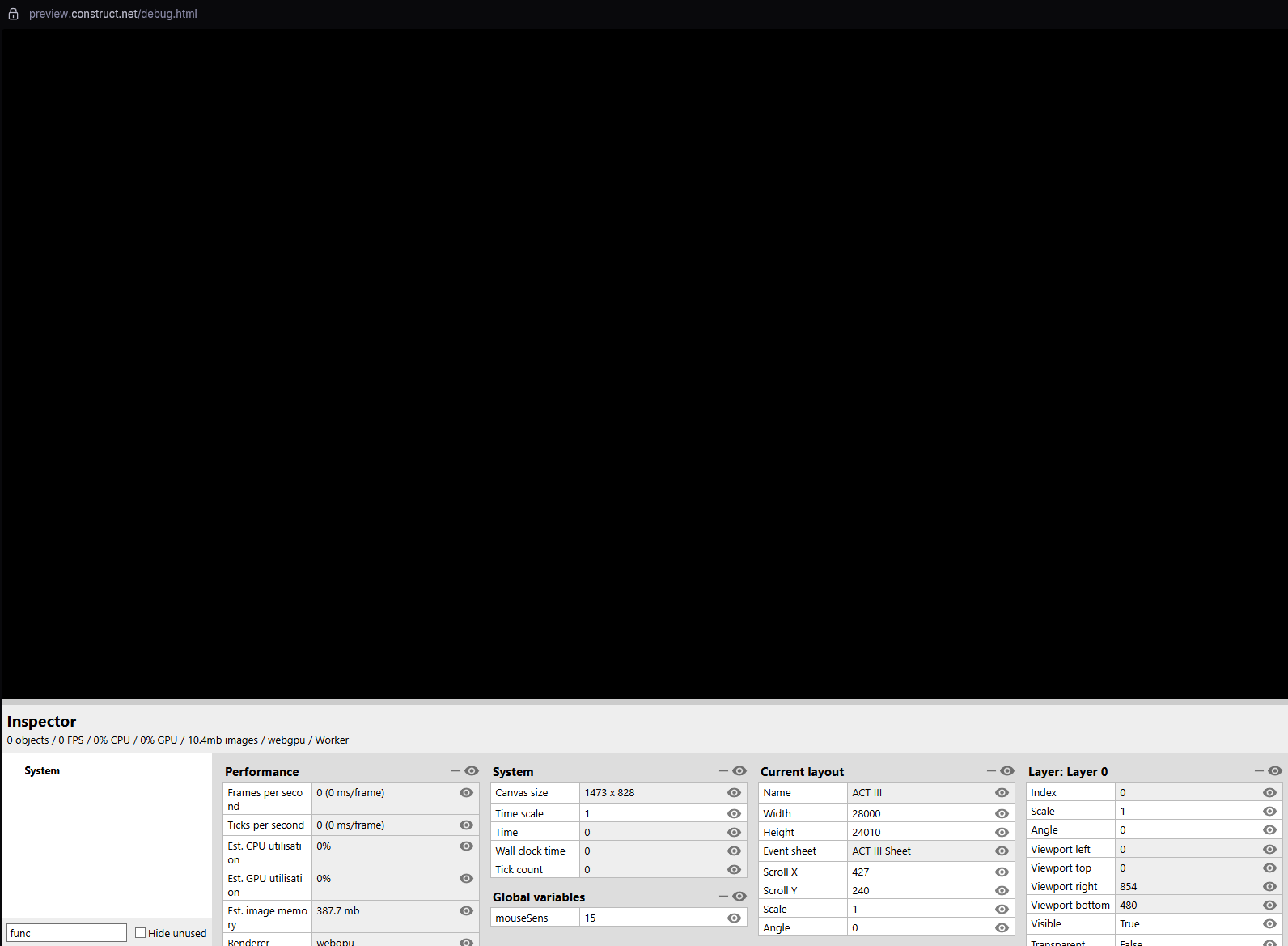
If any more information is needed, I am happy to send whatever. I don't really know how to read logs in construct, so that's the one place I haven't checked. Any help with this. or if there is a easy fix I've missed, would be much appreciated. Thanks!