

No worries about off topic. I forgot that there were two v100 NTT betas. You're going to want the version listed on steam as ntt_dev, (ie, anything NTT v100.034 and up). Let me know if that fixes it. This has been fixed in the mod description too to avoid confusion.
A member registered Jun 12, 2020 · View creator page →
Creator of
New weapons, mutations, characters and more!
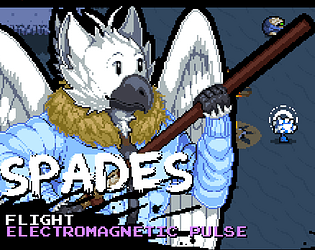
Fly high with this custom NTT character!

Kill bosses, reroll mutations!
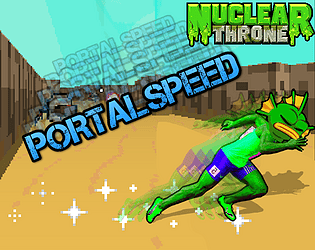
Open Portal = More SPEED!
NTT PVP for the modern era!

Don't care, didn't ask
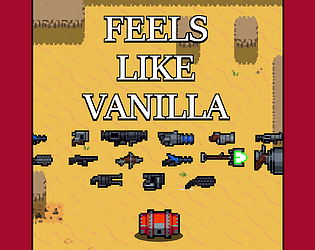
A classic style weapon pack for NTT
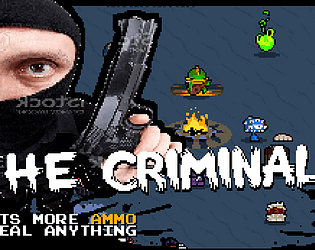
He can steal anything
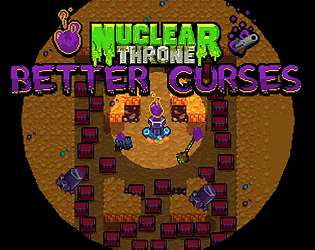
A complete curse overhaul for Nuclear Throne Together!
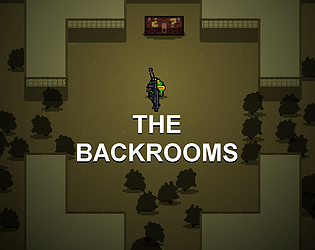
Endless map, endless waves. How long can you survive?
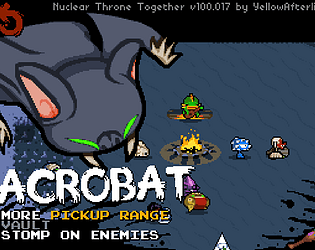
An agile new character for Nuclear Throne Together
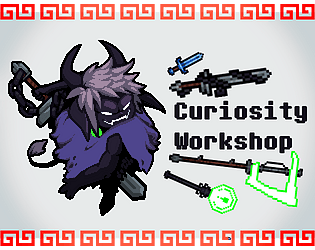
Curious weapons and characters for NTT!
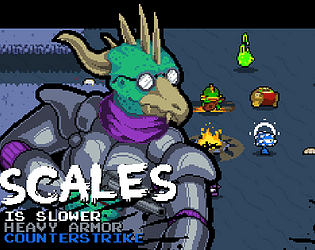
A true tank of a custom NTT character!