Indie game storeFree gamesFun gamesHorror games
Game developmentAssetsComics
SalesBundles
Jobs
TagsGame Engines

Domasis

3
Posts
3
Topics
1
Followers
A member registered Aug 28, 2024 · View creator page →

Creator of

Recent community posts

We've made interaction systems, we've made a puzzle system (that will be getting overhauled), and now, we need to put all of this together to create one cohesive dungeon, Gorramund's Trial of the Earth Aether.
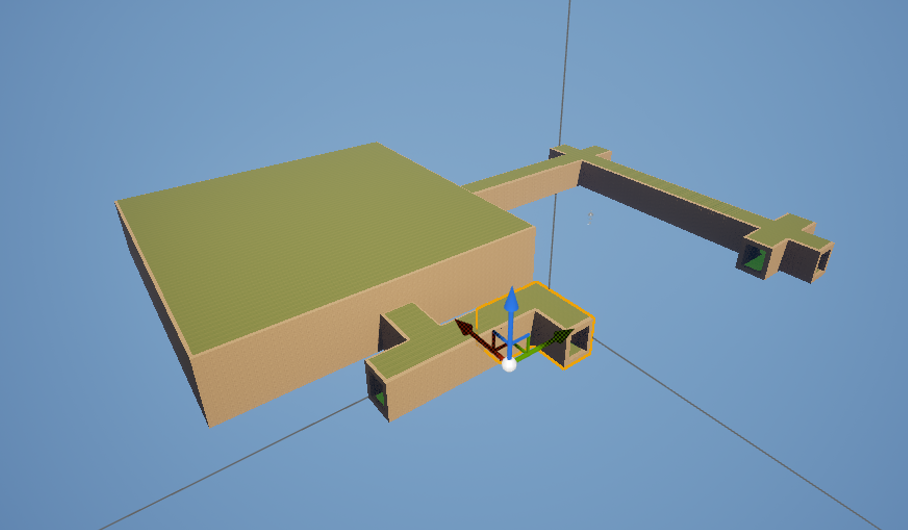
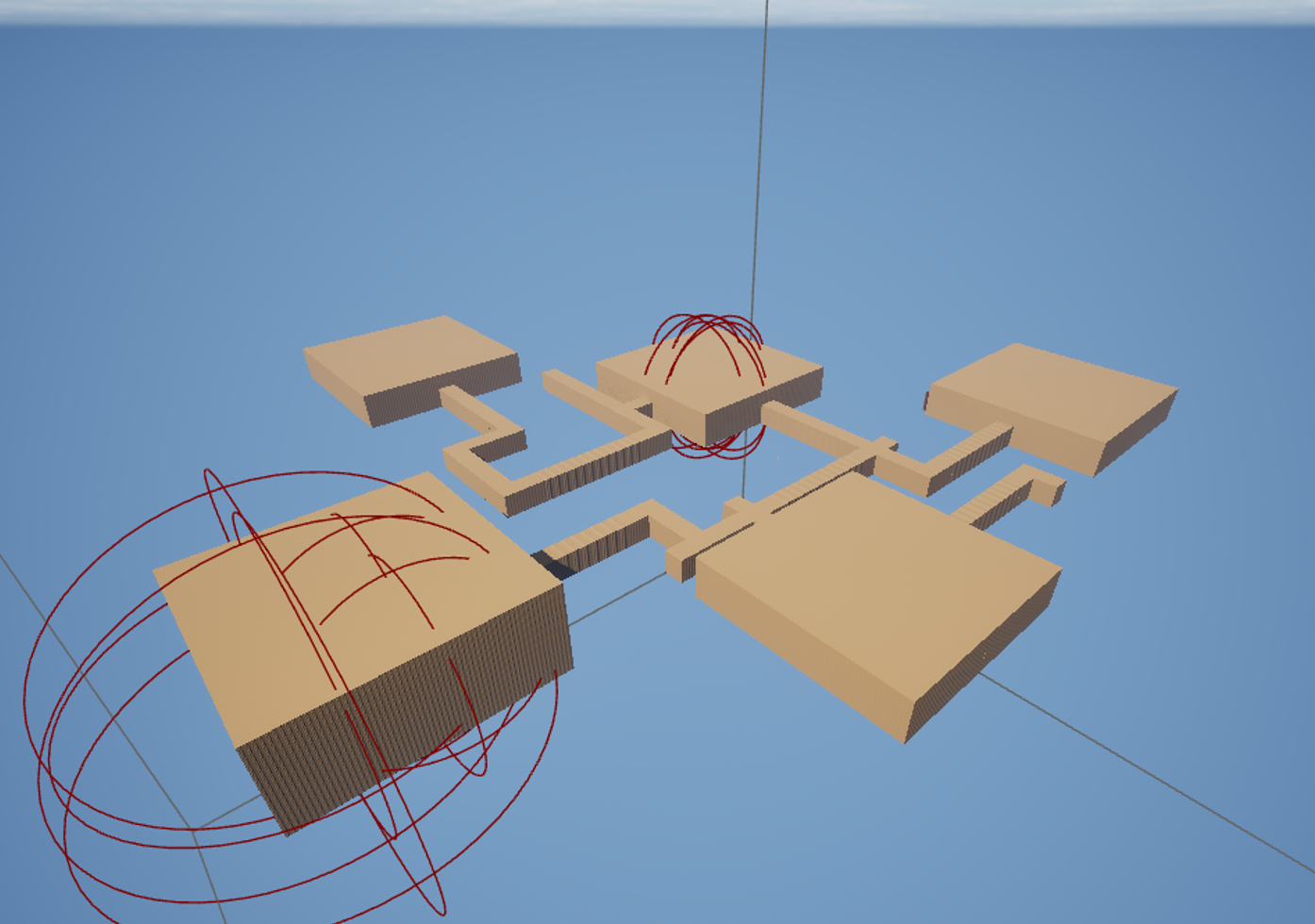
Early construction of the Earth Aether Trial

Here's what it looked like while I was building the map out!
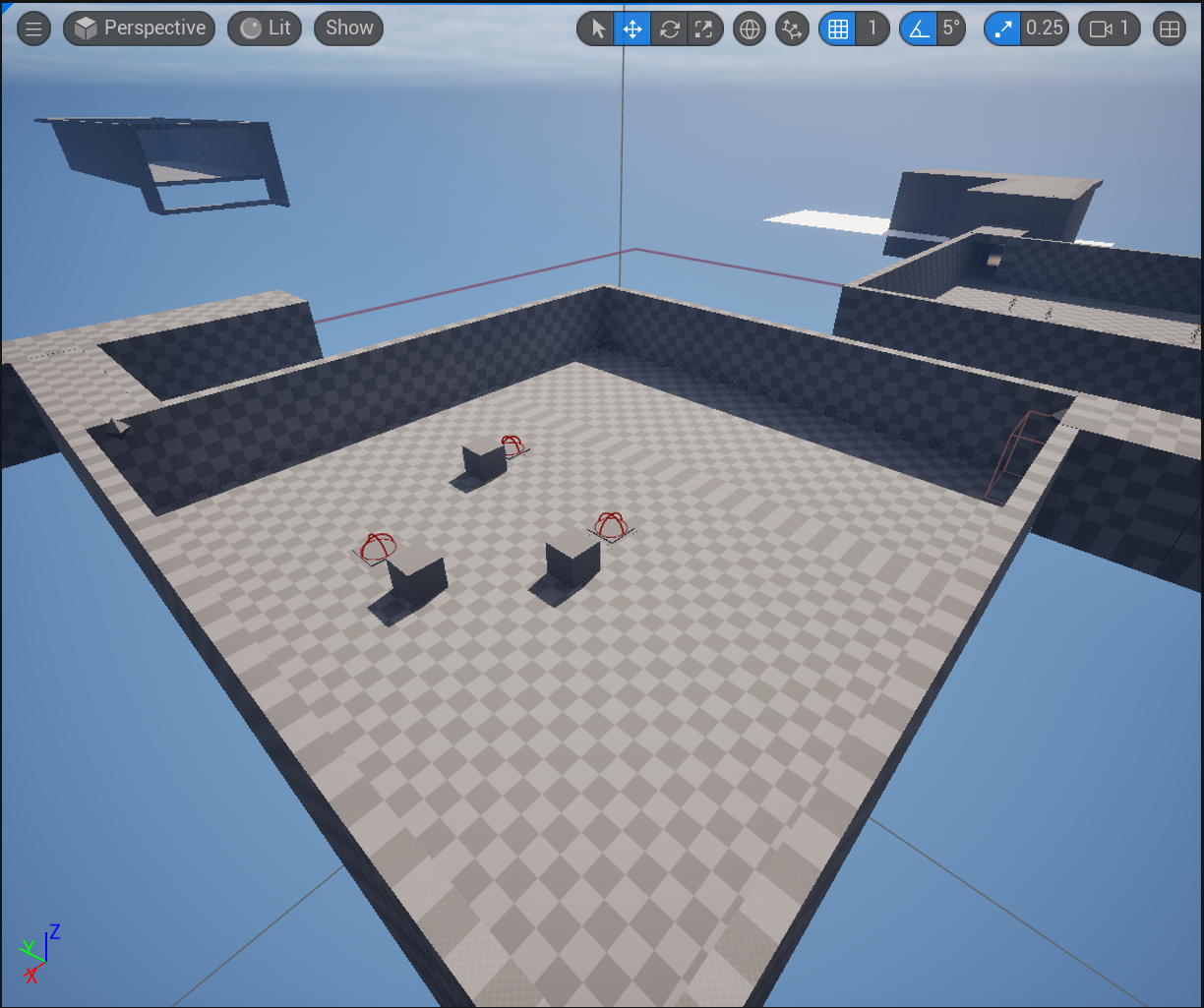
Completed Earth Aether Trial
Here's the completed level!

Dungeons are a complex set of moving parts, all designed with one central goal in mind, traverse a series of dangerous rooms and corridors, complete the puzzles and challenges, and proceed to claim your prize. While this trial is not the final version, it does include some elements that will persist in the final version.


Puzzle Rooms:

These puzzle rooms involve a challenge of the mind. When you enter, doors will seal behind you (see my previous article on the Puzzle System) for more information. Upon clearing the Puzzle, you will not only regain freedom, but you'll also unlock partial progress towards the Final Trial, where Gorramund lies in wait. These are all interconnected using my Puzzle Solver system. One Puzzle solver sits at the doorway, turning the entire dungeon into a massive puzzle. This lets me gate player progression to actually completing the aspects of the trial, rather than cheesing their way through it. Clear all three Trial rooms, and the path to Gorramund is laid bare.
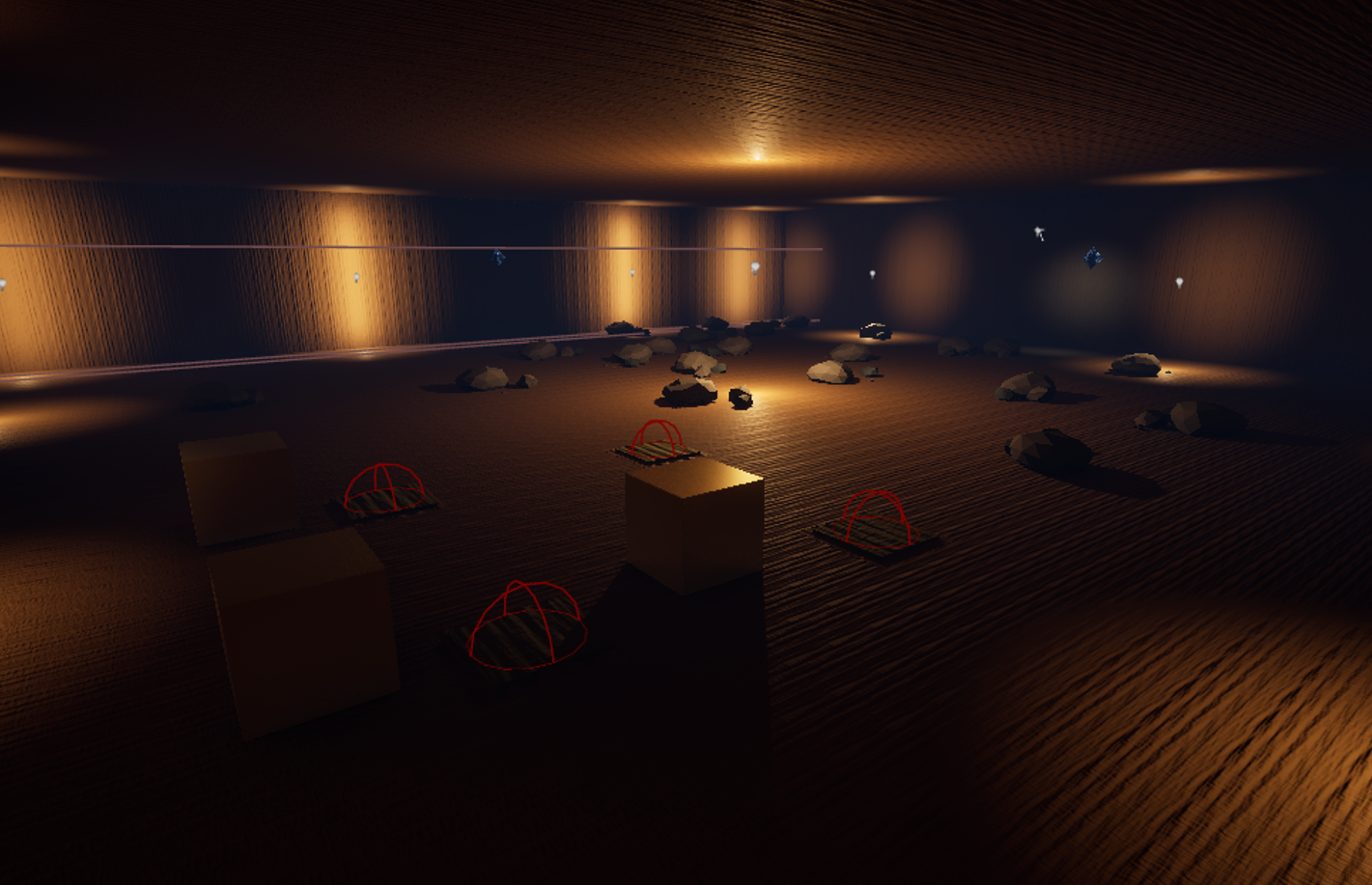
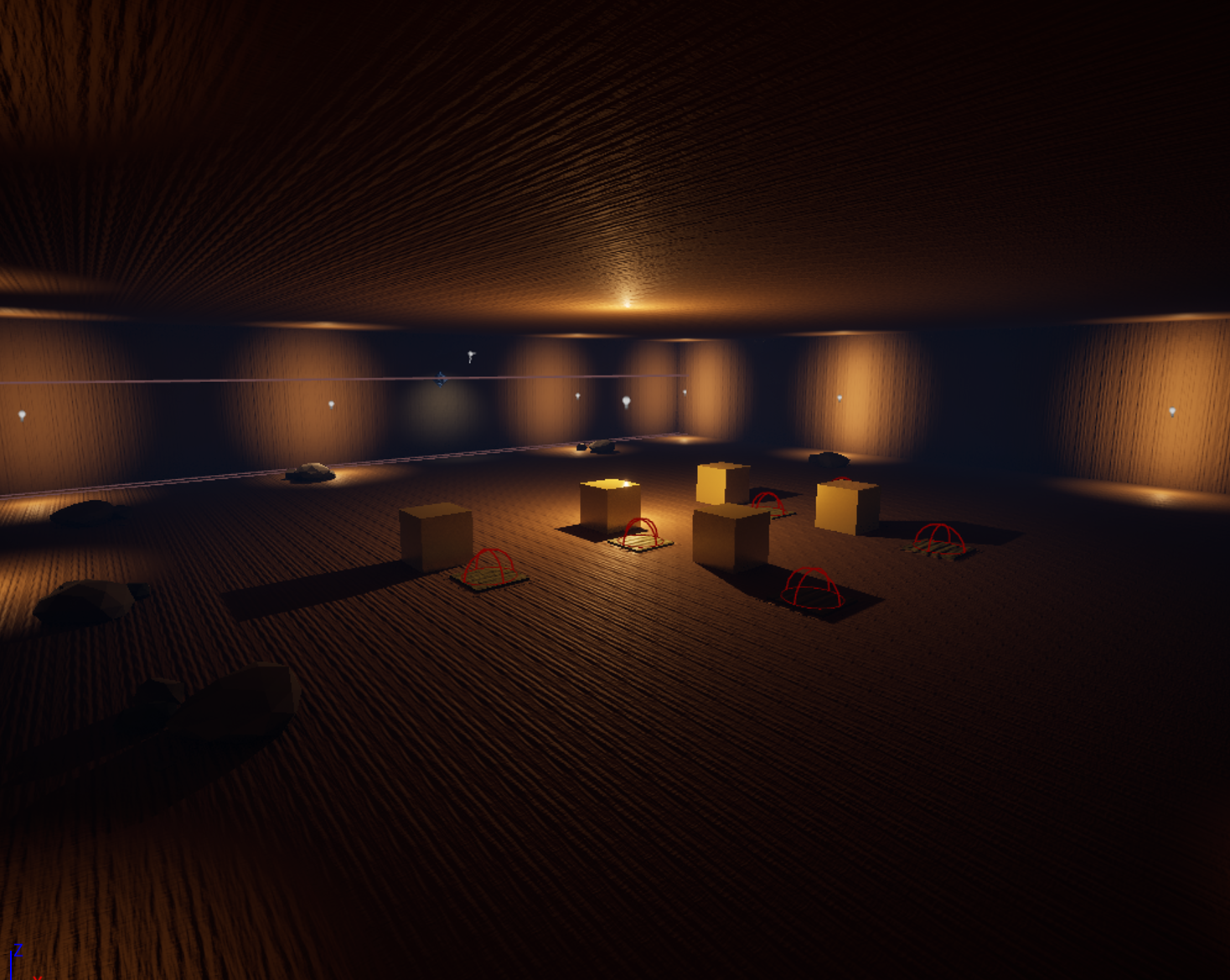
The first puzzle room.
The second, slightly more involved puzzle. It's still using the basic puzzle system from before, but will be expanded soon!

The problem with these puzzles however, is that the underlying system is still rudimentary, and thus, requires me to keep extremely careful tabs on what I assign, and where. If I accidentally forget to assign part of the puzzle to the solution set in the solver, the whole puzzle becomes insolvent. In the next update for puzzles, they'll be migrated to Unreal's Gameplay Ability system, allowing for extremely tight control of puzzles, and making them easier to execute on an asynchronous basis.


Enemy Survival Trials:
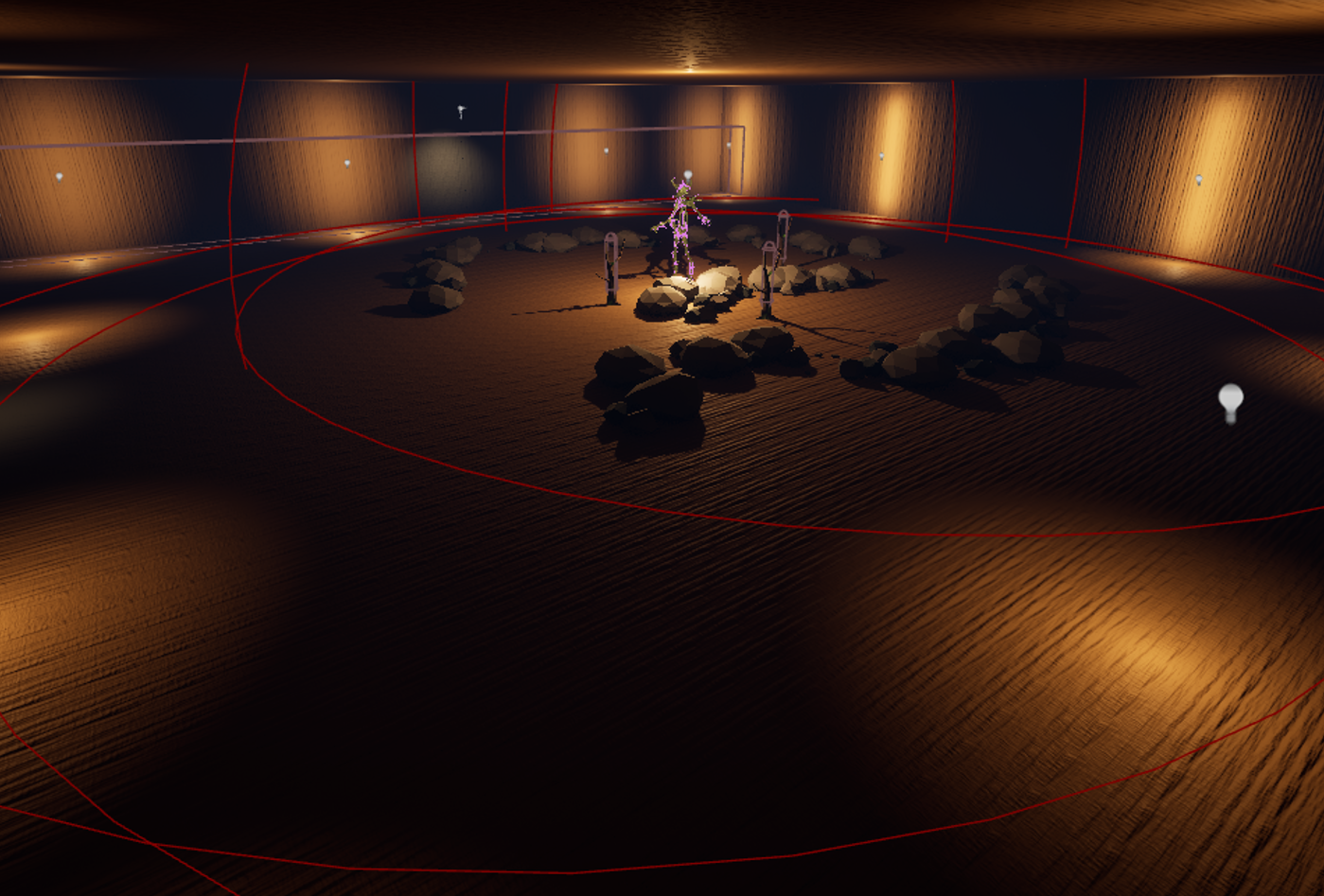

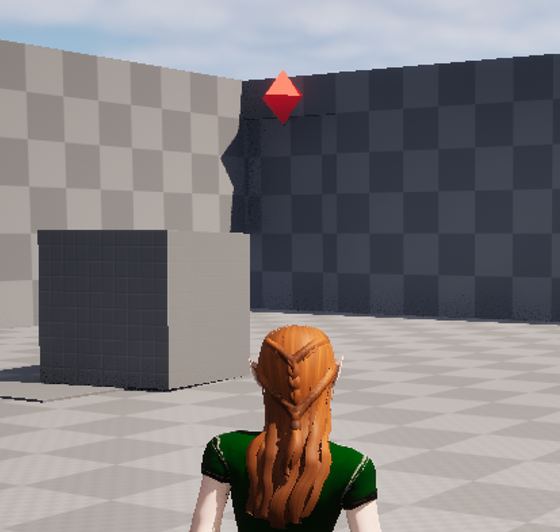
A survival trial is currently denoted by these dark Spriggan statues, which seal the doorways upon entering. Once sealed, you must survive for a fixed amount of time, after which the doors open. The spawners spawn limited amounts of enemies (courtesy of Jesse's absolutely amazing implementation), and then self destruct once the trial ends by way of my trigger system.


As you can see, the interaction and trigger systems from before have conveniently woven themselves into everything that could need to be notified by one method or another, allowing us to quickly build and iterate on levels!
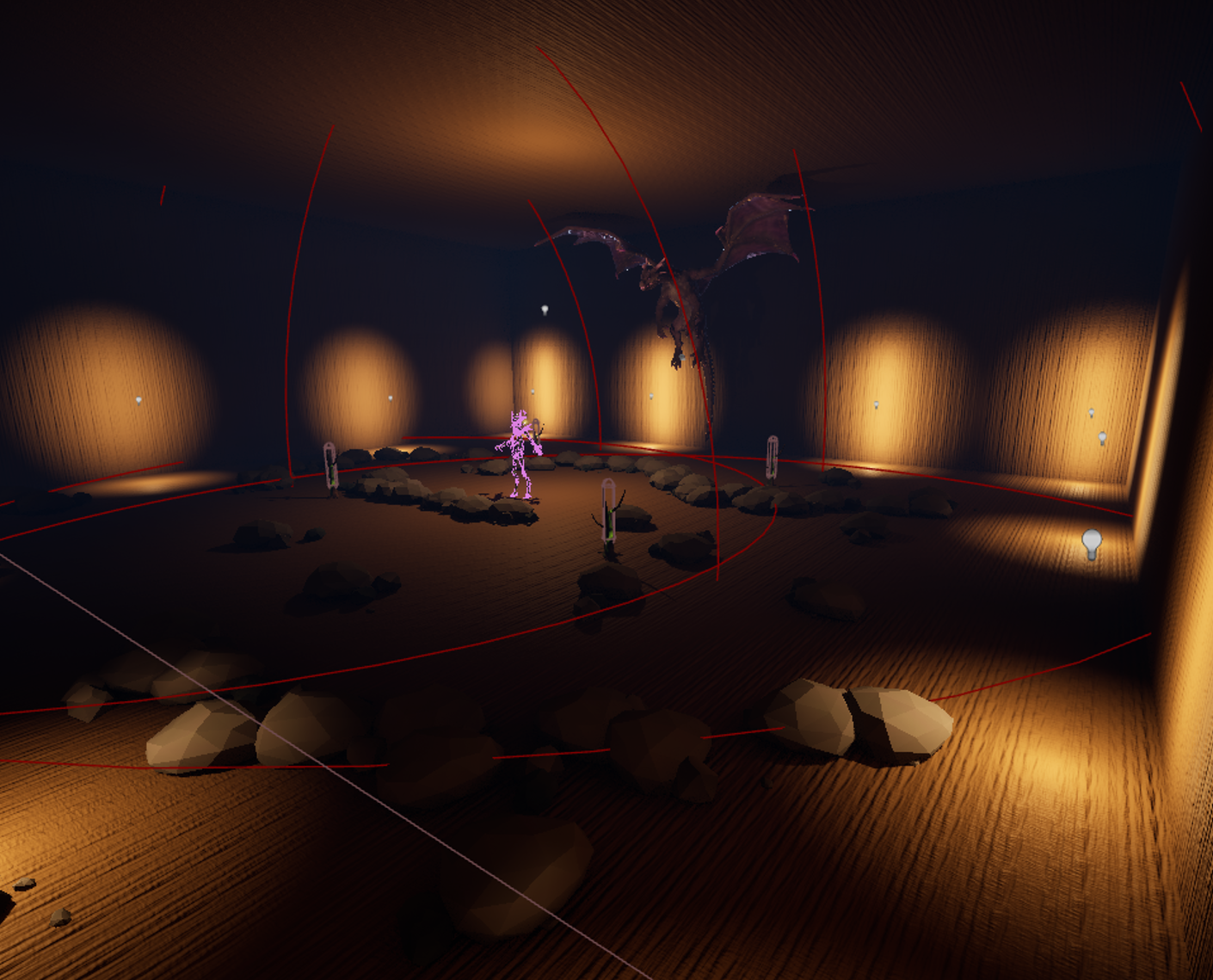
Gorramund's Trial area, equipped with a Spriggan Gate!

That concludes this analysis on the dungeons, and I hope you'll look forward to Puzzles 2: Electric Boogaloo, when I update the puzzle system to use GAS, and make some genuinely cool puzzles!
(1 edit)

Puzzles are harder to make than they are to solve. It's not only a necessary truth of the world, but one I needed to come to grips with in order to create the groundwork for the puzzle system inside of Ryssa Through Time. When I decided that I was going to be the one to work on the puzzles in the world, and find ways to seamlessly integrate it with the world around Ryssa, I didn't yet realize what task was laid before me. In games, puzzles are a complex series of moving parts, all interconnected and woven together in such a way as to challenge the player, but not produce impossible or unwinnable game states.

So how do you do it? Write a puzzle that challenges the player, and yet isn't so difficult as to drive them away from the game entirely? Well, the answer lies in how the underlying puzzle system works. If you'll recall from my previous article on Interactions, everything is an interaction, and necessitates altering the game state around the player.  The puzzle system is a natural extension of the interaction system, but comes with a handy tool, a Trigger Component system.


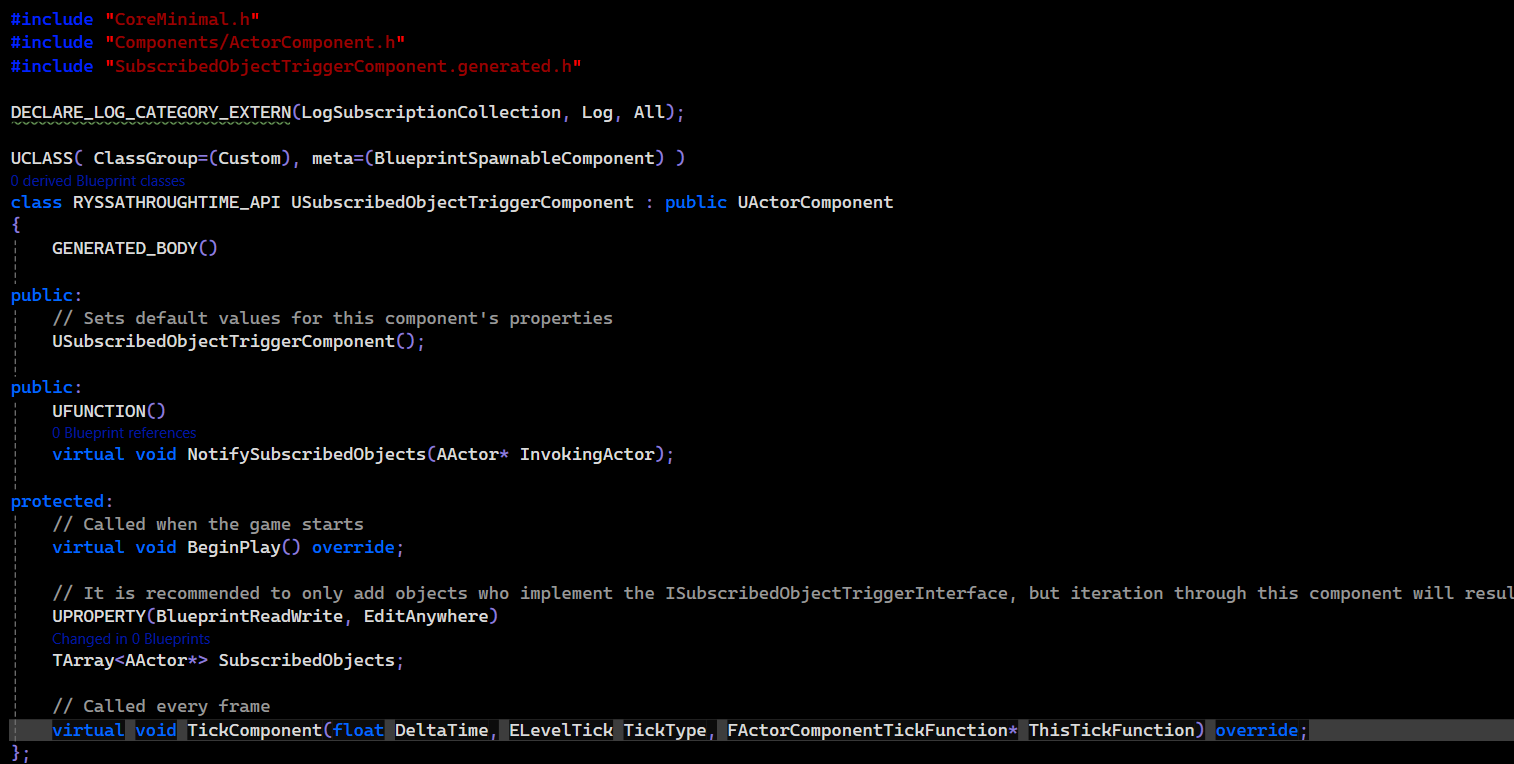
This is the entirety of the trigger component. A single component that keeps track of what objects it should notify when triggered.

This trigger component is attached to any object that needs to notify other actors to do something.  "But wait, isn't that what interfaces are for?" - I hear you ask. You are correct! Interfaces are exactly the kind of notification that we need for our triggered objects, to ensure only those that care about the trigger are the ones who are notified. The chain works a little something like this:

1. We make a class that includes one of these "USubscribedObjectTriggerComponents" on it. This component is incredibly simple, only keeping a simple array (think of it as a list) of other actors (gameplay objects) in the level. I can drag and drop to add any actor that's been placed in the level into this array, which allows me to keep a strong reference to them. 


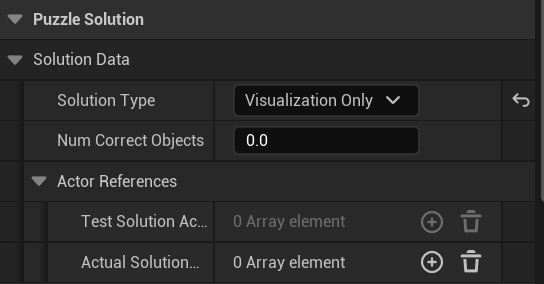
You can see what this array looks like on my puzzle solver here!

2. Whenever the criteria I decide is met, I call NotifySubscribedObjects from the trigger component, which notifies every actor in the subscribed list of actors. To ensure the right ones are notified, they must inherit from the ISubscribedObjectTriggerInterface. Interfaces, if you recall, feature a contract of functionality that all classes that implement them MUST implement. In this case, the interface is incredibly simple, containing just one function, React To Trigger. This reaction function serves as a wrapper (not unlike one on a burger), that wraps up all the necessary functionality together. It doesn't matter what the subscribed object needs to do, so long as they define it in React To Trigger.


Haven't solved the puzzle yet, so the light flashes red to let you know.
 

So, how does this all factor into my puzzle system? Well, I keep a handy object, the Puzzle Solution Checker, which keeps references to a few different things:

  1. A list of test solution actors. This is what gets populated when the player is trying to solve the puzzle.
  2. A list of actual solution actors. This is what will get cross-referenced when the player is solving the puzzle.
    • If they are correct, the symbols above each door will light up green, and any required functionality is triggered by the third array, an array of subscribed objects.
    • If they are incorrect, the symbols above each door will flash red, letting you know that you're not at the solution yet.

Test puzzle to make sure the overall system is working!

This is a pretty elegant solution, and covers most use cases of a puzzle system. Of course, this is merely a prototype, and I will be shaping this up far more later. For now, look forward to expanded puzzles in Ryssa Through Time!  - Yoander

EDIT: For some reason the post didn't include my images? So I'm including them here once again.

(4 edits)

We've all been there before: most games have you interacting with the world in some way, whether that's pickups, buttons in the world, or some critical overlay that you have to interface with to get something done. Interactions can be as simple as pressing E to pick something up, or can be a carefully chorded series of button presses, timed perfectly to ensure success. With the near infinite number of ways there are for developers to interact with the world around them, how do you choose the best way to handle them?


Before we begin this dive into interactions, it's best to narrow the definition of interaction to something a little more specific. For the purposes of this deep dive, an interaction is any game action that results in an immediate change in your environment. This eliminates certain actions like attacking and moving/jumping, but still leaves us with plenty to talk about.

In Ryssa Through Time, we needed an interaction system that was both simple to use, but allowed for an incredibly deep system of interactions. But how do you create a system that is both simple *and* deep? With the use of Actor Components!


For the uninitiated: an Actor Component is a reusable component that can be attached to Actors to extend their functionality. Like interfaces, they can come with functionality that is meant to be extended by derived or inherited classes, but unlike interfaces, they can contain other components of their own.

For our interaction system, I decided on a two-component system: A component for receiving interaction requests, and another for detecting and notifying these interaction components.


The first, our InteractionComponent, comes with three delegates that can be bound to the object:

OnBeginInteraction: Useful to bind to any functions that need to happen the moment an interaction button is pressed.


OnHoldInteraction: Useful for binding to any functions that require their functionality to continue while being held. Great for charge systems, as well as grabbing and holding objects while you move around.


OnEndInteraction: Useful for binding to any functions that need to happen when the interaction button is released. Most functions generally need one of the first two delegates, but it's important to leave that third option there as necessary, because for certain interactions, they may need to only occur when you're done holding the interaction button

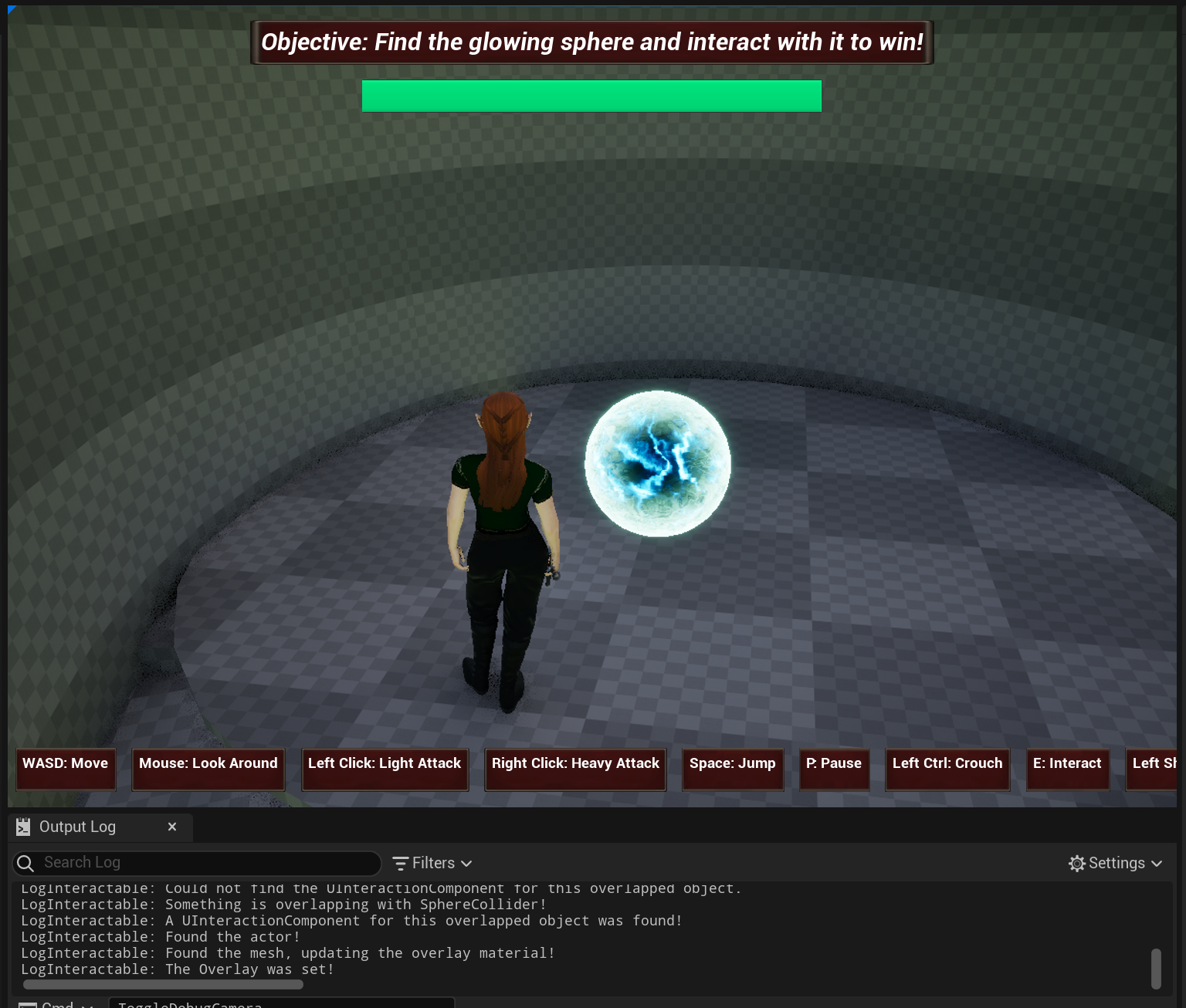
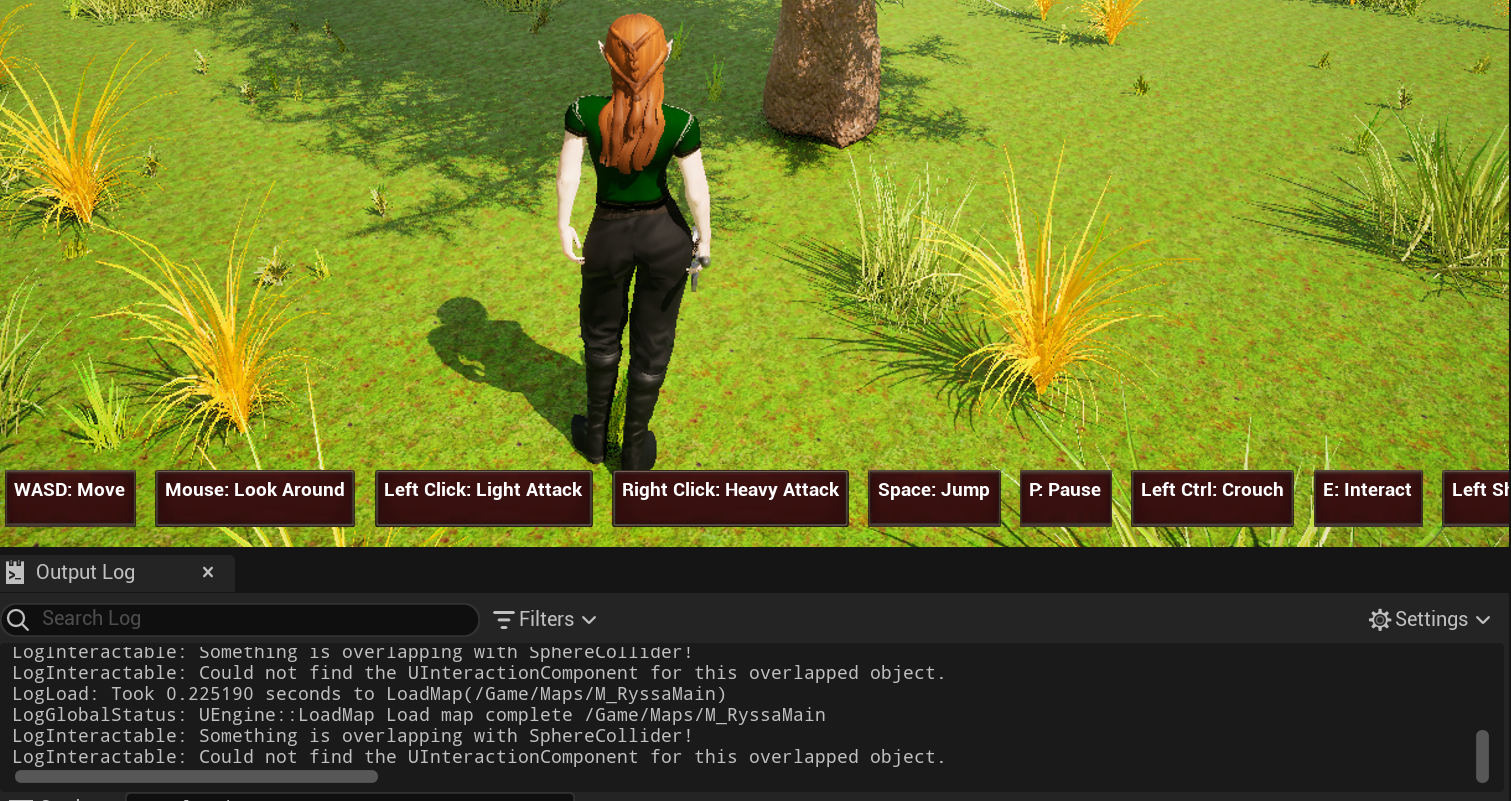
Ryssa's Interaction Trigger Component detecting the Interactable Component in this lightning relic. When it's not detecting something an overlay component, it'll notify you in the console log.

Let's take a good example of how we can use this interaction:


Say we have a lever that powers a generator, and that lever needs to be held for 3 seconds, and regresses its progress when it's not being held. When we press the interaction button, OnHeldInteraction causes us to pull the lever down and begin charging the generator. When we release the interaction button, we can set a delay that calls a function to start regressing the generator's progress.


Rather than make a custom lever and generator duo, we attach a interaction component onto the lever, which has our generator registered, and our player, who has an InteractiveTriggerComponent, can selectively detect the lever, and start the interaction with less coupling! The InteractiveTriggerComponent is equally simple, it's a special sphere collider with an Interact function, designed to ignore and be ignored by anything that isn't interactable. Best part? If we needed more players in Ryssa's world, we can just give each their own TriggerComponent, and it's off to the races!


If the collider is set to detect everything, it also will handily check to make sure the overlapping object has the interactable component on it. Otherwise, no interactions!


I hope you all have enjoyed this deep dive into how I handled the interaction system in Ryssa. Look forward to how we come up with creative ways to make cool interactions for you all to play with. And most of all, rock on.


-Yoander