To dobre pytanie; chyba muszę sprawdzić zakładkę „Odkrywaj”.
Diguifi Studios
Creator of
Recent community posts
Thank you so much! I’m eager to play your tribute #2! The fix was actually super simple, there were 2 places in the code doing the same thing. Both were checking if the room transition had finished, and sometimes one would fire a “finish” method at the wrong time. So I just removed one of them.
That’s awesome, thank you so much. We’ve been trying to get TRS on that list for a while now but I guess itch admins don’t check for new engines or something, because we just get ignored everytime. I actually mentioned this in another thread.
Jeszcze tego nie zrobiliśmy – przepraszamy – ponieważ obecnie skupiamy się na poprawkach i innych ważnych funkcjach po trzecim game jamie. Postaramy się jednak dodać tę paletę tak szybko, jak to możliwe!
A tak przy okazji, w dowód wdzięczności za Wasze wsparcie, opinie i udział w game jamach, dodałem obsługę języka polskiego na Waszą cześć 😉

Thank you so much for taking the time to write all of this and for putting together the videos! Bug reports and feedback like these are incredibly helpful.
Regarding the statistics menu, I believe I’ve fixed all of the issues you mentioned (hopefully xD). I’ve tested the most common scenarios, but there may still be edge cases I haven’t covered yet, so please let me know if you spot anything else.
The mouse issue with the in-game controls on the main menu has also been fixed.
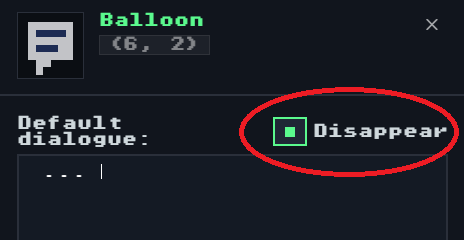
As for the tile editing behavior when there’s already an NPC or item on top of the tile, that’s actually how the engine currently works. TRS always prioritizes selecting sprites over tiles. I do think I can improve that behavior so that, when you already have a tile selected, it prioritizes painting the tile instead. I just haven’t implemented that yet.
The new Logic tab is something I’m also really excited about. I actually made a small tutorial while playing the jam entries on stream, and I plan to create a series of short tutorial videos covering features like that. I’m even considering creating an official TRS YouTube channel dedicated entirely to tutorials and engine updates.
The suggestion about showing how many hits a sword has left is excellent. In fact, I liked it so much that I’ve already implemented it! Swords now have a visible health bar, just like enemies, making it much easier to know when they’re about to break.
The remaining suggestions (renaming enemies, NPC item exchanges, manually controlling the orange “!” indicator, instant game over choices, skill restrictions, etc.) are all on our radar, and we’re discussing the best way to implement them without making the editor unnecessarily complicated or even if some should really be implemented.
Regarding the music warning, that’s a very good point. However, I think it’s ultimately the responsibility of each game creator to make sure they have the rights to use the music they include. Trying to detect or prevent copyrighted music inside the engine would be an extremely difficult problem to solve reliably, so for now I’ll leave that responsibility with the developers.
Thanks again for all the feedback and for participating in the jam. Reports and suggestions like these are what help TRS continue to improve!
Thanks for taking the time to write all of this! I really appreciate the detailed feedback, and thanks again for participating in the jam and watching the stream.
Regarding the voting, I actually think it’s valuable even if not everyone rates every game. More ratings always help create a broader picture of how the community felt about the entries, even if some scores end up being similar or if the total number of votes isn’t huge. Every opinion adds something, so I’d definitely encourage everyone to keep voting.
About removing the Open in Editor button: I completely understand why you’d want that option, and I think it makes sense to let developers decide. I’ll add an option in the editor to hide that button when exporting a game.
That said, I just want to clarify one thing regarding asset or game theft. Unfortunately, hiding the editor doesn’t really prevent it. Since TRS games run entirely in the browser, anyone determined enough can still download the assets or even recreate the entire game structure and upload it somewhere else. That’s an inherent limitation of web games in general, not something specific to TRS. So having or not having the “Open in Editor” button doesn’t really change that reality.
On the other hand, your comment reminded me of something I’ve been wanting to add for a while: an Asset Export/Import feature. That way creators can easily reuse their own sprites, tiles, portraits, etc. across multiple projects instead of having to redraw all their pixel art every time they start a new game.
Regarding the boss situation, I understand your point, but there’s another issue with just leaving it as is. If the boss disappears while its trigger hasn’t been activated yet, reviving doesn’t really make sense because the player is forced to restart anyway. So I’ll make a small adjustment, but instead of automatically activating the trigger when you die, the boss simply won’t disappear after defeating the player. That way, if you revive, you’ll have one more chance to defeat it, and if you don’t have a resurrection available, the experience remains essentially the same.
I’m also glad you enjoyed the BGM support, the tutorials, and the stream! And yes, André is Brazilian like myself, but makes most of his videos in Portuguese. I just tend to use English more often I think, but I believe he’d be happy to join me in a video fully in english.
Finally, thank you once again for joining the Tiny RPG Jam, for the thoughtful feedback, and for watching the video. Feedback like yours really helps shape the engine. Stay tuned—there are plenty more updates and features coming soon!
You can check the publishing tutorial!
Basically:
1 - Go to “share” menu and click export
2 - Rename the downloaded file to index.html and zip it
3 - Upload to itch and select the kind of project as HTML
4 - upload your zipped file and click in “Played in the browser”
Hi, thank you so much!
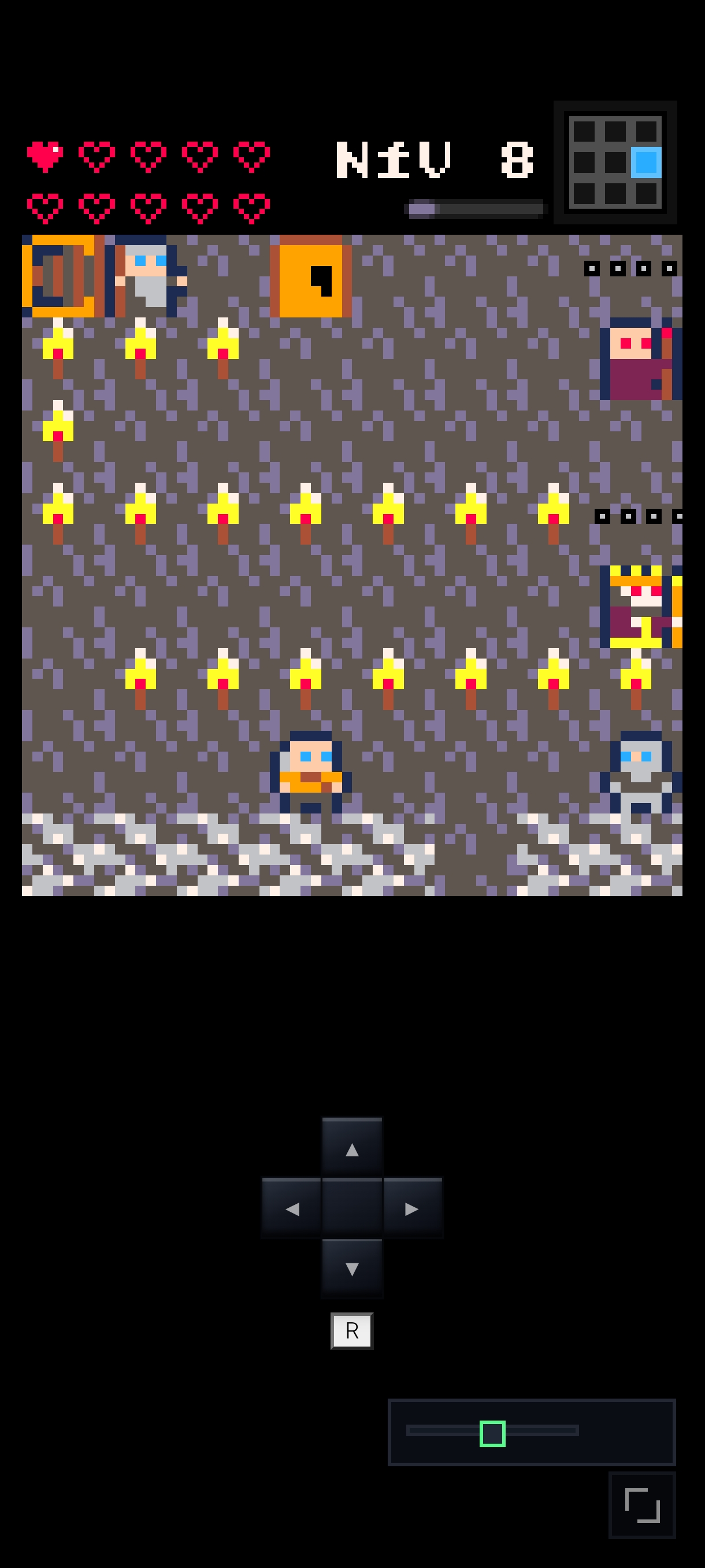
- That brown thing is actually a sign. From the pixel art alone is kinda hard to tell xD, thankfully, you can edit every sprite of the game. To enter the cave you must actually go this way:

- Basically if you approach an enemy and touch it, means you hit first and they lose a square, if enemies touch you first, you lose health first.
From that contact, a turn based real time combat begins: the squares are the health of the enemy and also how many times it can hit you before dying.
and thats basically it.
if you wanna go further:
- enemies health is also how powerful they are (how much they’ll damage you per turn), and that’s:
>their life/3- so enemies with 1, 2 or 3 health will deal 1 damage per turn
- enemies with 4, 5 or 6 health will deal 2 damage per turn
- and enemies with 7, 8 damage will deal 3 damage per turn
- finally: you can hit an enemy from the back, skipping their next turn (which instantly kills rats, cause they only have 1 turn). To do it, just look the way they’re moving, and hit them from the oposite side.
Final tip: click “open studio” to mess around with the tutorial inside TRS editor! Have fun!