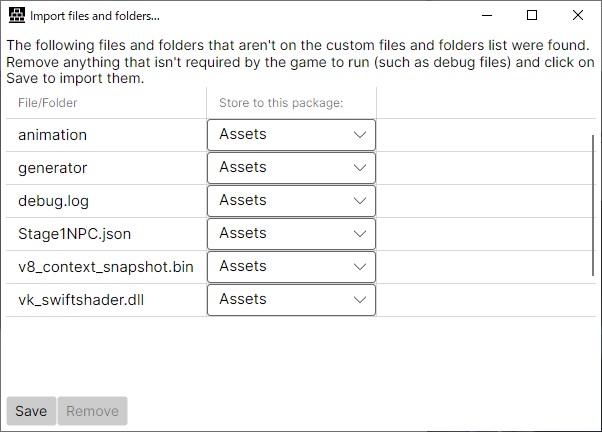
I tried launching the latest version, but instead of an error, the loading icon just kept spinning and wouldn't progress. Should I press F12 in this state and provide information??
A member registered Jul 24, 2024 · View creator page →
Recent community posts
RPG Maker Cook Tool Deluxe community » Tech Support » Troubleshooting · Replied to AceOfAces in Bug, Animation Error
RPG Maker Cook Tool Deluxe community » Tech Support » Troubleshooting · Replied to AceOfAces in Bug, Animation Error
RPG Maker Cook Tool Deluxe community » Tech Support » Troubleshooting · Created a new topic Bug, Animation Error
Hello, Ace.
I believe this issue is caused by a problem with the encryption process, so I’d like to ask for your assistance.
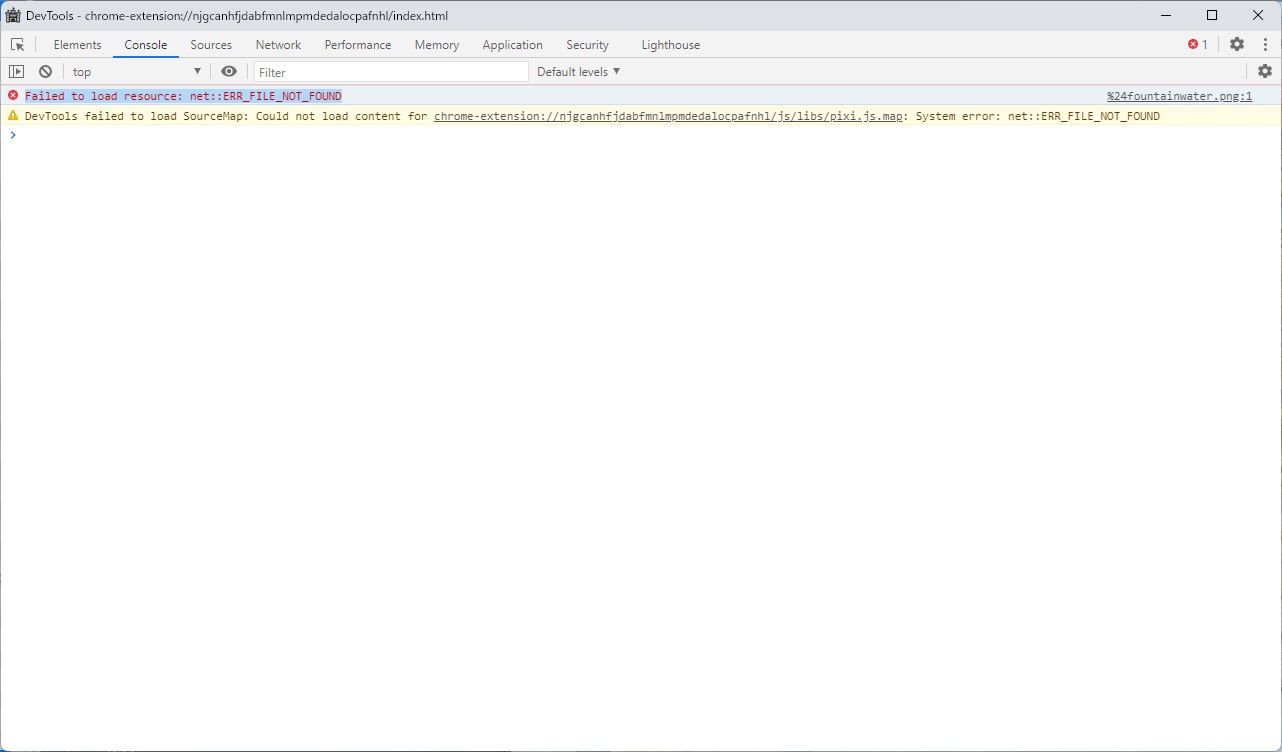
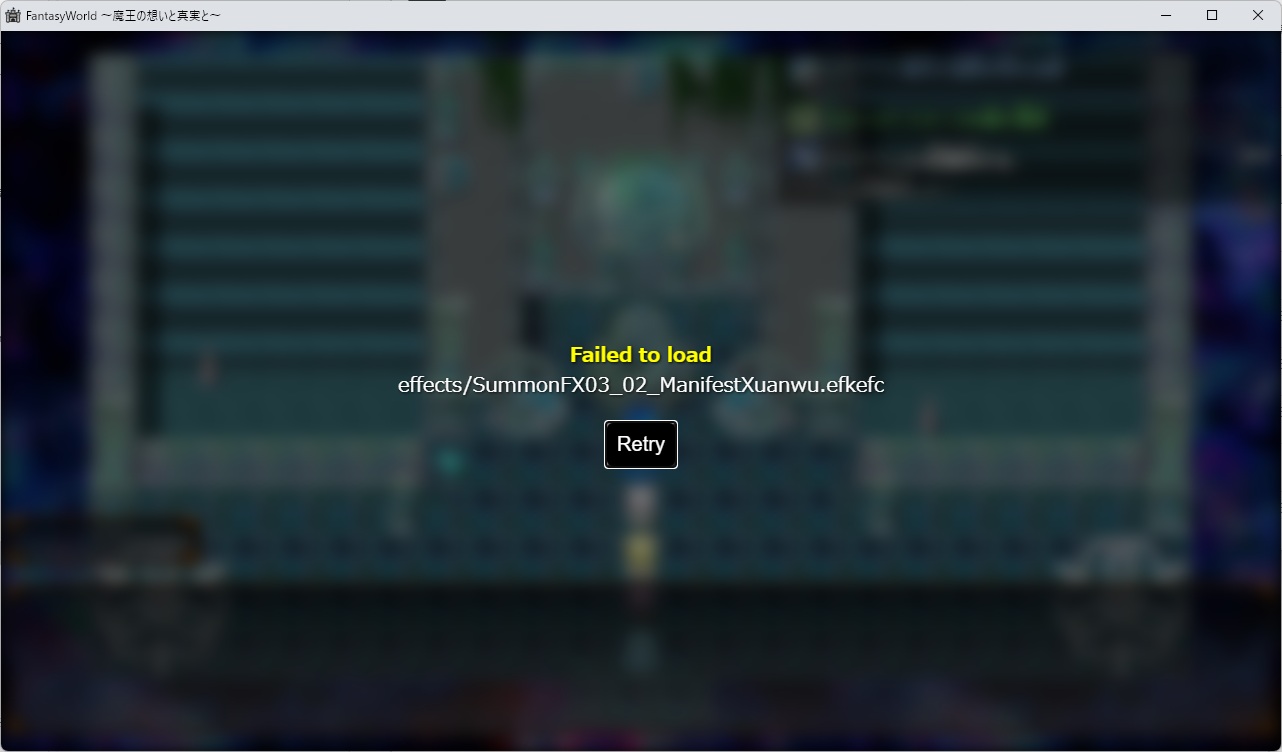
For some of the map tiles, I’m getting the following error.
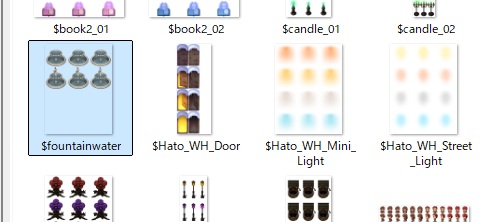
This error only appears after encryption. The affected assets are animated character tiles with a “$” in the filename.
Additionally, it seems that effects played on the map also trigger an error.
When encryption is not applied, or when the tool is not used, everything works correctly.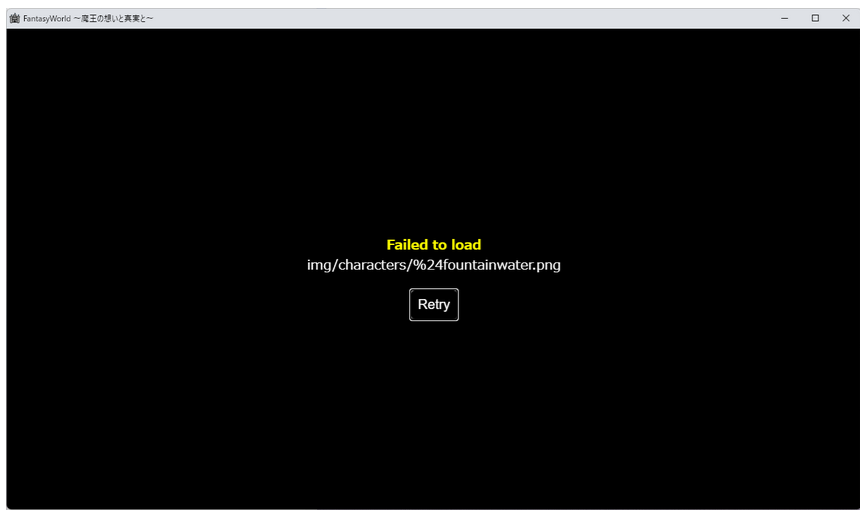
RPG Maker Cook Tool Deluxe community » General Discussion » Q&A · Replied to AceOfAces in Providing a password
RPG Maker Cook Tool Deluxe community » General Discussion » Q&A · Replied to AceOfAces in Providing a password
RPG Maker Cook Tool Deluxe community » General Discussion » Q&A · Replied to AceOfAces in Providing a password
RPG Maker Cook Tool Deluxe community » General Discussion » Q&A · Replied to AceOfAces in Providing a password
RPG Maker Cook Tool Deluxe community » Tech Support » Troubleshooting · Created a new topic The loading never finishes...
Hello Ace,
I’m using the latest version.
I waited more than 15 minutes for the encryption process, and then more than 10 minutes for the game to launch, but it never started...
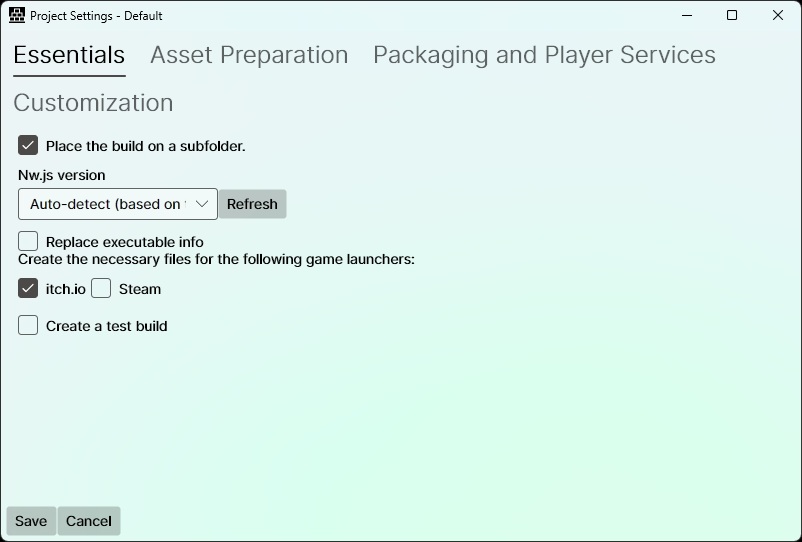
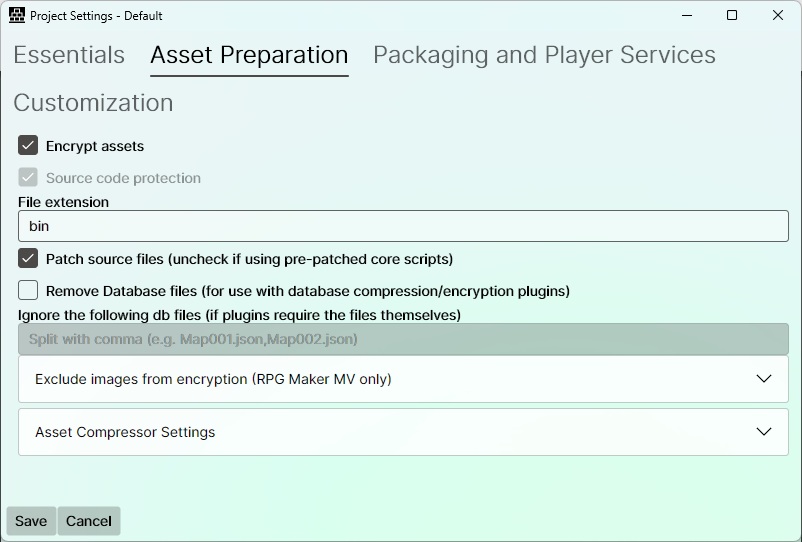
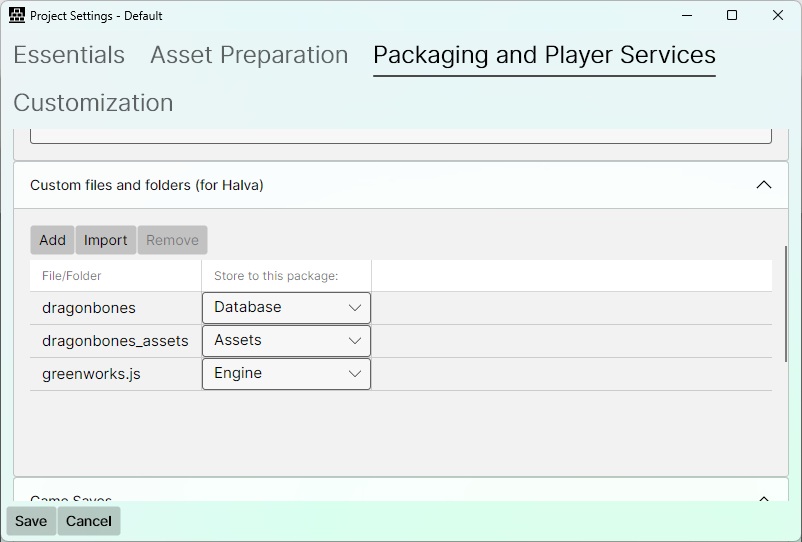
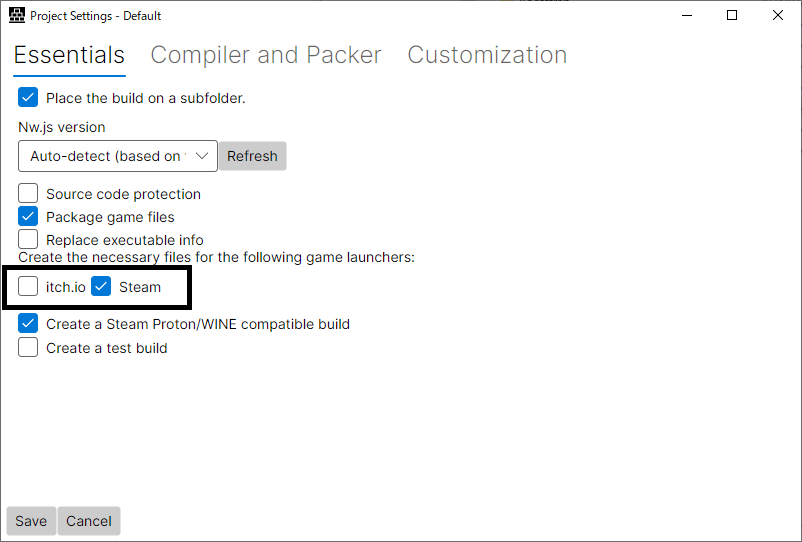
I plan to encrypt using both itch and Steam as usual, but if I have made any mistakes in the settings, please let me know.
I haven’t changed anything and am using the default settings.
Thank you very much.
Dice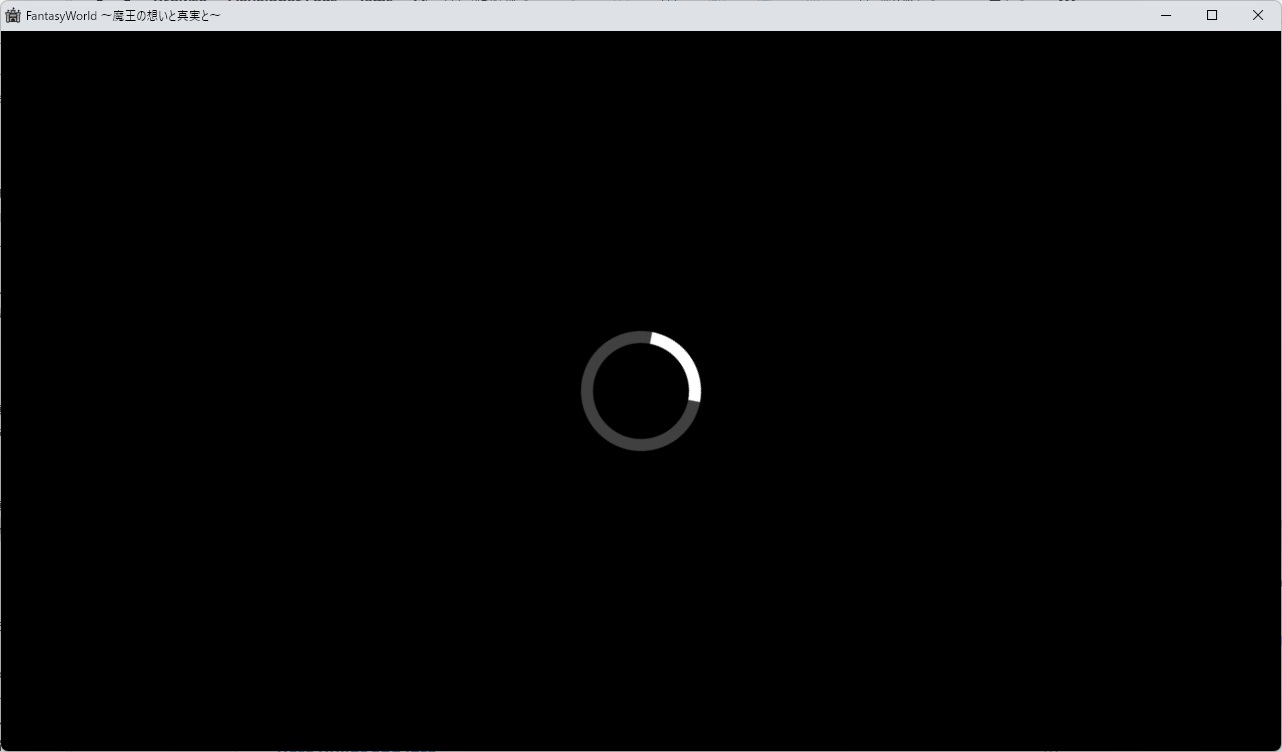
RPG Maker Cook Tool Deluxe community » General Discussion » Q&A · Created a new topic Providing a password

RPG Maker Cook Tool Deluxe community » Tech Support » Troubleshooting · Replied to AceOfAces in Save file Settings
RPG Maker Cook Tool Deluxe community » Tech Support » Troubleshooting · Created a new topic Save file Settings
Dear Plugin Creater.
Excuse me from Japan. My name is Dice.
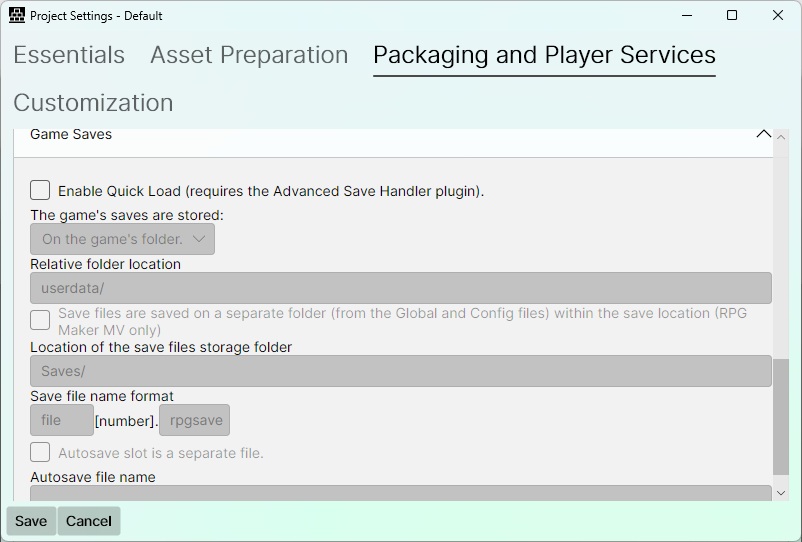
I successfully started the game, but I don't know how to configure the save folder.
The save file is usually located directly after the deployment.
However, it worked if it was a user folder function. For some reason, only the default function doesn't work.
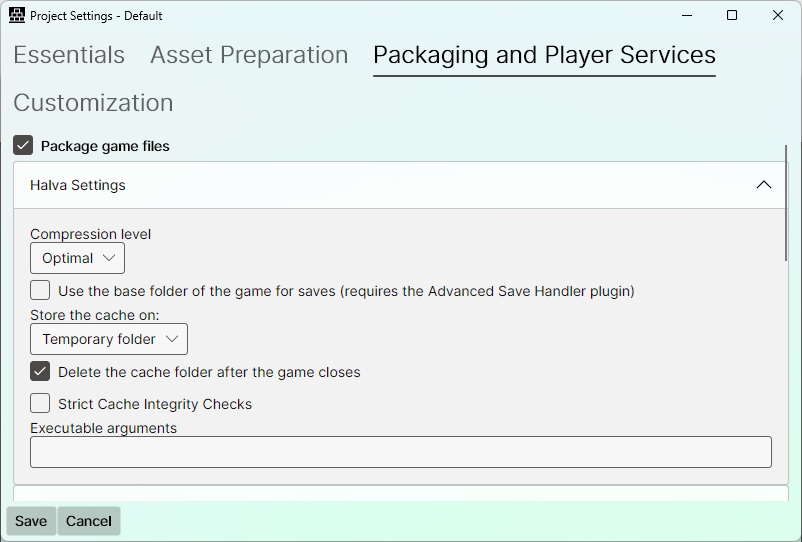
As you can see in the image, I am currently trying to create a save file by default, but it is not created automatically.
I may be using it incorrectly, so please help me.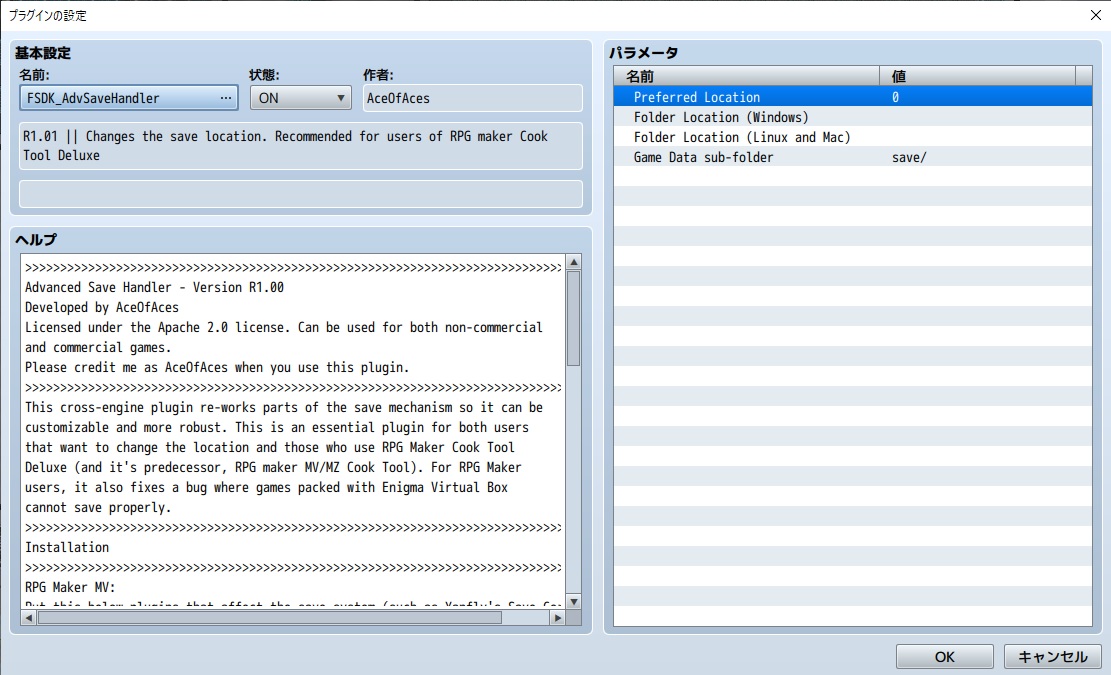
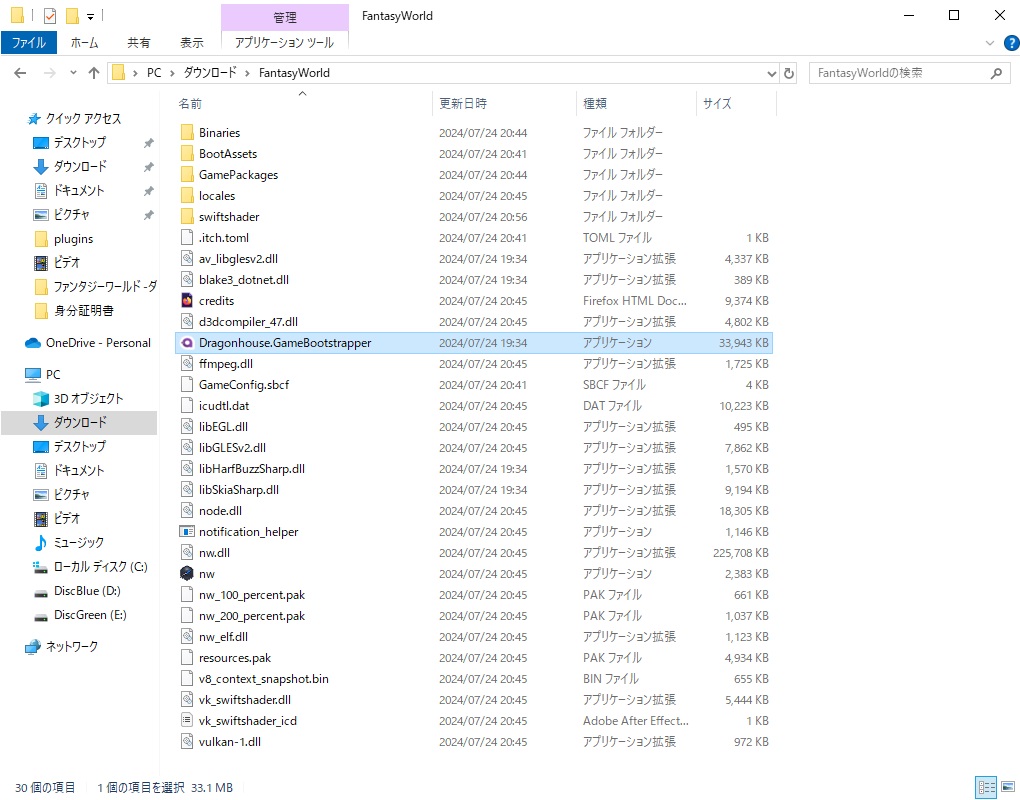
When using the Dragonhouse.RMCookToolDeluxe.GUI tool, it appears when you click Build, but what should I select? ? Even with all assets, operation has been confirmed in the user folder.