
Indie game storeFree gamesFun gamesHorror games
Game developmentAssetsComics
SalesBundles
Jobs
TagsGame Engines

Cyber Apps

14
Posts
2
Topics
28
Followers
4
Following
A member registered Jul 31, 2017 · View creator page →

Creator of

Recent community posts

 (This is NOT a hate comment)

I really like the concept and overall feel of the simulator. Here are a few constructive suggestions that I think would improve the user experience:

1. Board Panning / Dragging

In most node-based or logic/circuit simulators, panning the board is usually done with Left Mouse Button (LMB) or Middle Mouse Button (MMB) drag. Right-click dragging feels less natural and can conflict with other actions. Adding support for LMB or MMB panning (with an optional toggle) would be a big improvement.

2. Gate Placement Behavior

After selecting a gate from the toolbox and placing it, if I try to click-and-drag the newly placed gate to micro-adjust its position, it instead places another copy of the same gate. 

A good solution would be a toggle (in settings or via hotkey) to switch between "continuous placement" mode and "place once + select" mode. Or automatically switch to selection mode after placing a gate.

3. Quick Duplication Feature

It would be very convenient to quickly duplicate gates by holding a modifier key (like Shift or Ctrl) while click-dragging selected items. Instead of area selections, certain locations would be hard to area select for certain designs.

Example: Select one or more gates, hold Ctrl + click and drag to create a duplicate that follows the mouse. This would allow rapid successive duplications, which is much faster than copy/paste for building.

Cool project :D 
Doesn't seem to be blank, it still has Actors, Classes, Skills, items, Weapons, etc.

The file names are still present in Music section, which can cause issues, 

There is still Cursor sound files, etc


This is far from blank.

(1 edit)

Thanks for taking interest in the tool :) 

Could you explain what you mean?


There are a few ways to see the translated output from the program, there is the CLI (Command Console) Method, API Method, Web Browser and GUI version. Is there a specific one you want?

What's the difference between the Github version and this one on twitch?

Is there extra modules or more assets?

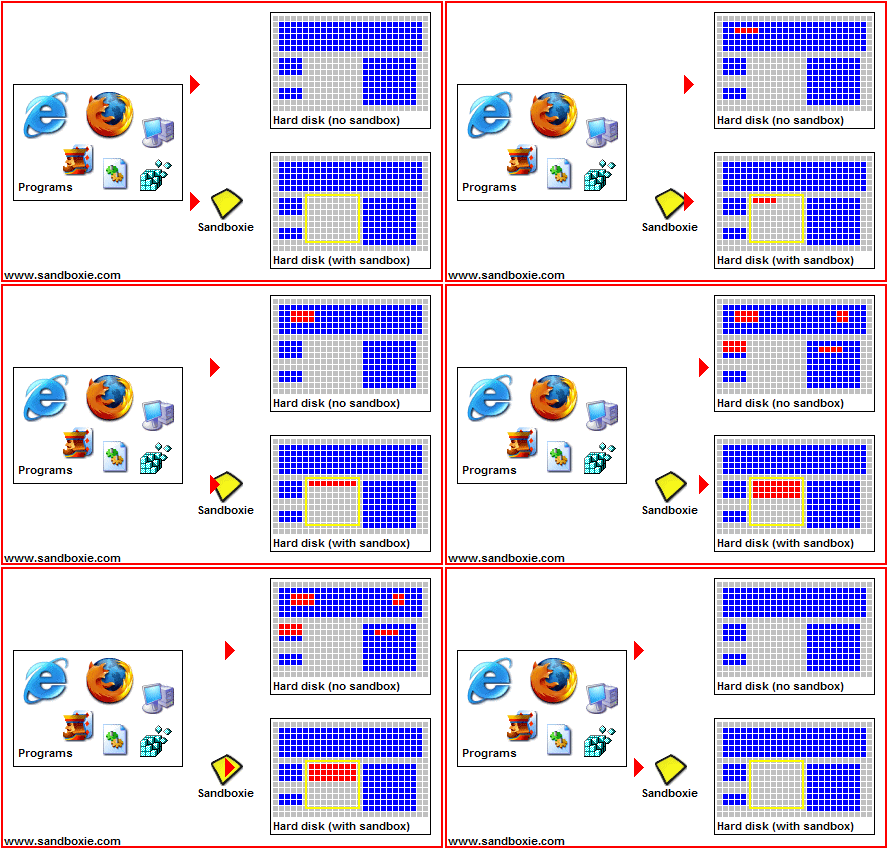
You could always use   https://sandboxie-plus.com/sandboxie/      

You can isolate data from program and different boxes, I use it for browsers and games that support it basically you can have finite versions of a save  files

I like the update! Thanks for making this amazing  software!

I've been using this to make personal Minecraft mods  objects, this tool been very helpful over the years. Keep up the amazing work Kenney 😀

what sin have you created

(2 edits)

When moving the canvas with WASD,  W and A work, but D doesn't work, and S is double Bound to Down + Right


I like the game :D

My only dislike is the pace is way to fast for the quickly moving left and right movements, you need to have rapid fingers to dodge the barriers, maybe adding a longer board to show more upcoming barriers and jumps. Takes away from enjoying the songs while trying to stay alive.

Not his problem,  schools can block programs as they see fit.

Just a false positive.

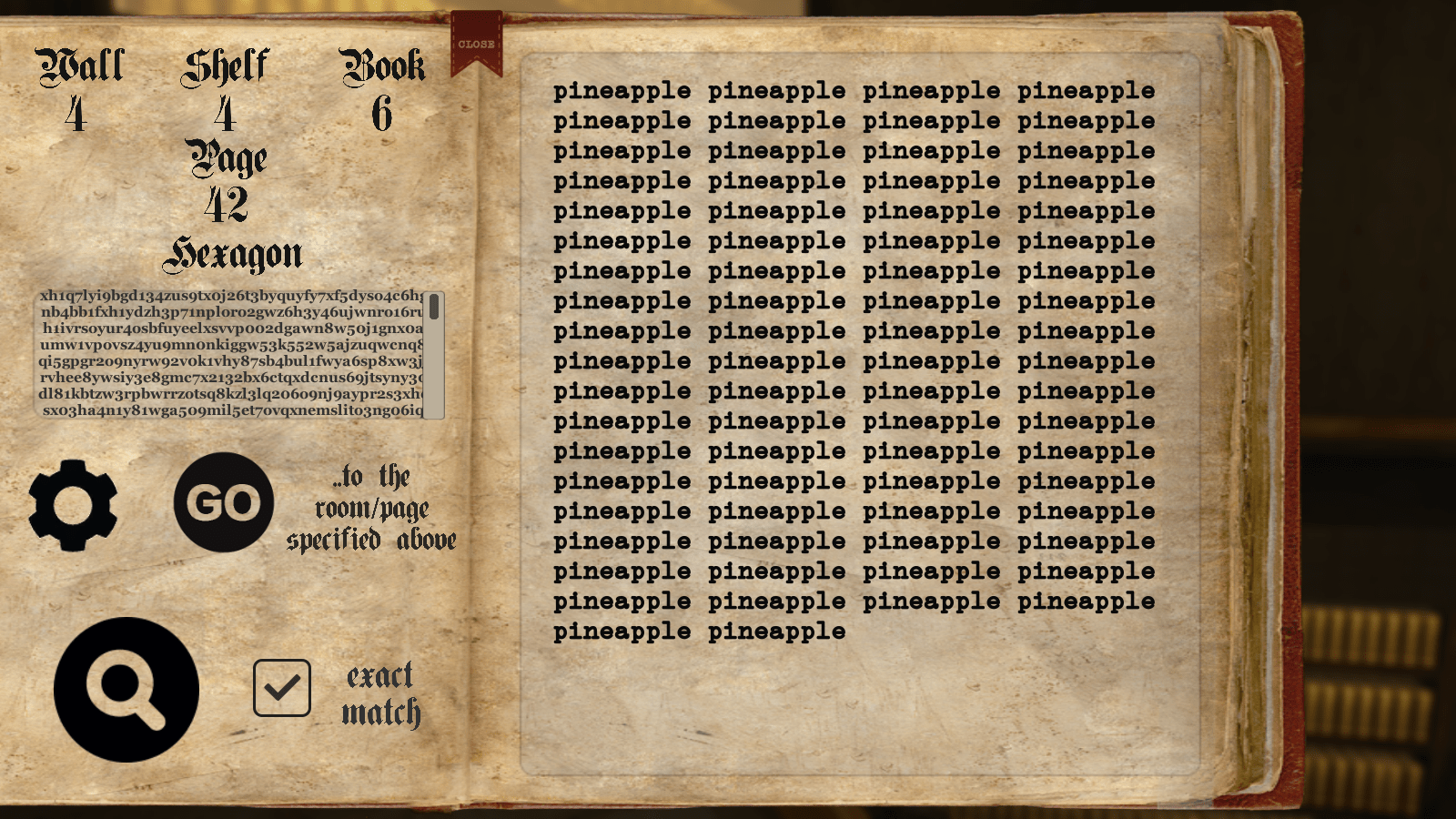
Is there way to actually goto the exact book shelf to find words/ phrases 


it says "GO" to the room/page specified above; but it just opens the page instead, and not going to the room


or is it just impossible ?