

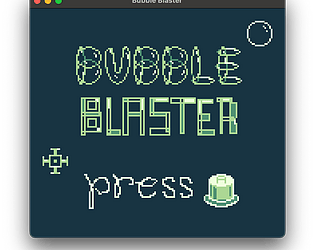
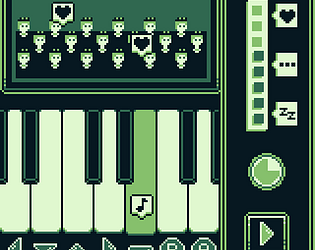
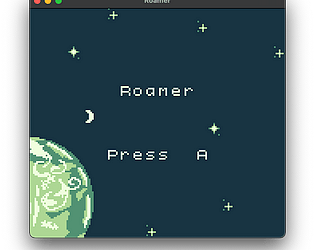
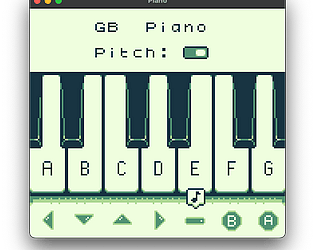
You can get the GBC ROM file from the Steam game files. After installing it, right click it on the left sidebar in the library, hover “Manage” and click “Browse local files”. Then in the rom directory, rom.gb is the game. Even though it’s .gb, it will play in colour where supported.
On macOS, to install Windows games you have to:
- open Steam Console: steam://open/console
- force Windows games to be downloadable: @sSteamCmdForcePlatformType windows
- install using game’s app ID: app_install 4145130