
On Sale: GamesAssetsToolsTabletopComics
Indie game storeFree gamesFun gamesHorror games
Game developmentAssetsComics
SalesBundles
Jobs
TagsGame Engines

Aurora

4
Posts
2
Followers
3
Following
A member registered Sep 18, 2023 Β· View creator page β†’

Creator of

Recent community posts

the win/loss detection is broken and i didnt get enough time to finish the order menu toasting (pressing tab to show it)

space and escape are meant to be the hotkeys to restart the game on the win/loss screens but they were very last minute (last hour of the game jam)

the last 3 hours of the game jam i think there had been a memory leak somewhere in one of the builds or one of my extensions, and so my laptop will seize up for a few seconds every 30-90 seconds, so progress slowed down a lot, and building too

(1 edit)

love the idea, little bit slow in loading so advice would be to just have a little note on the main menu or have some text show up just before it tries to load everything in or an intermittent scene where the loading happens

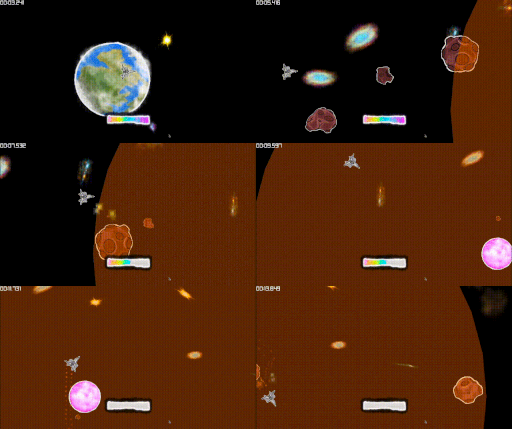
game jam, so game play note doesnt apply and would be overscope, but i think the next thing afterwards would be to have all the cameras move at the same speed, but have different movement patterns, and it’s a different colour cone that moves faster, maybe colour or opacity or shape or a combination of those would determine what pattern it moves and what speed it moves at. this way you can convey more information to the player without needing to use text/tutorials

i love this so much 😭 the filter effect as well???

my advice would be for level design:

to reduce the size of the level and only adding more space as you run out, that way it feels like it was an actual irl building floor plan where they keep duct taping on more sections (like the science building)

Love it! my feedback is:

strongly recommend adding some text in about the keybindings (it goes a long way for user experience in the first 5 minutes of game play), even if it’s like:

[left mouse] - pick up
[q] - rotate left
[r] - rotate right

on the submission page or as a button like the next button but doesnt perform an action