

1. Setting up AI/LLM
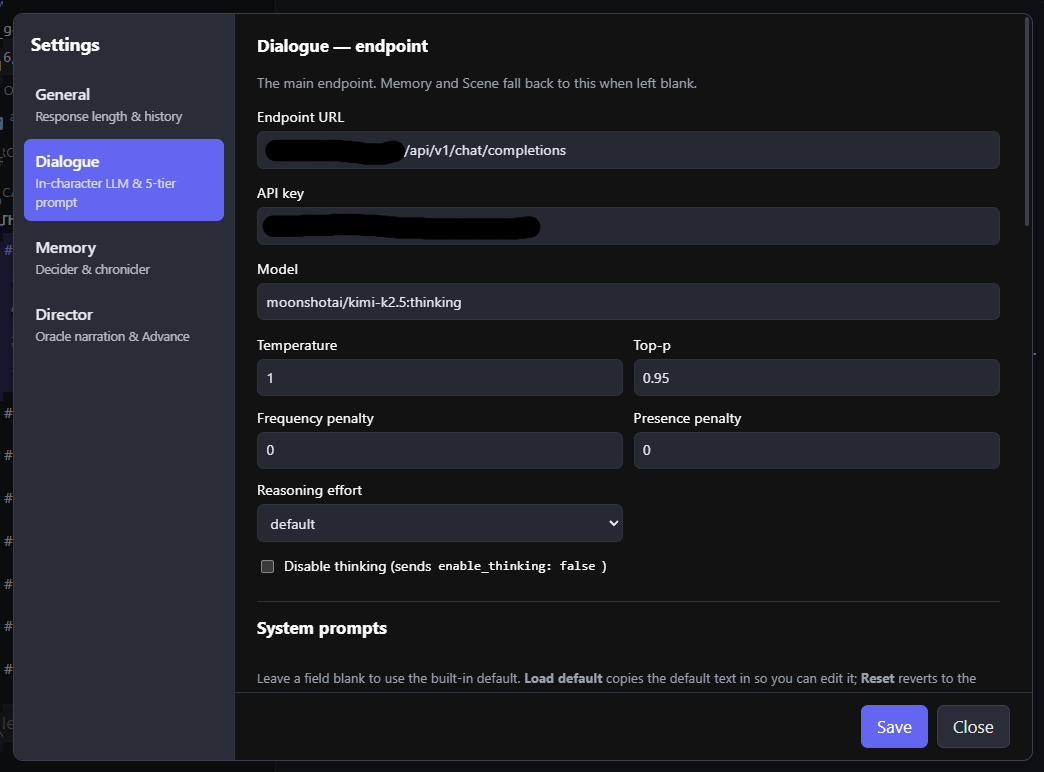
Set up the Dialogue, Memory and Director endpoints (they can be the same or different). The Dialogue model endpoint now has a drop down to easily save different end points set up, to test different models and settings.
2. Using Characters through AI
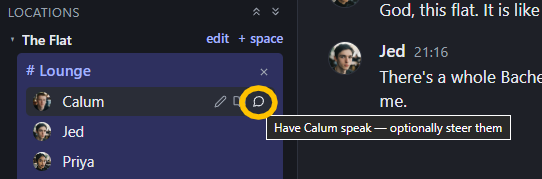
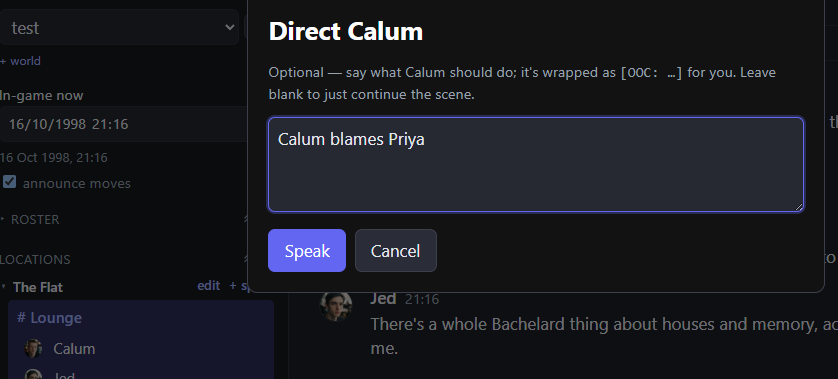
When selecting a character to speak, you can give additional instructions to focus the dialogue of that character (it will still be expanded and written from that characters perspective according to how they should behave). If it is left blank the character will choose its own response based on its character profile, memories and recent chat.
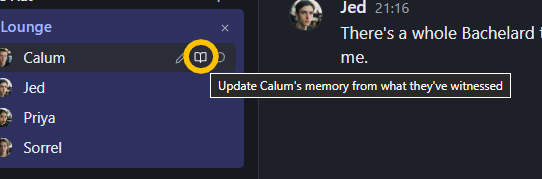
The book icon button updates the characters memory based on recent events. Memories are currently only built this way with the LLM deciding what seems valuable based on context and saving it in the memory and relationship system.
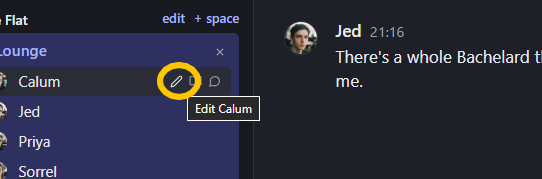
The pen button is editing the character file.
3. Editing Characters
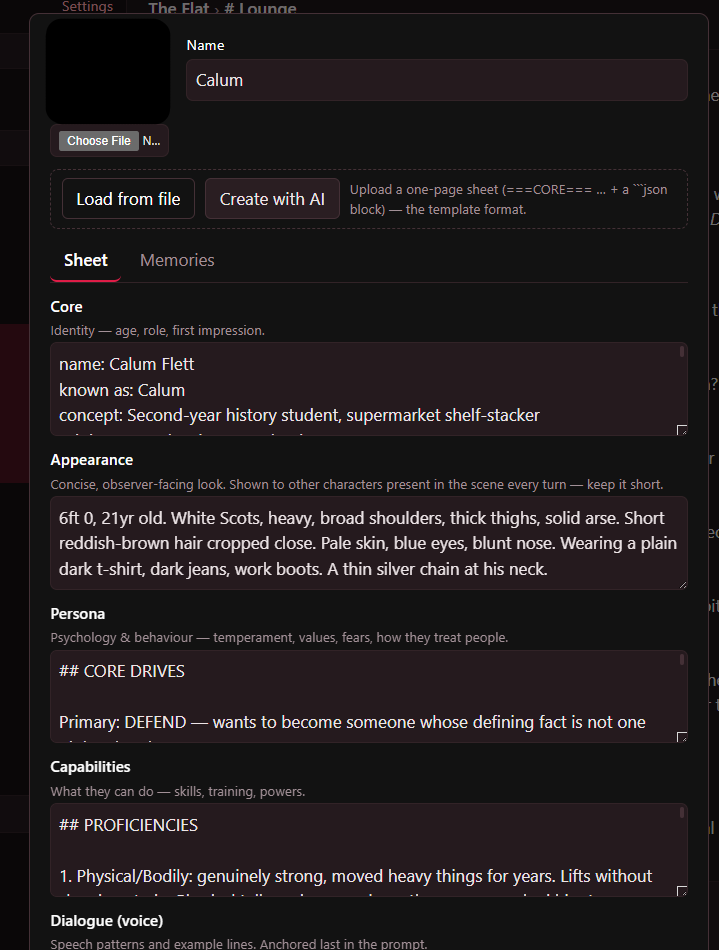
A character can be created with AI (It will need some kind of concept, more details given the better it is likely to be) following a hard coded template (this will be given an override option eventually). The Load from file option will only work for characters made via the same template externally (this will be shared, and explained on how to build alternative templates that fit the formatting).
The Sheet and Memory tabs can be edited at any time post creation. The memories includes relationships (people they know and facts they know about them), and recent memories/events and threads for their story they want to focus on.
4. AI Director
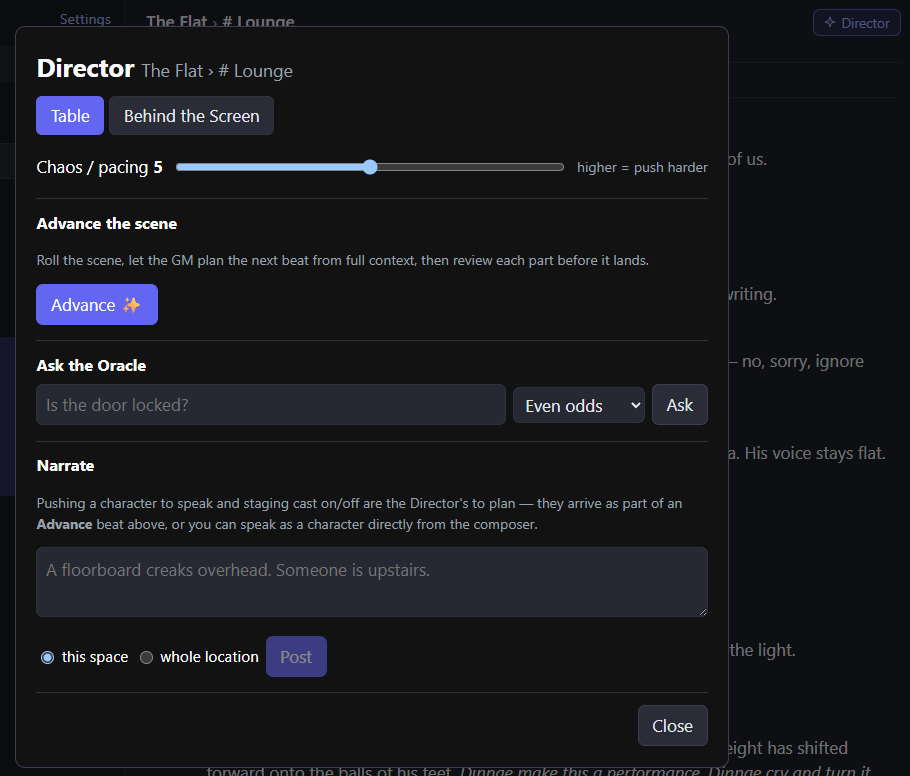
AI Director can be used via the 'Advance' button which uses the 'Behind the Screen' tab of current threads that the GM is focused on for story direction, and the current scene and who is in it, then does a narration for the whole location. In the Behind the Screen tab there is a 'Digest scene' button to update the story (currently only way for it to update its context, other than manually writing sections here)
Hope this works and it is fun :)