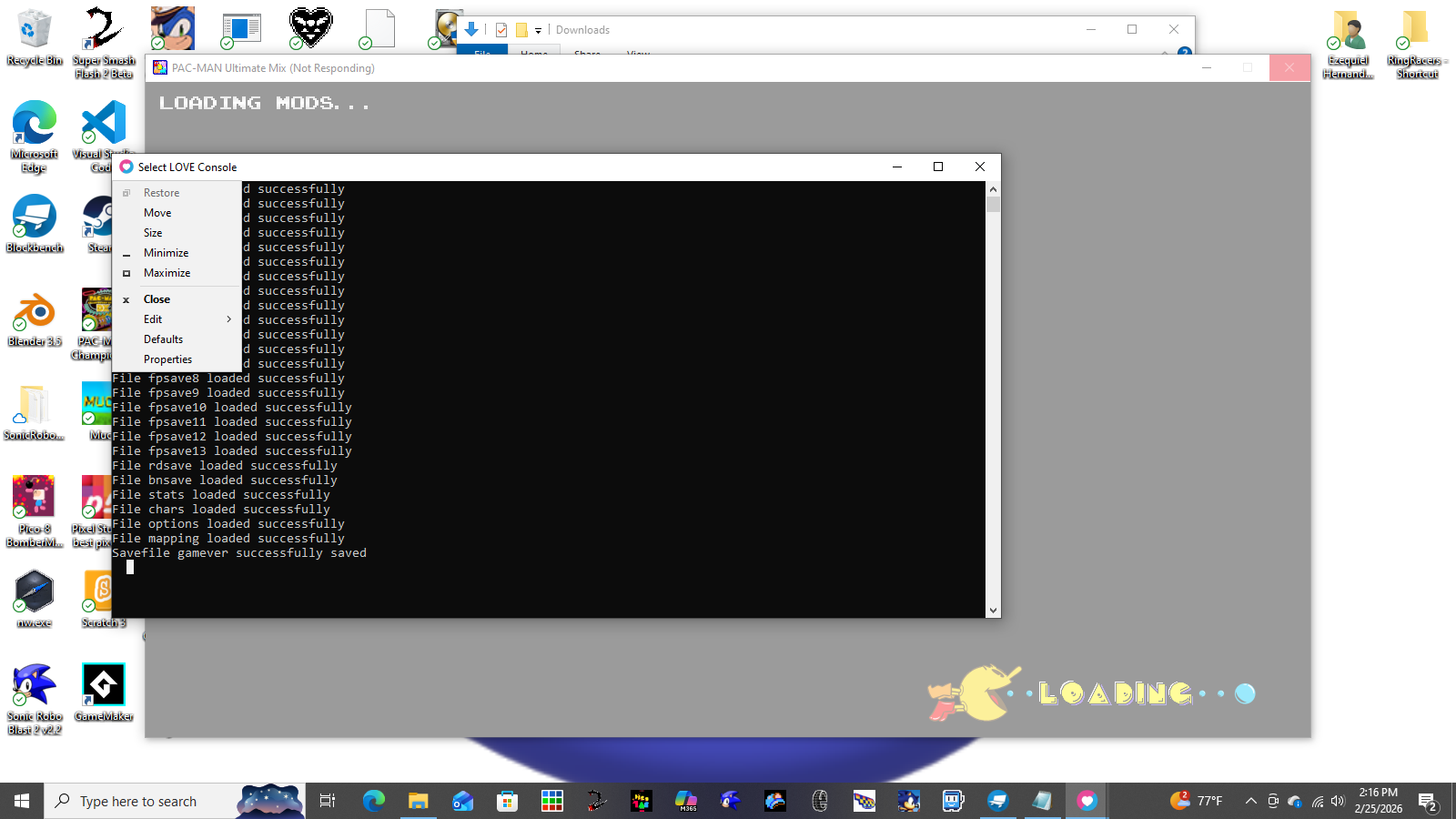
When I downloaded the 32bit version of Love2D it was working well (Just like the 64-bit version, only 1st try), but I sadly couldn't play Pac-Man Ultimate Mix due to it being only 64-bit
So, is it possible to modify or make a 32-Bit version of it to see if it works?
I hope I can run the game on the computer, since I don't know if it's going to too demanding of it, but from what I saw it's interesting and I can't wait for the public demo
You're gong to need a .json file as well as a image hosting site in order to make and load your custom character
The image hosting site will hold the sprites for the character
and the .json file load the image into the game
Download the custom character template and use [or make a copy of] the .json file located in the .zip file upon decompressing it, then upload your sprites [images] to an image hosting site [igmur a good option], once all of the sprites have been uploaded copy the image address to the specified area that the image [Player start sprite -> Player Start spot, Front sprite -> Front spot, ect.].
Once all those steps are done, boot up Party Project, click the "Custom Characters" tab, click Choose files and the .json you want to load [or drag and drop it into the game, while in the custom characters tab]
* While trying to get in a online fight, it boots me out of the fight and give 10 bits, then while trying to get to another one it loops meaning that I'll have to exit the game and match
I did see the battlefield before the glitch of the neverending loading screen happened, and I was using my Windows 10 when it happened twice
* Agumon after being pet, while moving to the right, it'll do the Happy/Win animation sometimes (other times it'll walk normally)
* While trying to sell some somethings to help my Agumon, the game stated that I was offline and out me back to the title screen, then when I returned, the stuff I sold was back in my inventory
I was playing on my Android while this happened, and it isn't a strong phone but it works (Got the Low Res version for it)
In order to get the game, you need to get download the game corresponding to what software device you're using (for example if you got a Windows computer, you'll download the Windows 32x/64x version of the game, same if you got a Mac and so on). Then you'll need to unzip the folder that the game and it's contents are located, using either your file explorer's tools or needing an external software to unzip the file. Upon unzipping it, you'll see a bunch of files, but the one you need to focus on is the NW.exe file, since that's the software that has the game, upon double clicking it you'll be able play Party Project on your device.
Here's a simplified version of the instructions
¹ Download the file/folder corresponding to the device your using
Not sure how you can fix that, but one way to fix it is to plug in 2 controllers and the keyboard, enable the ability to swap between playing on keyboard and controller use the P-1 controls on Keyboard, and P-2 controls on controller
I mean it can work, if you connect a Bluetooth keyboard, or a wired controller to it with a multi-USB
But otherwise the only thing you can do is tap the option buttons [you can't click the party or minigame mode, since that requires a input from the controller/keyboard]
Plug in a controller for each player and map them to your [and their] liking [you may need a multi USB for this though depending on how many players are playing]
*Bluetooth controllers connected to the device won't work, they need to be connected via a USB cable to the device's USB port
*There's an option to let the players swap between the keyboard and controller
*If you're using a keyboard, make sure you either remember your keys, or write them down somewhere so you can use it as a reference sheet for what each one does
Maybe use another image hosting site. I previously used FileGarden when it came to uploading the images to use in Party Project, but then I used Igmur [and now I understand how it worked to get the link for image*] the custom charaters's sprites are working for me.
It maybe time consuming but move the images from FileGarden to another Image hosting website, and try either copying the link/address of the image, and paste it to the .json file of which the image belongs to
*Igmur was the 1st image hosting site that I used for Party Project, but due to not understanding how to copy the image's address and instead copied the link, I switched to FileGarden to host the images instead
Make sure that the image hosting site works (Igmur is a good example), and that you copy the address of the image within the website, to the .json file for the custom character.