yup
A member registered Aug 26, 2025
Recent community posts
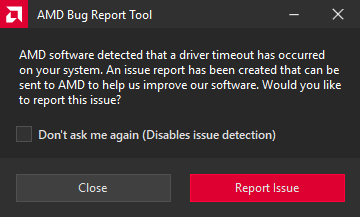
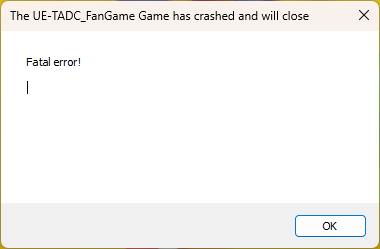
First of all, this game looks phenomenal! However, when trying to play the game for myself, it just keeps crashing over and over :/. My game runs smoooth as butter, but can't even last 2 minutes before crashing (Fatal Error!). The moment my game crashes is completely random, though. My AMD Bug Report Tool gave a message too: "AMD software detected that a driver timeout has occurred on your system.". I followed the advice of creating a shortcut of the exe, which makes the game waaay to dark lol. I'm def not a computer nerd here, but I feel like this game wasn't made with AMD in mind. Some others seem to have this issue too. No pressure, but do you mind fixing it in an upcoming patch? I'd love to experience this fantastic project too :)