

Thank you very much! problem solved!
A member registered Jun 09, 2020 · View creator page →
Recent community posts
Hakuen Studio Bitmap Font for RPG Maker MZ comments · Posted in Hakuen Studio Bitmap Font for RPG Maker MZ comments
Apologies, I'm still new to rpgmaker mz. I'm currently in an issue for almost 5 hours and I have yet to figure out how make the text readable. Am I suppose to change the size of the font (if so where can fine it?). My resolution for the game 960x544 and I also have VisuStella MZ Core Engine install as plugin as well. I'm working with the Pro version.
NOTE: in case if you are wondering what font is being used, its from
MZ - Bitmap Font Project
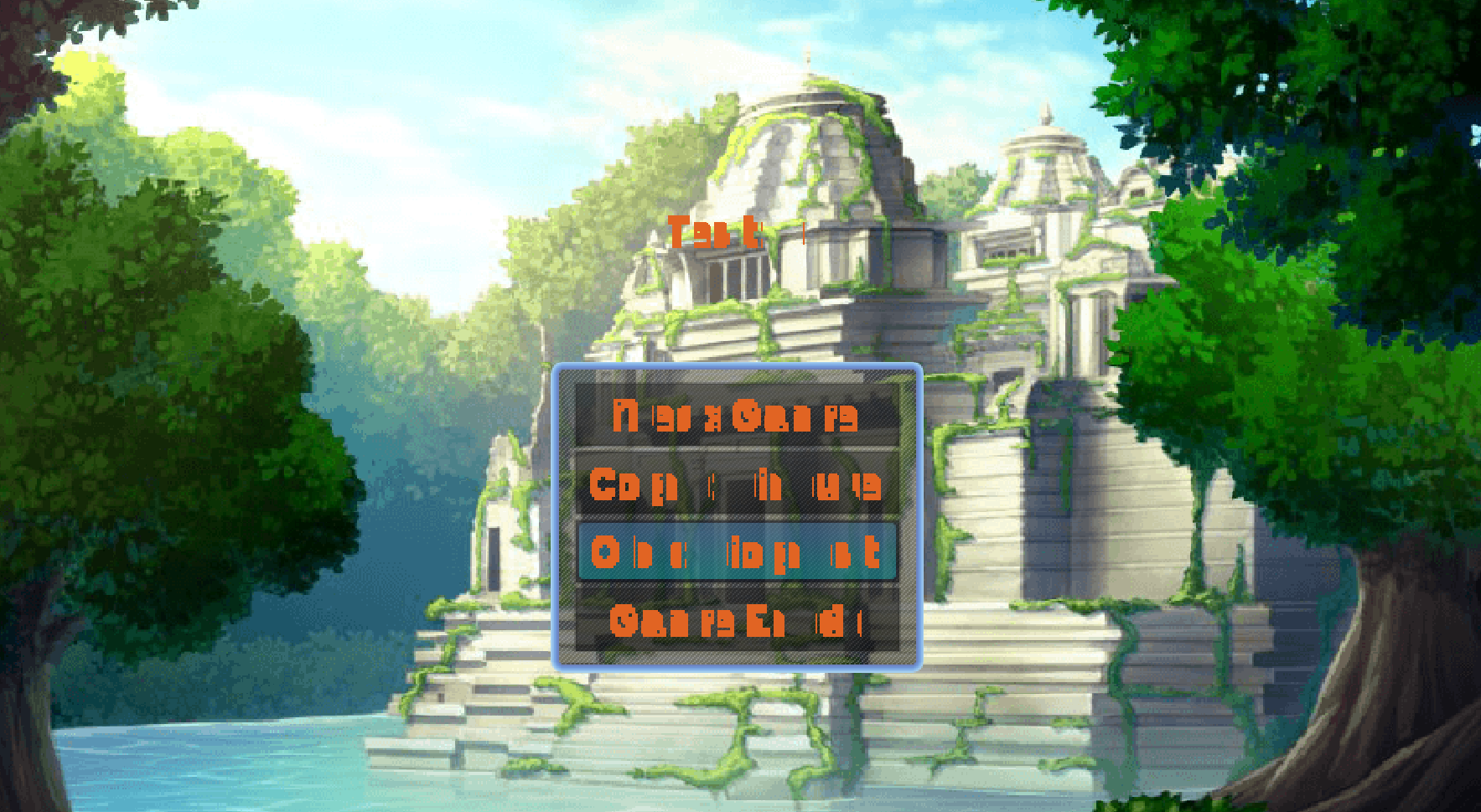
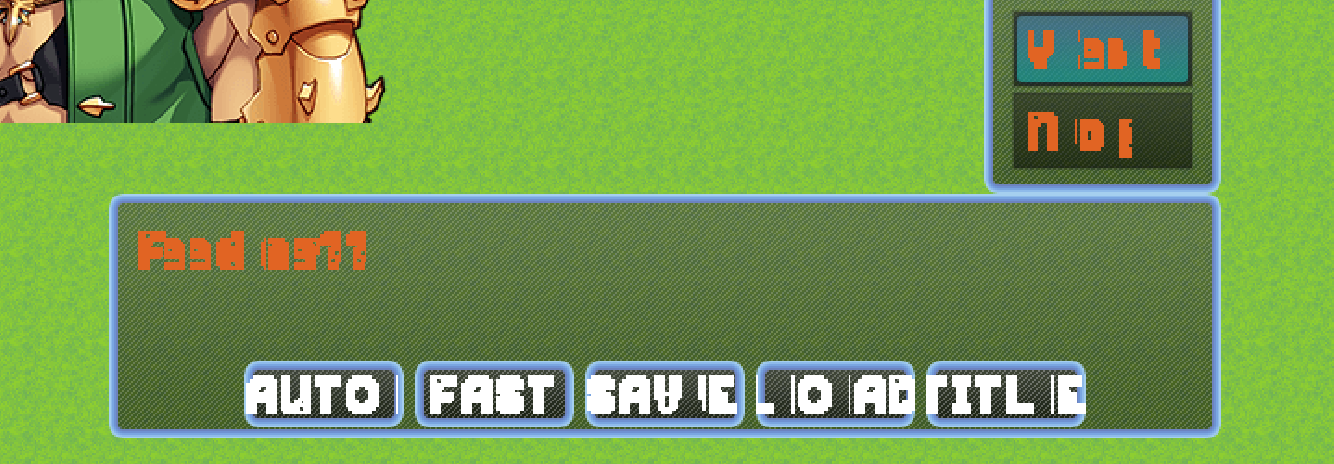
https://drive.google.com/drive/folders/1IE2NITITUrw1c4lP24NY9NGy0IcIgMGM?usp=sha...