Nice! Thank you very much
Bongseng
Creator of
Recent community posts
Hi, I dont have experience with phaser. I work with godot and a bit with unity. It looks like there are some tutorial on YouTube but aside that I can only tell you the overall logic behind parallax.
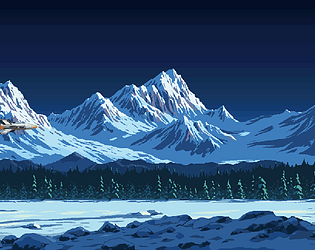
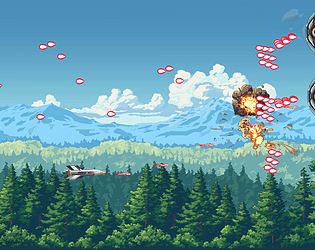
Each layer has a specific speed applied to it under certain condition. It can be automatic scrolling (like in my shooting game ... the plane does not really move if you dont touch control, the layers of parallax do)
It can also be when you press a key. Right or left for example will apply a scrolling speed as long as you press the key. This will give the feeling your caracter is moving when in fact, the background is.
You can have a combination of both and other techniques.
The infinite feeling is provided by a mirror effect. The layer reappears "outside of screen" so the player never see the cut.
Again I checked quickly and you have some tutorial on YouTube. Let me know if it worked.
Thanks !
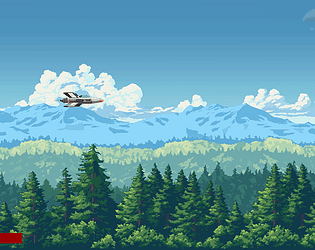
I originally planned to have some. A bit like in the "normal" forest parallax (idk if you saw it, there is a link and a gif on the page). But this parallax has been sitting duck for weeks so I decided to upload it as it is now.
I think you can feel a bit of emptiness in the blue area, below midline tree. This is this layer missing.
But your answer motivates me so ... hopefully I'll be able to find some time to add a layer for trees like that.
감사합니다.
게임 프레임워크 말하면 ... C#이나 Godot engine 언어 외에는 네트워크, 넷코드, 온라인 구조에 대한 깊은 지식이 필요해요. 저는 그 부분에 대해서는 경험이 전혀 없어서 도움을 드릴 수 없을 것 같아요.
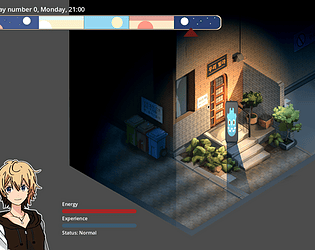
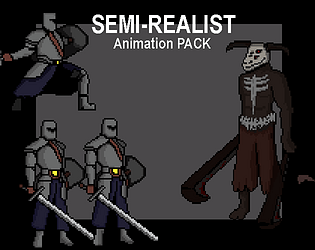
에셋 부분은 ... apartment 방/욕실 스타일처럼 원하신다면 도와드릴 수 있어요. 하지만 일/가족도 있어서 디자인은 취미로 하고 있어요. 전체 아파트, 편의점 같은 것들을 2-3가지 버전으로 만드는 건 할 수 있지만, 수천 개의 에셋과 색상 변형까지 하시려면 시간적으로 ... 어려워요.
==>asset pack 거의 2주가 걸렸어요.
간단하게 시작하는 방법은 원하시는 장면 1~2개를 먼저 알려주세요. 이달 말까지 한번 만들어볼게요. 그때 결과물이 마음에 드시면 팁을 주셔도 돼요.
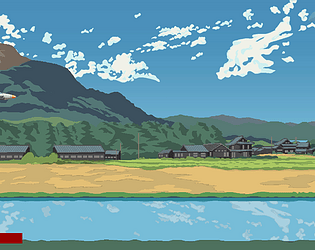
No reason aside the fact I am not a professional and that I sometimes miss on obvious things. Here, I think every layer were 1900px at first. Then I realized the "pattern repetition" was too obvious/fast, so I doubled the horizontal size of most of the layers. I think the sky just being a gradient blue box that does not move, I just kept it like this.
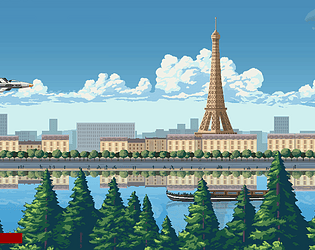
True. As a matter of fact I was thinking about this the other day (when I updated the paris parallax) but because no-one ever said anything I thought that numbering the layers was not something important. I'll re-organize them and re-upload files tomorrow.
The assets are free because it is something I am doing on the side (amateur level) and I don't want to either have pressure or a "customer/contractor" relationship (with deadline, expectations and so on). I do what I do, when I can.
Eventually (and I am talking about maybe a year or 2 down the line, when (and if) I get much more content on that page) I might reconsider this position and work longer on the layers to sell them but so far they'll remain free.
In any case, thank you for your comment and suggestion. It's nice to see when people appreciate the work.
Thank you !
To reply to your question: No idea. I should try that myself. These were made with Godot and alike engine in mind.
At a fundamental level I don't see any reason why you could not. Maybe after some adjustments but a .png is a .png everywhere for every engine. RPG Maker probably has a built in import function. I am more concerned about the size of asset that would need some rework (or maybe not)
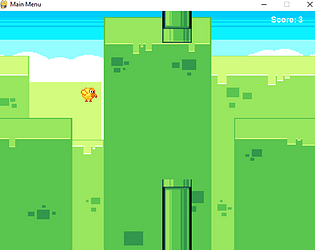
Love it. Mama brought home carrots for dinner ~ It's very cute. Just ideas but, as you learn godot, you could try to code a global script (one that you load in the project => project settings => global) with few variables to track. Like distance (or timer) and point (you could randomly spawn carrots during the fall => eating them would give you extra points for example). Keep the good work !