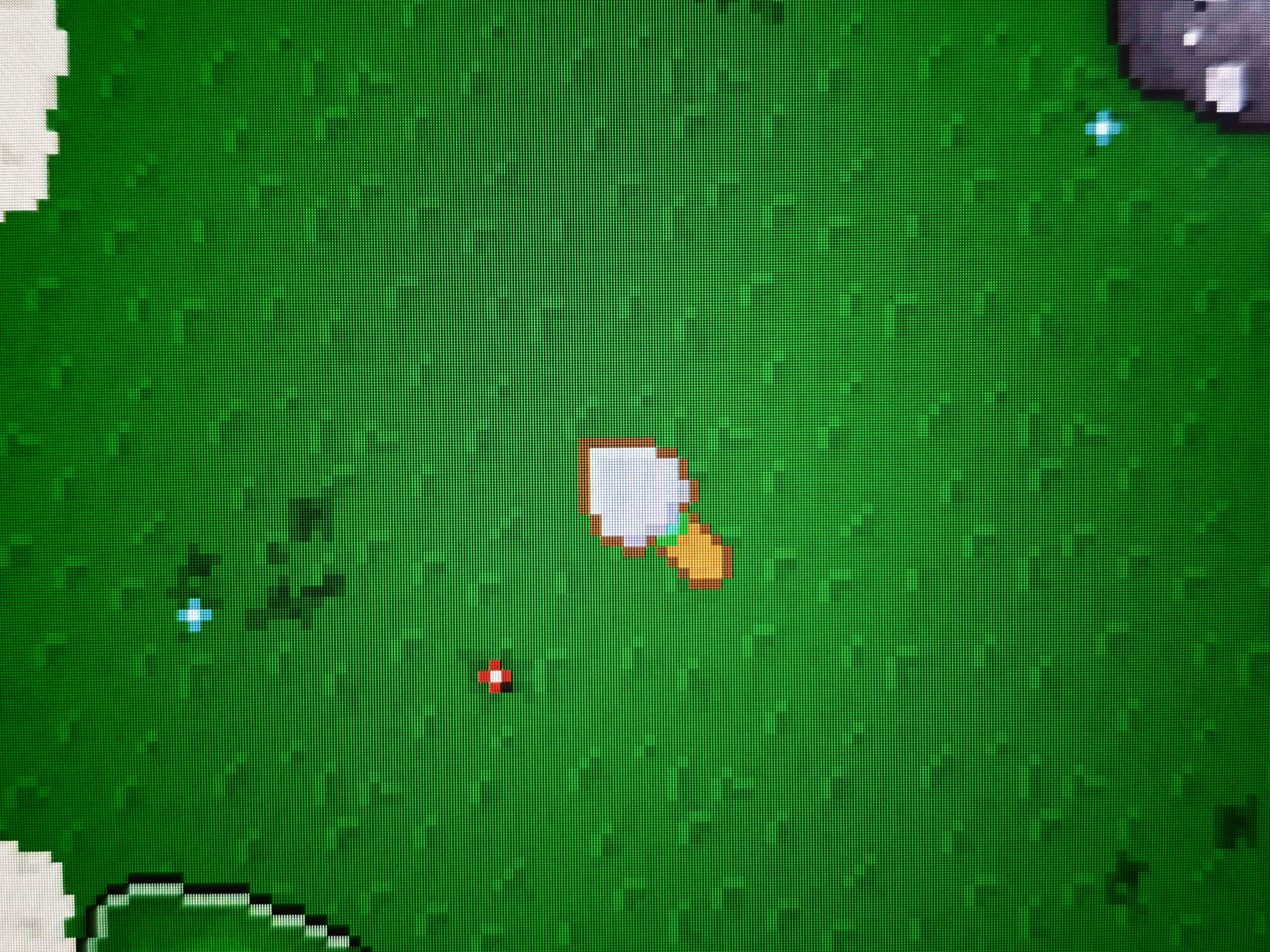
Yeah, that is what I thought, but thank you for the confirmation.
A member registered Aug 16, 2016 · View creator page →
Recent community posts
Native cursors for GameMaker community · Created a new topic Cursor has too much brightness on HDR monitor
Hello
As I recently bought an HDR monitor, I've found that the cursor in my game (using Native Cursor) is overexposed or just does not have the correct colors.
After a lot of testing, I've narrowed it down to the "Automatic color management" setting of Windows 11. It is enabled and locked by default for HDR, and in SDR this behaviour is only visible when I enable it.
I tried all ways of creating the cursor in GML, from sprite, surface, and file, with the same result.
I don't actually think this can be resolved by the extension, as Windows probably uses a different color profile/brightness for the game and for its cursor.
I'm just curious if anyone has been dealing with it or can confirm this behaviour.
The correct colors (rendered by the game):
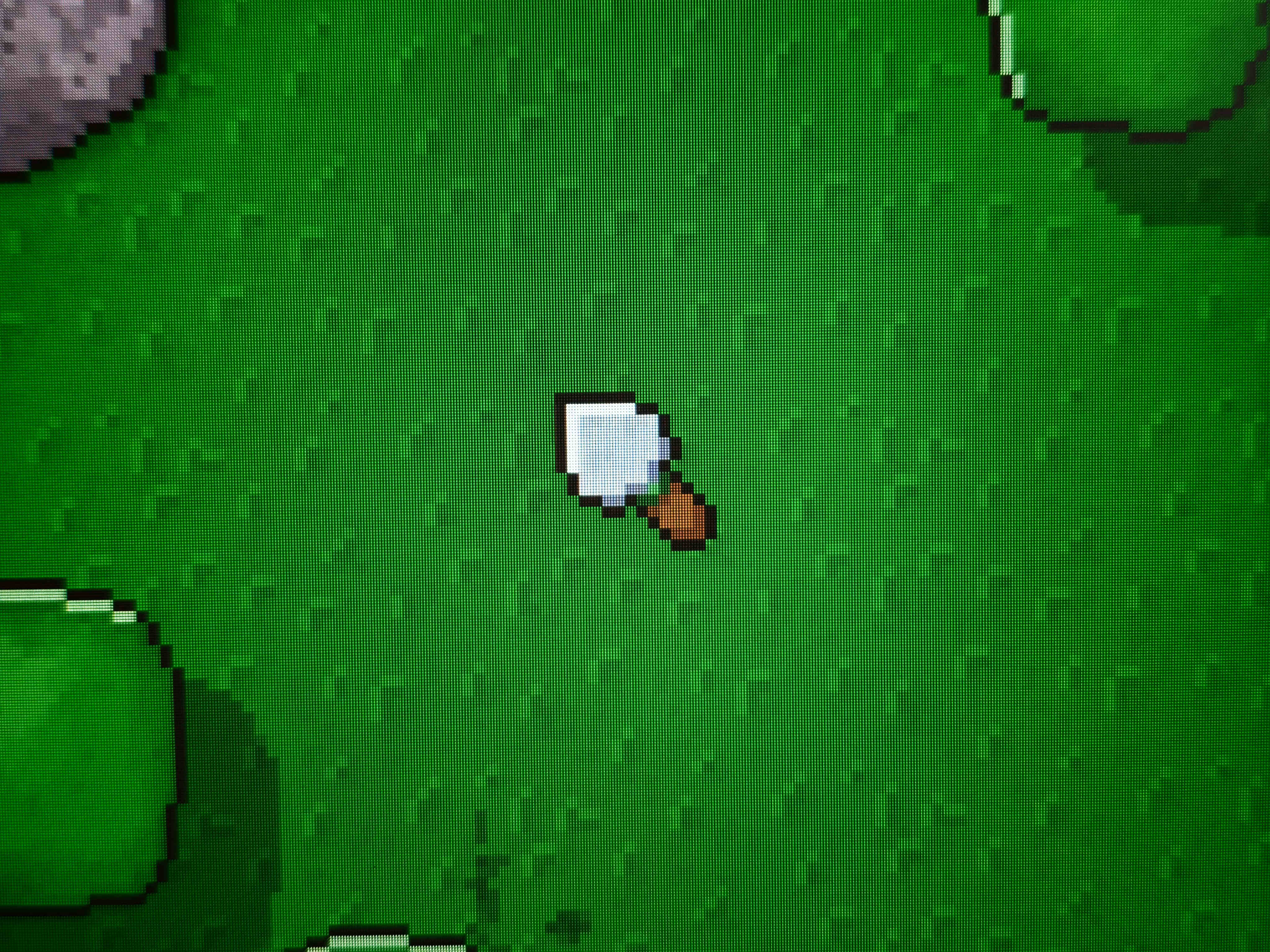
The HDR colors (rendered by Windows):