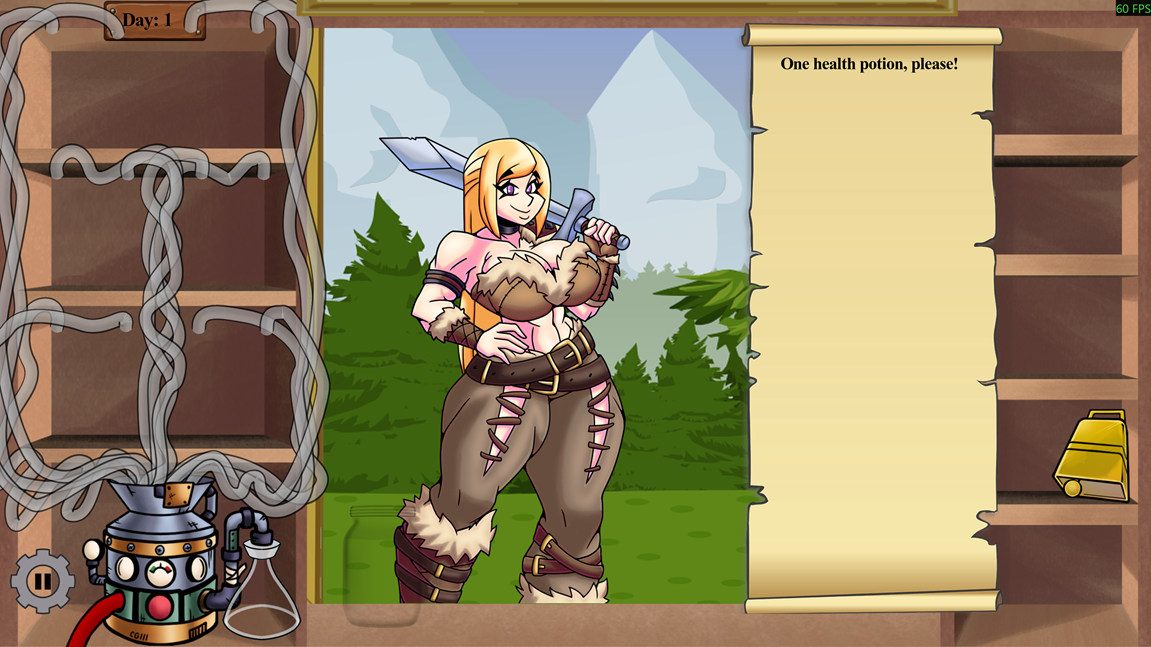
Per the screenshot I attached to the original post, I thought there was supposed to be at least one potion ingredient in the top left. But I guess I misremembered. I guess I was thrown off by all the tubing being already present. When I originally played, there weren't so many ingredients and likewise, not so many tubes. My brain was saying the tubes shouldn't show up until the ingredients do.
blazedummy
Recent community posts
Sex was the most unintuitive. The prompts only mentioned camera controls and holding E to end it. Based on the above comment, I guess mouse movement was supposed to do something, but I definitely didn't notice any interactivity there.
I see that the latest update changed potion making, but at the time, the only prompts for potion making was E to brew and hold E to dump. I could drag items out to drop on the ground and managed to get some to visibly be dropped on in the cauldron, but then pressing or holding E did nothing to those ingredients dropped inside the cauldron.
I can't for the life of me figure out how to perform sex or brew potions. Took me a while to realize holding E until the radial meter is full doesn't pick up items or open doors (not intuitive), but the only thing I can do in sex scenes is exit and change camera views. Brewing potions doesn't do anything either. I can put items in the pot phsycially by dropping them, but pressing E or holding E on the pot doesn't do anything.
The reason the "Go Back" menus feel awkward is because at various points, you start in your room, not the living room. So being eplicit about where it's going would avoid that dissonance.
My other commentary on default menu positions has to do with digital design ergonomics. Basically, the more clicks or mouse movement a user has to make to get to a particular page, the slower and clunkier the UI feels and can actually cause increased repetitive strain injury if the user pushes thru it. So identifying most common menu navigation paths and making those paths have the fewest clicks and/or mouse movement, the overall better the ergonomics will be. In the case of your game, as it currently stands, the most common path would likely be going from the garage to the player's room, or vice versa.
The menuing feels backwards in many ways. The "Go Back" menu taking you to the hallway and then the living room should instead be more explicit. And the default, top menu item should be the most common action you anticipate from the player. Personally, I believe that most common action should be moving the player closer to their room when in the house, or perhaps toward the garage. Either way, if I want to get to "an end" of a space, the menu should ideally keep the path toward that end in the same position so the player can spam click to get there.
Similar thoughts on both counts. With current implementation, eating is just a chore that threatens to lose your unsaved progress if you don't pay attention. In general, it's better to incentivize behavior by giving the player an upside to performing an action. Pure punishment for not doing an action only serves as padding and frustration if there aren't additional factors like action economy and balancing multiple decisions with both upside and downside to consider. At the very least, not eating shouldn't result in gameover, but instead something like loss of growth or poor job performance or something else recoverable.
Much better. Glad I could help.
I also recommend adding the CSS style "user-select: none;" to the root of your DOM to prevent accidental text selection within the game. I lost a run due to that.
Also might want to consider "pointer-events: none;" for elements that shouldn't register input but are over the game area.
As mentioned in other comments, the start of the game needs some work. Either a count down or the game should start paused or slowed and then resume at full speed once the first jump input is triggered.
More importantly than all that tho, you need change the input events you're using to register a jump. You are currently using either "click" or "mouseUp" events, and you should be using "mouseDown" and "keyDown" events. Those "down" events will trigger the frame the input is registered, where as the "up" events trigger the frame the input is released. That's why everyone is having a hard time with the jumps. Currently the jumps only trigger when you release the left mouse button, not when you first press it like expected.
- Poison Spit stats don't change with level up.
- Hissing Growth changes from boosting Boobs and Thighs to Boobs and Belly. Arbok doesn't scale with Belly, so that's a downgrade in most cases. Also the effect of using the level 3 version actually boosts Boobs and Thighs 20%. So effectively no change from level 1.
After playing a bit more, I've realized part of the problem is that it's subtle when a client has the relevant physical feature. Some futa have endowments that just look like puffy mons at first glance. Or you have to scrutinize the latex to determine "Is that a bulge or not?" The boob sizes are also fairly subtle, and with only 2 or 3 clients on screen at a time, it's not trivial to quickly compare and be certain that they're actually "big".
Increased font sizes on the customer requests would also be nice.
Game appears to get stuck trying do too many player actions and the "Reset Blue Actions" button isn't working. I'd figure at the very least the action log on the right should indicate my player is attempting something, but it's only saying I'm getting shot at.
Also, right clicking to hit next turn should have a hold to confirm, or double or triple click to confirm. It just skipping without confirmation feels bad when you're not intending it.
Already, by the 2nd level, I'd say things are too hard. You get penalized for falling, but you get zero points if the timer runs out anyway. The fact that you have go back to the checkpoint should already be enough of a penalty with a timer in place. Additionally, it's not trivial to parse what are safe spots to jump to and what are pits. Especially the gray brick section in the latter half of the 2nd level. The timer feels quite tight even with no falls.
Window scaling is quite bad. Not only does it start very small on Windows, if I change my resolution to try to make it bigger, the UI gets culled from the viewport. And then if I exit and go back to my starting resolution, it opens the app even smaller than before and continues to cull the UI from the viewport.