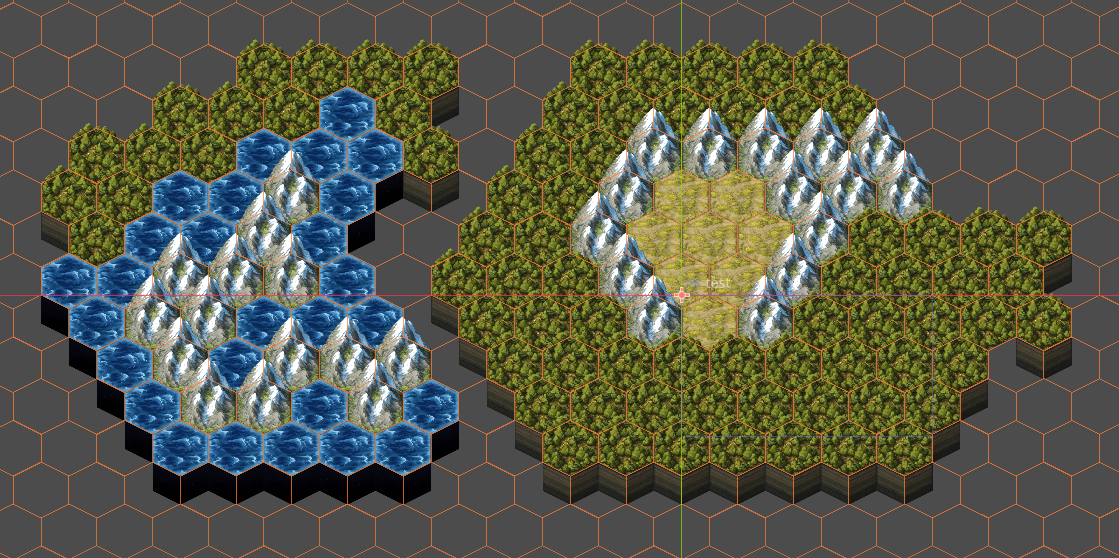
Hello,
Amazing work, I wanted to make sure the hexagon tile setup worked ok using the sample set you provided. After several attempts, I was able to get this looking really good inside of Godot 4.5 using the TileMapLayer node. If you want to try this yourselves, the TileSet for the TileMapLayer needs to be Shape : Hexagon, Layout : Stacked, Offset Axis : Horizontal, Size : 256x256. For the main tiles make sure the Texture Region is 256 x 384 (because of the 64px over as explained by the creator in a different comment). Under the Tile : Select settings -> Texture Origin Y needs that 64px. Last thing, make sure that the TileMapLayer under Ordering : Y Sort is Enabled so those beautiful mountains can soar. As for the underneath areas of the hexes, everything is the same except you need two of each in the Tile Sources with one having its Texture Origin 128 x 29 and the other -128 x 29 as one set needs to be drawn further left and the other further right to get them to fit underneath the above hexes. Their Texture Region is 256 x 192. Hope this helps someone, might be slightly confusing but maybe not. Thanks again for the solid artwork.