Ur a legend!!
I have taken a bit of a break from gamedev atm, but I may return for the sake of the expression of love
Do you think you'll still release the project?
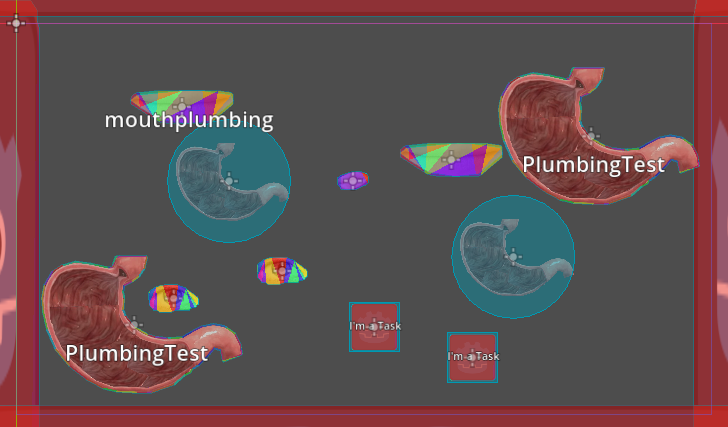
I'm probably gonna work on a personal project that I've been cooking for a while. Too much programming ;_;
I can do design sketches / level design if you want to shoot me towards some programmers but otherwise I probably won't do that jam. Are you gonna do the junipers jam?
Alright I played thru it!
I really like how the artwork changes while you play the game, the environmental design is great
I got the sense that the people on the wall and the encroachment of critters had something to do with the players deteriorating conditions
I think there is a case to be made for keeping the jumpscares if they are to represent intrusive thoughts/memories that appear when interacting with a given memory object. They are more startling to the player than they are scary. You could look at Spooky's jumpscare mansion for how jumpscares are interwoven with moments of dread (though there the jumpscares are played off as more silly)
There's a spot in the game where you can get softlocked by the bed
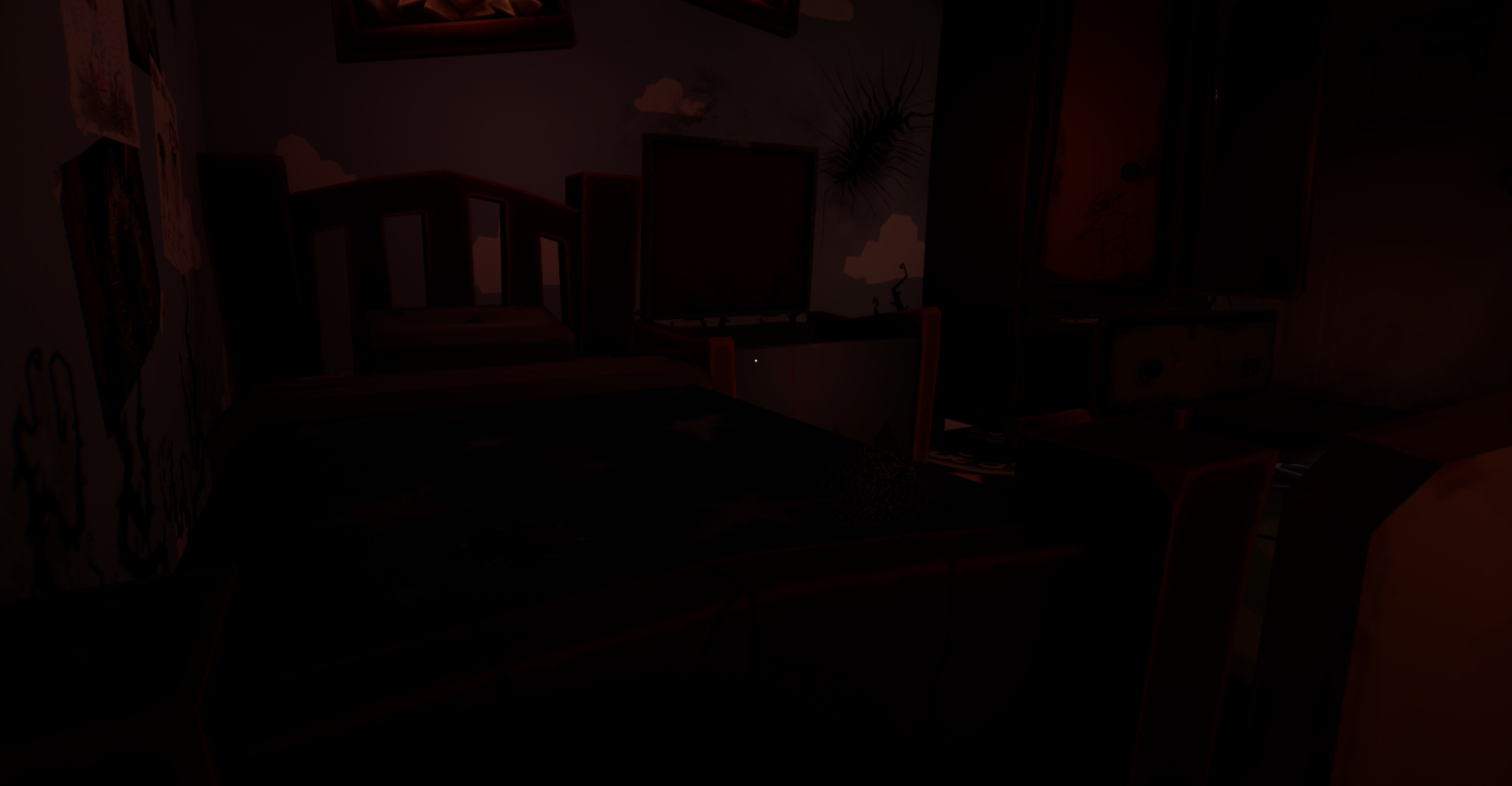
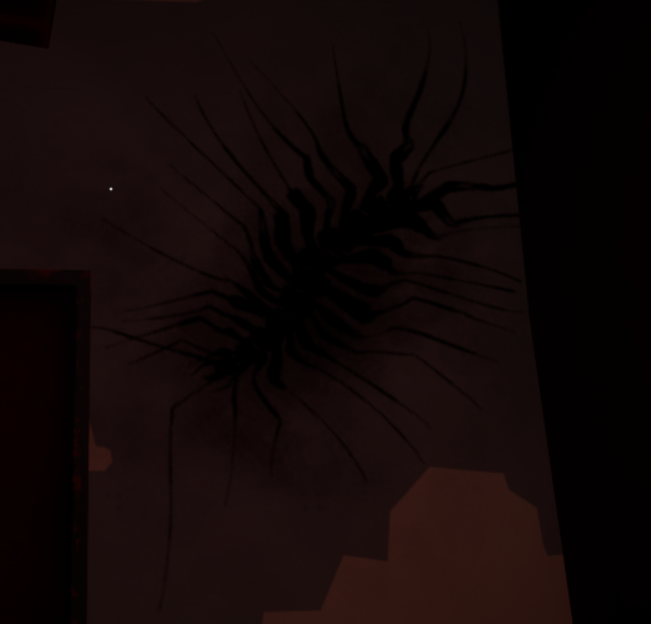
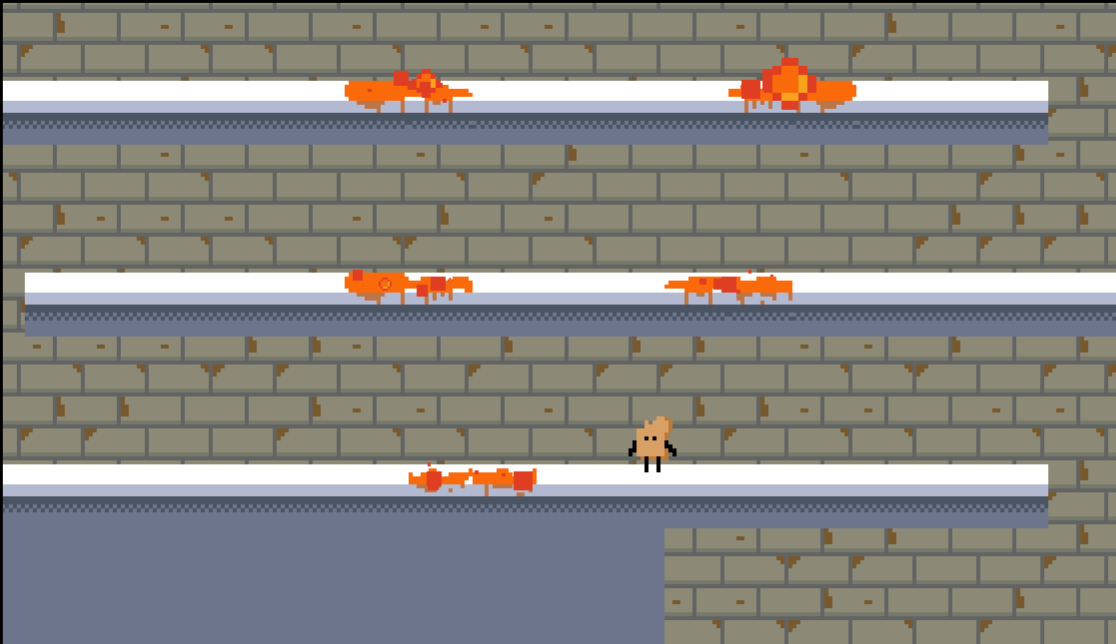
Love to see a house centipede, tho they aren't supposed to be scary, they actually eat the roaches
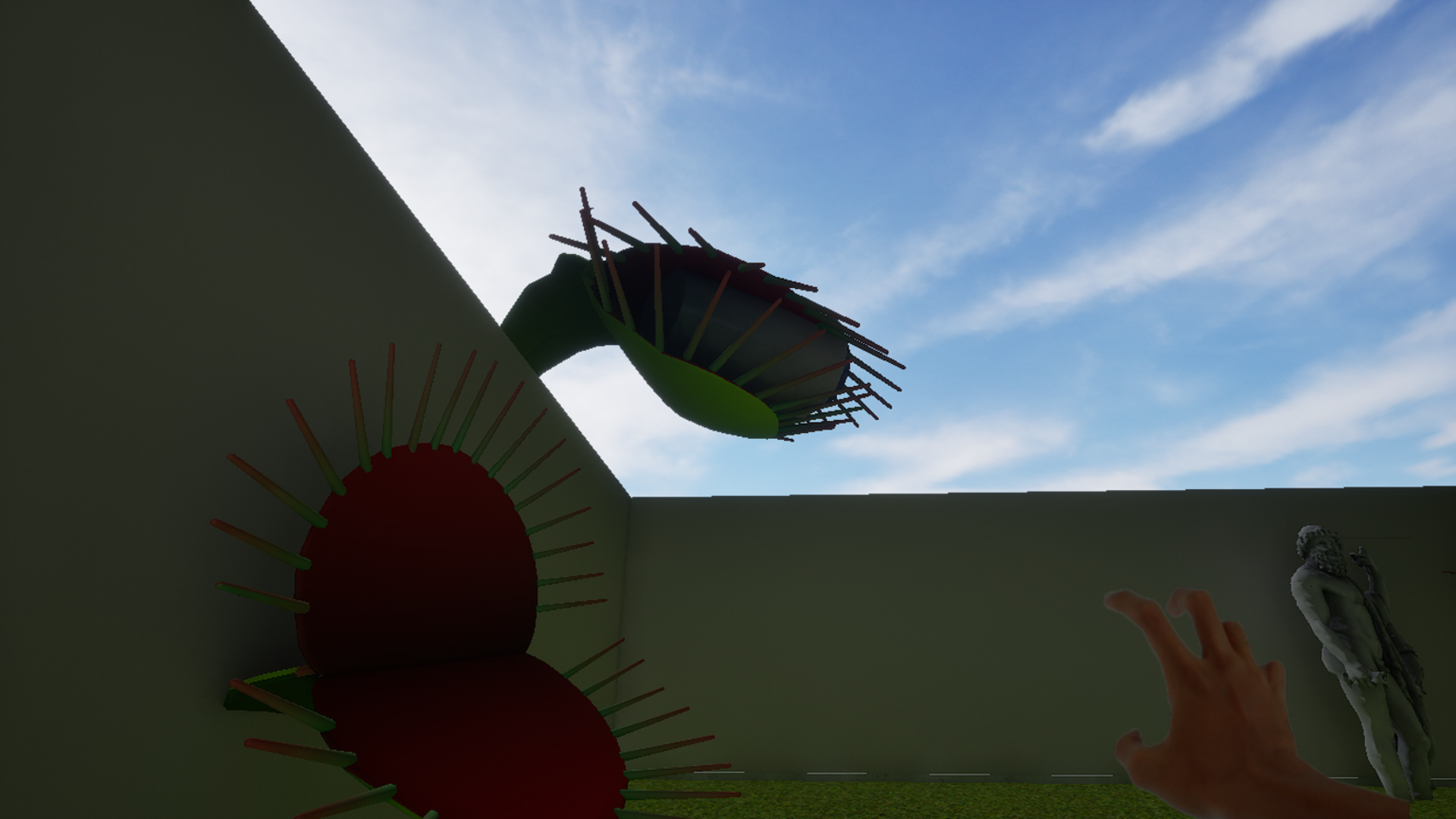 This game was pretty intuitive and self explanatory to me, BUT that implies a familiarity with GrecoRoman mythology. God , I loved outer space as a kid.
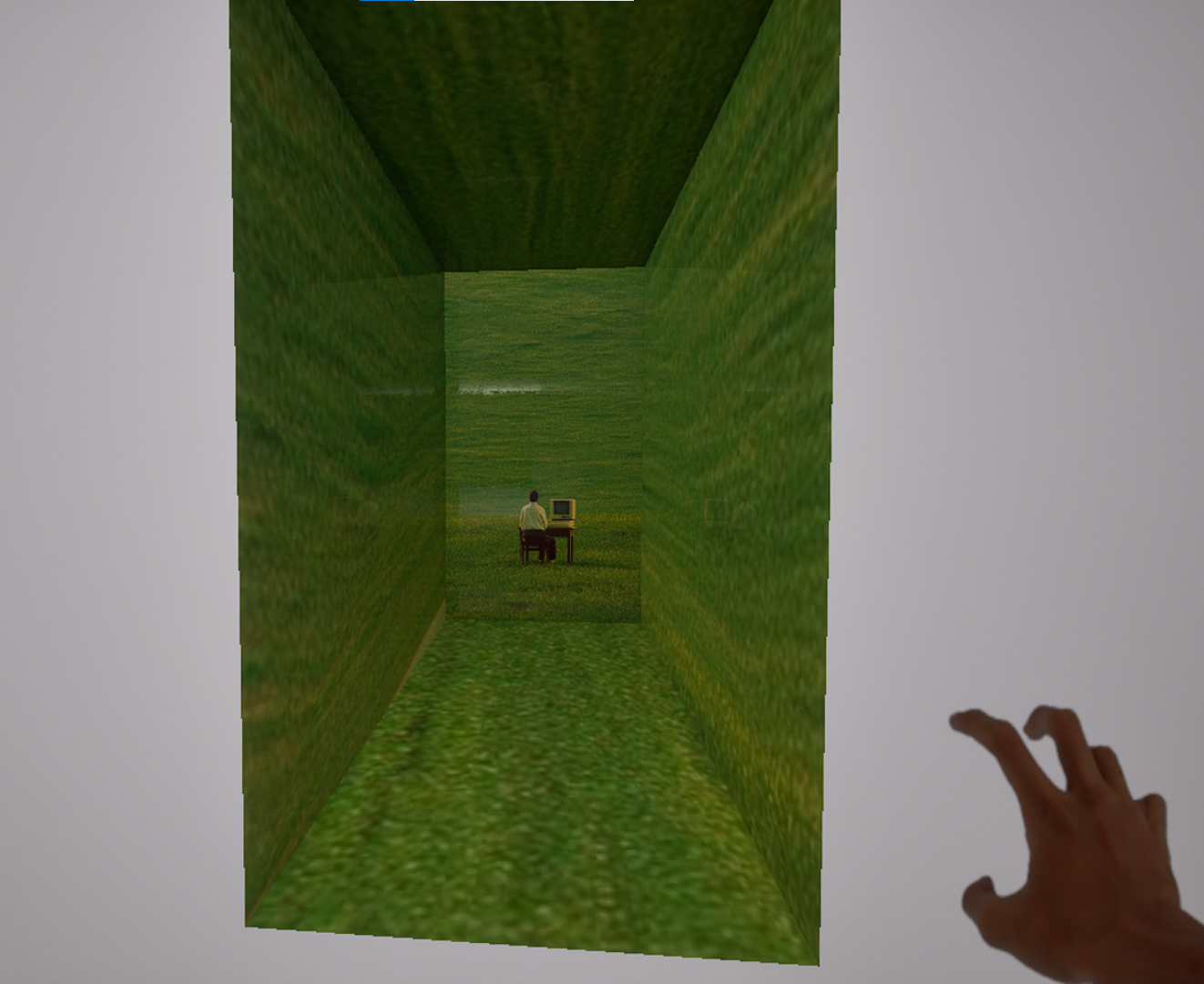
These unreal engine games max my CPU when I run them and turn my PC into a space heater.
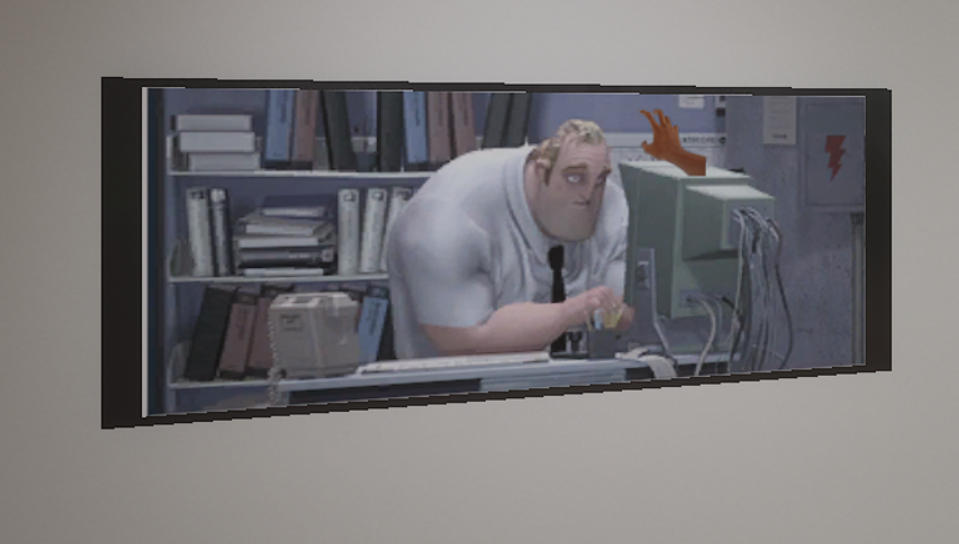
The visual with the hand sprite extending outwards onto props and paintings is fitting. I really don't want to be stuck in front of the computer all day.
I really appreciate the surreal vibes in this game. You might enjoy playing some of the games I've made: https://astecarmyman.itch.io/surreal-lifestyle and https://astecarmyman.itch.io/confront-your-fear-the-lifestyle
A suggestion for the controls: