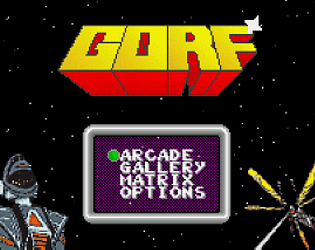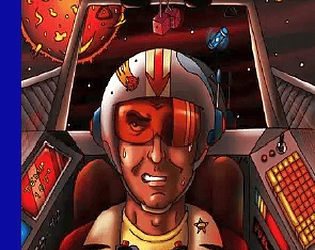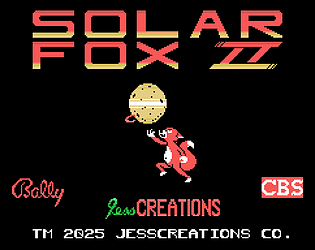
I dunno, I just thought the concept sounded neat. Trapped in the middle of a Breakout game, where both the bricks and the ball will destroy you. Not a bad hook!
ArugulaZ
Creator of
Recent community posts
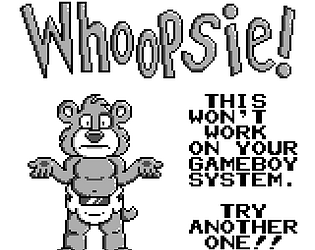
Okay, question. Is there a way for GB Basic software to detect the system being used? I had a wicked idea where starting the system up with a Game Boy DMG causes a "this game is not compatible with this system!" error, while putting it in a Game Boy Color gives you a different error. "Sorry, doesn't work on this either."
Is this going to be folded into the CD32 disc at a later date?
Anyway, bravo for all these arcade conversions. I always had a fascination with the Amiga computer, but was disappointed when I found out that its arcade conversions left something to be desired. Arcade ports like yours help level the playing field with the Amiga's more hardcore Japanese cousin, the X68000.
I just don't think it's a very good game. Some nice scenery, sure, but the gameplay falters pretty badly. Inconsistent damage, cheap hits, seemingly random weapon gains, slooooowdown galore... you kind of get why Technos didn't make games outside the sports and fighting genres. When they tried, you'd get something like Xain'd Sleena.
https://github.com/drhelius/Gearcoleco/releases/tag/1.5.5
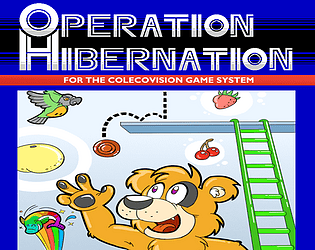
You'll need an emulator. Gearcoleco is what I personally use. Download the file, unzip it into the folder of your choice (I use C:/emulate/coleco), then put the games in the same folder. Run Gearcoleco, then press CTRL+O or select GearColeco/Open ROM from the options at the top of the screen, and finally select your game.
If Gearcoleco grumbles that you're missing a BIOS file, download "coleco.rom" and put it in the Gearcoleco folder. You should be all set.
Awesome! I can finally lay claim to this game, without having to sign up for Patreon first.
How long has it been since work started on this game, anyway? It's absolutely been worth the wait... you and your team have done a great job. Brazil once again proves its mastery of the Sega Genesis/Mega Drive hardware.
Okay, I think I've got this licked. When running the game in BlueMSX, first select File -> Cartridge Slot 1 -> Insert from the menu. Choose the game (typically "whackem_msx.rom"), then select "SCC" or "Konami SCC" as the ROM type. I'd recommend using C-BIOS as the BIOS, since it comes with the emulator. That can be changed in Options -> Emulation. Make sure you have the BIOS where BlueMSX can find it, or nothing will happen.
MSX emulators can be tricky like that. I'm trying to run the game in BlueMSX right now, and not getting encouraging results whether I use an MSX BIOS or the freeware C-BIOS. You may have more luck with OpenMSX or Emulicious... I just got the game running on the latter emulator after an update.
When I'm in the mood for the MSX, I typically play the game on handheld devices, where problems don't crop up so much. What I'd recommend is try the ColecoVision version (GearColeco) or the SG-1000 version (Kega Fusion) instead. It's not the answer you wanted, but at the moment, it's all I can offer.