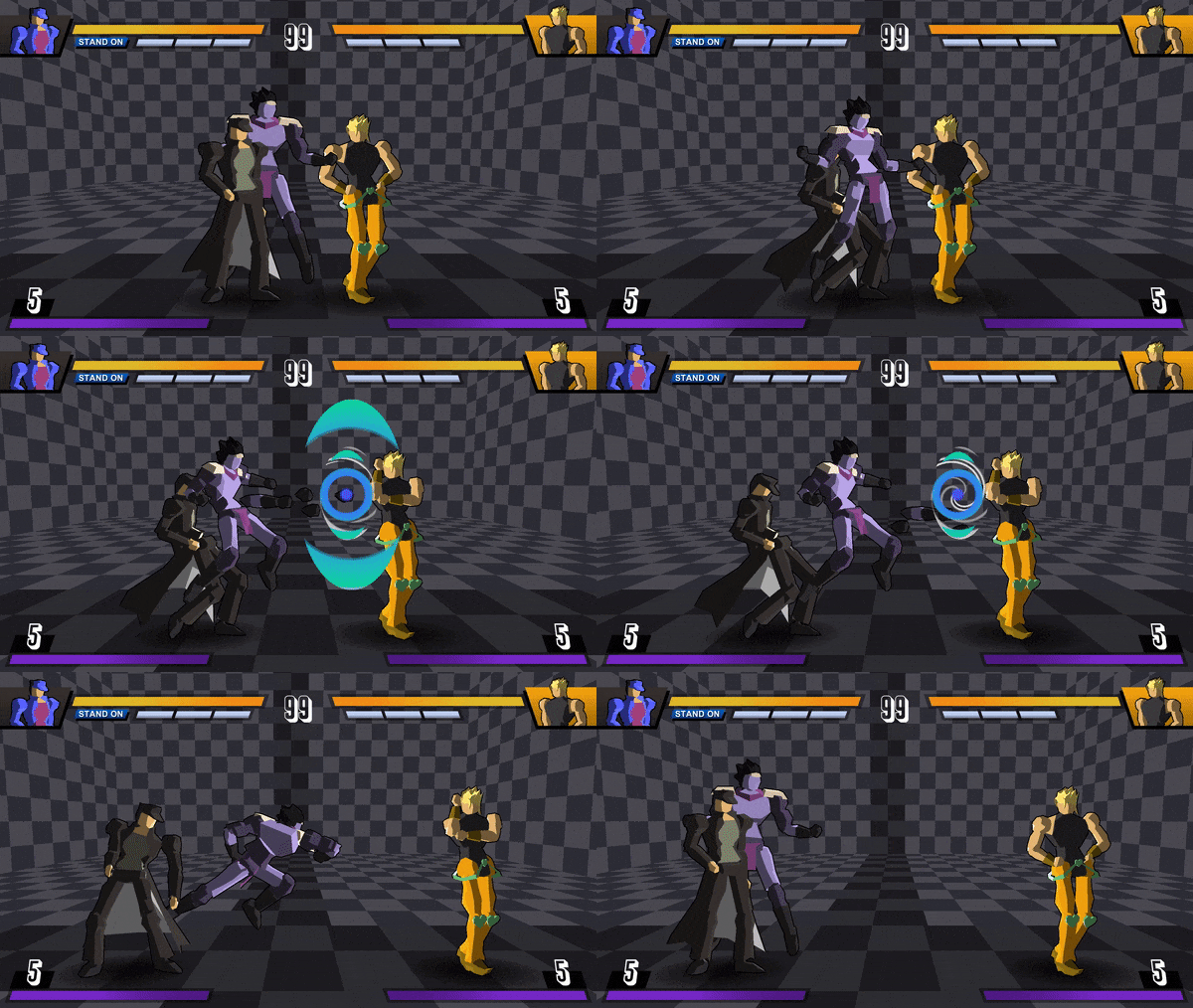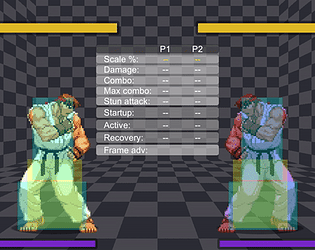
Ask anything you don't understand about the game.
A member registered Jan 10, 2016 · View creator page →
Creator of

Recent community posts
Upload videos of your own combos here and share them with everybody.
You can also write the inputs if you want. A common option is to use the numpad notation:
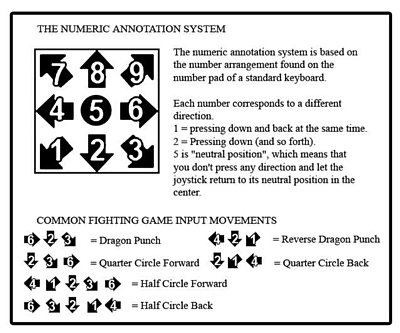
Read this to know more about it.
HOW TO PLAY
- Controls
There are 4 attack buttons in total:
- Light (L)
- Medium (M)
- Heavy (H)
- Special (S)
Light attacks are fast but have short range and low damage while heavy attacks have great range and high damage but start very slow in comparison. Medium attacks fall in between.
The special button is used to switch between "Stand On" and "Stand Off" modes. Your offensive and defensive characteristics will vary depending on whether the Stand is summoned or not.
There are also shorcut buttons for other mechanics, instead of pressing their combination at the same time:
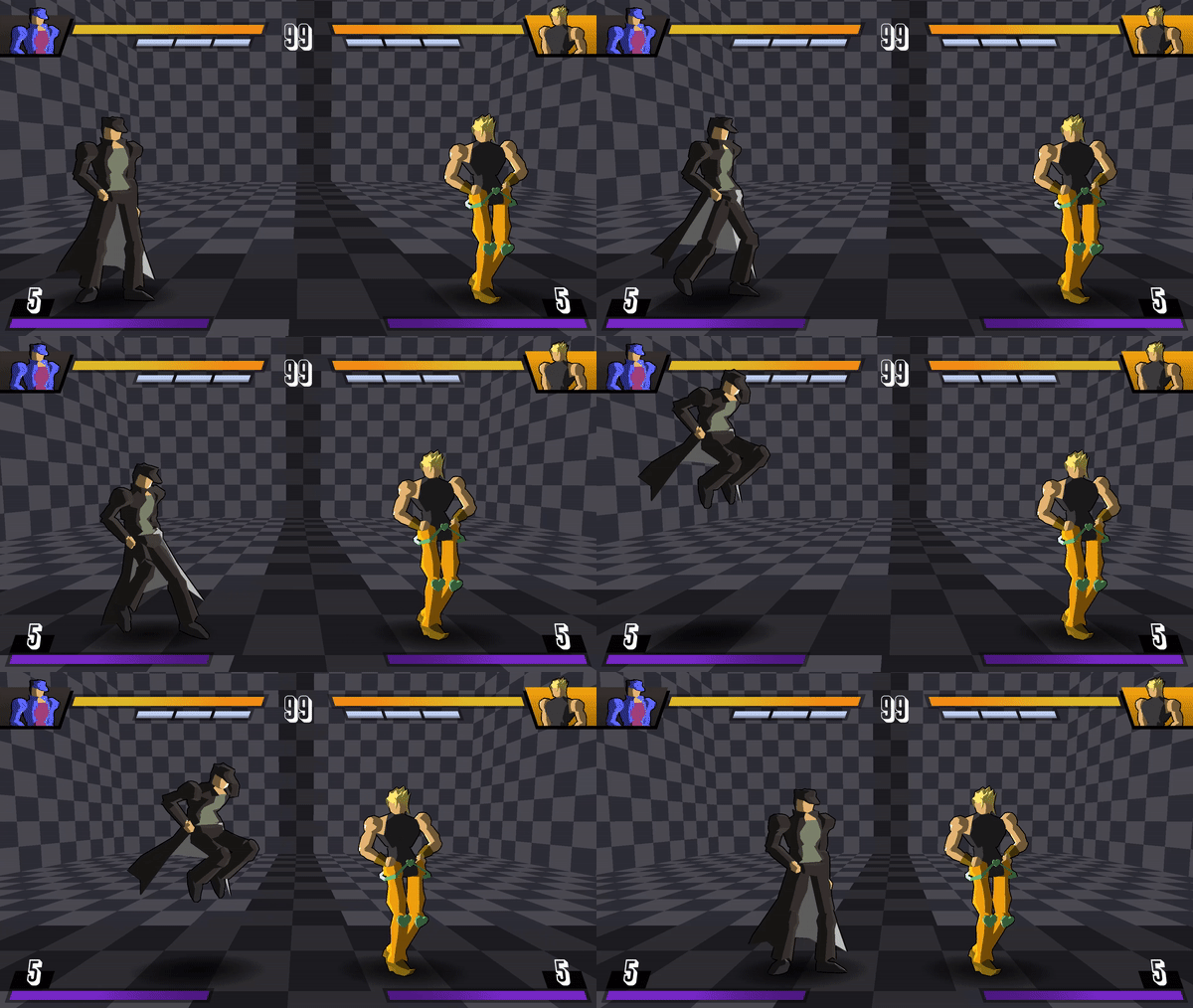
- Dash (L+M): Hold forward or backward to dash in that direction. In the air you can only do it once before touching the floor again.
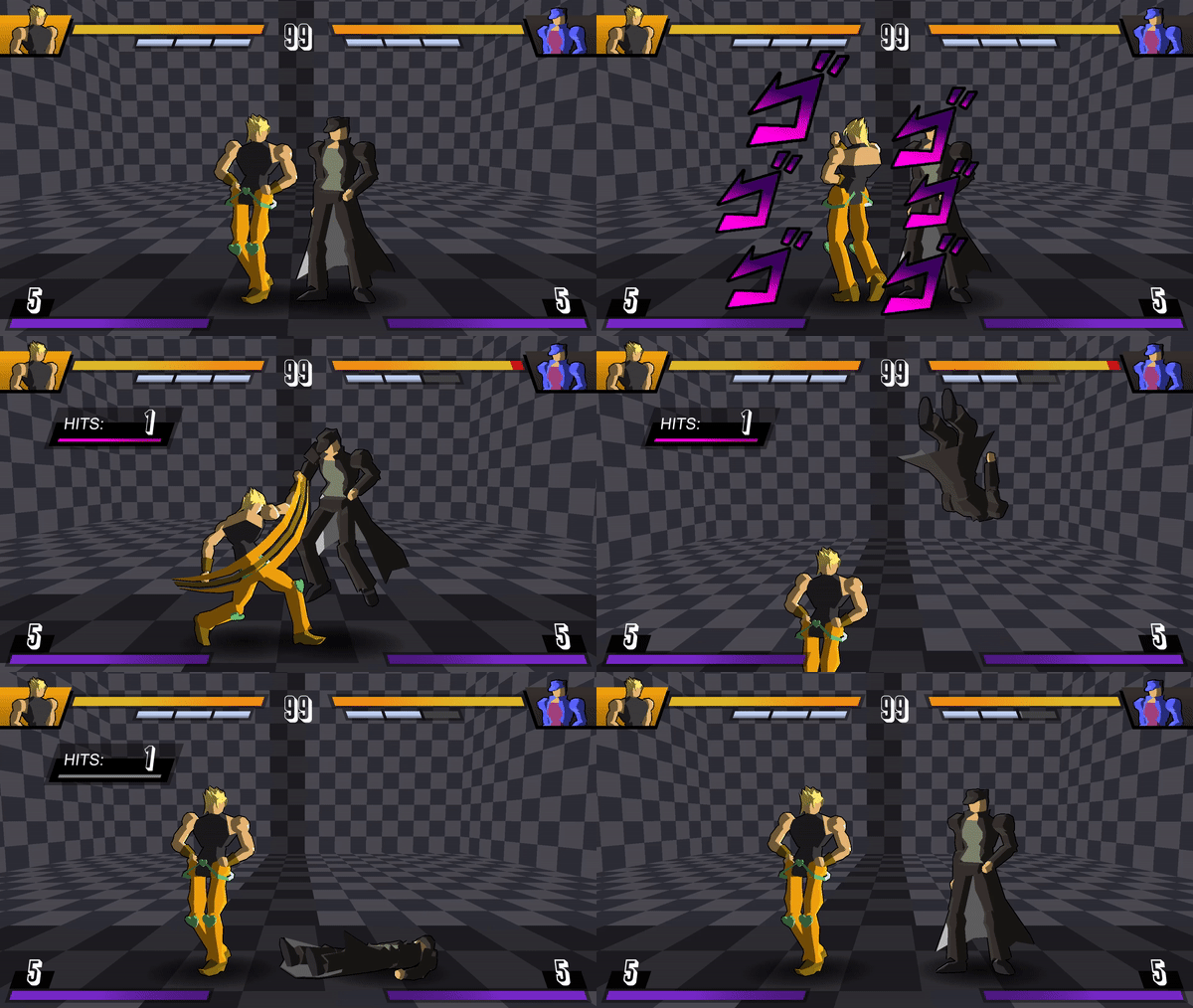
- Grab (H+S): Hold forward or backward when you grab the opponent to throw them in that direction. Enemy grabs can be stopped if you also do a grab.
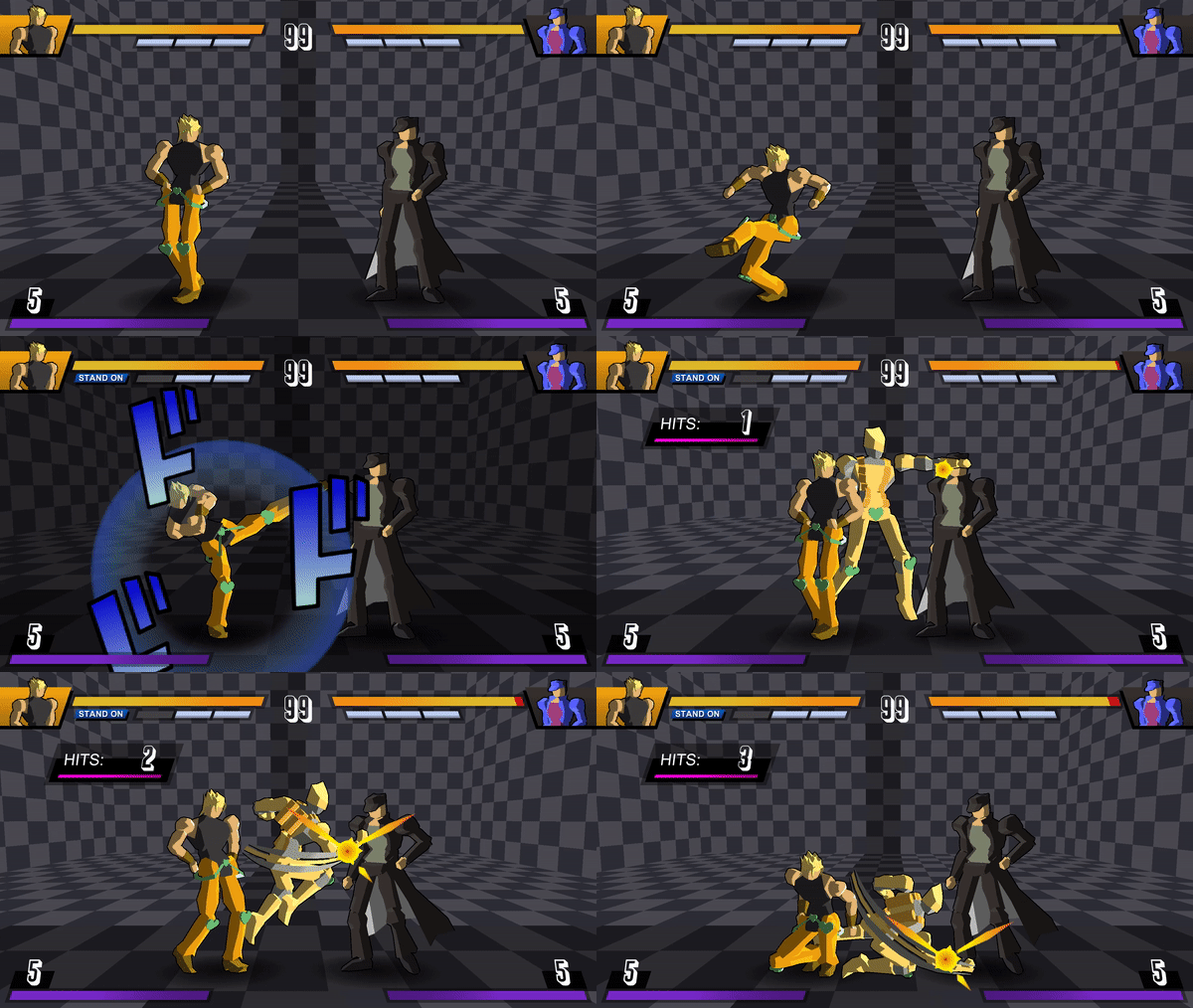
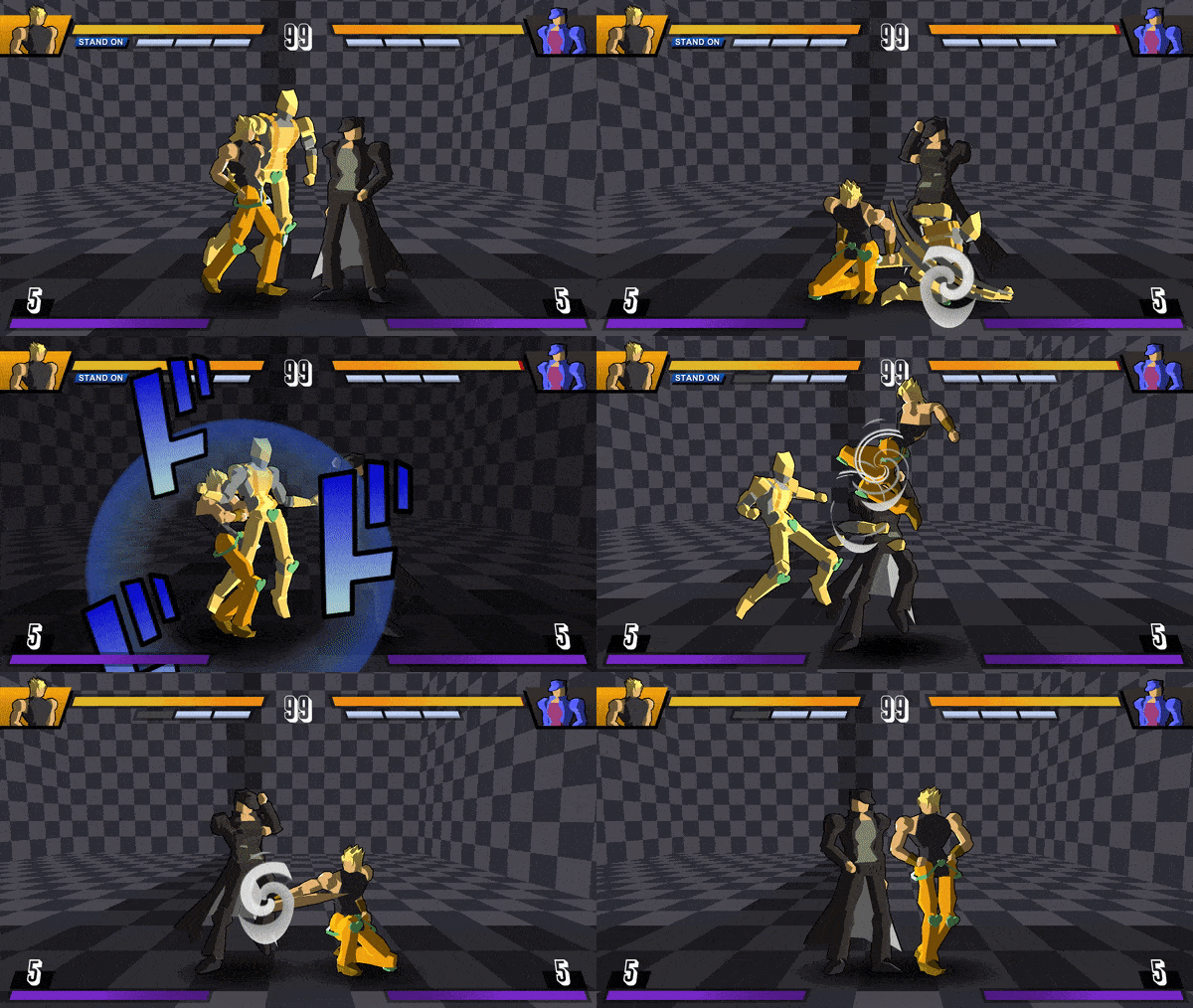
- Stand cancel (L+M+H+S): This mechanic allows you to switch the Stand mode while you are attacking (it costs 1 level of Stand bar). The effects change depending on the Stand mode.
- During Stand Off: cancel your current attack to summon your Stand.
- During Stand On: separate from your Stand while it continues attacking. The Stand will disappear from the screen after the attack ends.
- Stand mode
Different mechanics and moves are available in each mode.
- Stand Off: can air dash but cannot air jump.
- Stand On: can air jump but cannot air dash.
- Attacks
Check the command list of your character in the pause menu for more information about command normals, specials or supers.
- Specials
Do a quarter circle forward ↓↘→ (or backward ↓↙←) with the directional pad or analog stick and press any attack button to perform a special attack. Each special has different properties according to the pressed button.
Certain specials (generally, the heavy version) have the EX property. These moves are faster and more powerful but cost a half level of special bar. A blue flash surrounding the character appears to inform you that special is the EX version.
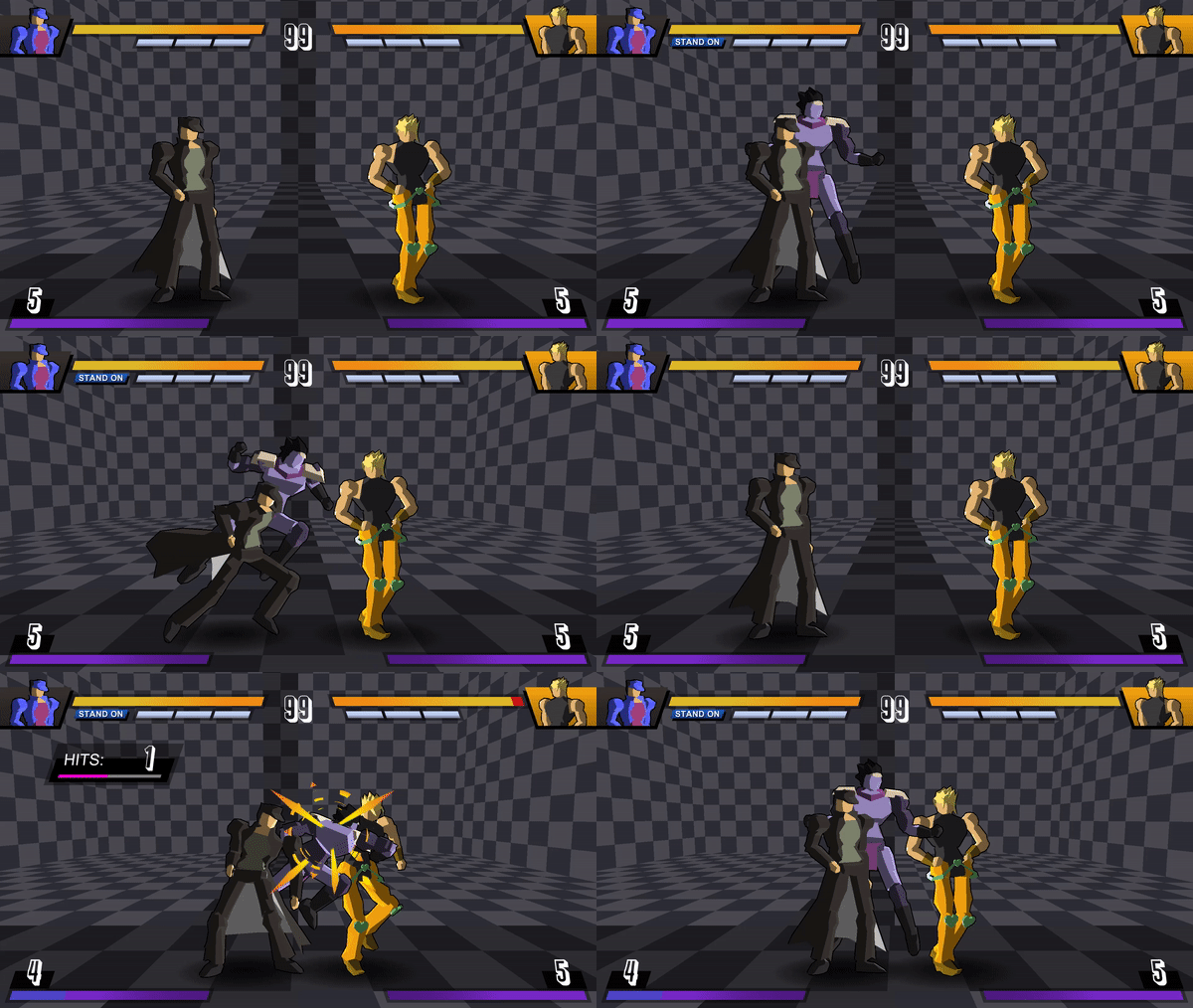
- Supers
Do a quarter circle forward ↓↘→ (or backward ↓↙←) with the directional pad or analog stick and press L+M or H+S to perform a super attack. Each character has a different set of supers, ranging from 1 to 3 levels of special bar cost.
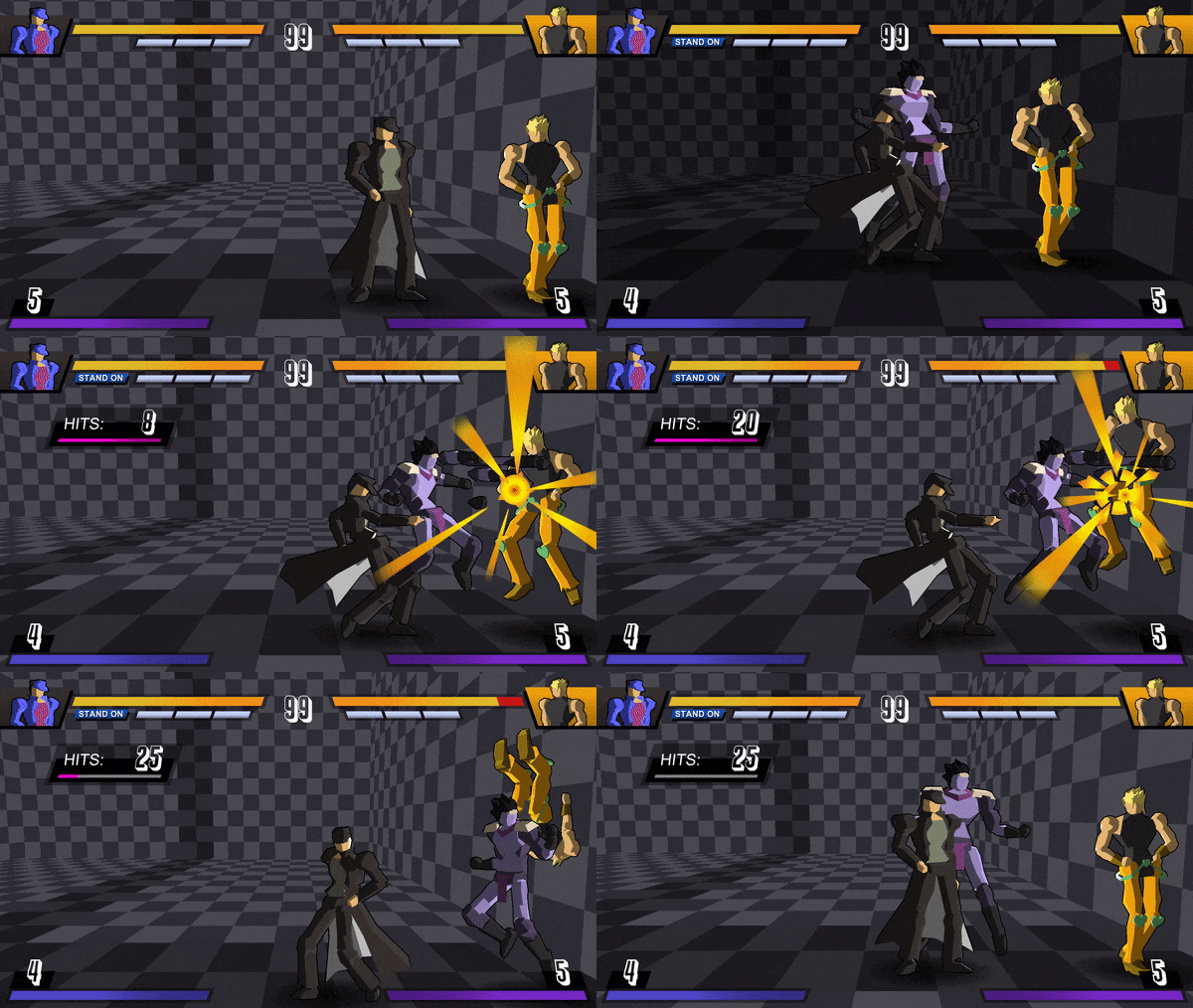
- Chain combo
Press the attack buttons in the correct sequence to do a chain combo, connecting each attack after another. Important: attacks can only be chained when they make contact with the opponent (hit or block). You can skip any button and jump straight to a later button in the series, but you can never go backwards.
General chain:
L - M - H - Special - Super
Standing L and M attacks can also be chained in their crouched versions, so you could do:
L - L - M - M - H - Special - Super
Some attacks have different properties that allow you to extend the combo:
- "Launcher": The screen will shake to signal that you can cancel the attack by pressing up in your controller, jumping towards the enemy and continue your combo in the air. Extend the air combo by cancelling any normal attack with an air dash or air jump.
- "Wallbounce": The opponent will go flying and bounce off the wall, which you can use to continue the offense.
NOTE: you can only use one launcher and one wallbounce per combo.
Combo example combining wallbounce and launcher:
Notation: (during STAND ON) M - M - 6H - 214M - 214M (wallbounce) - dash - L - M - M - H (launcher) - jump - j.L - j.M - airjump - j.L - j.M - j.H
- Counter attacks
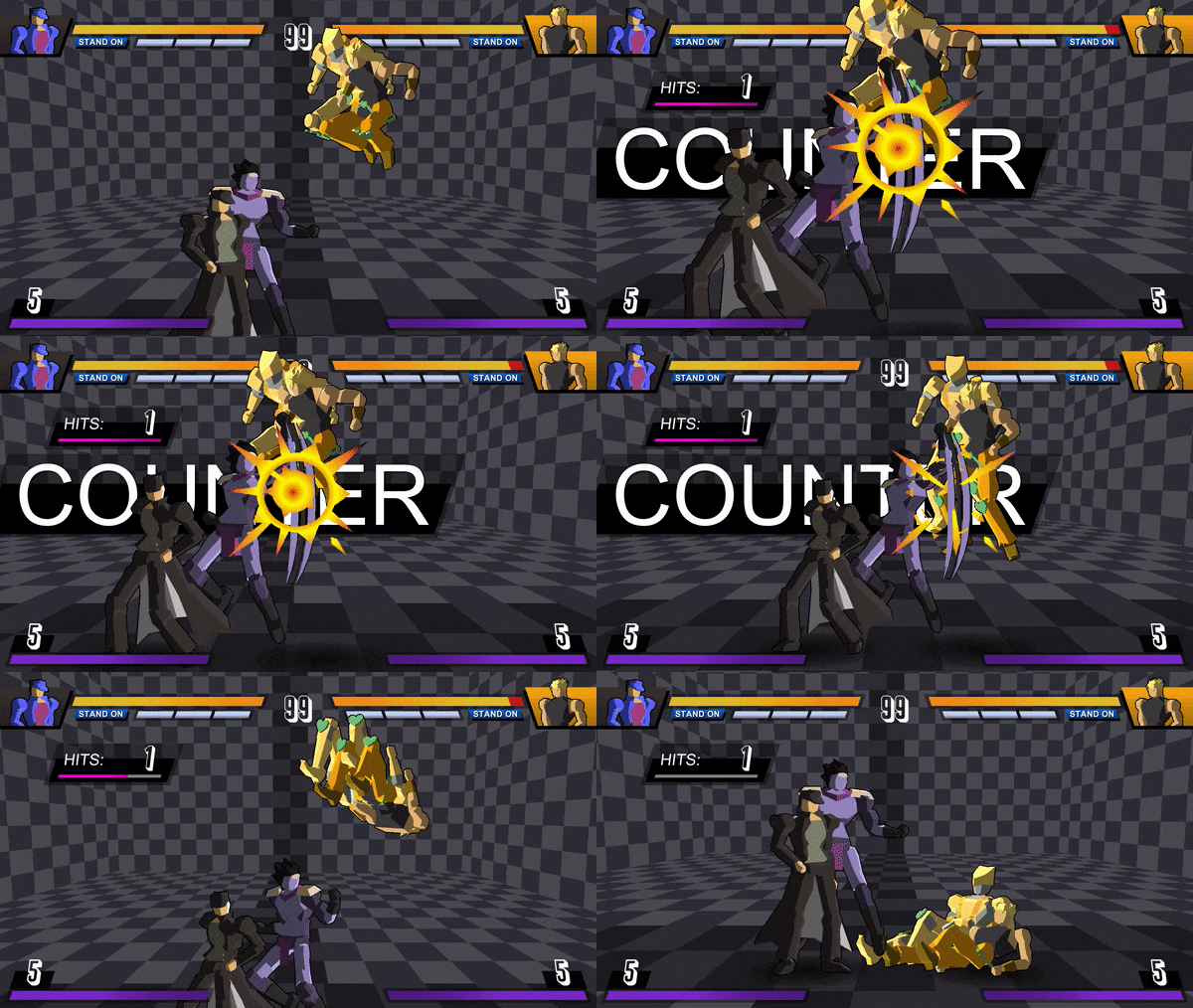
If the opponent is also attacking but you manage to hit them before their attack is active (because your attack is quicker or was executed earlier), then your attack will be considered a "counter" and damage and hitstun are multiply by 2. A panel will appear in the background to show that you landed a counter attack.
Furthermore, the heavy and super versions of attacks will trigger a special zoom animation.
- Scaling
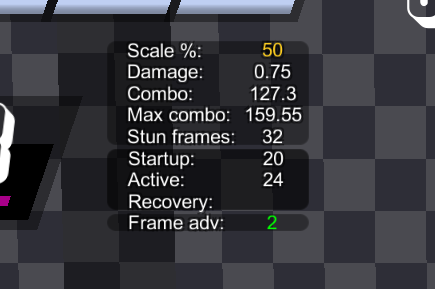
Scale percentage will increase with each new attack in the combo, so the last attacks won't be as powerful as the first ones. Generally, medium and special attacks have lower scaling values than low and heavy attacks. Explore different routes to maximize the damage output.
- Pushblock
Press L+M+H+S when blocking an attack to push the opponent away. The opponent won't be pushed away if you pushblock a projectile but you will recover instantly instead.