Indie game storeFree gamesFun gamesHorror games
Game developmentAssetsComics
SalesBundles
Jobs
TagsGame Engines

alastaira

9
Posts
2
Followers
A member registered Feb 17, 2015 · View creator page →

Creator of
Recent community posts

Ah, I had no idea that U.S. spells prise with a "z"!  But surely SINGS/SEEDS/SPIES are present tense verbs as well as plural nouns? If you're going to keep an intentionally-restricted dictionary, perhaps it might be interesting to have it _only_ populated with singular nouns? That way it feels like each step is a transformation between objects rather than words?

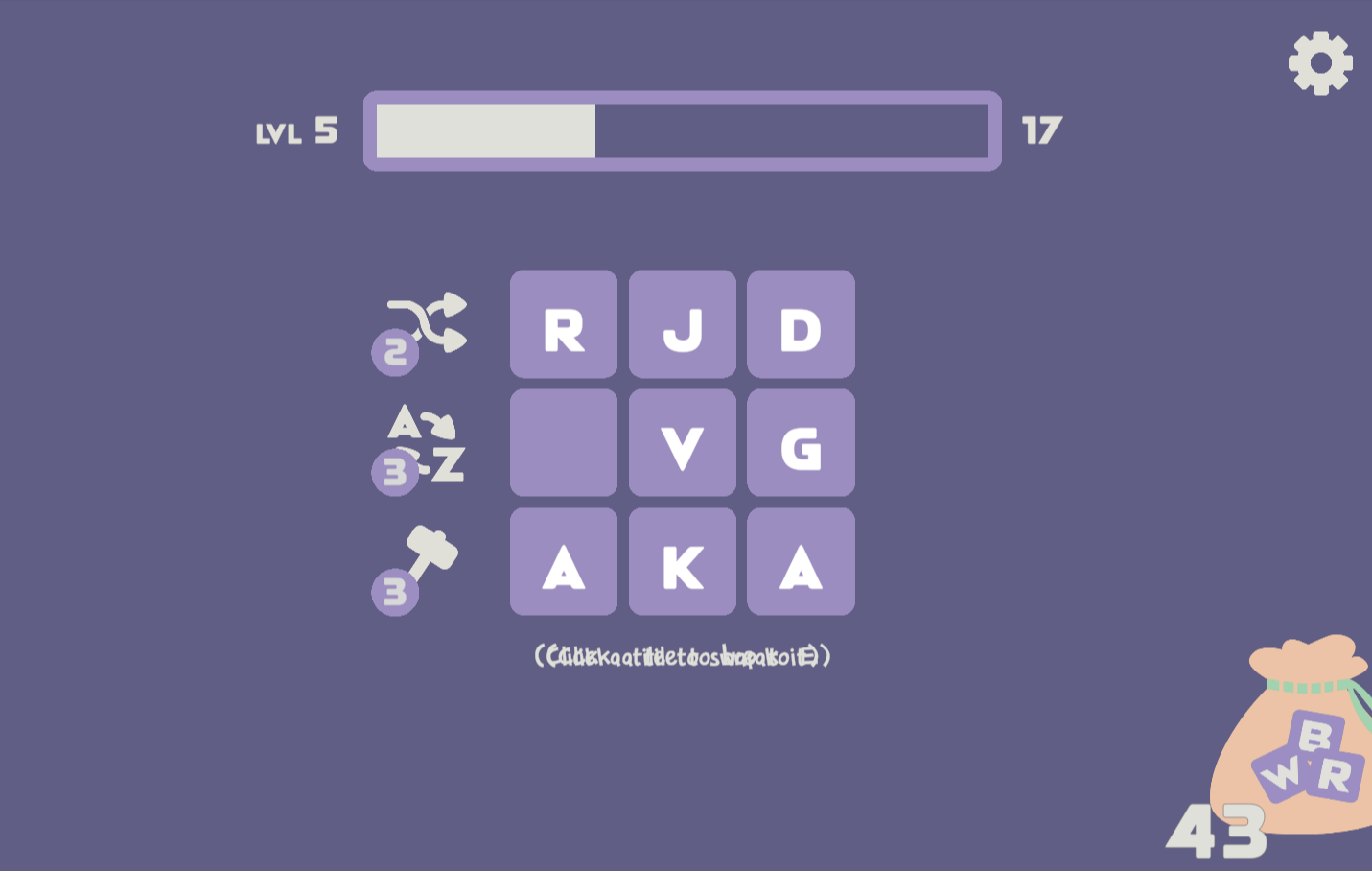
Cute!  I did manage to break the UI a few times (once when I entered a new word too soon before the grid had refreshed, and once when I selected a powerup but then cancelled it again - see attached!). Also the "Cancel" text on the button doesn't render correctly if not in fullscreen.

Ah- for some reason I either didn't notice them or they didn't appear for me (I could see the expanded clues, but I knew what those were anyway!) 

Your wordlist seems a little.... restrictive? I couldn't get any word ending in 'S' to be accepted - SINGS, FORTS, SEEDS, SPIES, ... as well as some others e.g. PRISE. 

Very nice, clean UI, and a surprisingly tricky puzzle! Decoding the clues was trivial, but thinking of the solution much less so - in fact, I solved it using only the top and bottom clues - would be nice to display the answers to each clue when the puzzle is solved )

I was a little confused about "printing" a number (why not "choose" a number? Is it because prininting implies more of a sense of permenance?). But I liked the numerical facts and I definitely felt I was stumbling but gradually making progress each time, though I confess I didn't make it to the end. But, great job!

Gah! That's embarassing - thanks for trying and noticing. I swapped the dictionary wordlist file I was using for a smaller one to make it quicker to load on the web, and didn't think to re-check the examples. :(

For anyone following this with a recent version of Unity (e.g. the 2023.x and 6.x branches), note that there is no longer a "WebGL" platform, but just "Web" instead.

Also the menu structure has changed. After switching to the "Web" platform, o apply the template you now need to go to: 

Edit -> Project Settings -> Player, and select "BetterMinimal" template under the Resolution and Presentation heading.

Just discovered this bug too :( Firefox on Windows 11.