The idea itself isn't anything new in 3d world- i have used same kind of logic with 3d game studio and also with my freebasic 3d opengl engine very long time ago. [but as you see my script works and is written different-its my style and its kinda uniq- by reading my scripts we can say its my script not yours :D]
Lets try to figure out your reason to comment here: *Even if it is based on your work [that its not-the fact] are you such and fame-whxxx that you need to come here to point that out? *If i look your itch page i see its empty [you have null work done] *if i look your itch page i can say you are ZOO-wannabe [its even more pathetic than claiming other work yours ] -you are not the Zoo -you cant fool me :D
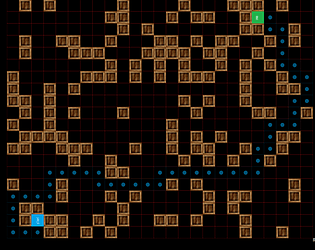
probably , first step to check..if you want to add new map marker then make sure image file is correct and its extension also.. by default it may be .bmp or .png (dont remember exactly from head) ..
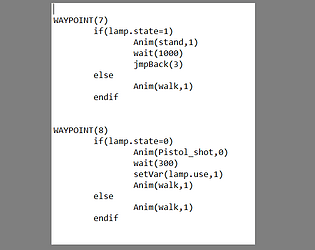
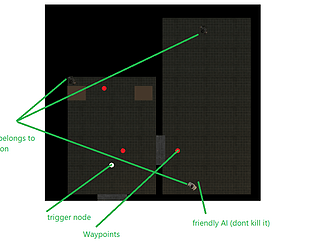
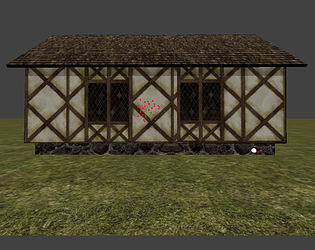
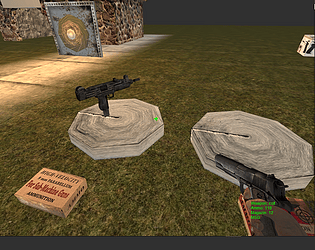
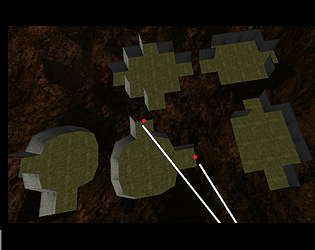
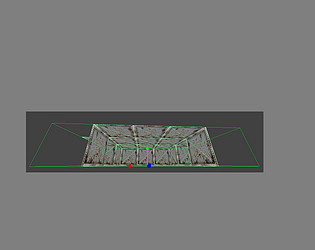
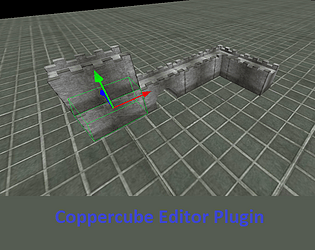
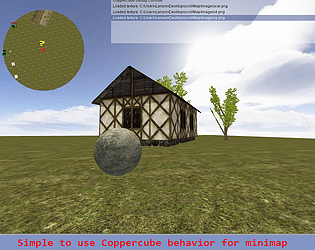
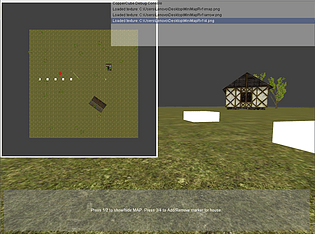
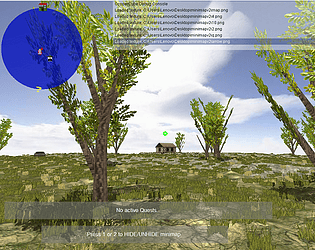
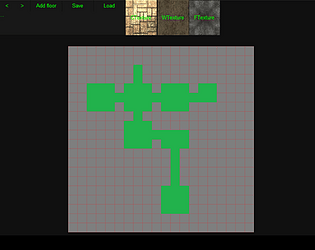
With download there is folder HowToUse -it includes image files that explains how to use it. This version is best for Coppercube room maps (still its not perfect). With editor plugin that is included with download you can generate paths for pathfinder.. AI script uses it.
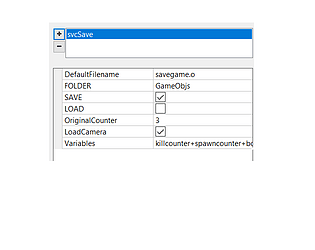
I added second download for this project.. It has mouse buttons now.. also removed variable name and added bool for locked /unlocked.
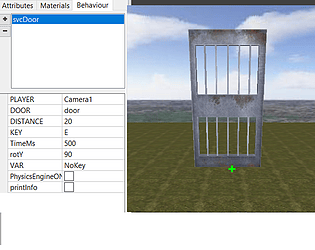
For interact key use MBL or MBR for mouse buttons left/right For interact key you can also use NONE- so door cant be interacted directly.
if door is locked by default then you dont have key for it.. ..to give player a key variable must be set to 1.. ..to open /close door with variable then you must set remote variable to 1..
Each door must have unique name so if your door name is for example GarageDoor1 then its KEY variable name will be GarageDoor1_key and its remote variable name will be GarageDoor1_remote
Now you can use SetOrChange variable that is default action in Coppercube to set those variables to 1 to give key or control door with variable.
Make sure to delete old script and replace it with new script in scripts folder.
I actually have this possibility added to the current version.
There is special variable that you can use "_remote"
So if you have door with name DOOR1 then variable that you can use is DOOR1_remote
What you can do with it is: add behaviour to the door: IF klicked then do something.. SetChangeVariable DOOR1_remote to 1 Now door should open if you klicked on it.
With same method you can make buttons to open door and many more things.
Anyways i update this project so it can be used with mouse klick directly.
Without knowing javascript its impossible to add commands to it. This script made long time ago so there is better way to do that but at current version works like this..
You see line in i_in file :something like this:
1,-309.30,0.01,-112.74,155.23,stand,null&
its the player ID ,positionXYZ,rotationY,animation, COMMAND
ends with & symbol -then next player data will continue if any other player there.
command is not one parameter command as animation name or pos data,
command can be with parameters -separator is |
it reads string from file, string res
command part starts from res[6]
to check what command it is :(for invisible command) command name is Inv: Is it inv?? check: if res[6].substr(0, 4)=="Inv:"
if yes split it : separator is | for parameters:
var cres = res[6].split("|");
then do whatever needed and use parameters
var m=ccbGetSceneNodeFromName(cres[1]); ccbSetSceneNodeProperty(m, "Visible", false);
splitted from | then dont count 0 (its the command name itself) cres[1] for invisible is str nodename.
Yes its possible.. needs some scripting to add new command for this.. if you know scripting then you can easily add commands to it.. all it needs is after each change (similar to open door or turn light on/off) you need to send command out to other players so they can update theyr game.
hamachi shows you IP adress that should be used near to power off button. (server should print ip adress also-dont know why it doesnt show ip adress (should actually show 2 adresses if hamachi online (one is correct to use another not) .. run it with "Run as administrator" may fix it.)
Two computers must be at same network to be able to play this multiplayer.. i dont remember exactly .. but there was program named hamachi that did create connection between computers and was able to use this multiplayer. server.exe displays IP adress that should be used by client.
Hi, you can ask irrelavant questions of this itch project topic by using email. Anyways you cant use KeyDown for setting animation directly.. it spams function set animation and it wont allow model to play animation, to prevent this you can use variable.. [animation must be set one time only on each keypress]
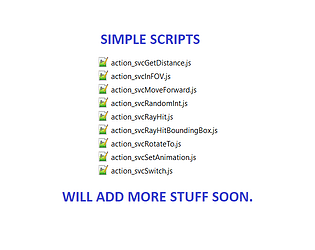
Also you can use my action that sets animation [simple scripts] -it wont set animation if animation is already set (so it cant be spammed by keydown) https://5v3n.itch.io/coppercube-simple-scripts
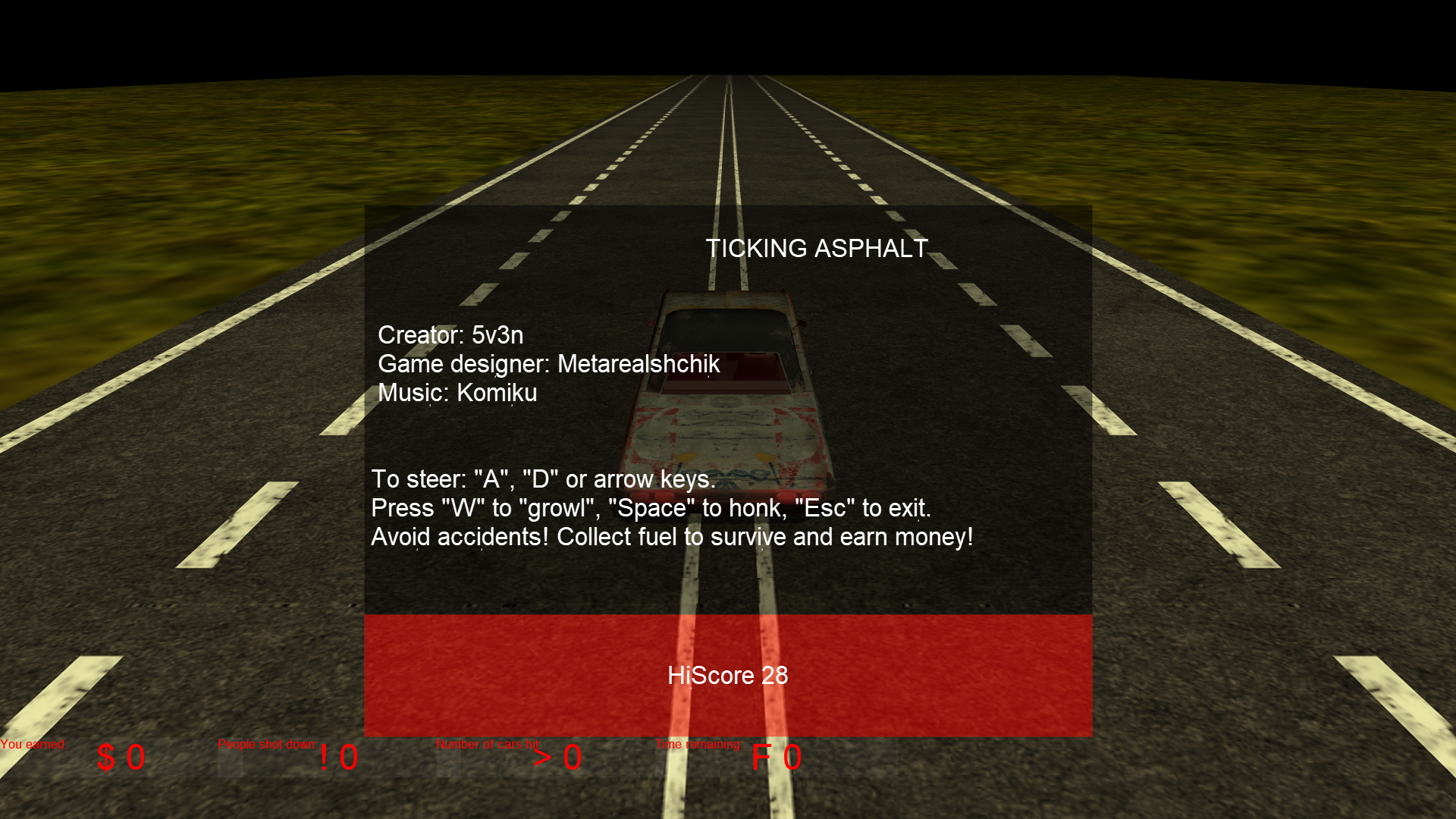
Hi ,this is very nice .. with sounds you have added and car texture it looks and sounds cool. NB! i had problems to run the game because i had no idea how to start the game :D Add this line to your main meny -"maybe you have this there but scale of overlay makes it invisible on my screen": Press "R" to restart the game
i have 6.7.1 also- works fine. What you can try : clean up your scripts folder-C:\Users\Lenovo\Documents\CopperCube\extensions (make backup of files there then empty that folder.. then run ccb that is with download )
Hi, with scripting its doable.. my example is made for player vs player. -to make it work to update AI positions needs scripting , i made for my own use simple AI update script (if i find it then i post it here- but still for custom game its all about scripting)
Hi, coppercube writes file .. client program sends it to server.. server sends ot to client programs.. client writes it to a file .. coppercube read it from file- then in script it parses the string: string looks like - command_name, value,value ..
i dont currently have second computer so its not possible for me to test and make fixes properly.
Player positions are sent out with interval..minimal event action sends commamd only if action is made and should be update something..for example remove node or create one or set visible or invisible something.
Commamds to parse you can add in script ..
In my example i dont have many of them but can be added as many as needed.
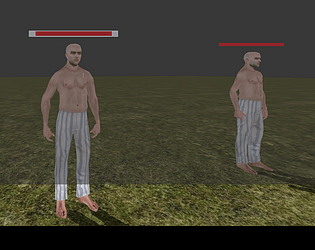
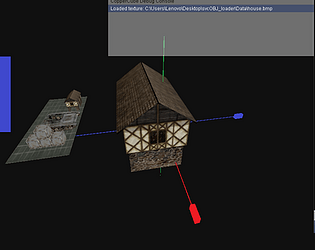
Hi.. for 3d model (half in the ground) make sure its pivot point is set to the floor just like sleepwalker have it. Probably i make new version for networking (its very old project of mine so its simpler to make new version than repair old one )
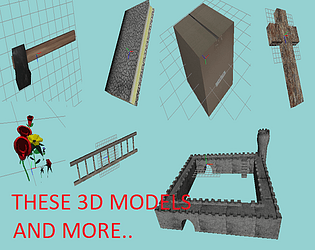
Cant share ccb file .. i use and add more models that i did buy from cgtrader. Maybe i make version with free dummy models and share that version in future.