On Sale: GamesAssetsToolsTabletopComics
Indie game storeFree gamesFun gamesHorror games
Game developmentAssetsComics
SalesBundles
Jobs
TagsGame Engines

1BITDRAGON

297
Posts
75
Topics
1,122
Followers
A member registered Oct 08, 2020 · View creator page →

Creator of

Recent community posts

Sorry, no, that's not possible.

Fantastic! Can you add a credit in "Made with Aseprite, Tiled, Bfxr, Phaser, Adobe Photoshop, Audacity"?

It will be a completely different software. I was hoping to release it by the end of summer, but there are still too many things to finish. I'll let you know here so you'll be the first to test it.

Thanks for your feedback!

I'll think about it, but I don't think it's possible, sorry about that.

Hello! No, sorry, that's not planned at the moment.

This is a very good idea, but for now, sorry, it is not planned.

Yes, that's a really good idea, and I totally agree it would be super cool to be able to do that. I'm seriously thinking about it.

👍

Ok, thanks for the feedback!

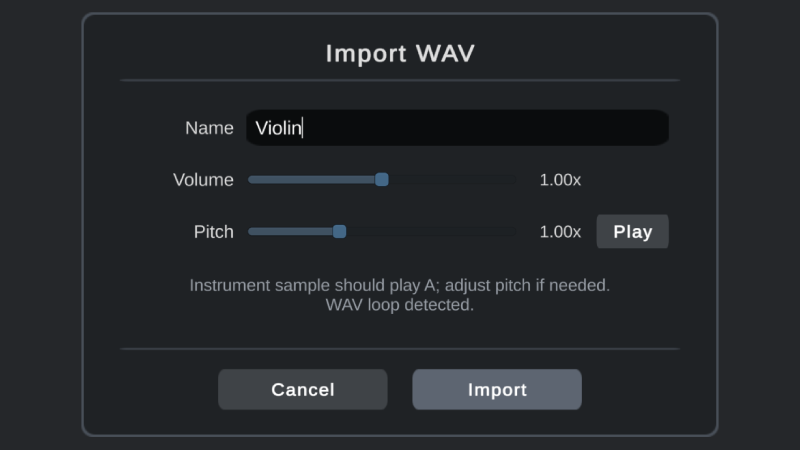
How would you like to be able to add other instruments? By importing a .wav file? By purchasing an additional sound library? By creating a new sound yourself by tweaking synthesizer parameters?

Yes, I agree. There is a completely revamped 1BitDragon ("1BitDragon Megablast") that will be released in 2025, and I'm currently testing the possibility of importing custom sounds.

Whisky is a free and easy-to-use macOS program that focuses specifically on running Windows games:  https://getwhisky.app

(1 edit)

Yes, I agree. A completely revamped version of 1BitDragon, called "1BitDragon Megablast" will be released in 2025, and it will allow users to create 3/4 or 4/4 time signature songs.

Sorry you're running into this. Unfortunately, even if it works on M1, it hasn't been tested on M3 and it doesn't seem to work, you need to go through Whisky. Can other Mac users confirm?

Thank you for your input.

Yes, MIDI controllers are not supported.

Sorry about that.
Normally the Unity engine I use for 1bit is compatible with the Macbook Air 2019 Intel i5. Does anyone else around here have this type of machine?

Thanks for the feedback.

No sorry.

Sorry, this has never been tested with a touch screen.

Sorry for the late reply, are you still having this problem?

Yes : https://discord.gg/DXK8qhyxsq

❤️

On a TV? Interesting! Is it connected to a PC?

Sorry, this is not planned at the moment.

For macOS users: when you double-click on the application, you'll notice that it doesn't open. This is because macOS has blocked the app from running. Since this app came from the internet, macOS assumes it is not safe and automatically cancels opening the app. To bypass this, ctrl-click (or right-click) the app icon in the Finder, choose Open, and confirm.

Download the song here: https://1bitdragon.com/songs/SmoothJazzyBeat.1bd
(right-click on link and choose "Save link as". In 1BITDRAGON, click the Open button and select the file)

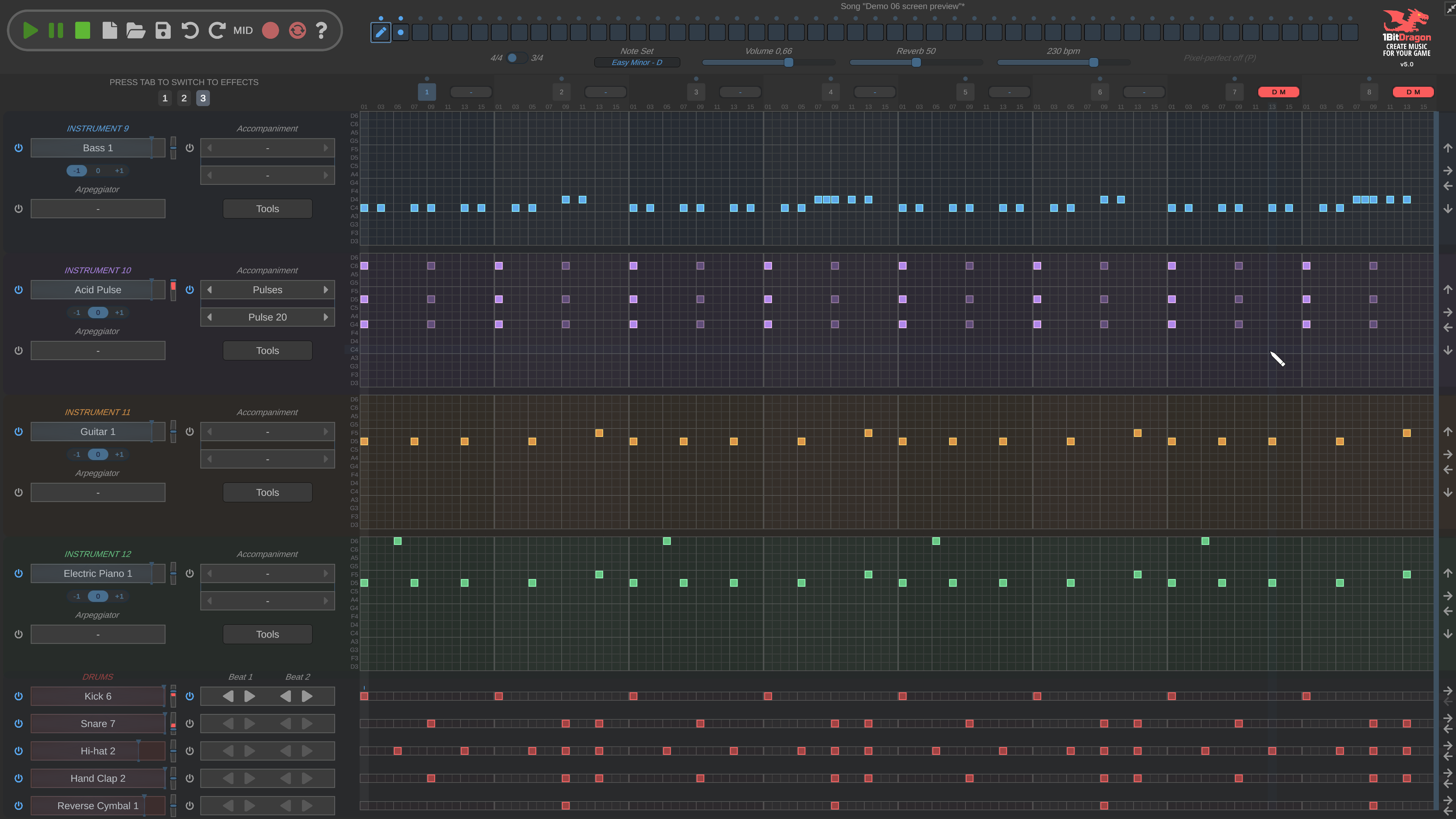
1BITDRAGON 5.0 Preview #02

1BITDRAGON 5.0 Preview #01 (WIP)

Thank you

👍

Thanks for the suggestion!

(1 edit)

You don't have to pay again, just re-download 1BITDRAGON :)

1BITDRAGON 4.3 RELEASE NOTES:

  • User interface improvements:
    • Improved note editing:
      • click: Create note          
      • click+alt: Create attenuated note          
      • click+shift: Paint notes          
      • click+ctrl and drag:  Copy note          
      • right click: Delete note          
      • click and drag: Move note          
      • click and drag at the ends: Change the length of a note          
    • Move around the window when zoomed-in by pressing the middle mouse button or the M key while moving the mouse
    • Turn "pixel-perfect" mode on/off (i.e. Draw monophonically without allowing multiple notes in the same column) with the P key
  • Bug fixes

1bitdragon contains audio samples found in the public domain or in free-content libraries :)

Thanks for the suggestions!

Could you please give me more details?

Yes, this is planned. Not in the 4.3 that will be released soon, but in v5. 

(1 edit)

How to make sound effects for retro video games?


Download the song here: https://1bitdragon.com/songs/RetroSoundEffect.1bd
(right-click on link and choose "Save link as". In 1BITDRAGON, click the Open button and select the file)