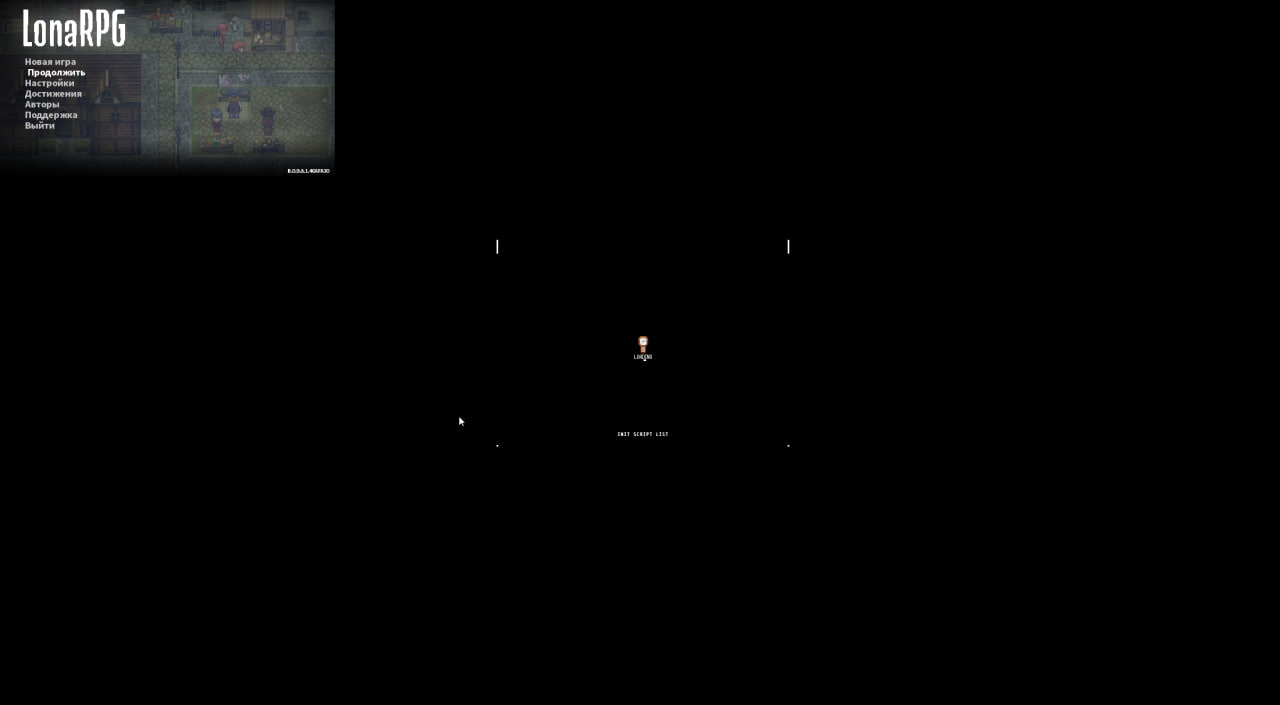
Well, in theory it’s something software-related, because sitting with AI all day, I realized that it’s most likely not a matter of game files or configuration of components
A member registered Jun 01, 2025
Recent community posts
Can anyone help? After launching the game, this is the picture. It is impossible to play like this and changing the game settings does not help (from changing the resolution, the window simply becomes larger or smaller) full screen (the same, only full screen). If you enable the checkboxes in the F1 menu, a huge window with the game is turned on, but in the worst possible resolution (as if the window in the picture was simply stretched). If anyone has encountered a similar problem and knows a solution, I would be grateful for help. (monitor 21:9 3440 by 1440)