How do you add images?
Hi krescenta!
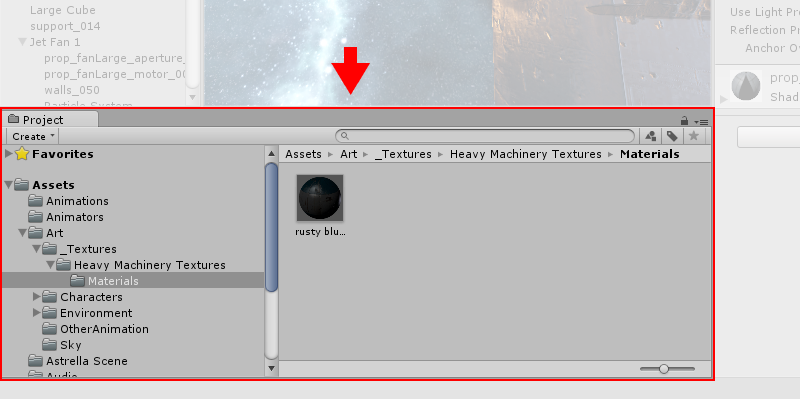
You can drag and drop your images here in the Project Window. It is usually located at the bottom half of the screen in Unity. Note: This image is for reference only and is not found in GDSP
Or you can also click Assets on the upper left and click Import New Asset
Thank you!
-Justin