Indie game storeFree gamesFun gamesHorror games
Game developmentAssetsComics
SalesBundles
Jobs
TagsGame Engines
(2 edits)

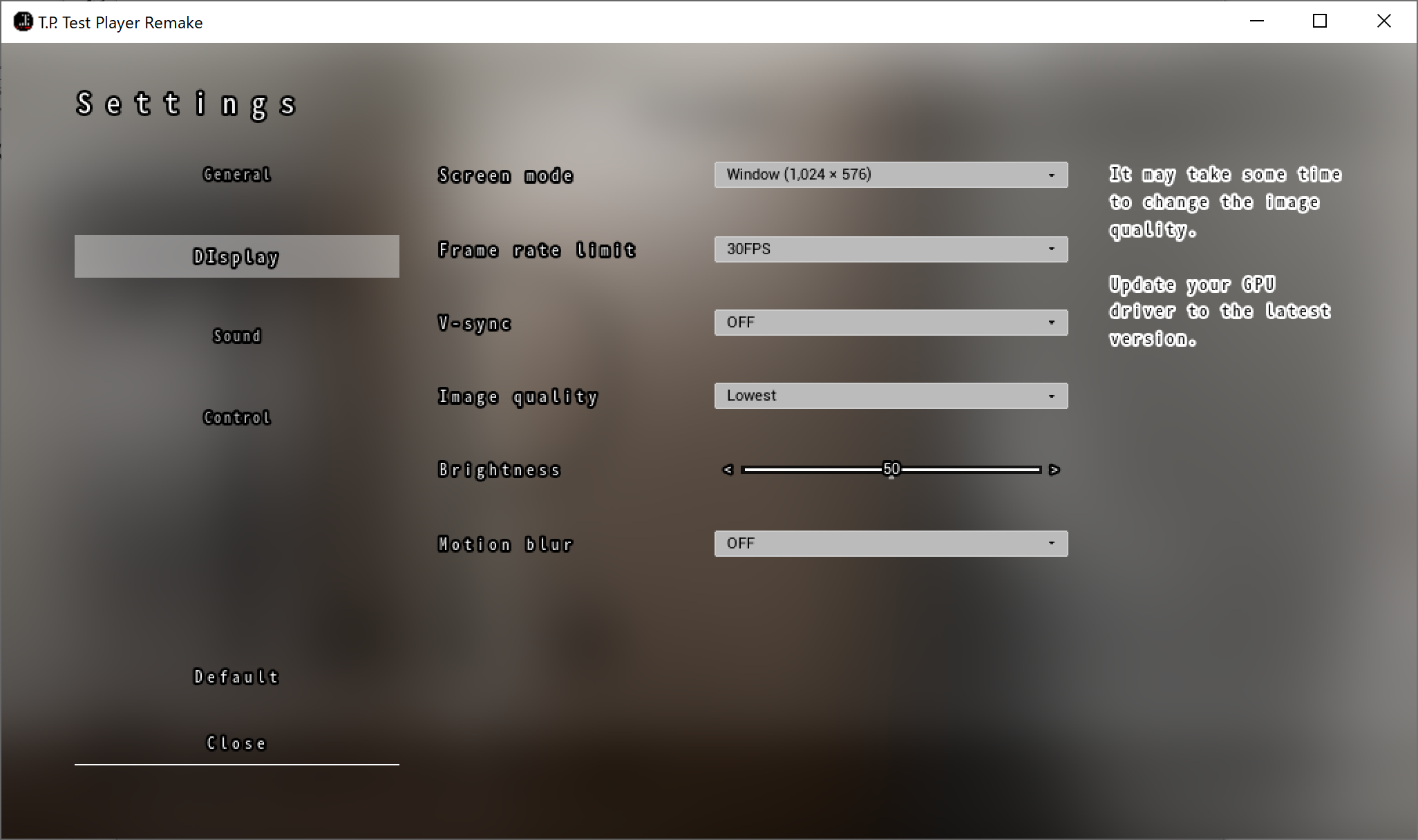
This is what the game looks like when I attempt to play, the graphics are completely borked, I see that the settings menu says to update driver, but I am on the latest 23.3.2 driver from AMD. And I use display driver uninstaller each time I update to ensure a clean installation. Hopefully you can figure this out before other people attempt to play your game. I was looking forward to recording it. Sorry for the image being small, itch has a 3 MB limit, so I had to shrink it down to 720p. And yes, this happened on the 01.00.02 release, so I tried the first version.

(+1)

Thank you for your comment.

Graphics optimization is difficult with my current skills and environment.

If the processing does not catch up, the operation will be slowed down and the textures will be disturbed (this game is made with priority on image quality).

Incase this might help with optimization. My specs are a Ryzen 7 5800x paired with an RX 6700 XT with 2x 16 GB 3200 MHZ sticks. (Well above the mentioned recommended specs in the description) Plenty over kill for indie games as I tailored this system to run AAA titles released 2023 and after. The 3 people below somehow got lucky but perhaps they run near the recommended spec, something near a RTX 2050/or a gtx 1070 which the game would run stable on as it was created on similar spec, and seeing mine is generations ahead the game acts weird.

(1 edit) (+1)

Thank you for the spec information.

I don't own a Radeon and am developing with an NVIDIA GPU.
Maybe it's not compatible with Radeon.

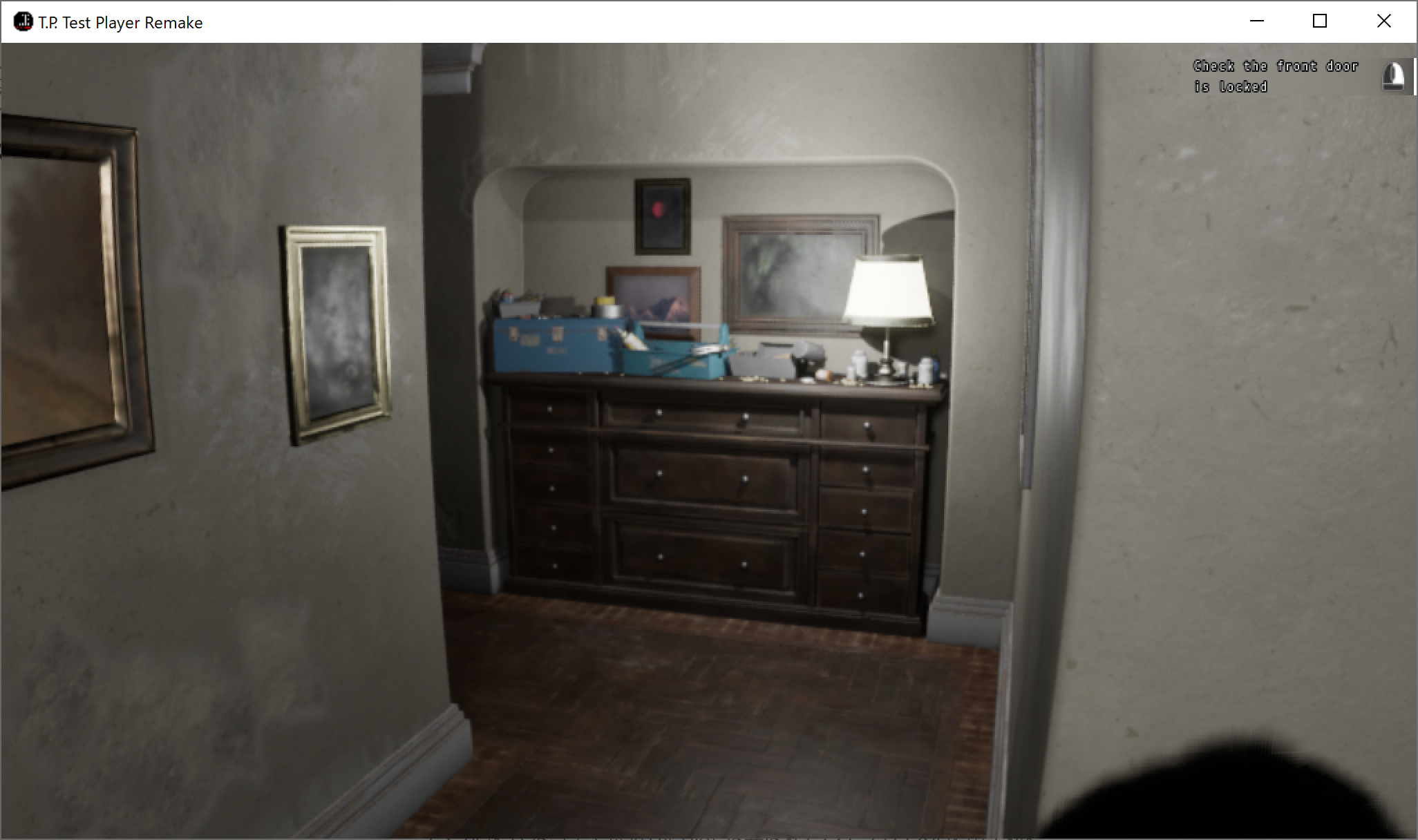
For reference, I will introduce a screenshot when it is started on Surface Pro 3 (Intel Core i5).
Of course there are some inconveniences in behavior and rendering.Screenshot on Surface Pro 3

Screenshot on Surface Pro 3