

Downloaded the mac version and I'm getting an error :'<
Maybe because it's an M1 chip mac?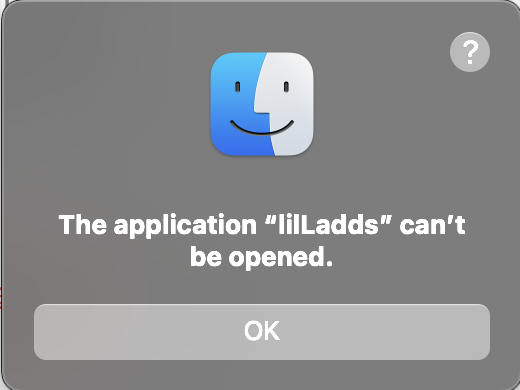
The issue is that the binary file inside the .app is not marked as executable. macOS apps are actually specially organized folders which contain a main executable, and the rest of the supporting files, + a manifest.
For whatever reason, the binary inside the app is not marked as executable, which means macOS tries to open the app, but can't find any file to execute.
I was able to get it to launch by using terminal and running chmod +x "[path to .app file]/lilLadds.app/Contents/MacOS/lilLadds" and then doing right-click ➜ Shift+Open on the .app file to enable the "Open" option on the "Unverified Developer" screen.
(chmod is a command-line utility to change file attributes. +x is telling it to add (+) the executable attribute, which tells macOS that it is a binary executable.)
Yeah. It's weird that the executable marker was removed.
It'd be like shipping a program on Windows but accidentally removing the ".exe"… Only harder, because on Mac it's part of the file information not the file name.
Not something that's normally easily removed, unless it wasn't there to begin with.