
On October 3rd he asked me what day it was and I told him it was the day I started development on the third game in the jam! This time I found a game jam that coincides with with my own self created game jam. The game jam I will be taking part in along with for the third game is the One Game A Month game jam. The theme for this jam is shapeshift and I will try my best to make a game that goes along with the theme, but since completing my last game I have had some fun ideas that I would like to run with for my third game.
This game I would like to focus on making a fun little mobile game. My intention will be that the mobile game will have a very simple game play, but with the addition of a multiplayer functionality. This way I can focus on some of the complicated backend aspects that will go into making the game have a multiplayer feature. However, I will want to limit the scope of the multiplayer feature. Possibly I would like to maybe just have a leaderboard feature.
The core game play I am thinking of is you are a cat that needs to tap some yarn to keep it in the air before falling below the screen. This way I can get a simple leaderboard just showing the user with the highest amount of yarn taps. I could possibly fit some of the shapeshift theme ideas into the yarn itself, but that is a concept I will tackle later on.
I am super excited to start working on the third game and love that I found a game jam (and a community) that I will be able to develop with. In addition, I am supposed to be traveling for work quite a bit this month and it will be hard to develop being away from my computer. That will allow me to focus my efforts on the unique art of the game and also the backend architecture that will make up the multiplayer leaderboard feature. I hope I will be able to update this devlog and keep you all up to date on the progress of the game!
Also, I figured out how to integrate my development with git! I have been trying to figure this out for sooo long and happy I finally go the integration working with Unity.
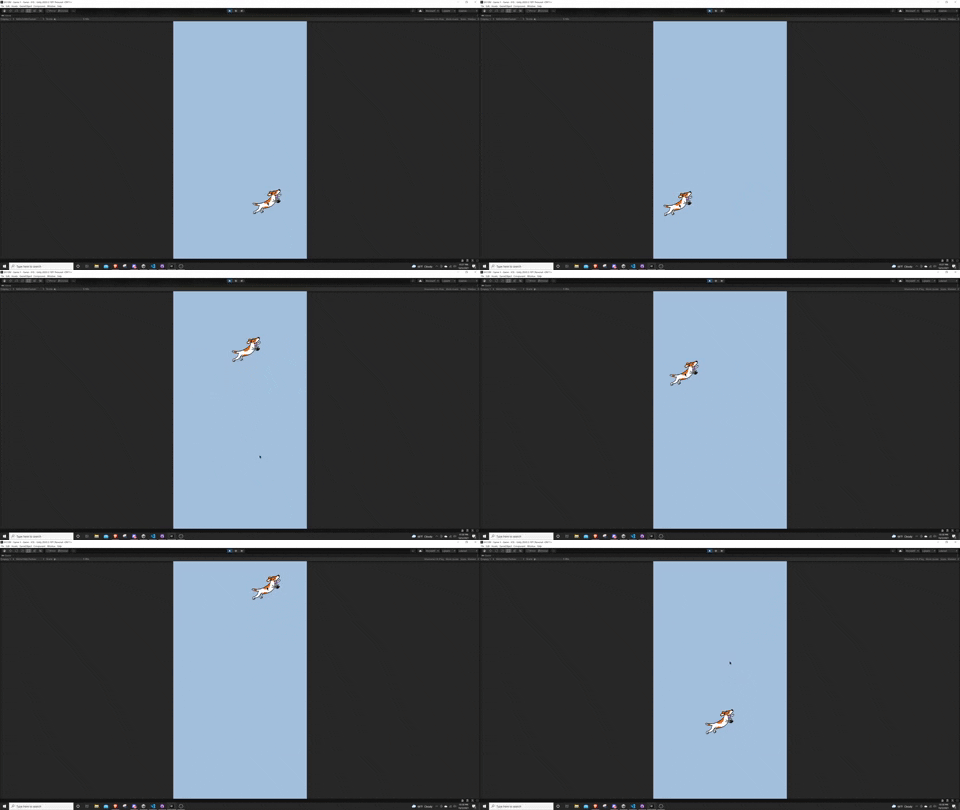
I was able to figure out how to simulate and add the base touch controls for the game! I simply added the Terrier Tennis sprite as a place holder and was able to change the position of the Terrier based off my touch input. I will eventually want to replace the Terrier with a cat paw and some animation showing the paw travel across the screen to where the player last touched.
This was a lot more difficult than I was expecting and ended up following a fantastic tutorial by Samyam on how to properly implement touch controls. I also learned about Singleton classes and how to actually leverage {get; set;} for the first time! In order to figure this out effectively I leveraged a gist I found on github that provided the great details on the Singleton class. I also provided the link below for anyone that wants to just copy and paste.
using UnityEngine;
// https://gist.github.com/mstevenson/4325117
public class MonoBehaviourSingleton<T> : MonoBehaviour
    where T : Component
{
    private static T _instance;
    public static T Instance {
        get {
            if (_instance == null) {
                var objs = FindObjectsOfType (typeof(T)) as T[];
                if (objs.Length > 0)
                    _instance = objs[0];
                if (objs.Length > 1)
                    Debug.LogError("There is more than one " + typeof(T).Name + " in the scene.");
                if (_instance == null) {
                    GameObject obj = new GameObject();
                    obj.hideFlags = HideFlags.HideAndDontSave;
                    _instance = obj.AddComponent<T>();
                }
            }
            return _instance;
        }
    }
}
public class SingletonPersistent<T> : MonoBehaviour
        where T : Component
{
    public static T Instance { get; private set; }
    public virtual void Awake () {
        if (Instance == null) {
            Instance = this as T;
            DontDestroyOnLoad (this);
        }
        else {
            Destroy(gameObject);
        }
    }
}
Using this Singleton and actually leveraging the Input System I feel I am truly using it in the way Unity intended instead of the "hacky" way I had in the past. I hope I can keep on this track of using this method as it seems to scale a lot better than what I had done in previous games.
While I am able to get the simulated touch controls working great, I can't seem to get the touch controls to work on Unity Remote 5 on my phone. I did some digging and found out the reason is because I have not turned on developer mode on my phone, yet I do not seem to have the ability to or find any good resources online for how to turn this on. I believe I should just need to link my phone up to a mac and allow this functionality. In the meantime, I am comfortable that the touch controls will eventually work on the phone since I have no mouse inputs allowed yet. This shows the simulated touch is working and it is just my phone that is being the pain. I will want to figure this out asap.
Work on adding in the cat paw to follow the last touch position and add the yarn with physics so the player can try and keep it alive!
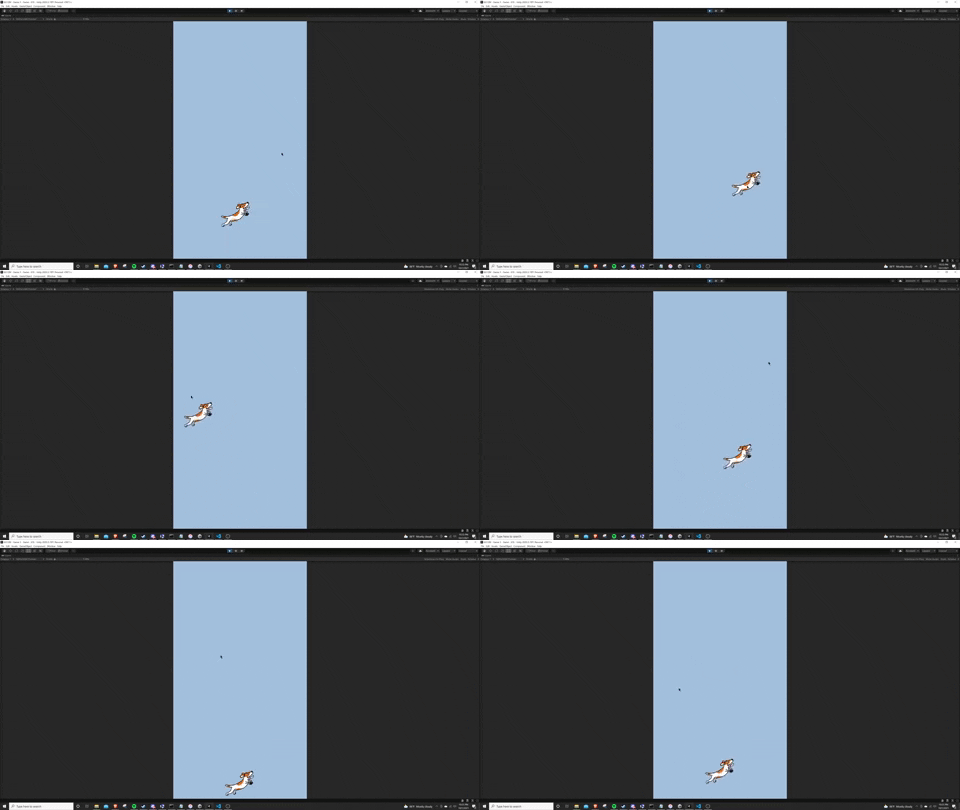
I frustratingly spent over two hours tonight trying to figure out how to get Unity Remote 5 working on my end, but realized too deep in that the new Unity input system is actually not yet supported on Unity Remote 5 as called out in this forum post I came across. Since I realized this wasn't possible I decided to focus on trying to improve the core movement of the player while working with the player touch inputs.
I was actually able to get this working pretty well, but had to do some funky maneuvering on the backend. Instead of now moving the player when you click, I have it set to move an empty object when you click, and have a simple script that then moves the player sprite towards to empty object. To then have this empty object move back to the center I have an empty object that sits on the bottom of the screen where the empty player object will always move towards. Essentially I have three objects (one being the player sprite and two empty sprites) that are all interacting together in order to get the player touch and movements to work together.
Something that I did need to build out though is a coroutine that will wait for a half of a second after the player clicks somewhere so the player sprite can make it to the input location. Previously the player sprite would never even make it close to the input location.
I noticed for some reason on the first input touch event the location is always (0,0) in the game world. I don't know why this is, but will definitely want to try and address this in a future update as it gets a bit annoying and I could see this really frustrating players.
I got the movement and input controls to work well, but I think it would really sell the experience if I can get the player sprite to rotate on a pivot so it will rotate back to the center. This will make the player sprite (which will be a paw) look more dynamic and alive rather than just move on the x axis. This will be a feature for another day though!
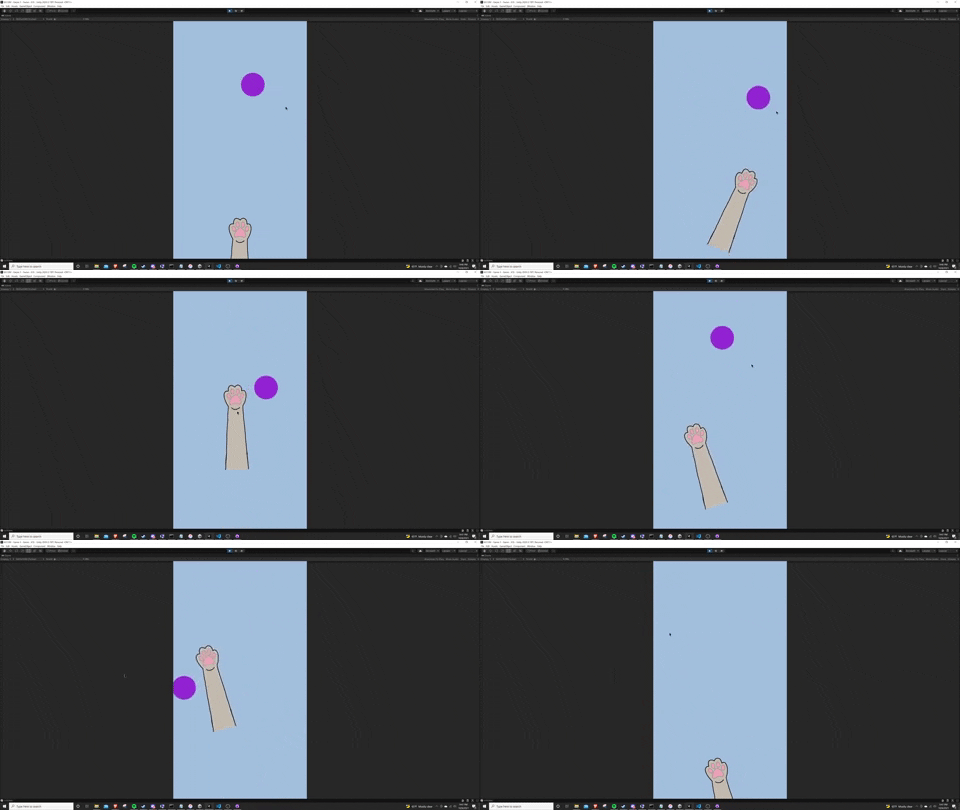
I was able to spend a few minutes tonight working on the game and was able to add a crude cat paw into the game as well as the beginning functionality of the ball bouncing around the screen. I still want to play around with the ball size and how the paw interacts with the ball, but I think this is a good start for now!
Additionally, I was able to leverage some code from an unfinished game I worked on last year to help rotate the paw to always look at the invisible center point at the bottom of the screen. This way there is a bit more life to the paw when you tap around your screen. I think I need to make the paw movement a bit faster to respond quick to your inputs, but I am really liking this so far!
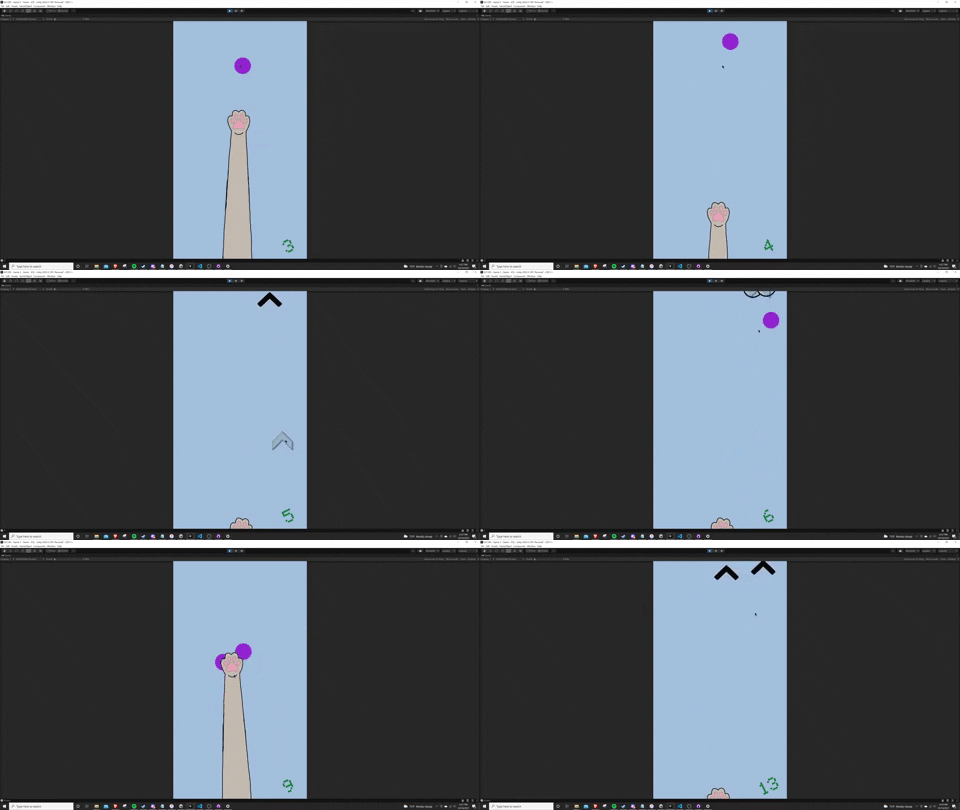
Today was a great day for Cat Tap game development! I was able to import a new sprite in for the cat paw which makes it look less like a detached cat limb and more like a super long and extended cat arm. Additionally, I fiddled with the gravity physics of the balls and speed of the paw to make gameplay a bit more fun. One final improvement I was able to make was in the form of how the paw actually punches the ball.
Previously I just relied on the 2D collider of the paw and the rigidbody of the ball to act as the opposing forces. However, that never worked the way I wanted when I would actually punch the ball with speed. After some digging and investigating on some discord servers I decided to scrap the collider and rigidbody and go for the trigger route. I know have a trigger associated with the paw and when the ball enters this trigger an opposing force is applied to the ball. Then once it exists the trigger the score increases.
As you can see I was able to include a rudimentary scoring system on the bottom left. I will plan to make this more exiting and maybe add some flare when the score goes above your high score or in 10s, but for now it will do. Another exciting addition is in the form of the "Pawer Ups"! I am exploring scriptable objects, but made my first one where after 5 taps the pawer up instantiates above the screen and allows the player to punch it to duplicate the balls. This adds a lot more gameplay variety and chaos. I actually found myself playing around with this more than I thought. I think the core gameplay loop going forward will reside in the variety of these pawer ups.
Further, I added some quality of life improvements in the form of the off screen arrows. The logic for these was pretty simple. I essentially have them as a child of either the ball or pawer up and have a short script to always follow them on the x axis and follow the offset of the ball and an invisible bar I set above the screen. This creates this effect. I especially like how the arrows come far down and then back up to show the illusion of how fast and soon the ball will be returning to the screen. The simple script is below:
using System.Collections;
using System.Collections.Generic;
using UnityEngine;
public class LookAtArrow : MonoBehaviour
{
    public Transform topBar;
    private Transform ball;
    public float ballDistance;
    void Update() {
        transform.position = new Vector2(transform.parent.position.x, (topBar.position.y - transform.parent.position.y + ballDistance));
    }
}
Next week I am going on a work trip so I won't be able to do any involved game development. However, that leaves me an opportunity to explore some more pawer ups and create some more vector art for the game. I really like these break points as it is a nice change of pace and allows me to focus on other aspects of the game which I usually tend to leave to the last minute. Now if I am able to spend this next week working on art and pawer ups it could hopefully help fuel better game design and development when I return!
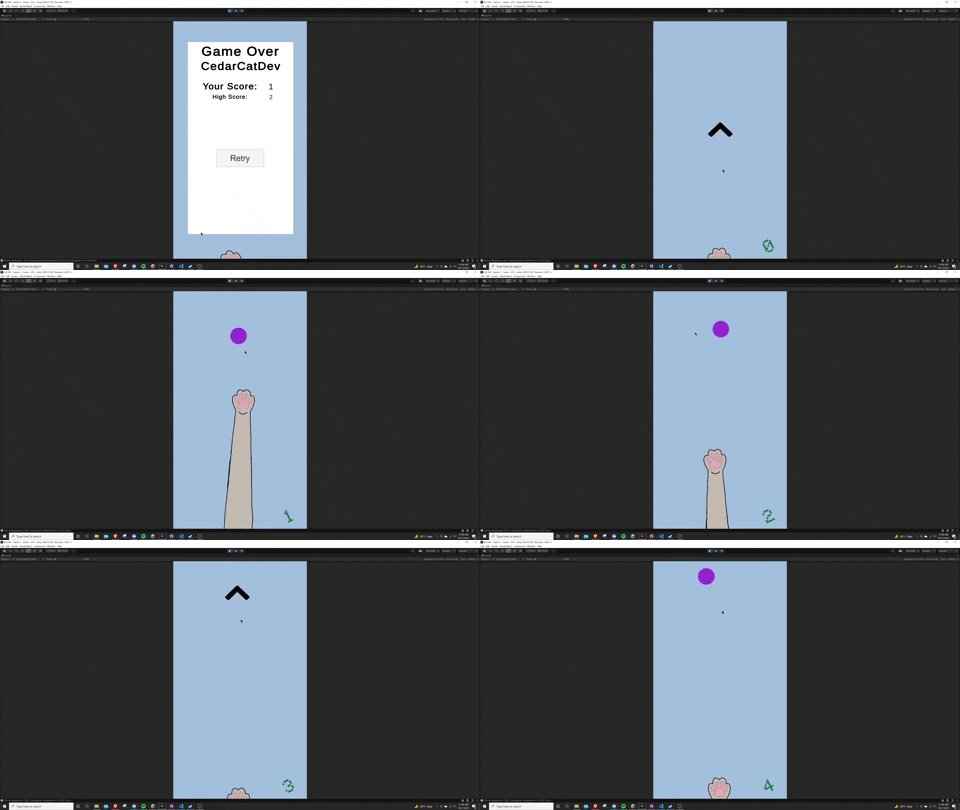
After a week away for work I was able to get back to the game dev grind and focus on the part I was dreading the most.. The multiplayer aspect of the game. I was able to take today to put together the framework for the leaderboard functionality as well as capturing the player profile so the scores can persist across playthroughs as well as eventually show a leaderboard of other player scores. While this was in fact tricky, it was a made a lot easier by leveraging a backend leaderboard tool. I did quite a bit of research and found a lot of tools out there, but the one I found that fit my low effort use case the most was one called LootLocker.
Before ultimately choosing this backend I decided upon it because I found it had pretty solid Unity API documentation as well as a discord server where others can chat and ask for support. This discord server ended up being the best part because I was stuck on an API call for the high score, posted a question about it, and got a response in minutes! That helped unblock me and then finish this basic outline of the leaderboard. The current functionality simply displays the player name, player score, and high score as well a simple button for the player to retry if they would like (I love how the paw technically pressed the button).
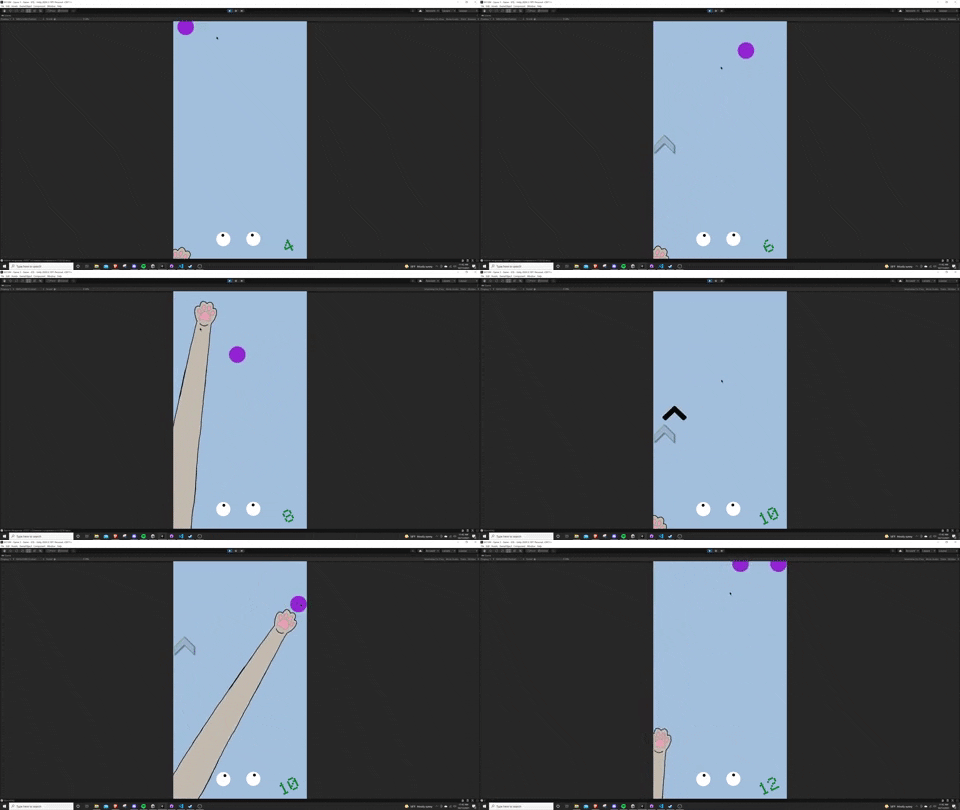
This morning I fooled around with some more of the gameplay mechanics over the leaderboard and really started to have some fun! First off I found it a bit too easy leaving the paw in the middle as you could get a lot of taps easy by just doing nothing and letting the ball continue to fall on the not moving paw. Therefore, I moved the paw to the left side to make the player tap and made the paw a bit quicker on tap. To then fill in the gap in the middle I added some eyes (where the cat face will eventually go) and applied a simple follow script to the eyes so they will always follow the ball. However, this script became more involved than I was expecting (see below).
public class EyeLookAt : MonoBehaviour
{
    Transform ball;
    GameObject[] foundBalls;
    public float eyeSpeed;
    private void Awake() {
        foundBalls = GameObject.FindGameObjectsWithTag("Ball");
        ball = foundBalls[0].transform;
    }
    private void FixedUpdate() {
        if (ball != null) {
            Vector3 dir = ball.position - transform.position;
            float angle = Mathf.Atan2(dir.y,dir.x) * Mathf.Rad2Deg;
            transform.rotation = Quaternion.AngleAxis(angle, Vector3.forward);
            transform.up = ball.transform.position - transform.position;
        }
        else {
            foundBalls = GameObject.FindGameObjectsWithTag("Ball");
            if (foundBalls.Length > 0) {
                ball = foundBalls[0].transform;
            }
            else {
                transform.Rotate (0,0,50 * Time.deltaTime * eyeSpeed);
            }
        }
    }
}
I really do not like using the `FindGameObject` functions, but I felt I optimized this script enough to only search for the balls on awake and when the original ball is destroyed. I then make the eyes spin in circles when the player loses all balls which is quite fun to see on the game over screen.
After learning how to take advantage of the scriptable objects, I discovered how to scale this and use them to their full advantage. Because of the scriptable object framework I was able to add in just a few minutes a completely new Pawer Up that will decrease gravity for a short time... the Pawer Up is called "GraviKitty"! So far I now have two Pawer Ups that will drop at every tap that is divisible by 5. I will probably extend this out for real gameplay. These Pawer Ups though really add some fun variety to the game and I am looking forward to coming up with more ideas!
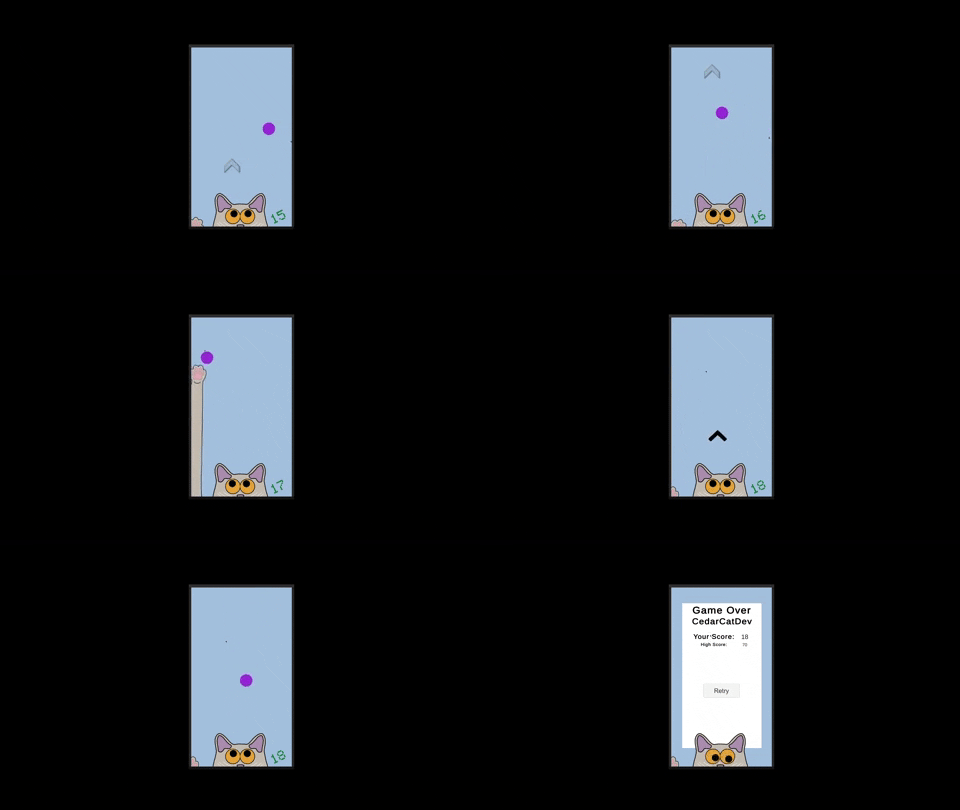
Not a heavy development evening, but had fun adding in the titular cat and eyeballs to the gameplay to make it a bit more fun and build out the world some more! Next on the world building (lol it is just a cat tapping who knew I would want to build a world around it) is to add a capitating background. The key will to have the background not be too distracting, but to enhance the overall experience of the game.
Let me know if you have any ideas for what would make a good background!
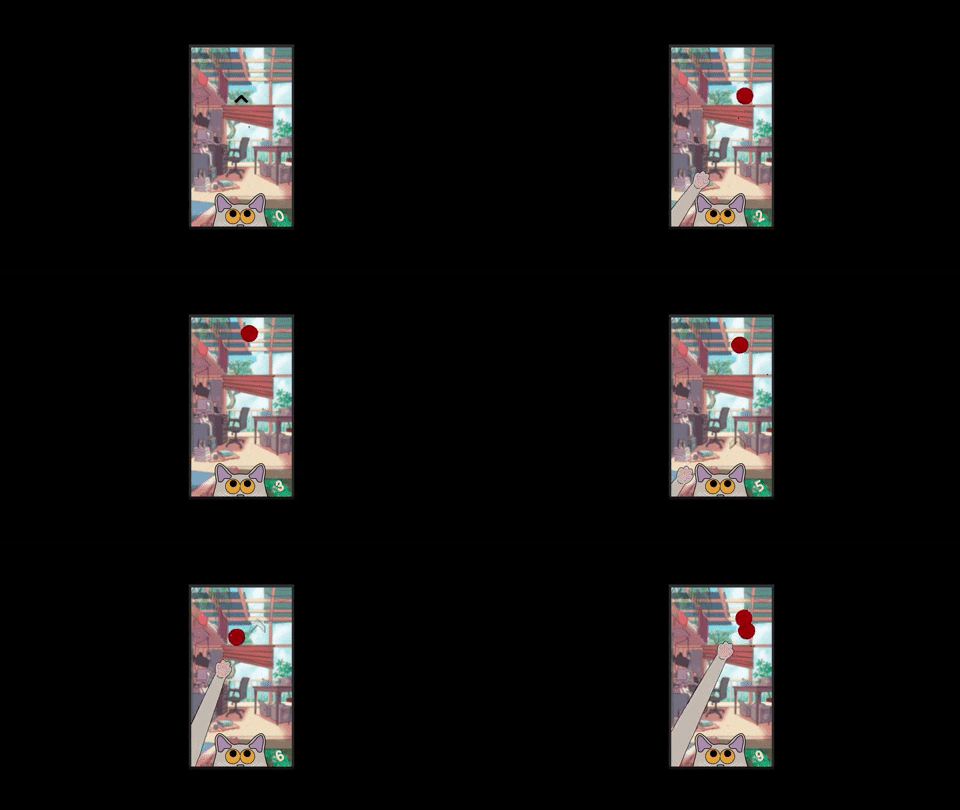
Today was a fun game dev day where I was able to do a mix of gameplay adjustments, adding more art (background and ball of yarn), and adding music and sound effects. You are not able to hear the effects and music in the gif above, but I ended up going with a lofi beat track softly playing in the back and I recorded myself punching a stress ball for the sound effect of the cat tapping. Further, I think I finally got the gameplay and movement down so that it actually feels good and you don't feel like you are being cheated anymore. This game is actually pretty chill and fun to play now with the music/effects, gameplay, and art!
In the end I really like the scene I have in the background. I was able to generate the background by finding an picture online and making some adjustments of my own in Krita to get the effect and other little touches that I wanted. Similarly, the ball of yarn is a vector image downloaded online and I made some adjustments to allow myself to change the color of the ball if I would like. I am really happy with the progress I am making and hope to release a first version soon!
As I am having a lot of fun working on this project, I would like to continue development past October. Therefore, I will plan to release v0.1.0 by October 31st so I can submit it for the "One Game A Month" Game Jam, and then work for a few more weeks on the game to allow myself to submit the game to the apple and google play stores.
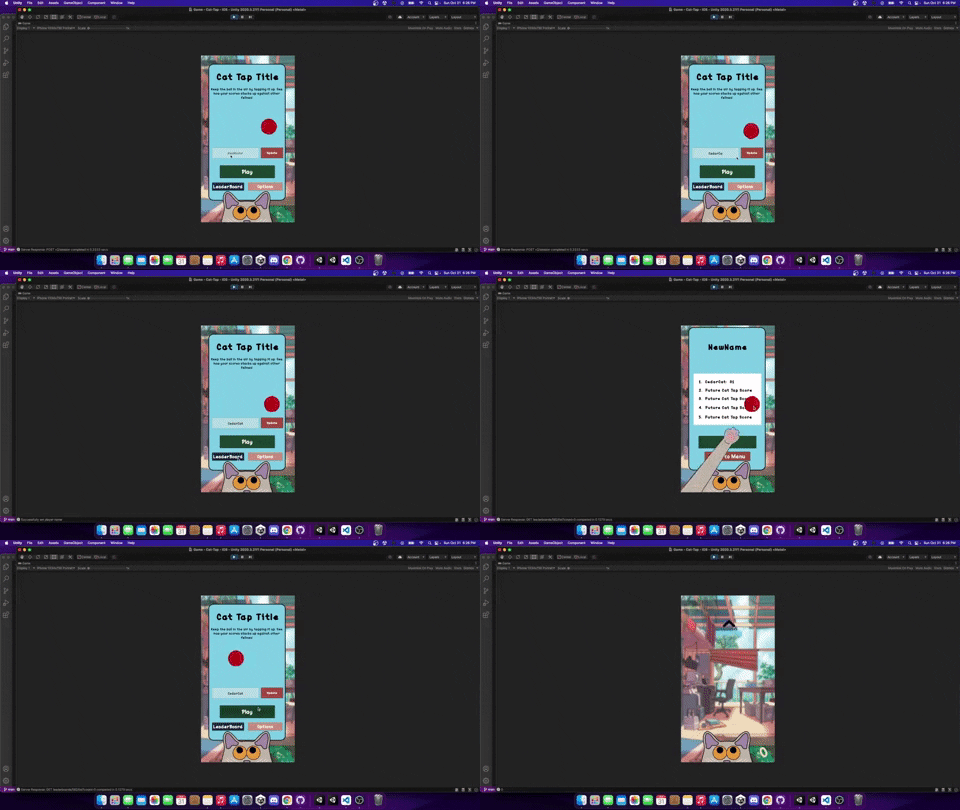
I haven't posted in a few days, but I have been able to apply quite a few updates to Cat Tap! Below are a few big ticket items I have been able to accomplish in the last few days.
I can sense the end coming soon for the initial release of Cat Tap. Before the initial release there are a few features I would like to add:
Unfortunately I missed the deadline for the One Game A Month jam. However, I am still having fun with this build and looking forward to finishing the game in the next few weeks!
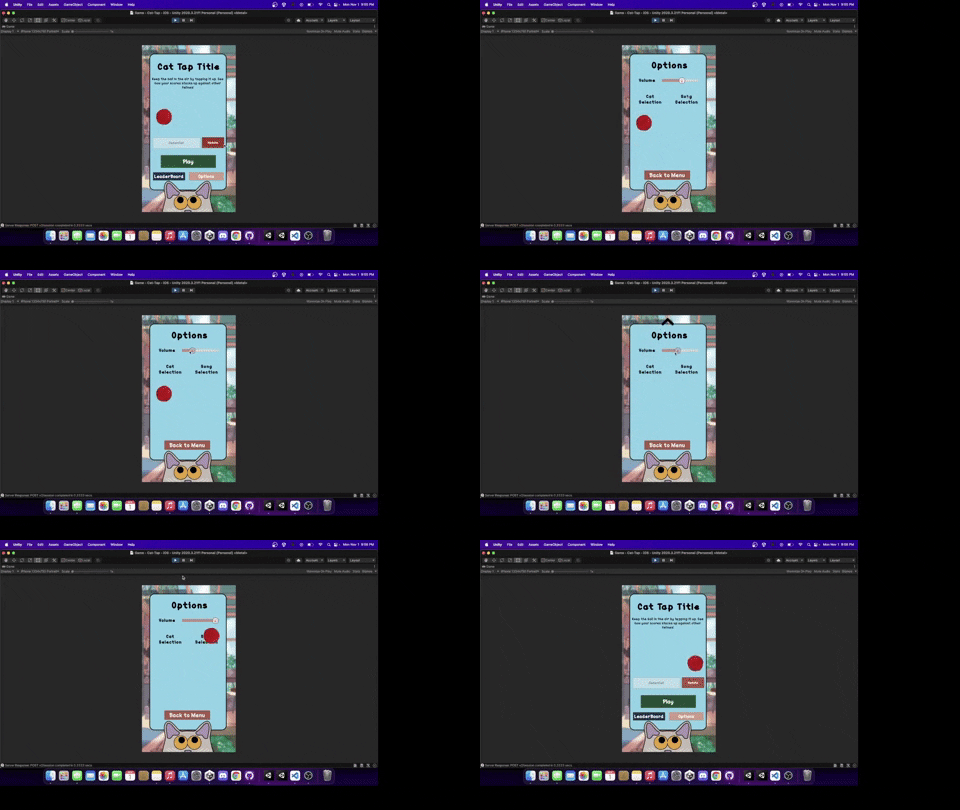
Although I only worked on game development for a short period tonight, I accomplished a task I have been trying to do in all my previous games but never knew how to accomplish... Creating the volume slider! I have always loved games that offer this as a feature, and I feel like my games have always been ones that need this. My music is either way too soft or way too loud. Now a user gets to decide how they would like to set the music volume!
I was able to do this by leveraging posts from other developers and getting an initial understanding of how the Unity audio mixer works. I had never used it before, but now that I kind of understand what this is, I will use it in all my future games for sure. If you want a good write up on what the audio mixer is then I highly recommend you read Ray Wenderlich's article "Audio tutorial for Unity: the Audio Mixer". This article was a great guide on how the mixer is used and why it is used. For the slider itself, I followed an extremely simple write up from John Leonard French in his article "The right way to make a volume slider in Unity (using logarithmic conversion)" which was suspiciously easy and makes me wonder why I was scared to implement these in past games. So happy I was able to find those two articles to help make this be an easy addition!
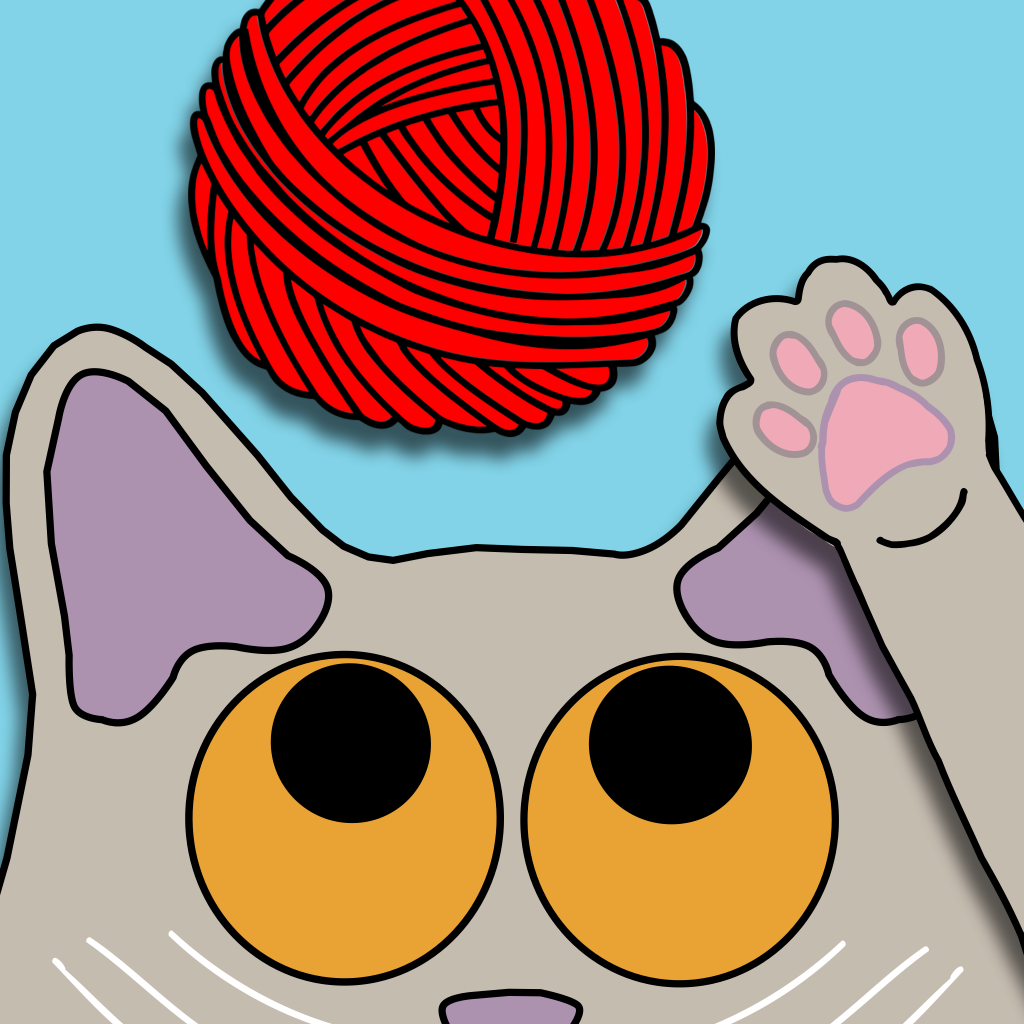
Last night I fooled around a bit and made my initial draft of the app icon for the game. Let me know what your thoughts are!
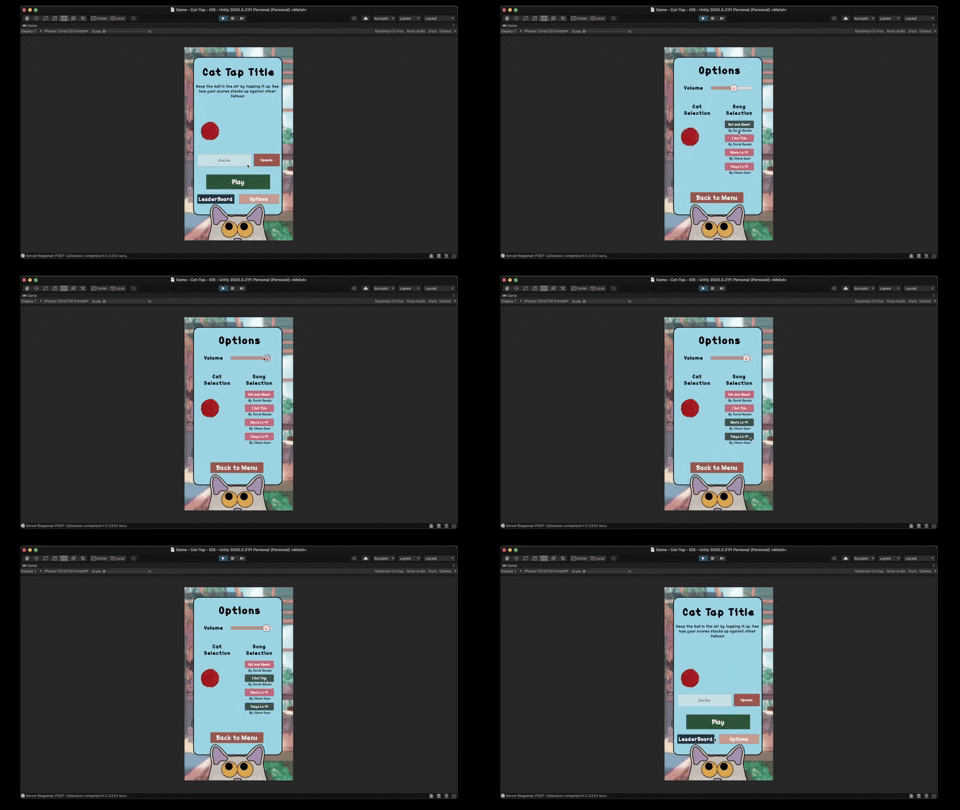
Tonight I was able to put together the first working version of the song selection within the options menu! I have been grooving to some great Lo-Fi beats while developing this game, so I thought it would be fitting to put a few Lo-Fi tracks as selections in the options menu. All songs for this game (so far) can be credited to Fesliyan Studios who have a catalog of royalty free music. Specifically, music that really is great also!
The hardest part of this integration was getting the buttons to stay selected after leaving the options screen. I was able to do this by leveraging a combination of a public float and the Unity.EventSystem to dynamically select the correct button when the options menu is loaded. Essentially, I when the button is selected in the menu the `musicIndex` float is updated based off the respective index of the song. Then that float is passed through as an argument when the options menu is opened and the EventSystem selects the button based on whatever the musicIndex float is.
The above took me longer than I would like, but glad I was able to get the system working! I think next I will try and find a few local artists to contribute their music to allow users to select from a variety of songs if they would like. Regardless I may be done with the UI for now and want to go back to adding more gameplay elements before release.
Finally... after a long arduous process, I have been able to submit my game for review to then be put on the Apple Store. There were quite a few hiccups I came across in this process. I highlighted a few below:
Here are a few promotion screenshots I submitted with the game that I thought you may appreciate.
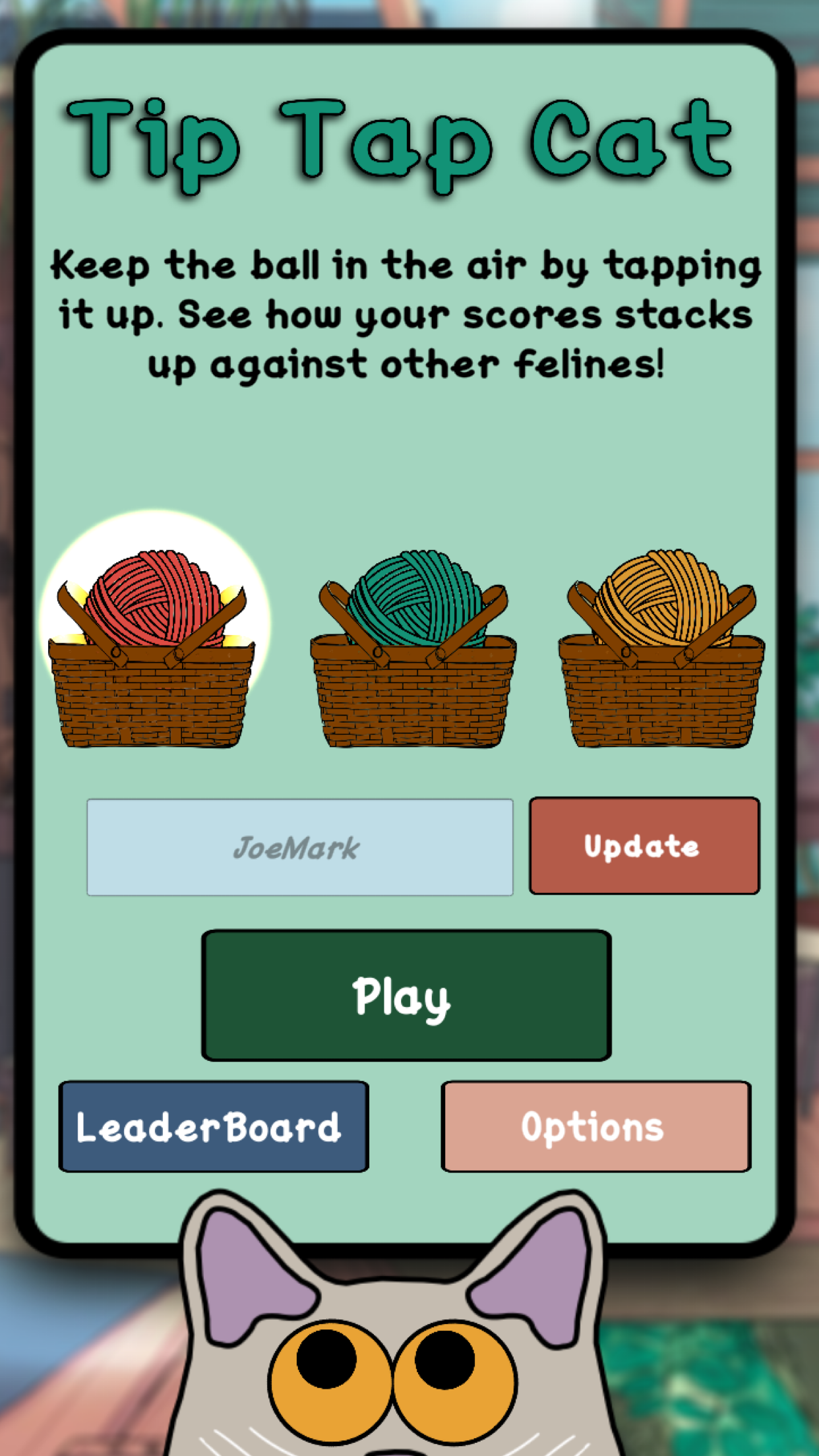
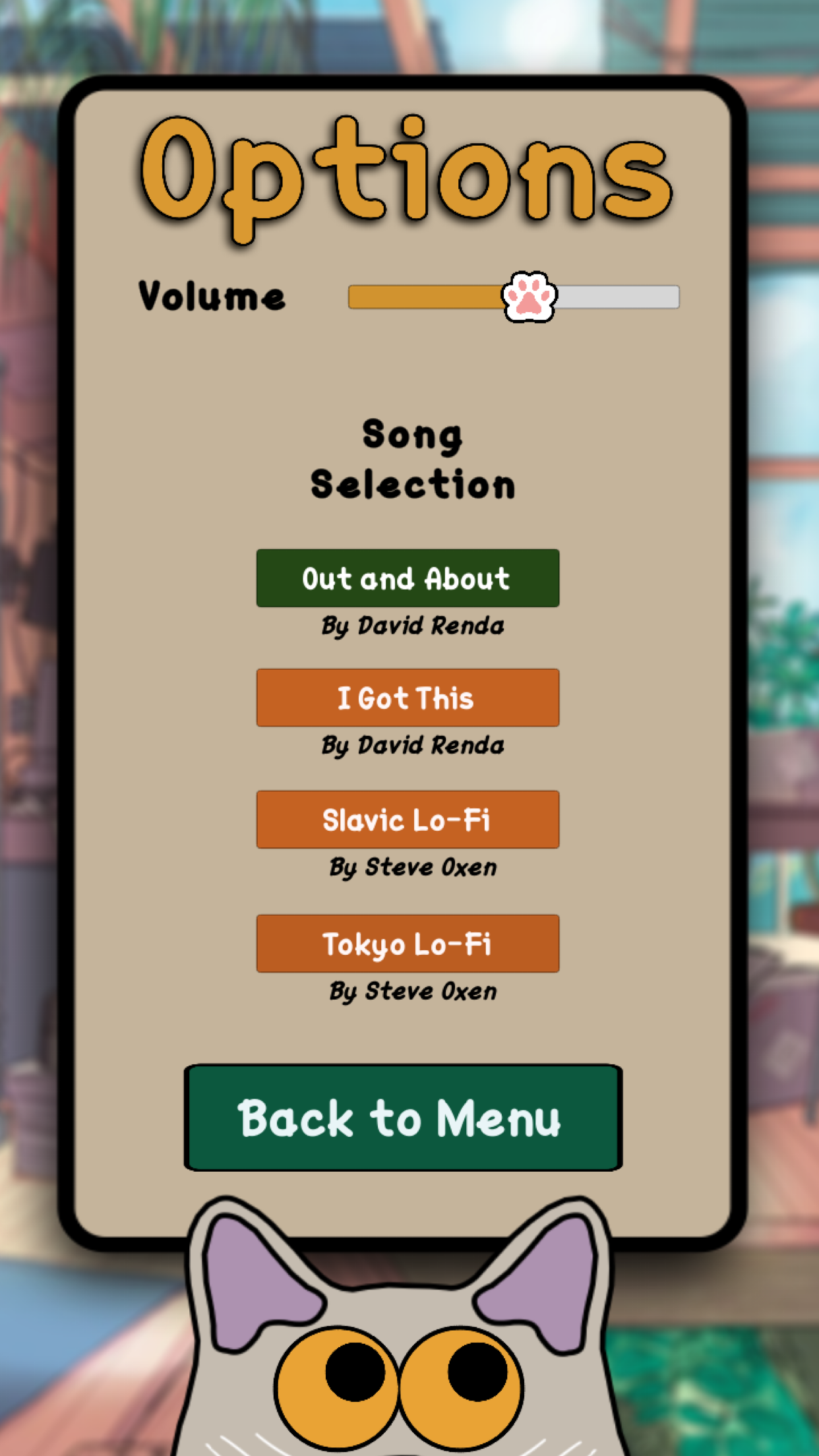
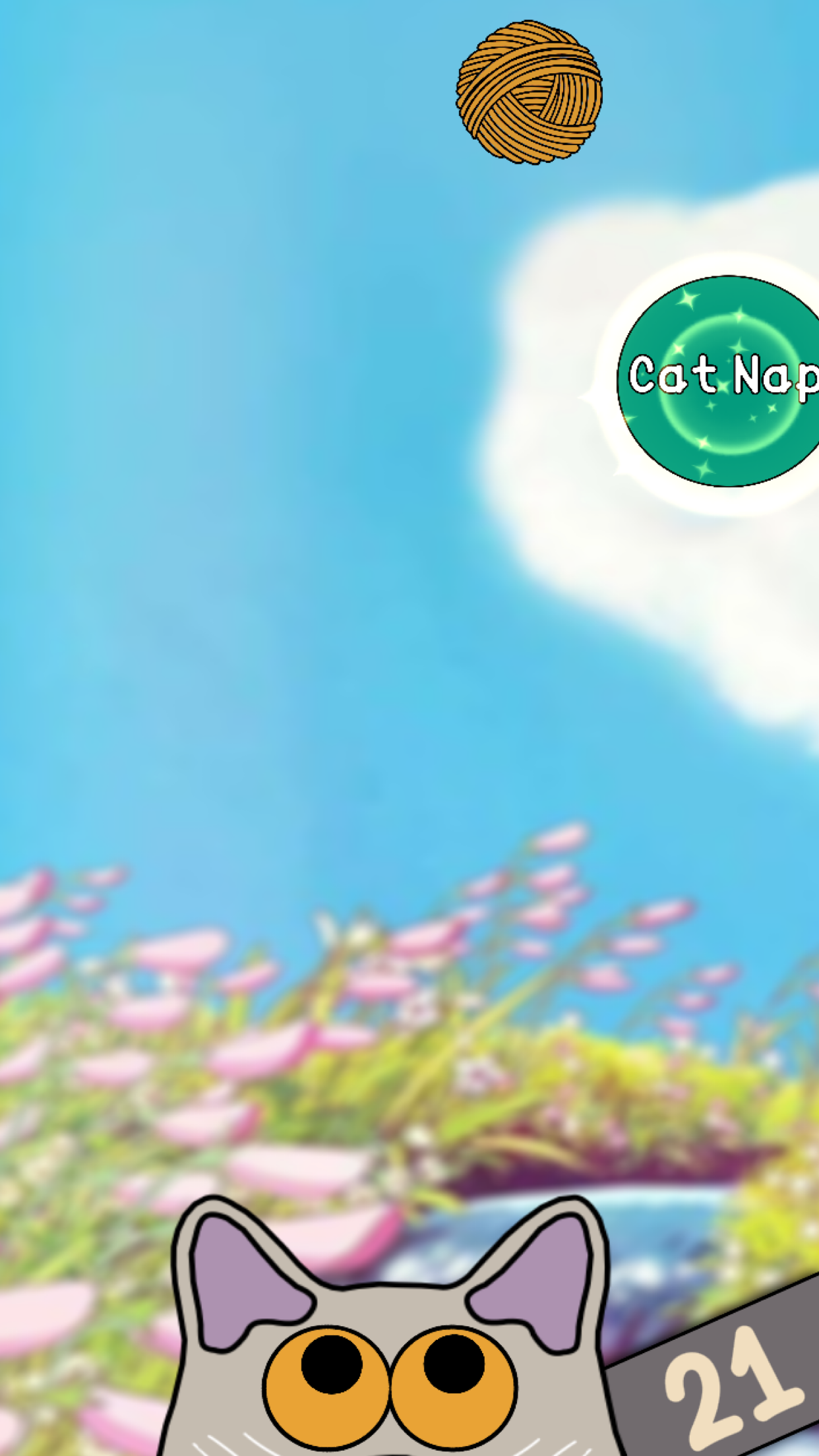
The first release version of the game is ready and the Apple Store version is being reviewed as we speak. I will hopefully respond back here once it is live on the app store! In addition to the game being on the app store, I am planning to build a version for itch.io browser so all can play it here as well. Hopefully I will be able to provide an update in a day or two!
This just in! Tip Tap Cat is now live on both the Google Play Store and the Apple App Store!

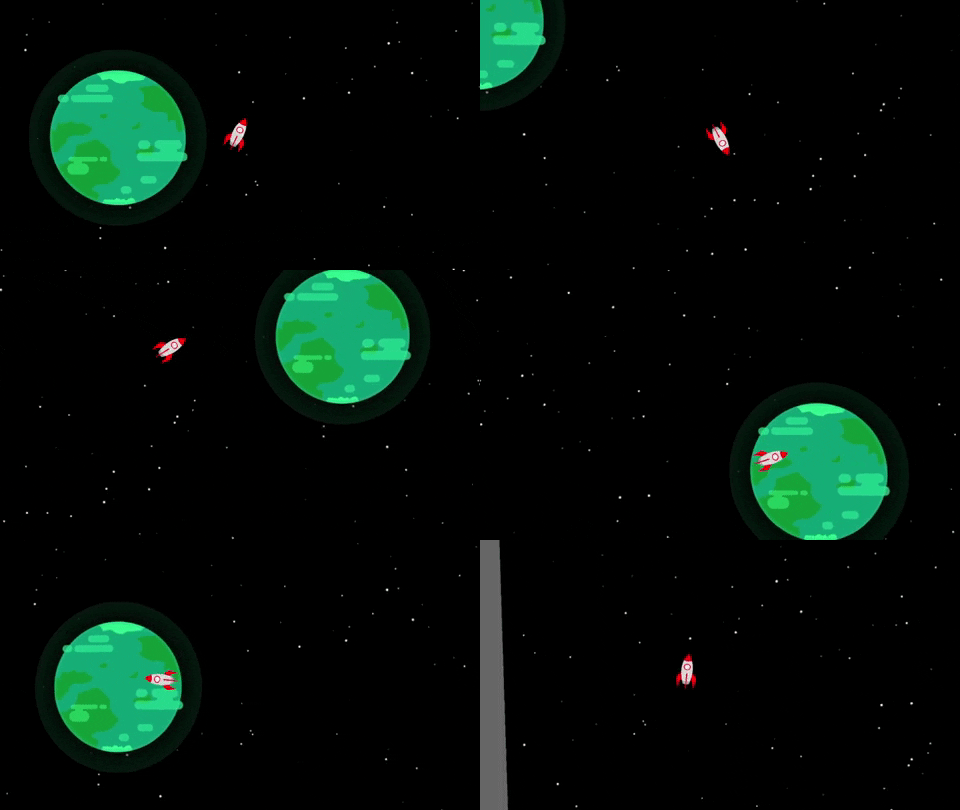
Wow... getting the initial player controls for this game was way more difficult than I was anticipating. I felt like I was banging my head against a wall for about two days just trying to get the placeholder spaceship to look at the mouse. I think I watched about five youtube videos on how to do this with the new Unity Input system, but alas there was no luck.
The only way I was able to get it to work was by looking at a game I had never completed about a year and a half ago on my old computer and lift the code to work for my specific player controller of this game. The below code is what I ultimately used to get the controller working.
void Update() {
      Vector2 moveInput = playerInput.player.movement.ReadValue<Vector2>();
      rb.velocity = moveInput * speed;
      mouseScreenPosition = playerInput.player.mouseposition.ReadValue<Vector2>();
      mouseWorldPosition = main.ScreenToWorldPoint(mouseScreenPosition + Vector3.forward * (main.transform.position.z * -1));
      Vector2 targetDirection = mouseWorldPosition - transform.position;
      transform.up = targetDirection * -1f;
}
I hope this helps anybody else trying to figure this out on their own. I feel like this is a pretty straight forward task that most games implement, which made me feel more defeated than ever when it was taking me so long to figure out. Haha but in the end I was able to get it to work (see the above gif) and wow have I never been so ecstatic! I quite literally jumped for joy when the space ship started following my mouse!
If this taught me anything, it is that I should really learn to step away from my computer and take a break when I hit a wall. I can be so stubborn sometimes, and this leads me to keep trying and trying and trying. However, this fix was a simple case of me stopping early last night and then not coming back to my computer until after work today. Coming in with fresh eyes really helped me see what I was missing and fix the code appropriately.
I would like to start adding the following features to this jam game next:
Now that I have gotten over this hurdle, I feel much more confident in continuing on with this game! I feel like there is always a hurdle like this when I am starting on a new game. Then once I get over it, it is just all I can think about regarding what more I can add to my game. I hope you all stay tuned to see more updates from me on this new game jam game!
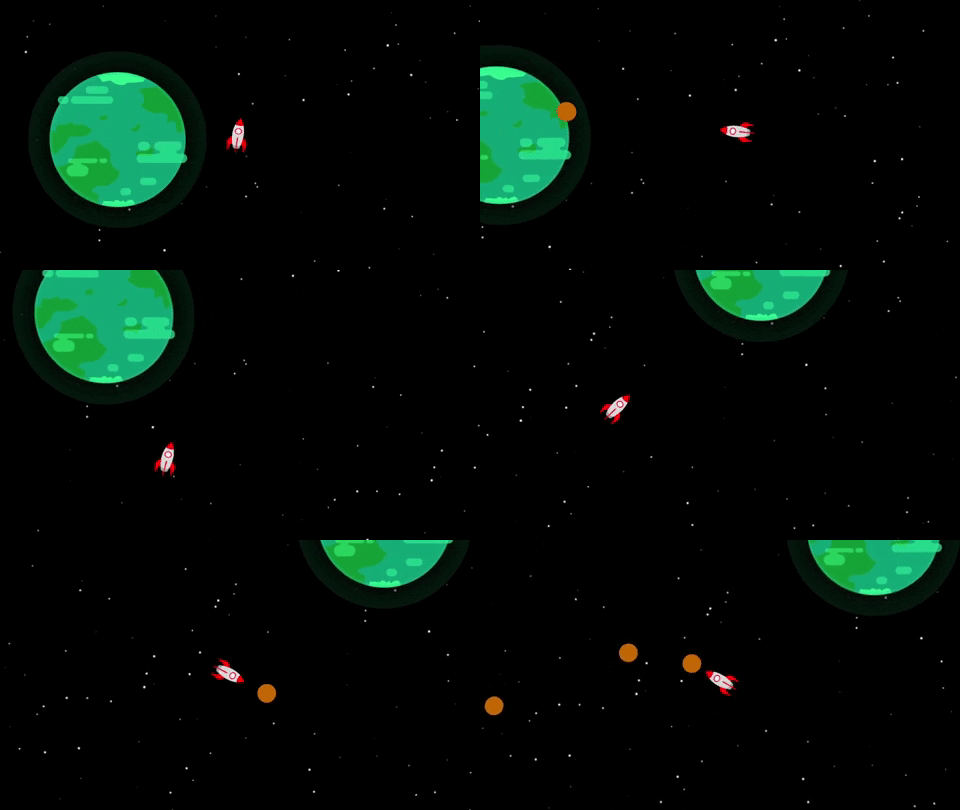
Tonight I was able to work a few minutes on the game and implemented the seed shot game mechanic! In the game I will make the ammo only generate once you pick up a seed, but for now the main mechanic is working great. It is wild though how I was so stuck on the main movement mechanic for a few days, and now after being unblocked I am able to work on the game quicker and excited to see the game starting to come together.
How does the space background look? It is a placeholder that I just through in, but I think it actually looks okay without any parallax or anything. What are your thoughts?
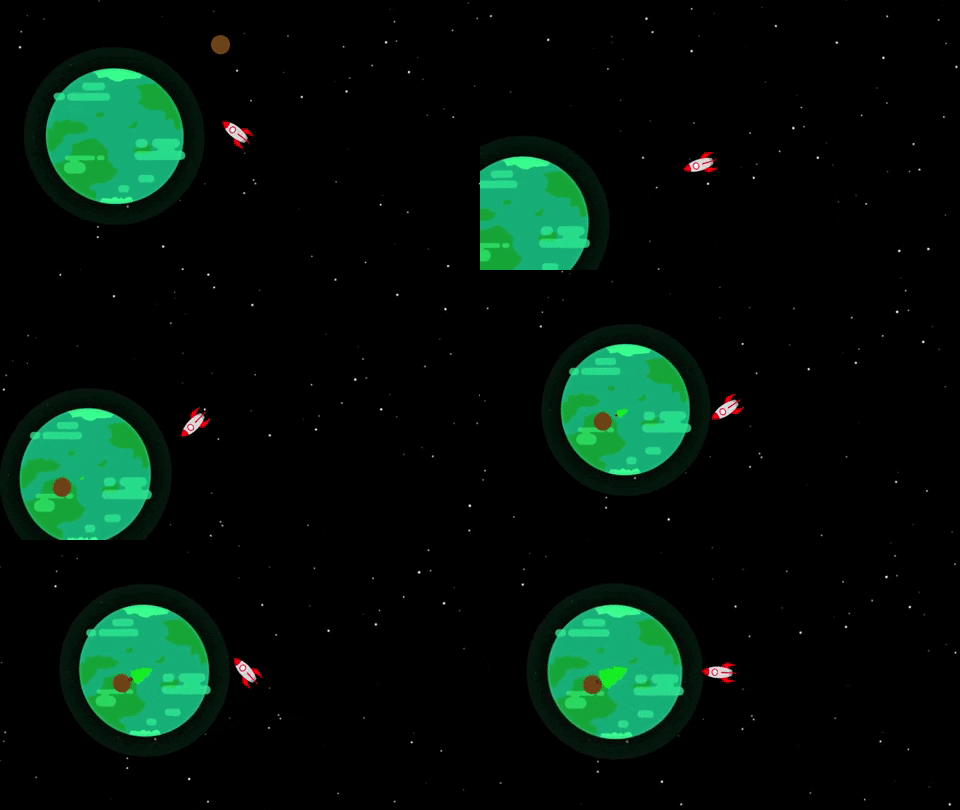
Although it was a lot of fun to shoot a gazillion seeds from the space ship a minute, I thought it would be better to limit the ammo and customize the mechanic for this game. The update I applied to the seed shot involves limiting the ammo to only the seeds the player picks up. I plan to add an ammo counter in the UI eventually. I still have not decided how many seeds the player will be able to hold at once.
Additionally, as you can see (in the crude animation) that the player is able to shoot the seed at the planet and plant the seed. Planting the seed then triggers an animation that grows the tree in scale. However, I am planning to only grow the trees once they are watered enough. Weirdly enough, I think the watering will take place after you squash a bug with a seed. The bug guts will then water the seeds and help the trees grow.
> I know that is super strange and weird regarding how the seeds grow. But I kind of love how weird and gross it is haha
I was able to get the core mechanics of the seed shot and tree planing/growing in place, so now I want to work on the enemy mechanics. I plan to work on the bugs themselves, the AI, and the bug guts watering the tree mechanic. Honestly looking forward to working on the creepy crawl bug guts in the next update!
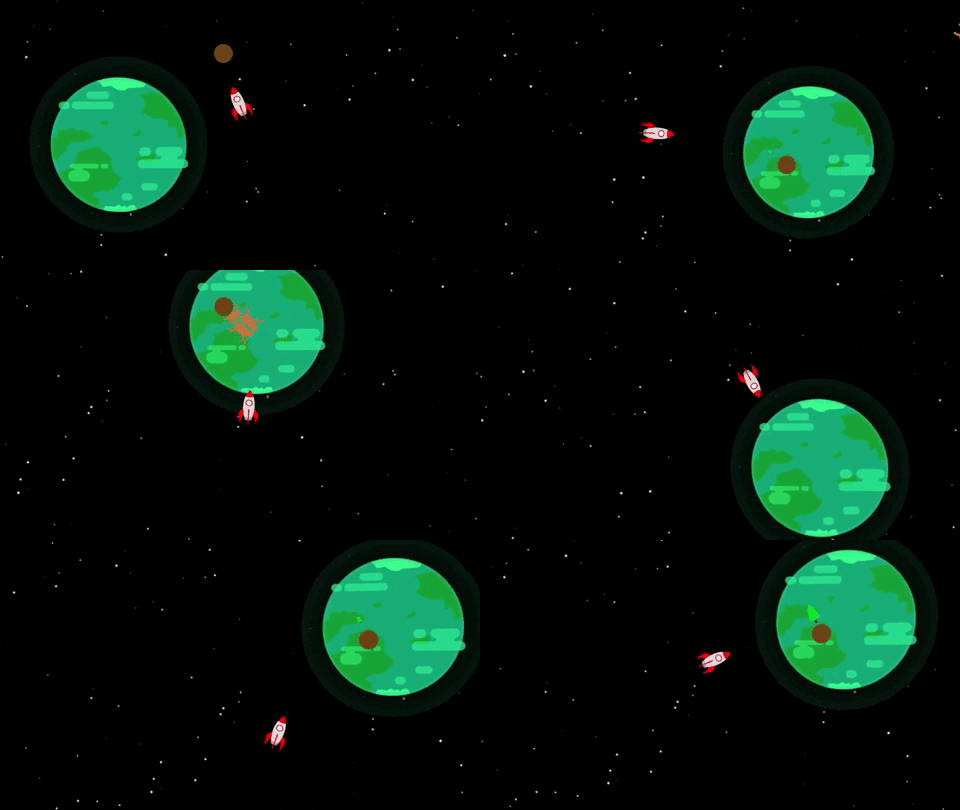
The last two days have been extremely productive in terms of adding/modifying the core game mechanics. A few mechanics I added in this update are:
So quite a bit was added! I found this time around that play testing has been super helpful in figuring out what does and does not work. I feel in some of my earlier games in this jam I had an idea and just ran with it. I never stopped to think "is this fun?". I am trying to think that with every step of the way in this game. Surprisingly I think I have already made some fun improvements by just taking a step back and thinking if the game is fun. If it isn't, then I try to think of a way to spice things up for the player (and myself!).
I would like to finish up the core game mechanics so I can start adding more flavor to the game, and actually start putting more of the art together. What I will like to finish up next:
How do you think the game is coming along so far? I would love your feedback as I put this game jam game together so I may make it a better end product. Let me know in a comment and I can try to incorporate feedback into the game as I go. Thanks again for reading along and I hope to share more updates soon!
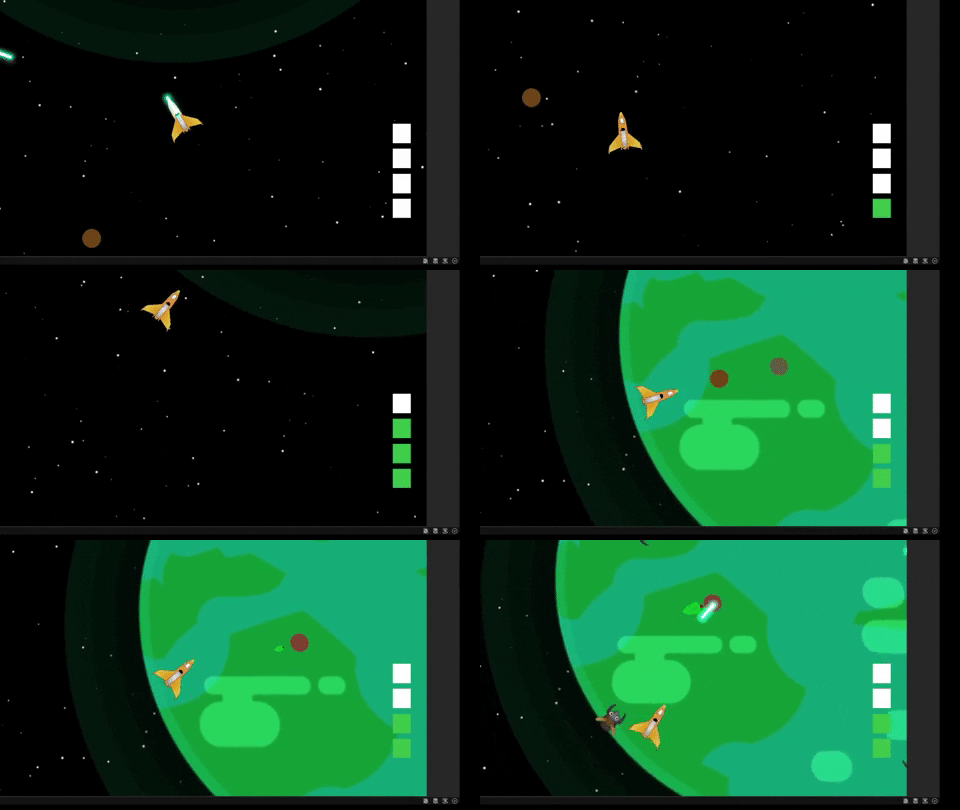
I've made quite a few updates over the last few days on the game. The first update I made was actually making my own spaceship asset in place of the placeholder from before. Additionally, I started building out the universe more. I found that it fits the gameplay more by making the planet much larger and expanding the area the player will need to protect and recover with seeds.
Speaking of the seeds, I added a new input action that will be separate from the shoot mechanic to actually shoot the seeds. I also added a placeholder UI (on the right) that will show you the seed ammo you currently have. At the moment the player is able to hold four seeds. These seeds will then be able to be used to help recover the planet, and shoot at the bugs for a quick one hit destroy shot.
You may have gotten a quick glance at the end of the gif, but I found some simple bug prefabs on the Unity Asset Store with some great simple animations. I downloaded and installed the assets and have put them in place of the basic bugs from before. I currently have five variations of the bugs, but I would like to do more with them. I also need to work on the "wave" logic so the bugs come out in waves instead of all at once.
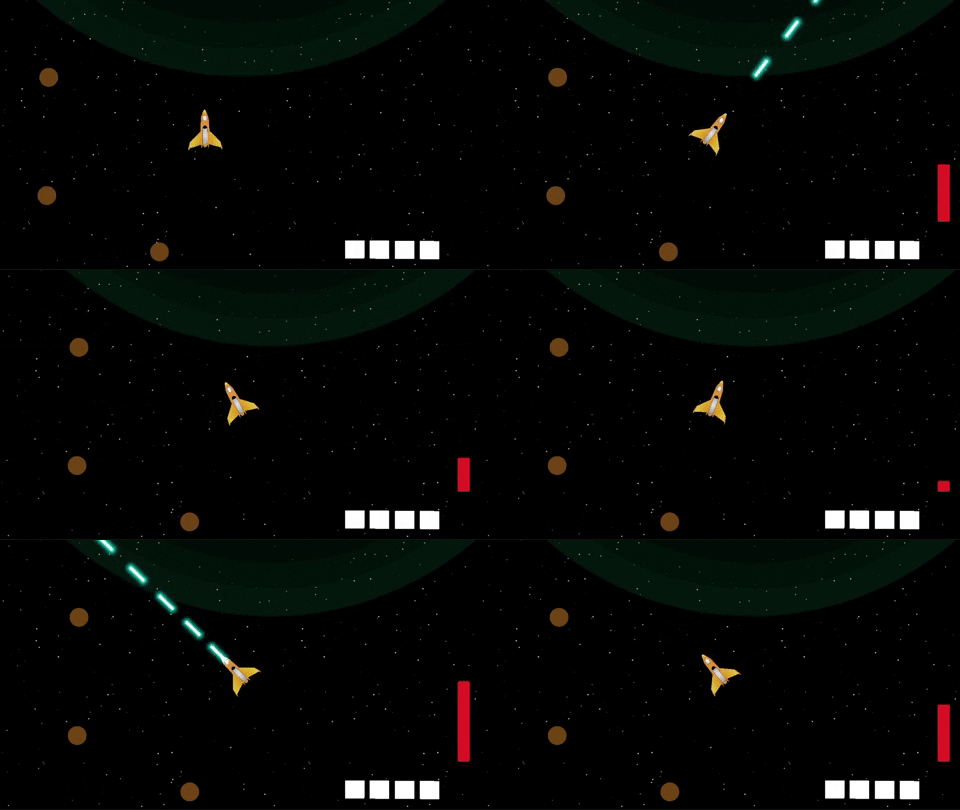
The last few days have been pretty busy with work so I haven't been able to do as much game dev as I would like. However, based off feedback and my assumptions of keeping the game balanced, I was able to add a quick cooldown for the laser shot. With this laser shot cool down, I am now have all the core mechanics in place and can start piecing the game together!
This part of the game dev is probably my favorite part. I have all the mechanics in place, so now I get to just start putting pieces together bit-by-bit to start making a complete game. I also have been working on more assets for the game so I can finally replace the seeds, trees, and UI elements.
I am pretty happy with the progress I have been making in this game jam as a whole. The laser shot cooldown was added without watching a single tutorial! In the middle of game four, I feel like I am really making progress in my game dev journey. I look forward to more progress that I will make, and also looking forward to finishing up this game by the end of the month!
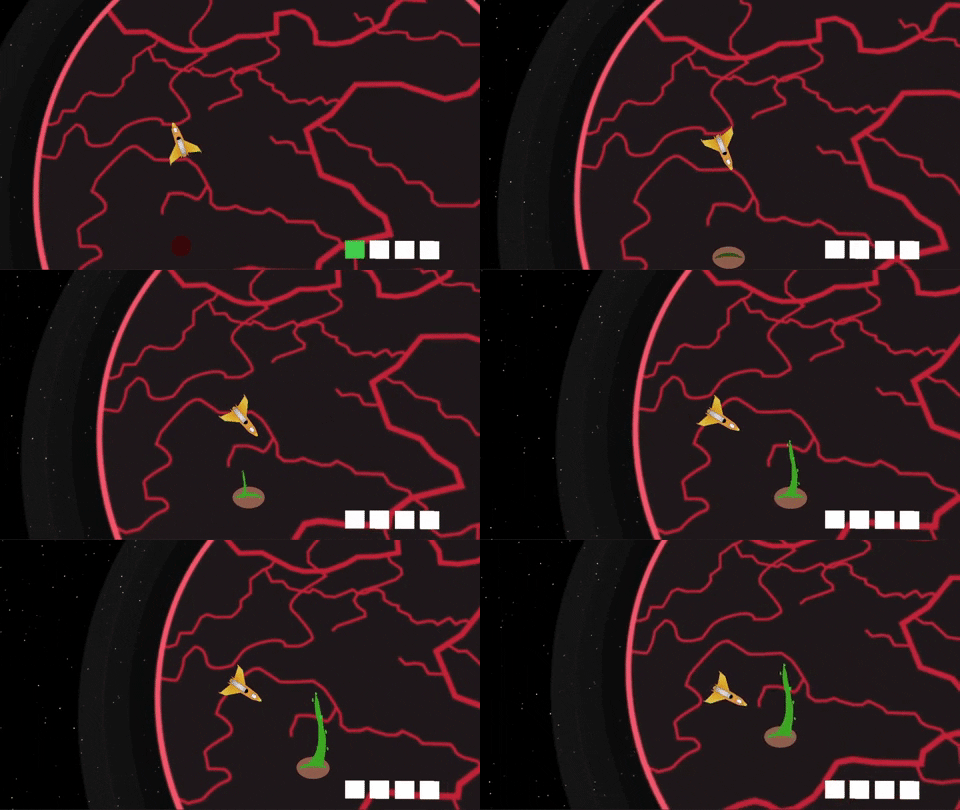
I wasn't able to get too much done this weekend, but I was still proud of the progress that I made. In the gif about you can see the start of the animation I created for the seed growing into a tree. For some reason giphy decided to cut the animation short in here, but in the linked version you can see leaves start to sprout as more time goes by. In total, the animation takes around 30 seconds and triggers an event once it is finished to add a tree count to the game manager. This then will help progress the game.
Speaking of progressing the game, you can see I have changed the planet sprite. That is because there are now six different versions of the planet that the player will see as they progress. Essentially, as the player plants and grows more trees, the planet will start to look more and more like a vegetated planet and "earth" like. The final "earth" like planet will then showcase the "recovery" aspect of the game and prove that the planet recover force was a success!
With the tree growth mechanic done, I can start fixing some of the bugs... lol... in the bugs themselves. Currently, they are able to go and look for the seed once it is planted, but it seems pretty unnatural if the seed is picked up since they just sit and wait for another seed to spawn. I would like to create some form of script (maybe using the NavMesh Agent?) for the bugs to naturally fly around in space if there is no seed for them to pick up.
Additionally, it is pretty confusing to understand where the bugs are coming from when playing the game. Do you think adding a mini map with enemy locations would make it too easy? Or would it be better to just show arrows on the screen where the enemies are? I need to make the bug battles more balanced, but still trying to figure out what would be the best way to account for the advantage the bugs have.
I am still hoping to be done by the end of the month so I can submit the game for the jam. I have some time off from work in the next few weeks, so hopefully I can use that time to finish putting this game together.
Realistically, the version of the game for the jam will not be mobile friendly, but I would still like to make a version of the game for mobile after I submit it for the jam. This way the game could reach a larger audience. It is pretty wild how many more play sessions I received for Tip Tap Cat since I put it on the Apple App Store in addition to launching the game on itch itself.
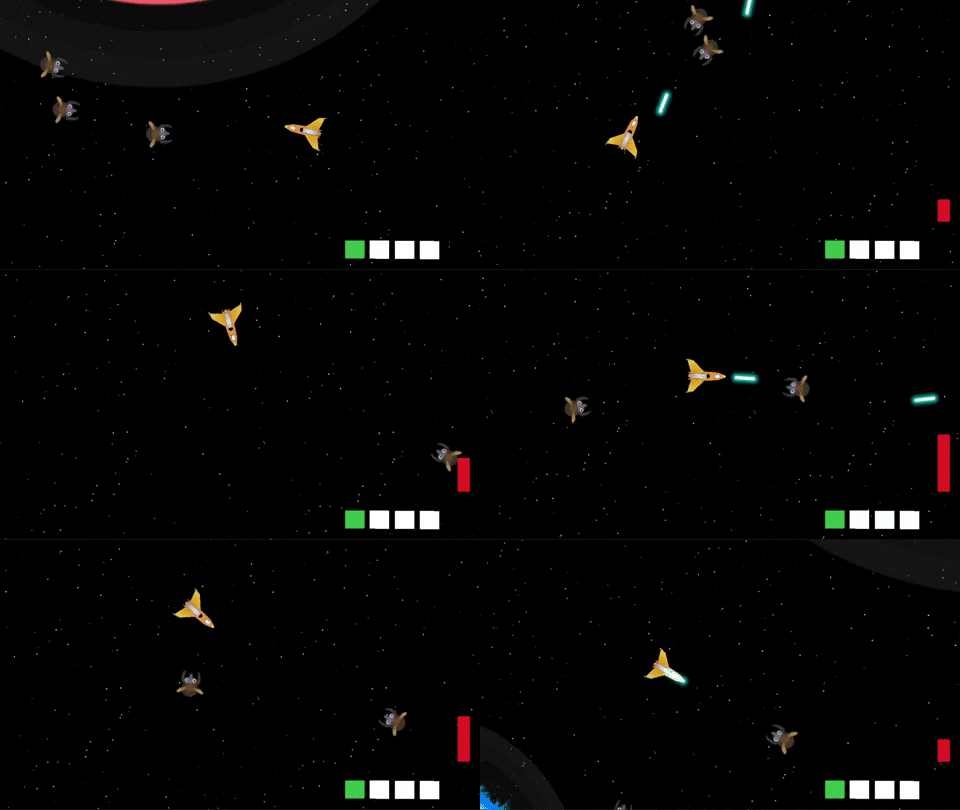
After work I have been able to dive into the bug AI some more and feel like the improvements are really adding to the combat fun of the game! Unfortunately, I could not figure out how to get the NavMesh Agent to work with 2D games in Unity, and there really didn't seem to be a "wander" method that I could invoke. Therefore, to adjust for this I now have the bugs follow the player if there are no seeds in the scene. Otherwise, they will look through the scene for a seed and go to pick the seed.
After playing around with this for a bit I started to have some more fun avoiding and shooting the bugs as they came towards me. It felt more "bullet hell" like and I was really enjoying it. I also turned up the spawn time and had a crazy moment with over 200 bugs on screen and it was pretty wild. I definitely need to figure out a good balance for how many bugs should be in scene and how often the should spawn.
Since I couldn't figure out the wander mechanic for the bugs, and leaned right into bullet-hell, I felt it would only be appropriate and balancing to create a health system for the player so they have to keep moving. Currently the player has health (I will most likely add the health bar at the top of the screen) and each time a bug hits the ship the player will lose an integer of health. I also want to add an effect where the bug with bounce back maybe if it hits the ship to give some recovery time.
I am looking forward to the next few days since I have off work and I can focus more on this game development before the end of the month. I feel like I have made "meh" progress the last few updates, but I am really looking forward to putting a lot of the final mechanics together and complete v0.1.0 of the game for the jam. Like I said before, I would like to iterate after the end of the month for a mobile deployment, but we will get there when the time comes.
I look forward to sharing more in the next week and hope to have the game on my itch page before the end of the month!
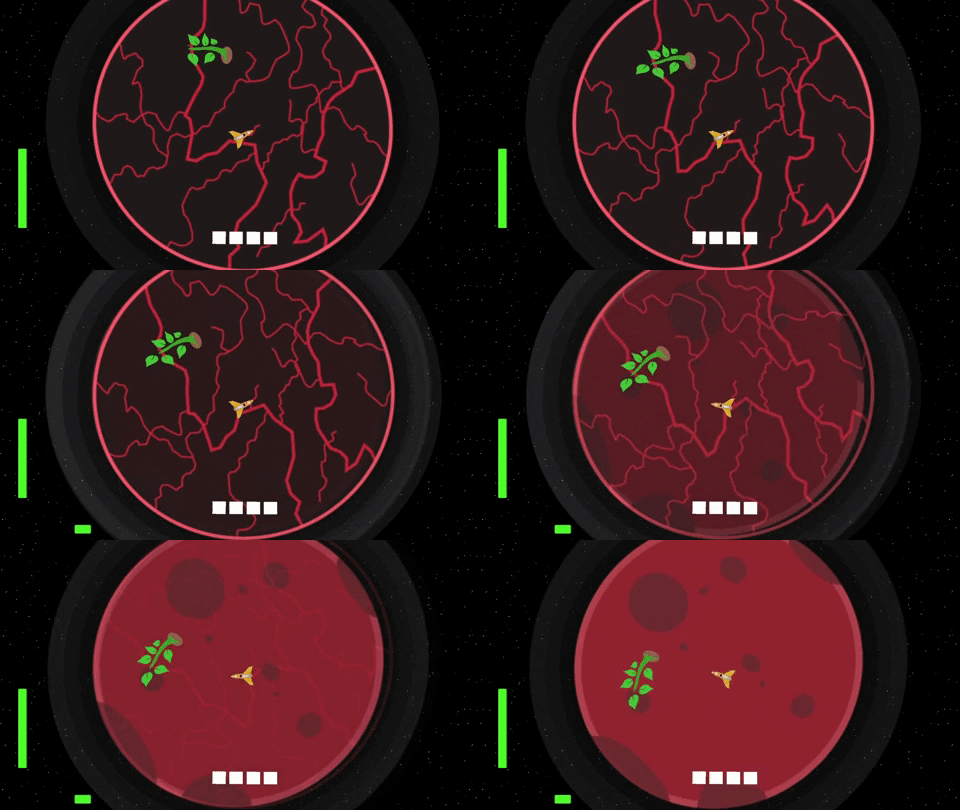
Today was an extremely productive day and I was able to iron out a lot of the core mechanics I had worked on in the previous weeks! Additionally, I finally got around to create the main progression system of the game. I built out the framework that will allow the planet to heal as more trees are fully planted. You can see in the gif above what one of the healing animations will look like.
There are roughly 8 planet variations that the player will experience as they are recovering the planet. Each recovery state will require more trees in order to activate. Further, I added a planet health bar in the bottom of screen (I will update the UI to be easier to interpret) so the player will have an idea of how far they have progressed, and how much longer they have until victory!
You will also see that there is a new green health bar on the left hand side of the screen. That is the player health. I have updated the bug swarm to do damage each time they come into contact with the player. I also added a fun force field effect to repel the bugs after they have done damage. Before I added this the bugs would swarm you way to easily and it was easy to become overwhelmed. This way you get a chance to breath and plan your next move.
I thought long and hard about how the player would be able to heal. Ultimately I decided that the planet atmosphere will be where the player heals. Currently if the player is within the planets atmosphere, they will gain a single health point every 10 seconds. I found that this was the most balanced way to achieve these mechanic.
Oh yeah, I also added an orbit effect to really sell the world. It is wild how something as small as making the planet rotate helps elevate the game to a whole new level!
Is there anything else you think would be good to add before finishing up this project? Let me know what you think would be good to add, or just let me know how you think I am doing on this jam!
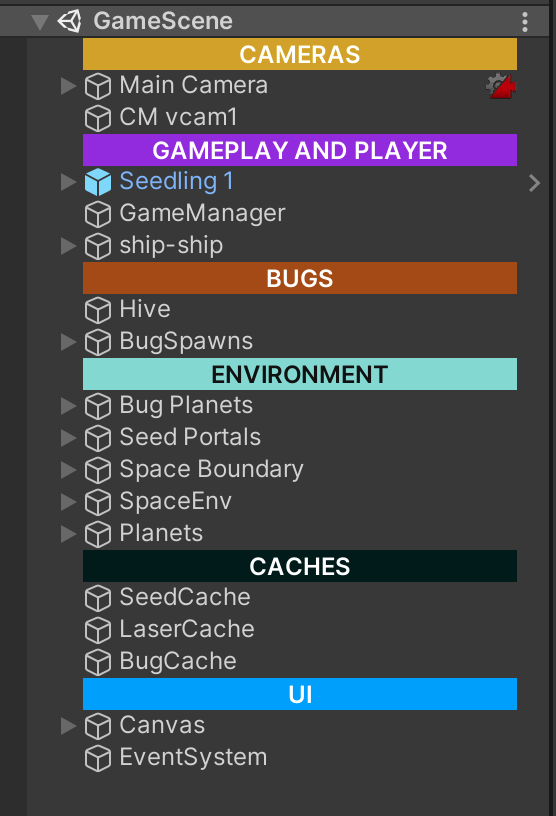
I had noticed my scene hierarchy always tends to get incredibly cluttered by the time I am close to finishing the first build of a game. Therefore, I did some research on how other indie devs structure their hierarchies and found there are a bunch of Assets on the Unity Asset store that can help organize your hierarchy and make understanding your hierarchy incredible easy and pretty seamless.
I found a free Asset on the Unity Asset store called Colourful Hierarchy Category GameObject. Essentially it works by adding in an empty game object and applying a color and name. This then helps you break your hierarchy into logical sections. It has seriously improved my development in the latter half of this game. I highly recommend you try this asset out and see how much it improves your development experience.
YES! WAHOO! I am extremely close to finishing the first build of the game for the jam. It will not be the extremely polished version, but it will be fun and structured enough to submit for the jam. I can then work on it with less time restrictions after to port to mobile and add some more features if I end up wanting to work on it some more.
Otherwise, this game has been a fun experience and I have loved doing a game jam again. The pressure and creativity is really something I love to take part in. However, I do sense that I am wanting to spend some time on a bigger project. However, that will be a task for after the 6 Games in 12 Months game jam.

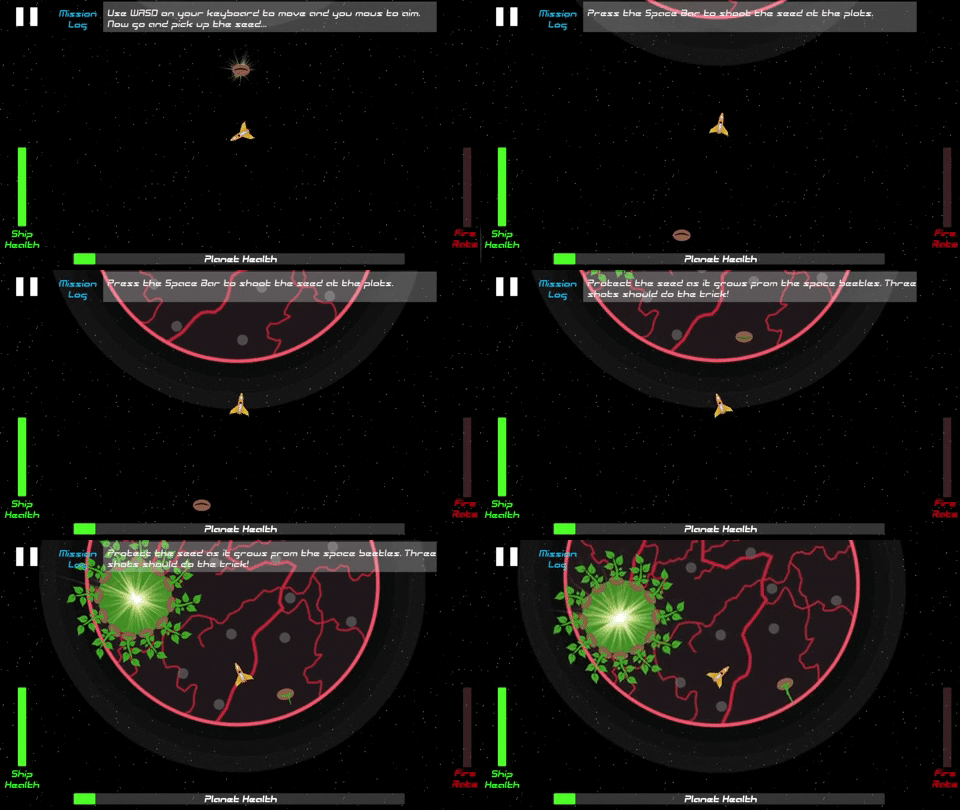
With nearly completing the game, I decided to spend some much needed time play testing. One thing that was immediately evident was the lack of understanding of what the player is actually supposed to do. Therefore, I quickly put together a "Mission Log" that will appear at the top part of the screen for the player to refer to at key moments in the game. I also added a sound effect to notify the player that something happened. This has really helped highlight what the player needs to do and how they may recover the planet.
What are your thoughts on the mission log being at the top? I worry it may be a bit too noisy of a UI, but can't think of a better location for these mission logs to appear.
Another note on the mission log is the fact that I wanted to implement a true dialog system for the player to interact with. However, I was a bit scrappy with being strapped for time and used the below logic to implement the mission log feature. Essentially, I have a GameObject array with the various mission logs. I then have a few functions in the game manager that will be triggered at key moments. These functions then deactivate all the logs, but then activate the one I want. I just had to make sure I know where the logs are located within the array. The Coroutine is simply an IEnumerator to deactivate after the specified seconds.public void HealthHelper() {
  foreach (var helper in helperLogs) {
     helper.SetActive(false);
  }
  logSound.Play();
  helperLogs[0].SetActive(true);
  helperLogs[3].SetActive(true);
  StartCoroutine(DeactivateMissionLog(7));
 }
Sure it is quite scrappy, but hey it gets the job done!
I found a sound effect pack on the Unity Asset Store that was discounted like crazy and I have had a blast adding sound effects to a variety of features in the game. I hope you enjoy the sound effects when you play the game after release. I truly think adding sound really elevates a game!

I was cutting it pretty close, but I finished and submitted the game for the GameDevcemeber game jam with 8 hours to spare. This is a pretty great way to finish out 2021 and looking forward to starting 2022 with more game development! With the completion of Planet Recovery Force I now only have two games remaining in my 6 Games in 12 Months challenge. I look forward to working on those games in 2022, and then trying to work on a larger project at the end of this challenge.
I spent the majority of today applying some final touches to Planet Recovery Force. A few of the additions/overhauls that I made are:
I had mentioned earlier that I may want to add more to this game. After completing it, I don't really see myself spending more time on this game. This was a fun jam game, but I feel I have made better games. I would like to close this chapter of my game development journey and look forward to my next game.
I hope you take the time to play the game I created! I would love your feedback and thoughts on how I did in this jam creation. I look forward to my next challenge. Feel free to drop any comments below on a type of game you think I should try and tackle next!

Yup, the bronze medal is correct! The Planet Recovery Force submission for the GameDevcember 2021 Game Jam came in 3rd overall place! Honestly this is better than I was even expecting for this game. There were not many submission in the game jam (around 30), but I am incredibly proud of the work I put into this game, and overwhelmed with excitement in grabbing 3rd overall place. I want to sincerely thank everyone who played my game and who submitted a review of the game before the deadline.
This is the first time I have made the "podium" so to speak in a game jam, and I hope it isn't my last time! This was such a fun experience, and honestly the community of game developers in this jam were very helpful and fun to collaborate with. Although I did receive the bronze medal place for this game, there was a lot of incredible constructive feedback I received for the game. While I most likely wont be going back and updating the game, there were a few key things people pointed out that I wanted to highlight.
Overall it seemed everyone enjoyed the gameplay loop of flying around the planet, shooting seeds, and blowing up the space beetles. I was extremely happy that people felt the sound effects really helped make the game feel alive. This is exactly what I was going for, and will be sure to continue to focus on adding relevant sound effects in my future games. This was also my first kinetic and action oriented game and it was great to see that people had fun playing this game. This sounds so obvious, but I didn't realize how important and hard it is to make your game fun. It can be so easy to be lost in getting the game to work as you imagine it in your head, but it is even more important to stop and play test your game to ensure it is actually fun. In this games case, I made sure to play my game as often as I could, and even had my fiance play the game to receive constant feedback. However, there were some areas of feedback I want to improve on in future titles as well.
Some constructive criticisms I received was that there were some aspects of the game that weren't very clear. Specifically, people were unsure what the portals were. They then spent time flying around trying to go in them, but nothing happened. I could have made this a bit more clear by having a more traditional tutorial section explaining what was happening. Additionally, people felt the bugs overwhelmed the player to quickly and should have been a one hit kill. After playing the game some more I 100% agree. The final plant state of the game is a bit chaotic (not in a good way). They also mentioned that the trees shouldn't have absorbed the bullets. Again, this is something I agree with. It makes the game harder than it should be and there is no feedback to the player that the trees will block shots. Finally, I would have liked to make it more clear when a tree is rooted and won't move. When all the trees are growing it can be confusing which trees you don't need to care about protecting.
With this feedback, I feel really great about what I will want to remember when creating my next game. Most importantly, some sort of tutorial experience for the player to learn how to play the game will be most important. I have struggled with this in the past, and it seems that is one of the main areas I need to spend more time on to ensure players are able to fully enjoy the games I create.
Thanks again to everyone in the GameDevcember jam who played, reviewed, and provided feedback for my Planet Recovery Force game jam submission. It was a blast developing this game, and even greater treat that it made 3rd place overall. To anyone reading these devlog posts, thank you! I hope you enjoy them, and I look forward to closing out the last two and providing updates to you on those as I progress. I wish everyone a happy 2022 and look forward to a year of more game development. Thank you!

With games #1 - #4 completed, I took some time to think about the different types of games I have made and what I have learned along the way. I have been able to make 2 3D games and 2 2D games with new features added to each consecutive game. I feel like I have gotten a lot of good practice in making a suite of different types of games. So what is there that I still want to try?
The one thing that was blatantly obvious to me when looking at my previous games is that they were all developed in maybe a month or so. I have been able to work quick and fast and release a rough version of a game. While that has been great for me to understand the entire process of developing a game, I haven't been able to make anything quite substantial.
Therefore, my next challenge is going to revolve around working on a game for a bit longer than my usual month long sprint. I started this challenge back in July.. That means I still have roughly 6 month left to develop 2 more games. I would really like to approach this final half of the challenge working on a game for the entire remaining duration. I really want to make a full scale game in the future, and I believe this type of challenge will be a great way for me to get experience with working on a game and iterating on it for almost half a year! I am really excited for this challenge.
You bet I do! I will plan to have the second of the #5 and #6 games be a game jam game (similar to the previous ones) that will be developed in the midst of the long developed game. The Brackey's winter game jam is in February and that may be a perfect jam to take part in and take a break from the long game while also knocking out another game in this challenge.
This is still being "noodled" on by myself. I know I want this game to have more character and substance. Therefore, this will likely be a 3D story first action/adventure game. Ideally, I would love for this game to be episodic as well. It would be great if I can get a working version of my game in three months time and release the first chapter of the game. Then continue to support and release more chapters as this challenge runs out.
This will hopefully help drive more players to my game and keep interest alive. This will truly be a challenge and one that will help me with my next large project in the future. Stay tuned for more details on these next two games. I am super excited about them and I hope you are as well!
Following my previous post, I have begun my development on the fifth game in my 12 month challenge! I spent the last two days "noodling" on the idea of what this game will be. While I am still thinking through a lot of what the game will be, I have a general idea. My general idea for this game is that it will be an story based action adventure game that plays like a rogue-like. However, I do not want the game to be a rogue-like. The best comparison of a game I am thinking about is the game Bastion by SuperGiant Games.
I am imaging the game will play out in levels where you progress through the map and fight off enemies. As you progress through the levels you also will uncover more of the story. I want to hold off on sharing components of the story for the time being, as I would like to share once I have a more concrete narrative. In the meantime, I will share some game dev progress!
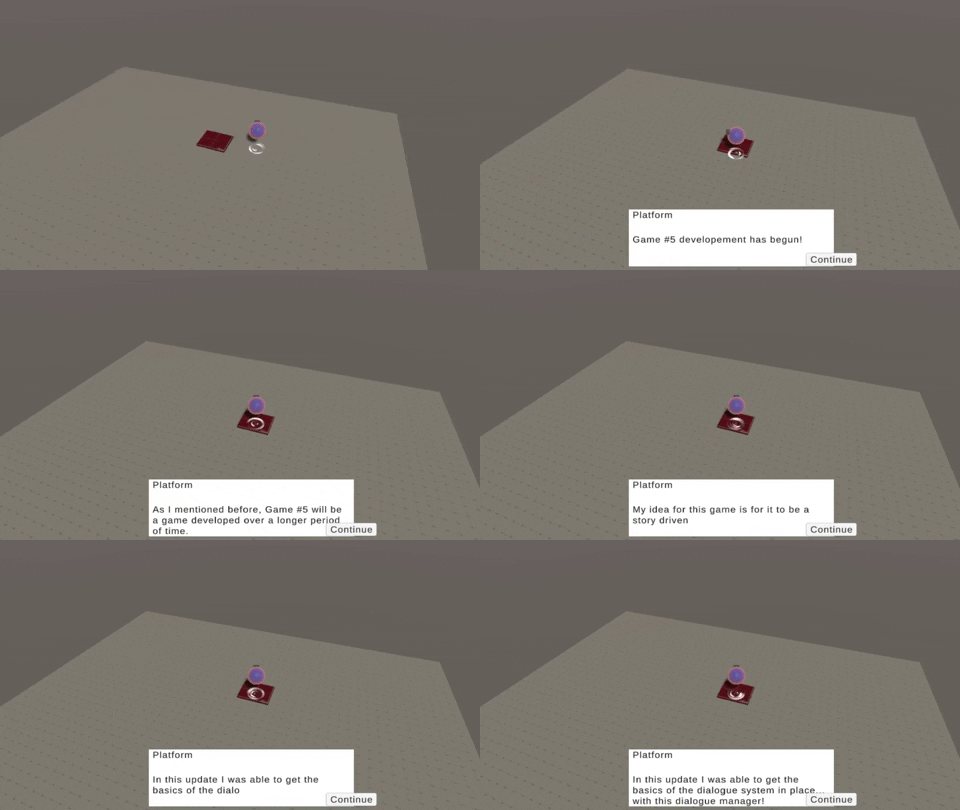
As you can see from the gif above, I have been able to implement a quick and easy dialogue system into the game. I actually lifted a majority of the code I used for my previous game Stronger To Gather for the dialogue system. I then overhauled it a bit to make it a bit more scalable and work for what my vision of this game is. Additionally, I added basic movement controls and a ball with a hover particle effect below. This is the rough outline of what I am thinking for a character, but more is to come of course!
This time around I am really looking forward to learning some new skills with this game. For one, I am really excited to start doing some more 3D modeling to build out the assets of this game. In the previous games, I have primarily focused on 2D art or just purchased assets from the Unity Asset store. However, in this game I want to go for a low poly feel and really spend some time improving my Blender skills by making some of my own assets. Yesterday I spent some time with a friend just working in Blender and modeling assets and it was some of the most fun I have had in a long time. Looking forward to doing that more!
Additionally, I have not really made a 3D action centric game. I am really excited to try my best to make some tight and response action gameplay in this game. There is more that I am looking forward to working on, and I will continue to share all my updates, thoughts, and progress in these devlogs. Thanks as always!
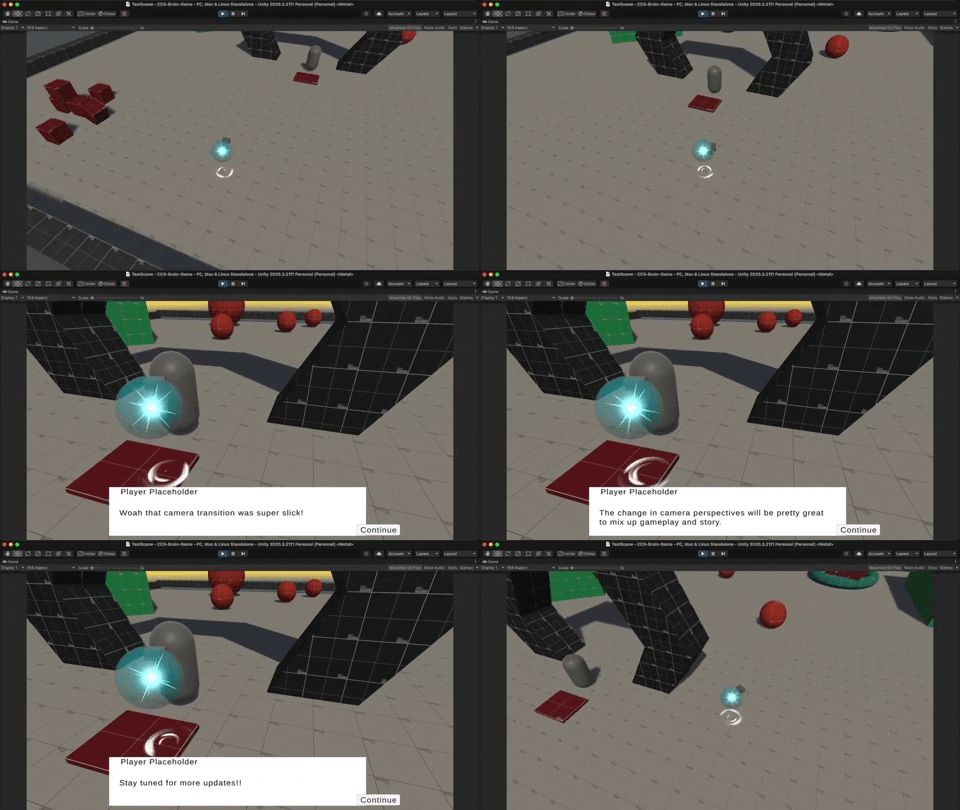
In this update I was able to implement a few key features that I feel will be integral to this game down the road. Since this game is going to have an equal emphasis on gameplay and story, I wanted to make sure the two beats in the game had a very different feel. I didn't want the gameplay to have a dynamic isometric camera and then the story had the same feel. There would be no time for the player to get up and close with the character or have a moment to breathe.
Therefore, I really leveraged the Cinemachine State camera and created a blend state between two cameras that I set up. One camera for the gameplay and one for the story beats. Already, I can feel that this dynamic camera blend really creates an intimate scene with the character and allows you to be in their shoes for when unveiling more about the story. I also feel it makes the game seem really polished. It is wild how such a small feature can go a long way.
Another task I worked on in the last few days was just putting together a sandbox environment to test out the various features I am planning to add into the game. The sandbox was created with Pro Builder and I have a series of rigidbodies, dialogue tests, and more. This will really help once I start implementing combat to the game and test out the various combat actions.
You can't see it in the gif above, but I actually completely overhauled the movement system of my character since the first post. Initially, I had the character moving by modifying the velocity of the player. This worked great and was super sharp; however, I found it to be quite limiting when it came to interacting with the character rigidbody. For example, I wanted to player to have a dash ability. Sadly, I was not able to both manipulate the velocity AND apply an AddForce to the rigidbody. Looking down the road, I see myself wanting to affect the rigidbody for more features. Therefore, I decided to change the movement system to be build on rigidbody AddForce -> Impulse and it has been working great so far!
As you can tell I am starting to slowly piece the main character together. One feature that I literally spent an entire afternoon on (that you probably can't see in the gif) is adding a "jiggle" effect to the character when it moves. This was extremely involved and was done by altering the vertices of the mesh via a script. I actually really like how the jiggle works and may try and improve on the script down the road to sell the effect even more!
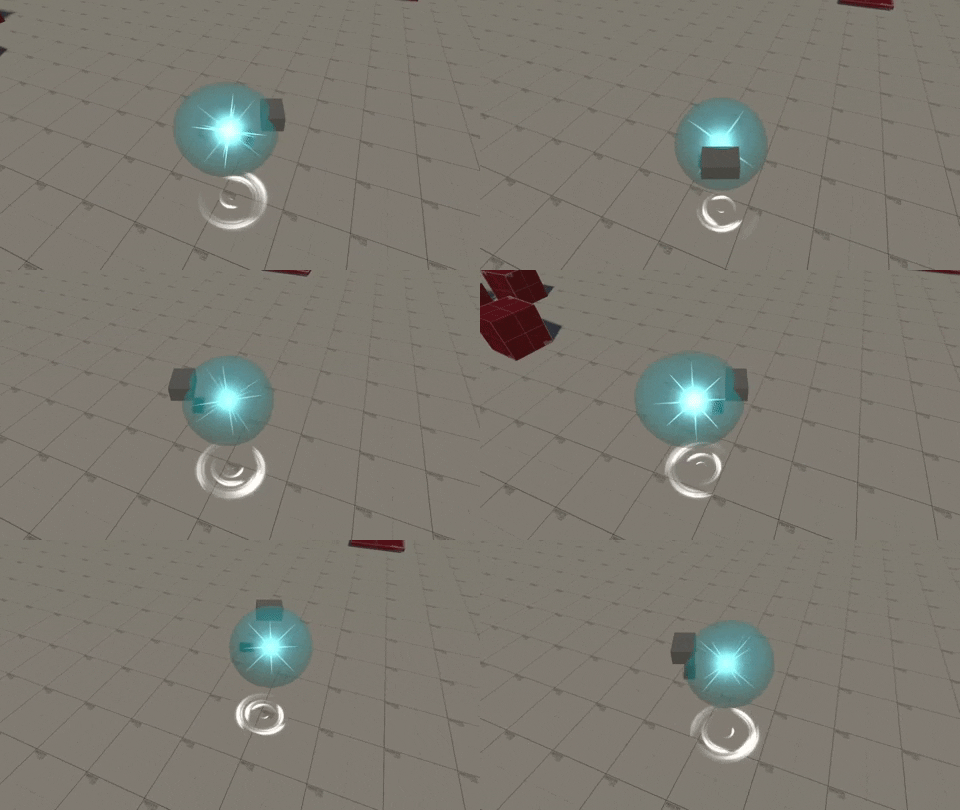
I spent a lot of time the last few days working on making the movement feel more responsive, and also fit with the gameplay I am wanting for the game. Instead of being a choppy movement that can be hard to aim, I created a mix of Rigidbody AddForce for movement and directional mouse click for rotation. Now the player can zip around the environment and wherever they click on the screen the player will look for a moment. This momentary pause is where the combat action will take place. This momentary pause is also crucial for balancing the gameplay. In the small testing I have done so far, without the movement being paused for a quick second the player would be way to over powered. This pause will help ensure there is balance in the combat gameplay loop.
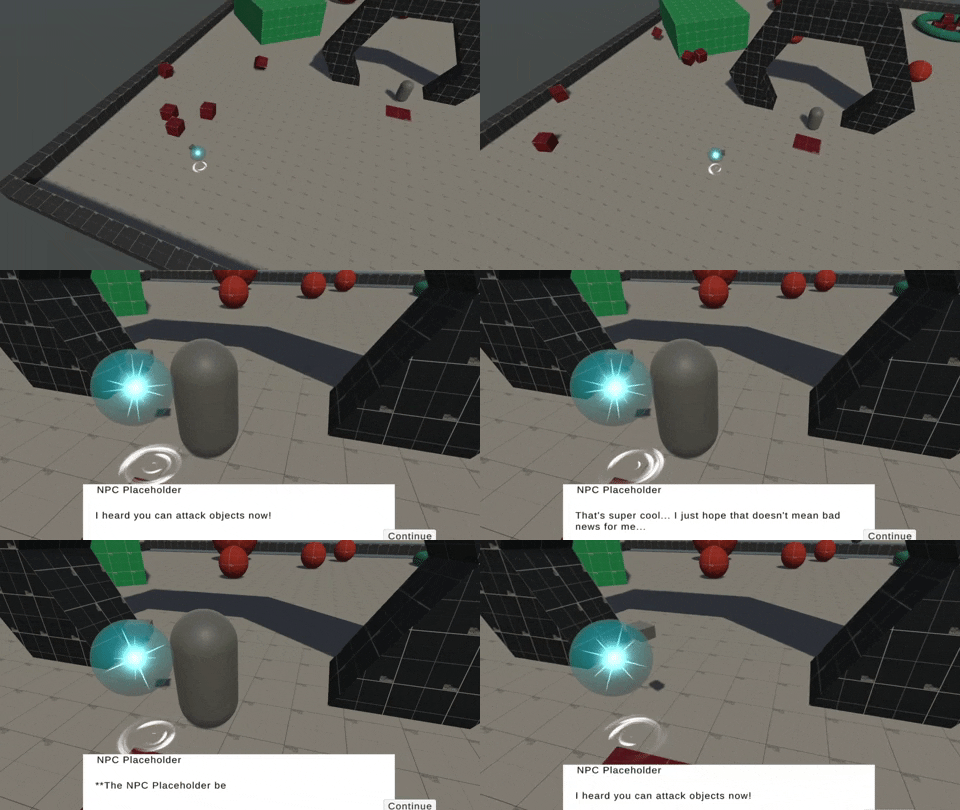
As you can see in the gif, I was able to add a quick placeholder block to show where the attack animation will be and also applied a script that will lower health and apply a pushback on death. I obviously added way too much force in the gif, but it was a lot of fun to manipulate. The attack is also targeted in the direction the player clicks on the screen. This is a super small update to add a basic attack ability, but this made sandbox fun to play around in. I would be lying if I said I didn't spend 15 minutes just punching all of the objects in the scene.
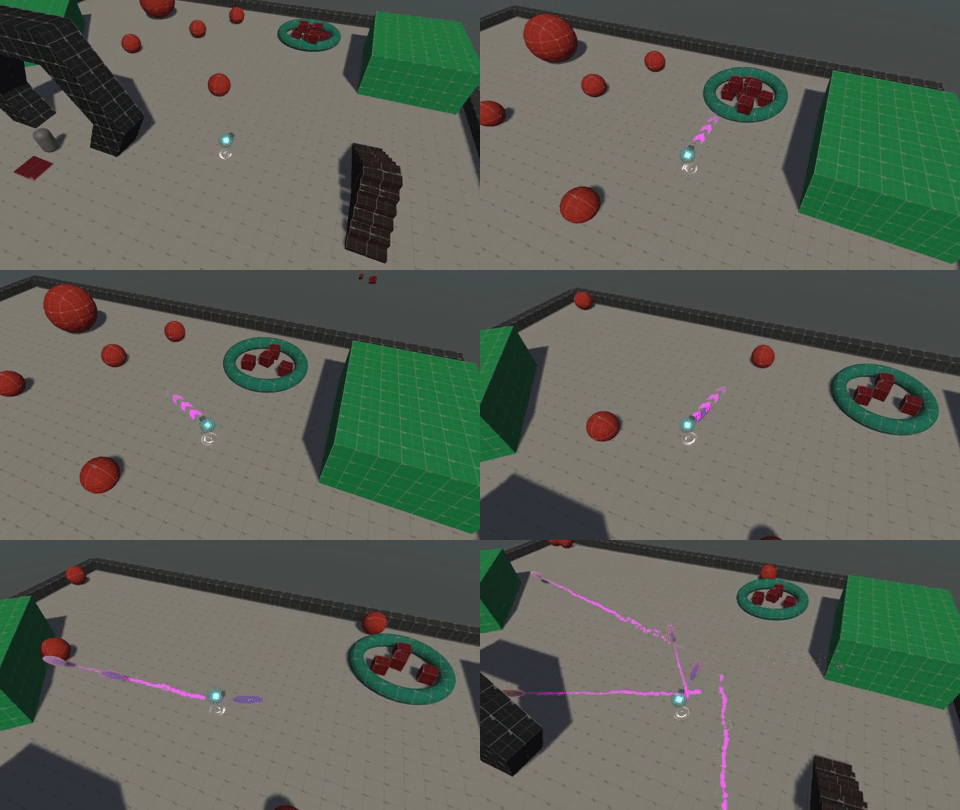
As you can see from the gif above, I decided to add a projectile action for the player. How this action works is the player will press and hold the right mouse button to aim and then the release is what actually fires off the projectile in the direction you are aiming. Additionally, the player movement pauses momentarily when you aim to help balance the combat and aid the player in lining up the shot. Further, I added a quick particle system that produces arrows to show the player where they are aiming.
I am actually quite proud of myself for implementing this feature in only an hour or so, and also without any tutorials! I think I am actually getting the hang of the Unity input system pretty well and understood how to handle the press and hold, then release actions pretty seamlessly. For the actual code to fire off the projectile I was actually able to just lift the code I had in Planet Recovery Force for the laser shot and add it into this placeholder projectile prefab. All I had to do was change Vector2.down to Vector3.forward and I was good to go!
This is just a quick update, and excited to keep adding more to this game!
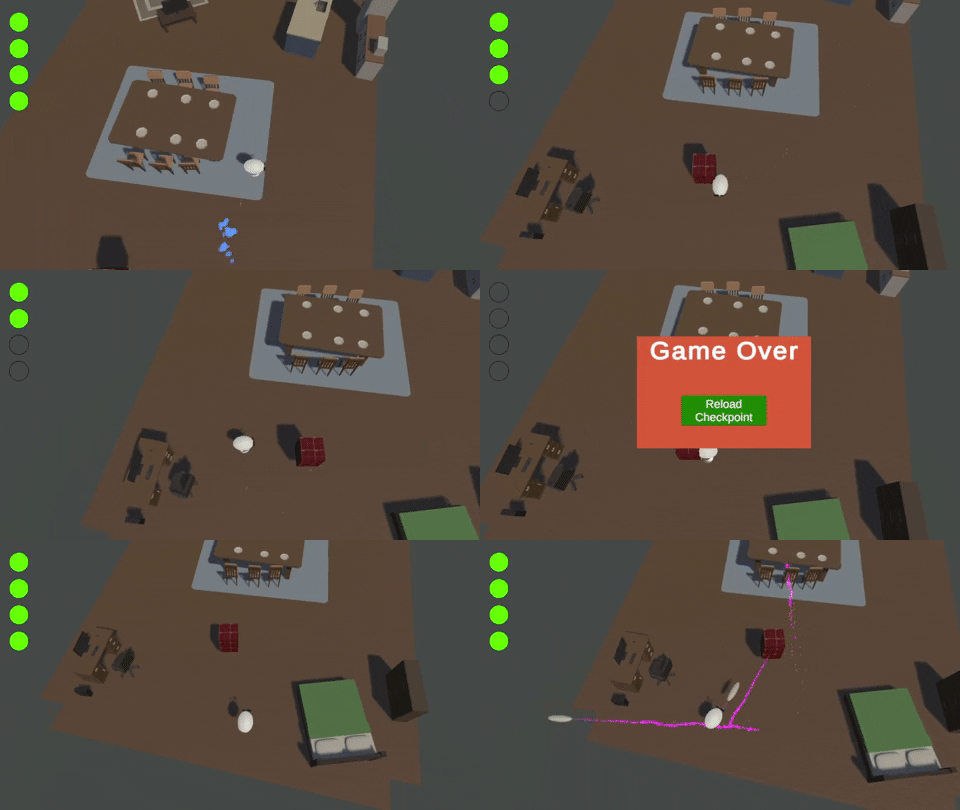
If you can't tell from the gif above, I started to get sick of looking at probuilder basic shapes whenever I would go into game dev mode. Therefore, I spent some time the last few days looks for some affordable asset packs to start populating my scenes with. I am imaging the intro level of the game will take place in an interior apartment complex, so I felt these assets fit the best! It still doesn't look great, but it is an iterative process.
I also spent some time trying to get the first version of the character model going in Blender. It is definitely not the final iteration, but it is great adding my own assets to my game. Finally, I thought it would be practical to spend time today focusing on the health mechanic. I did a basic 4 hit health system and added a placeholder cube to do damage anytime I touch it to test. Overall the health system works as intended and I was able to lift a lot of the work I did on Planet Recovery Force for the seed shot mechanic for this.
It has been a few days since my last post. Sadly the majority of those days were spent working on a feature that I actually just scrapped entirely. I was focusing way too much on a feature that actually would have had no impact on the gameplay and would have been a visual nice-to-have. Realistically I should not have spent that much time on that feature and should have waited until the game was further into development to try and build it out more. Therefore, I scrapped the idea and went back to trying to implement a few things into the game that NEED to be in the game (like health and a scene manager) rather than some visual features.
While it may be that I did not implement the feature, I do still find the time I spent somewhat valuable. The feature dealt with the Unity Shader Graph and I had never worked with that before. I got to then spend about three days in Shader Graph trying to get an effect. While I never actually got it, I have a bit of exposure to that tool now and will for sure leverage that down the road. At least once more of the core game is developed of course!
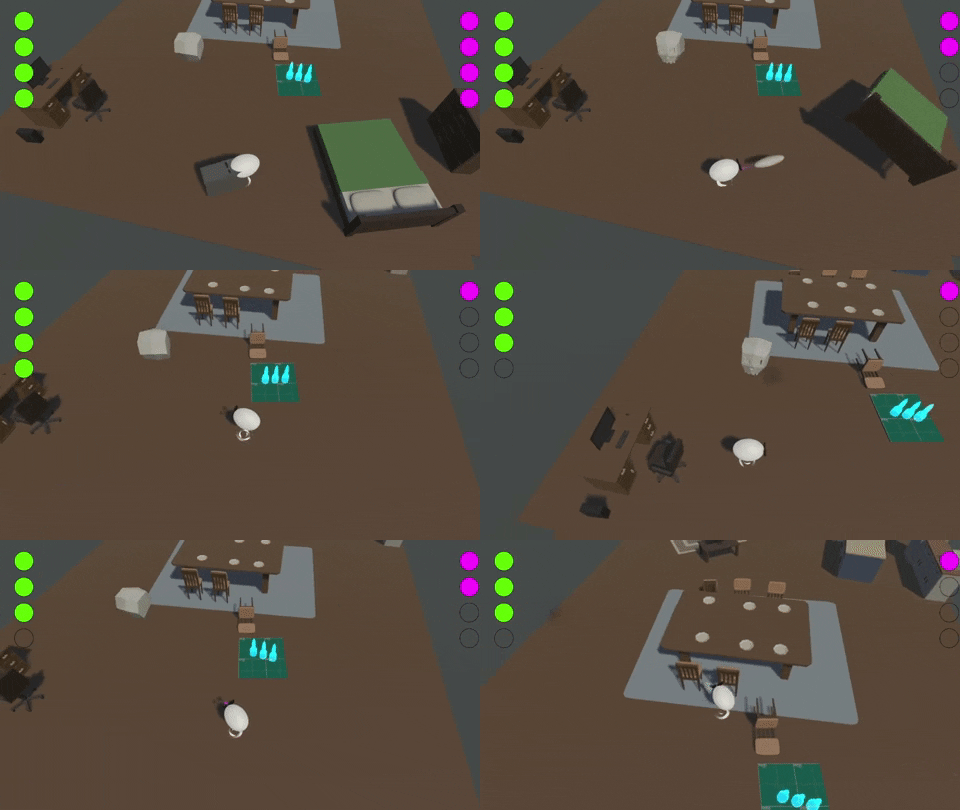
I spent more time than I would have liked the last few days adding more base mechanics for combat in the game, but essentially the base mechanics I have been able to implement for the game include:
After these updated, I am going to want to work out the player attacks some more. I want to have a light/quick attack and also a slow/heavy attack that the player will be able to utilize in combat. With this, I will try and create some unique animations for feedback during these attacks to really sell the combat system.
I refined the player intractable script with the world and added physics components to the scene. Now I am able to go wild and see the destruction unfold in front of me. This makes testing the game more fun. Now if I am stuck on an aspect of the game and need to let off some steam I can destroy the entire environment!

It's been almost two weeks since my last post. With this silence you may assume that I have given up on this initiative. However, I can assure you that is not the case! The past two weeks at work have been busier than usual and I wasn't able to develop as much as I would like. Although I haven't been able to allocate enough time to game dev, I have been trying to work on my 3D modeling and other art skills. You can see some of my recent nightmare fuel experiments on my twitter @cedar_cat.
With this two week hiatus, I am now excited to get back into full game development! However, I am not going to jump right back into my larger project that is Game #5. Instead, I am going to jump to Game #6 which will be a game jam game for the 7th Brackeys Game Jam! I am really looking forward to kicking this project off tomorrow and will be sure to post regular updates here. Stay tuned!
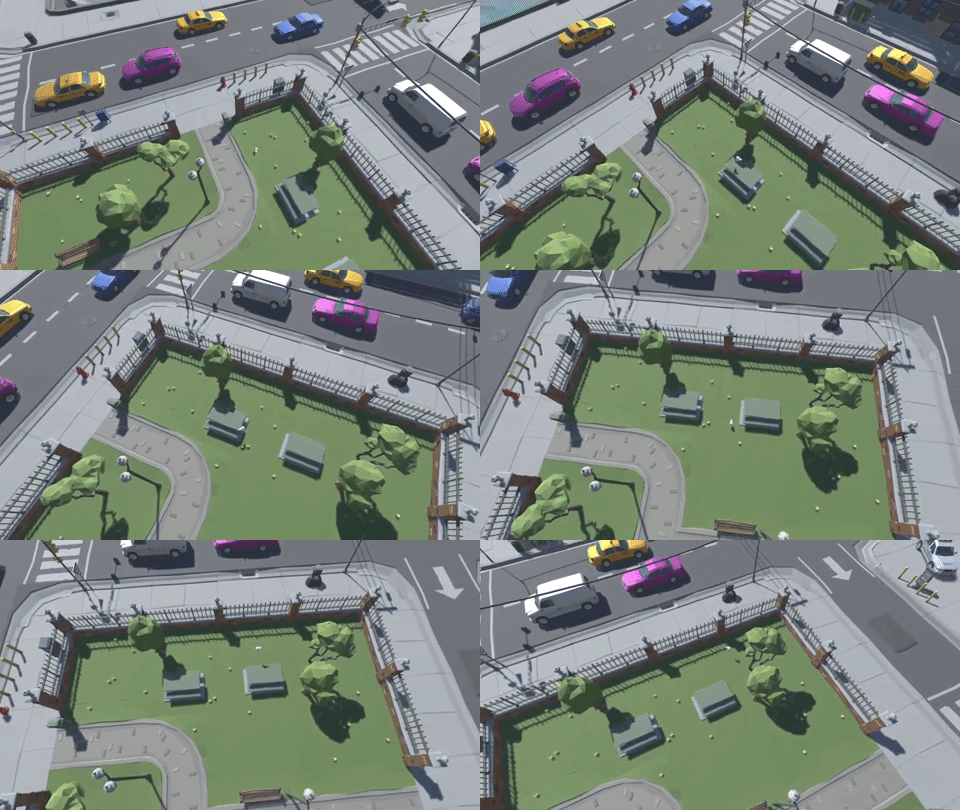
Taking a break from the longer project that is Game #5, I decided to jump back into the game jam world and have some fun with the Brackeys Game Jam. The jam theme is "It Is Not Real". I tried to think all morning about what I wanted to base my game on, when all of a sudden my fiance was telling me about this New York Times story she was reading about people backing a conspiracy theory about how birds aren't real. This of course fit the topic of the theme wonderfully!
I then brainstormed this idea quite a bit and came up with the following idea. You play as a bird who overhears some people talking about how they believe birds aren't real. This obviously upsets you, so you decide to make it known to the imbecile humans that birds are in fact real. So what do you do... you poop on them of course!
Playing off the idea of pooping on the humans, the gameplay loop will be to fly around the environment and poop on the humans to ensure they know that birds are real. Sometimes you may not have enough poop though. Therefore, you will need to ensure you eat some worms to refill your bowels for the ammo needed to poop. I also will try and make a background story to unfold as you fly around and poop on the humans. I haven't figured out this idea fully yet, but I feel like there is a lot of potential to tell a quirky fun story while you accomplish your goal of showing humans how real you are with your poop.
So far I have been able to buy a quick asset pack to put a scene together and also added the basic player movement and flight controls. Further, I added a "glide" mechanic so you can glide and stay in the air a bit easier. Next, I will work to make the stamina and poop meters. After those, I will start to try and put a non placeholder in for the bird and also add some humans to the scene. Looking forward to building this out futher!
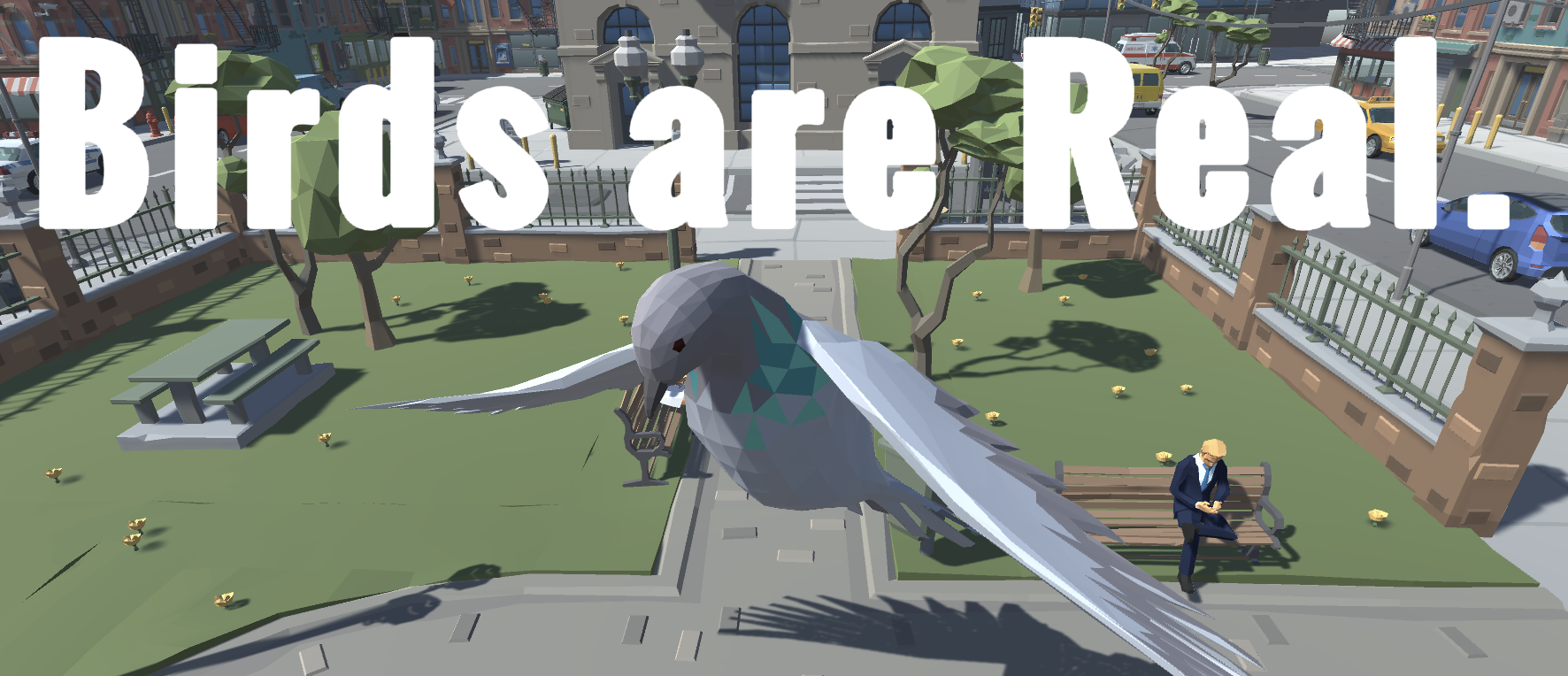
The 5th game in my challenge and the Brackey's 2022.1 game jam submission Birds are Real is done!
First off, I am sorry for not providing any updates on the Brackey's game jam submission over the course of the week. However, as it was a pretty quick game jam I didn't really have the time I wish I had to document my progress. That being said, I did try and provide updates on my twitter account. I highly recommend you take some time to look at my past tweets to see the progress I made over time on this submission!
This was actually a really fun game to work on and I feel like I have really improved since the last Brackey's game jam I did. I was able to complete this game with just a few hours to spare, but I feel really confident in the end product. I spent a lot of time working on aspects of game development I lacked in the past and feel I really grew along the way. For example, I spent a lot of time making sure I got the core mechanics built out before I started developing the game out further and I put a lot of care into creating a smart and effective tutorial to educate the player on the game. I also added a lot of sound effects and was able to effectively inject my humor into the game.
I do wish I was able to spend more time modeling for this game; however, I am not good at 3D modeling in the slightest. Therefore, I decided to opt for a Unity Asset Store pack for my 3D assets. It really helped me complete the game in time, but I wish I was able to work on this skill some more. I would like to see me work on this more in the future and try to become a better 3D modeler to support my game development journey.
All in all, I had a blast working on this game and I am really proud of the end product!
In deciding to take a break from the longer running game to finish this jam submission, I actually found myself wanting to scrap my original idea for the long running game. I think I was trying to stretch myself too thin and make something that I am not ready to at the moment. I still want to make an episodic game, but I think I need to rethink the scope and scale of this project. That being said, I am going to take this long running game back to the drawing board and see what I can come up with to scratch my itch to develop a longer and bigger game, while also being within my own capabilities.

