

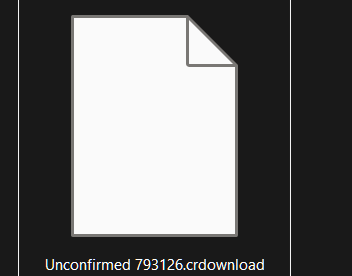
 what do I do?
I had the same problem, so maybe the solution is the same for you.
Try to go in the downloads, not the one in the file explorer, but on the top left of the screen, so the arrow next to the star with the three lines (favorites).
If you press the arrow just when you've downloaded the game, you probably have the message "Captive.exe isn't frequently downloaded. Be sure that you trust Captive.exe before opening it" or something around those lines. Bring your mouse to it without clicking, and normally you should see a trash and three dots right next to it.
Click on the three dots, and click on "keep" (I'm translating as I go, so it might be different for you, but it's the option just under the "delete" one). Just after that, a bigger version of the "keep or delete" should appear, and just under it all you could see a simple "delete" with a sort of arrow just next to it.
Now click on the arrow, and the option "keep it anyway", or something like that should appear. Click on it, and normally speaking, the file should come back as the true game instead of this "unconfirmed793126.crdownload".
At least that's what worked for me. Hope it works for you too, goodluck!